Tips & Guides
Phone Battery Replacement in Singapore: Does Yours Need One?
In this article
- How do I know if my phone battery needs replacing?
- Where is battery health on my phone?
- How many years should a phone battery last?
- Is a swollen phone battery dangerous?
- How much is a battery replacement in Singapore?
- What grade of battery should I ask for?
- How long does a battery replacement take?
- Is it worth replacing the battery or buying a new phone?
- Battery replacement FAQs
- Guides for your device
- Getting it done
A phone battery needs replacing when it no longer gets you through a normal day on the habits it always had, when the phone shuts down above 0%, or when the back or screen has started to lift. Most phone batteries reach that point somewhere between two and four years. A replacement at Citri Mobile starts from $20 and runs to around $85 for a laptop, nett, across roughly 20 brands.
How do I know if my phone battery needs replacing?
Four signs, and you only need one of them.
- It dies before it reaches zero. 25% one minute, black screen the next, then it will not restart until you plug it in. A worn cell cannot hold voltage under load, so the phone cuts power to protect itself. This is the clearest sign there is.
- The percentage falls in jumps. 60, then 45, then 30, with nothing in between. The fuel gauge has lost track of a cell whose capacity no longer matches what the phone was told to expect.
- It charges quickly and empties quickly. Full in forty minutes, flat by lunch. Less capacity means less charge to put in and less to take out.
- It runs warm doing nothing. Warm while fast charging is normal. Warm while idle in your pocket is not.
A slow phone on its own is not a battery symptom on most Android handsets. That is usually storage or software. On iPhone it can be, because iOS throttles the processor when the battery can no longer supply peak current, and it tells you so on the battery health screen.
Where is battery health on my phone?
It depends on what you are holding, and this is the part that trips people up.
- iPhone: Settings, Battery, Battery Health & Charging. Maximum capacity is shown as a percentage. Apple considers a battery consumed below 80%.
- Samsung: not in Settings. Open the Samsung Members app, Get Help, Diagnostics, Battery status. It reports Good, Normal or Weak rather than a number, plus the manufacture date.
- Most other Android: nothing official. Dial *#*#4636#*#* on some models for a battery info screen, or use the built-in diagnostics if the brand ships one.
- iPad: no battery health screen at all. There are three ways round it, covered in the iPad battery guide.
- MacBook: hold Option, click the Apple menu, System Information, Power. Cycle count and condition are both there.
If your phone gives you nothing, the day-long discharge test above is the honest substitute, and any of our four shops will read the cell off with a tester for free.
How many years should a phone battery last?
Between two and four for most people, and cycles matter more than years. A full charge cycle is 100% of capacity used, which you can reach across several days of topping up rather than one drain from full to empty.
Manufacturers rate phone batteries for roughly 500 to 1,000 cycles before capacity falls off noticeably. Someone who charges once a day gets there in two to three years. Someone who tops up in the car, at the desk and overnight gets there sooner, because those add up.
Heat is the other half of it, and Singapore is hard on batteries. A phone left on a car dashboard, charging under a pillow, or gaming while plugged in ages faster than the cycle count alone suggests. Nothing you can do about the weather, but keeping it off fast charge when you are not in a hurry helps.
Is a swollen phone battery dangerous?
Yes, and it is the one symptom where you should stop reading and act.
A swollen battery is a cell that has broken down internally and produced gas. You notice it as a back cover lifting, a screen sitting proud of the frame, a phone that no longer sits flat on a table, or a gap you can catch a fingernail in. Punctured or crushed, a swollen cell can catch fire.
What to do: take it off charge, take the case off so nothing is squeezing it, keep it somewhere cool and away from anything flammable, and bring it in. Do not press the back down. Do not put it in the freezer, which is advice that circulates and is wrong. Do not put it in the bin either, since it is a fire risk in a rubbish truck.
Swelling also gets more expensive the longer it is left. It keeps pushing until the screen cracks or a touch cable is stretched past working, which turns a battery job into a battery job plus a screen.
How much is a battery replacement in Singapore?
Real catalog figures, nett, so the quote after a free diagnosis is what you pay at collection.
| Device | Battery replacement from |
|---|---|
| iPhone | $25 |
| Samsung | $40 |
| Xiaomi | $40 |
| OPPO | $40 |
| vivo | $40 |
| realme | $20 |
| Huawei | $40 |
| Honor | $40 |
| OnePlus | $40 |
| Google Pixel | $40 |
| Sony | $40 |
| iPad | $35 |
| Apple Watch | $50 |
| MacBook | $85 |
Your exact model is priced on its own page. Start from mobile repair Singapore or go straight to the iPhone, Samsung, Xiaomi, OPPO or Google Pixel repair page.
What grade of battery should I ask for?
Two grades cover almost every phone we work on.
Original Grade matches the cell the phone shipped with, on capacity and on the protection circuit. It is what we fit by default and what we would put in our own phones.
Grade AAA is the cheaper tier, available on some Android models. It works and it is safe, but capacity is typically a little under the original and it will not last as long. It earns its place on an older phone you plan to keep for another year rather than another four.
Ask which grade is going in before you agree to any battery, at any shop. A battery that arrives with no grade attached to it is a question worth asking.
How long does a battery replacement take?
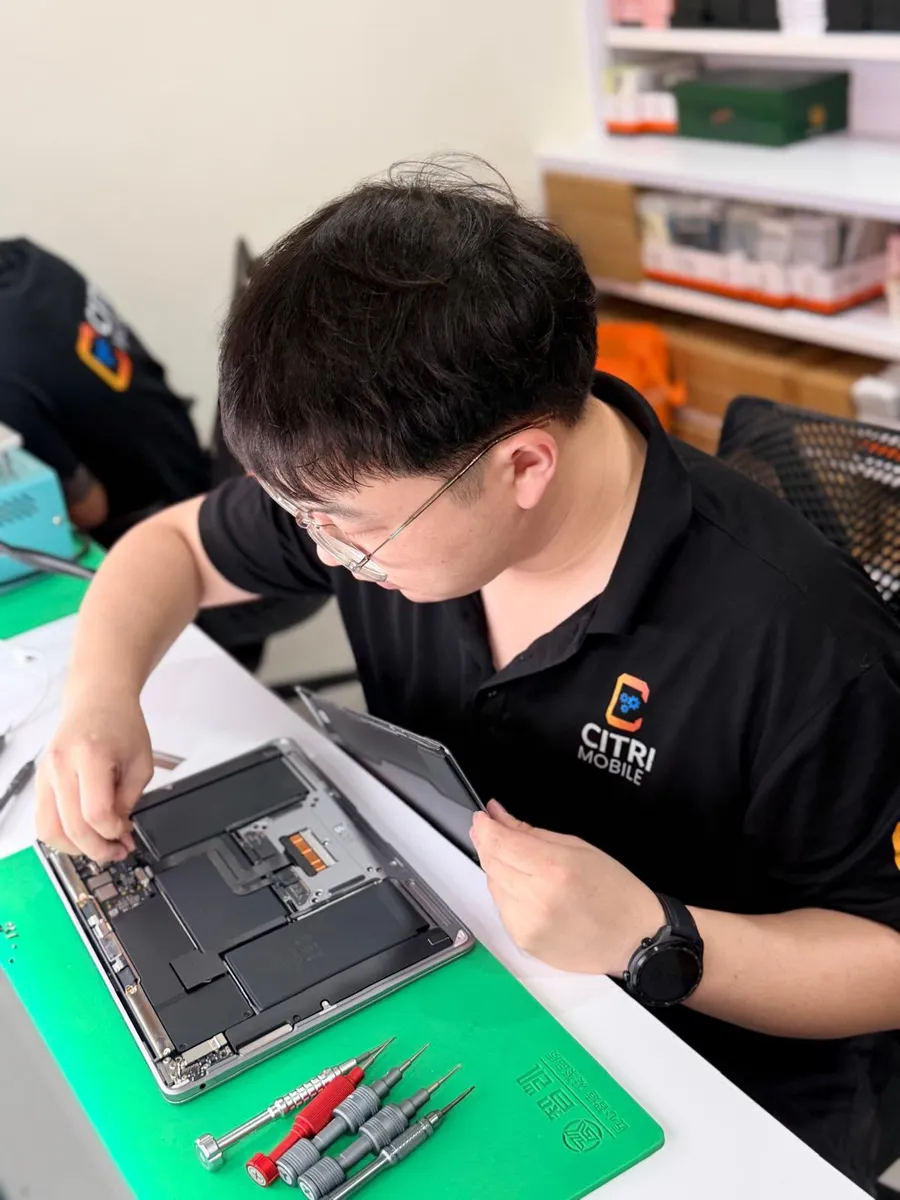
Most phones run about 30 to 60 minutes and are done while you wait. iPads and MacBooks take longer, usually 60 to 120 minutes, because the battery is bonded to the chassis and the screen or base has to come off with heat first. If your model needs longer we will tell you when we quote rather than after you have left.
Back up first anyway. Battery work does not touch your data, but any device that opens up should be backed up before it does, and that is true wherever you take it.
Is it worth replacing the battery or buying a new phone?
If the phone still does what you need and the only complaint is that it does not last the day, replace the battery. It is the smallest amount of money that makes a phone feel new again, and against the price of a handset it barely registers.
Replace the phone instead when it has stopped getting security updates, when the screen is also broken and the two repairs together approach half the price of a used replacement, or when the board has a fault that is quoted rather than priced. We will tell you honestly which side yours falls on at the counter, including when the answer is that the phone has had its run.
Battery replacement FAQs
- How much does a phone battery replacement cost in Singapore?
- At Citri Mobile, from $25 for iPhone and $40 for most Android handsets, with Grade AAA options lower on some models. Prices are nett with nothing added at collection.
- How do I know my battery needs replacing and not something else?
- The giveaway is a phone that shuts down above 0% and will not restart without a charger. A phone that charges slowly but holds charge normally is usually a port or cable problem rather than a battery, which is worth checking first because the port is the cheaper repair.
- Do you replace Android batteries as well as iPhone?
- Yes, across roughly 20 brands including Samsung, Xiaomi, OPPO, vivo, realme, Huawei, Honor, OnePlus, Google Pixel and Sony, plus iPad, Apple Watch and MacBook.
- Is it safe to keep using a phone with a swollen battery?
- No. Take it off charge, take the case off, keep it cool and bring it in. A swollen cell is a fire risk if it is punctured or crushed, and left alone it keeps pushing until the screen cracks, which adds a screen to the repair.
- Will replacing the battery erase my data?
- No. A battery swap does not touch storage. Back up before any repair anyway, at any shop, because it costs you nothing and covers the unlikely case.
- How long does a battery replacement take?
- Most phones are about 30 to 60 minutes while you wait. iPad and MacBook run 60 to 120 minutes because the chassis has to come apart with heat. If yours needs longer we will say so when we quote.
- What warranty do I get on a battery replacement?
- A warranty of up to 100 days depending on the repair, honoured at any of our four shops rather than only the one that did the work.
Guides for your device
- iPhone battery replacement cost in Singapore
- How to check Samsung battery health
- When an iPad battery needs changing
- MacBook battery replacement cost in Singapore
- Checking Apple Watch battery health
- iPhone battery draining fast
- Charging port or battery: which is it?
Getting it done
Four shops: People's Park Centre in Chinatown, Tampines, Yishun and Jurong Point, open 11am–9pm daily.
Message us your model on WhatsApp and we will quote before you travel. Walk-ins are fine any day, but message or call first so we can confirm we have your cell in stock. Diagnosis is free, and if the battery turns out to be fine we will tell you that instead of selling you one.