
Huawei Media Pad M5 8.4 Repair Singapore
From S$30 nett to repair a Huawei Media Pad M5 8.4 — screen, battery, charging port and the rest, each priced individually below, a 30-100 days warranty, most done the same day, many while you wait. Message us before you come and we'll confirm the part for your Huawei Media Pad M5 8.4 is in stock.
Most Repairs Done Same Day · Data Untouched On Most Jobs.

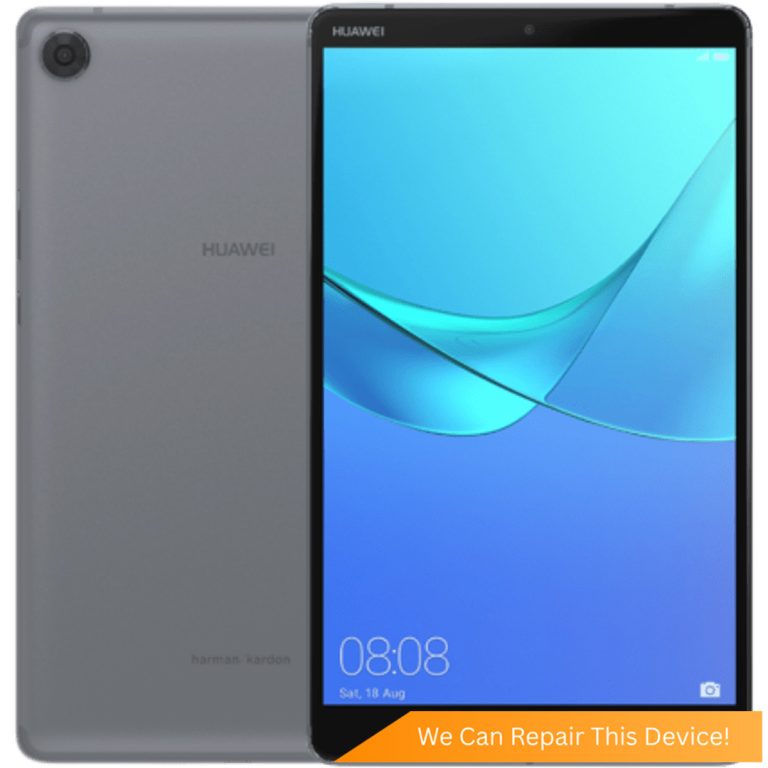
Huawei Media Pad M5 8.4 Repair Services & Price
| Repair | Parts grade | Warranty | Price | Enquire |
|---|---|---|---|---|
| Huawei Media Pad M5 8.4 Battery Replacement | Grade AAA | S$50 | WhatsApp us | |
| Huawei Media Pad M5 8.4 Battery Replacement | Original Grade | S$65 | WhatsApp us | |
| Huawei Media Pad M5 8.4 Camera Removal | S$30 | WhatsApp us | ||
| Huawei Media Pad M5 8.4 Charging Port Replacement | Original Grade | S$70 | WhatsApp us | |
| Huawei Media Pad M5 8.4 Front Camera Repair | Original Grade | S$55 | WhatsApp us | |
| Huawei Media Pad M5 8.4 Screen Repair | Original Grade | On quote | WhatsApp us | |
| Huawei Media Pad M5 8.4 Motherboard Repair | On quote | WhatsApp us | ||
| Huawei Media Pad M5 8.4 Power Button Replacement | S$55 | WhatsApp us | ||
| Huawei Media Pad M5 8.4 Rear Camera Replacement | Original Grade | On quote | WhatsApp us | |
| Huawei Media Pad M5 8.4 Volume Button Replacement | S$55 | WhatsApp us | ||
| Huawei Media Pad M5 8.4 Water Damage Repair | Chemical Wash | S$45 | WhatsApp us |
Huawei Repair Services in Singapore
The prices above are for the Huawei Media Pad M5 8.4. To compare a repair across every Huawei we handle, open the service.
- Huawei Back Glass Replacement
- Huawei Battery Replacement
- Huawei Camera Lens Replacement
- Huawei Camera Removal
- Huawei Charging Port Replacement
- Huawei External LCD Replacement
- Huawei Flexgate Repair
- Huawei Front Camera Repair
- Huawei Internal Flex Repair
- Huawei Internal LCD Replacement
- Huawei Motherboard Repair
- Huawei Network / Display / Motherboard Cable Replacement
- Huawei Network Cable Replacement
- Huawei Power Button Replacement
- Huawei Rear Camera Replacement
- Huawei Screen Glass Replacement
- Huawei Screen Repair
- Huawei Speaker Replacement
- Huawei Volume Button Replacement
- Huawei Water Damage Repair
- Huawei Wifi and Bluetooth Cable Replacement
Explore More Huawei Repairs
Per-model prices, warranty and the full list of repairs for each one. 72 of the 99 models we repair are listed here — the full set is on the Huawei repair page.
- Huawei Pura: Huawei Pura X Max Repair | Huawei Pura X Repair
- Huawei Mate: Huawei Mate 50 Pro Repair | Huawei Mate 40 Pro Plus Repair | Huawei Mate 40 Pro Repair | Huawei Mate 40 RS Repair | Huawei Mate 40 Repair | Huawei Mate 30 Pro Repair | Huawei Mate 30 Repair | Huawei Mate 20 Pro Repair | Huawei Mate 20 RS Repair | Huawei Mate 20 X Repair | Huawei Mate 20 Repair | Huawei Mate 10 Pro Repair | Huawei Mate 10 Repair | Huawei Mate 9 Repair | Huawei Mate 8 Repair | Huawei Mate 7 Repair | Huawei Mate RS Repair
- Huawei P Series: Huawei P50 Pro Repair | Huawei P50 Pocket Repair | Huawei P50 Repair | Huawei P40 Pro Plus Repair | Huawei P40 Pro Repair | Huawei P40 Repair | Huawei P40 Lite Repair | Huawei P30 Pro Repair | Huawei P30 Repair | Huawei P30 Lite Repair | Huawei P20 Pro Repair | Huawei P20 Repair | Huawei P20 Lite Repair | Huawei P10 Plus Repair | Huawei P10 Repair | Huawei P10 Lite Repair | Huawei P9 Plus Repair | Huawei P9 Repair | Huawei P9 Lite Repair | Huawei P8 Repair | Huawei P8 Lite Repair
- Huawei MediaPad: Huawei Media Pad 11 Repair | Huawei Media Pad T10 Repair | Huawei Media Pad 10.4 Repair | Huawei Media Pad M6 10.8 Repair | Huawei Media Pad M6 8.4 Repair | Huawei Media Pad T5 Repair | Huawei Media Pad M5 10.8 Repair | Huawei Media Pad M5 8.4 Repair | Huawei Media Pad T5 Lite Repair | Huawei Media Pad M5 Lite Repair | Huawei Media Pad T3 8.0 Repair | Huawei Media Pad M3 Repair | Huawei Media Pad M3 Lite Repair | Huawei Media Pad M2 Repair | Huawei Media Pad M1 Repair
- Huawei Nova: Huawei Nova 10 Pro Repair | Huawei Nova 9 Repair | Huawei Nova 9 SE Repair | Huawei Nova 8 SE Repair | Huawei Nova 7 Repair | Huawei Nova 7i Repair | Huawei Nova 7 SE Repair | Huawei Nova 5 Pro Repair | Huawei Nova 5T Repair | Huawei Nova 4 Repair | Huawei Nova 3E Repair | Huawei Nova 3 Repair | Huawei Nova 3I Repair | Huawei Nova 2 Repair | Huawei Nova 2I Repair | Huawei Nova 2 Lite Repair | Huawei Nova Lite Repair
Can't Find Your Model?
Don't see your exact Huawei model or the repair you need? WhatsApp us a photo of your device and we'll have a check, then send a transparent nett quote.
Why Citri Mobile for Huawei Media Pad M5 8.4 repair?
- 🏅
Quality parts & diagnostics
Quality Original Grade and Grade AAA parts, professional tools and full diagnostics for every device. - 🏆
Carousell Best Service Provider
Carousell 2024 & 2025 award winner. - 🤝
Carousell Preferred Partner
Trusted by thousands across Singapore for Huawei Media Pad M5 8.4 repair. - ✅
CaseTrust Accredited
Recognised for fair and ethical business practices, transparent pricing. - ⭐
5.0★ · 3,000+ reviews
Across Google and Carousell, consistently rated for fast, reliable, honest repairs at all four shops. - ⚡
On-the-spot repair, fair nett pricing
Most Huawei Media Pad M5 8.4 repairs are done while you wait, generally 30–90 minutes, at wholesale rates with no hidden charges. - 🔒
Your data stays safe
Photos, apps and settings are kept intact for most repairs.
Apple Independent Repair Provider Testimonials Our locations
Before You Send In Your Huawei Media Pad M5 8.4 for Repair
A quick checklist so your Huawei Media Pad M5 8.4 repair goes smoothly. We don't wipe your device for most repairs, but a little prep helps.
- Back up your data first. Most repairs are data-safe, but always back up your photos and important files before any repair, just in case.
- Remove your SIM & memory card. Take out the SIM tray and any microSD card before handing your device over.
- Take off accessories. Remove your casing, pop socket, screen protector and any straps so we can work on the device.
Where to Repair Your Huawei Media Pad M5 8.4 in Singapore
Walk in to any of our 4 repair shops for your Huawei Media Pad M5 8.4 repair. We're open 11am–9pm daily, no appointment needed — message us first if you want us to confirm your part is in stock.
-
Chinatown
People’s Park Centre, #01-47, Singapore 058357 11:00 AM – 9:00 PM · daily -
Tampines
503 Tampines Central 1, #01-299, Singapore 520503 11:00 AM – 9:00 PM · daily -
Jurong
CarousellMOBILE Jurong Point, #B1-34A, Singapore 648886 11:00 AM – 9:00 PM · daily -
Yishun
Blk 846 Yishun Street 81, #01-3643, Singapore 760846 11:00 AM – 9:00 PM · daily
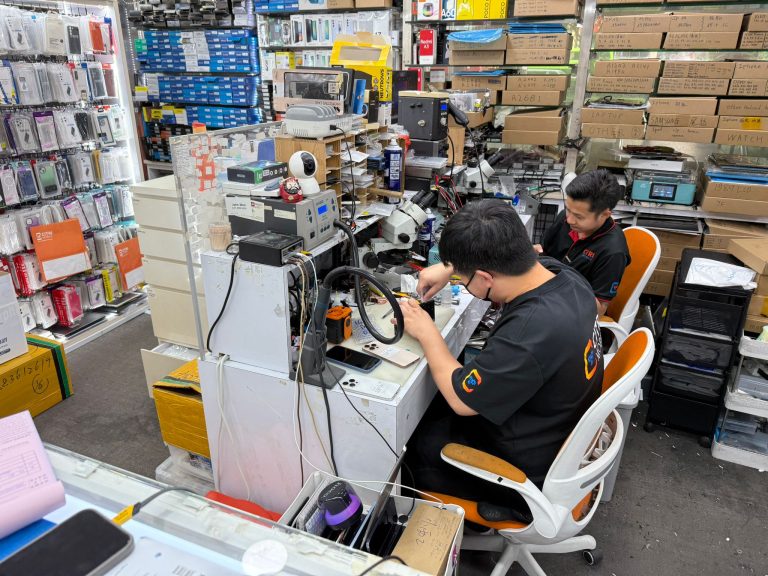
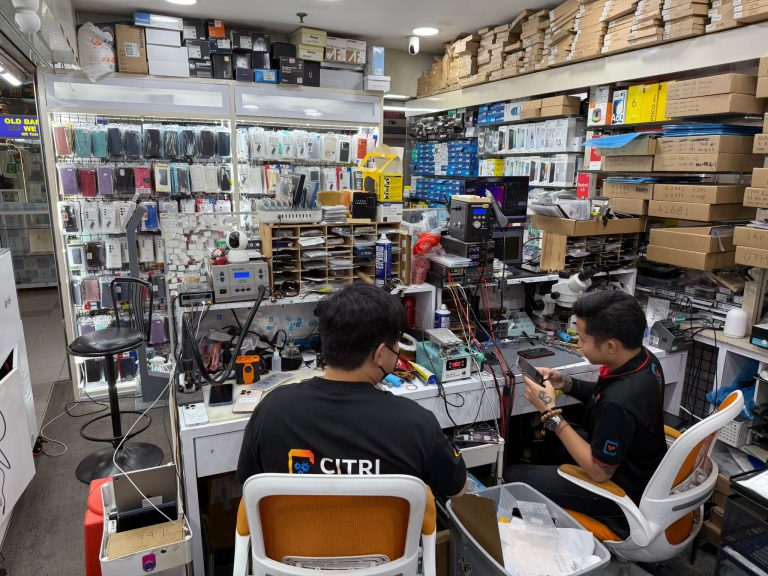
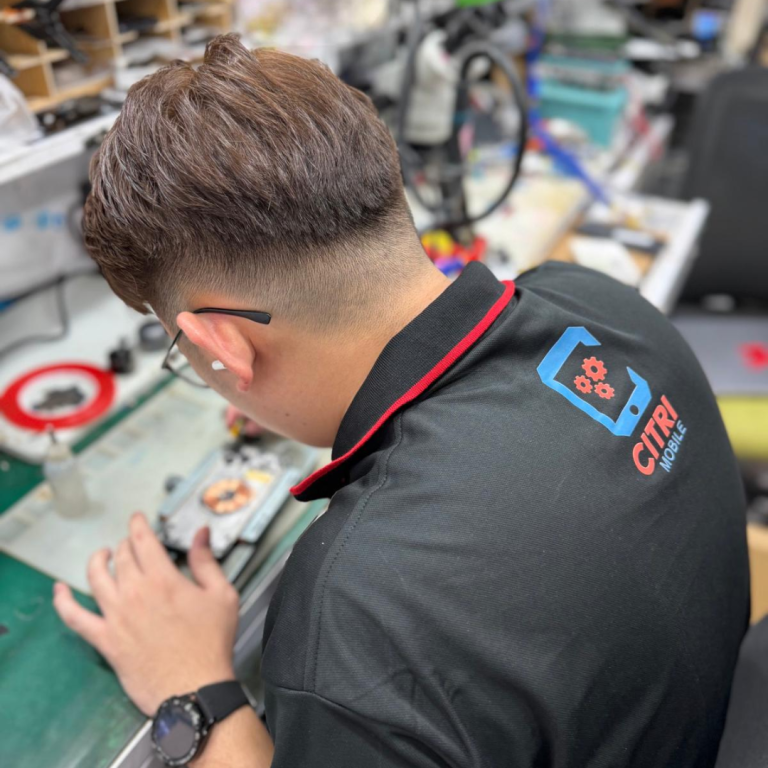
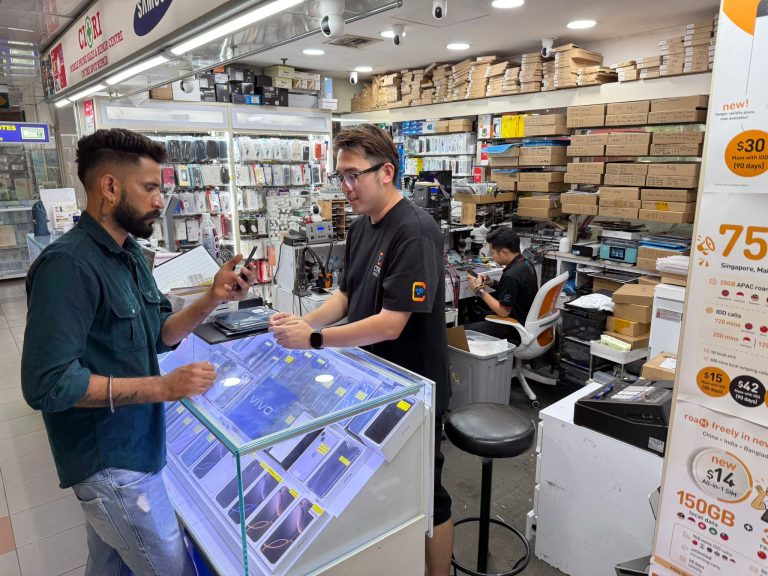
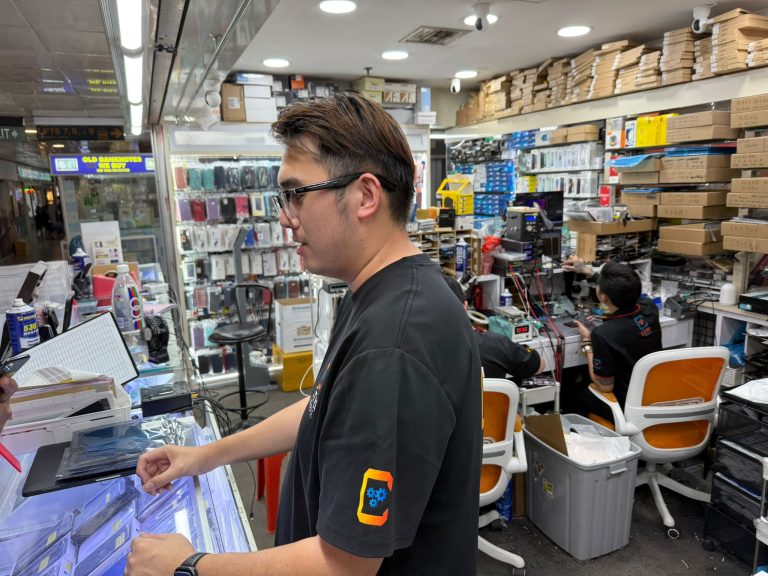
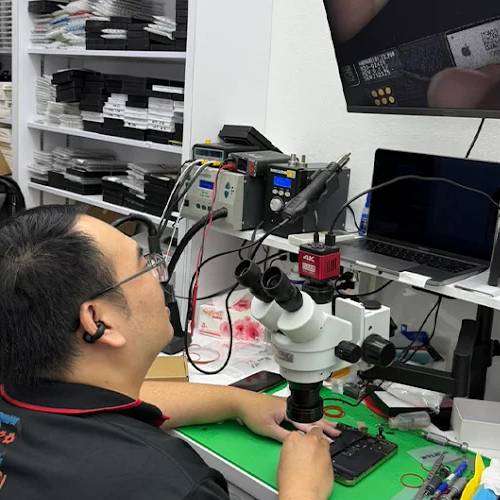
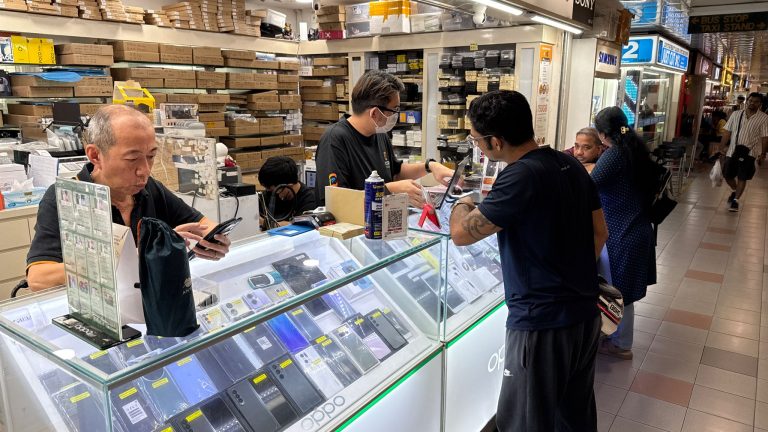
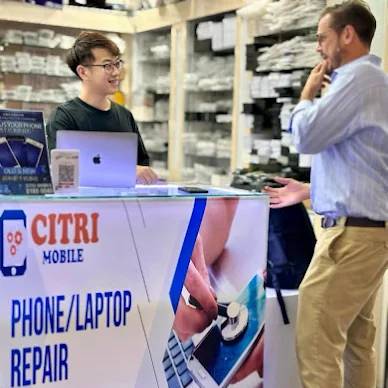
Inside Our Workshop: Huawei Media Pad M5 8.4 repair in Singapore
FAQ For Huawei Media Pad M5 8.4 Repair
- 1. What should I do if my Huawei Media Pad M5 8.4 won't charge?
- We understand how frustrating it can be when your device won't charge. First, ensure that the charging cable and adapter are functioning correctly. If the problem persists, it might be an issue with the charging port. You can visit us for a charging port repair or replacement or check your device's warranty status at the Huawei warranty status page.
- 2. My Huawei Media Pad M5 8.4's battery drains quickly, what can I do?
- It's really annoying when your tablet doesn't hold a charge for long. This could be due to a failing battery. Consider getting a battery repair or replacement. For further assistance, you might also want to visit the Huawei support center to explore other potential solutions.
- 3. How can I fix a broken screen on my Huawei Media Pad M5 8.4?
- Dealing with a cracked screen can be distressing. To resolve this, we offer an LCD repair or replacement service. For additional support or to understand more about the problem, you can visit the Huawei support center.
- 4. What if the rear camera on my Huawei Media Pad M5 8.4 stops working?
- It can be quite disappointing when you can't capture moments due to a camera failure. We can help with a rear camera repair or replacement. Additionally, check out the Huawei support center for troubleshooting tips.
- 5. Can the volume button issues on my Huawei Media Pad M5 8.4 be fixed?
- Stuck or unresponsive volume buttons can be incredibly inconvenient. We offer a service to repair or replace the volume buttons on your device. For more detailed device care tips, the Huawei support center is always available.
- 6. What options are available if my Huawei Media Pad M5 8.4's power button is malfunctioning?
- A non-functional power button can really disrupt your usage. You can get a power button repair or replacement at our store. For additional help, you can also consult the Huawei support center.
- 7. How do I handle water damage on my Huawei Media Pad M5 8.4?
- Water damage can seem like a major issue, but quick action can save your device. We provide a water damage repair and chemical wash. It's also a good idea to check the Huawei warranty status to understand if water damage is covered.
- 8. Can I get my Huawei Media Pad M5 8.4's motherboard repaired?
- Issues with the motherboard are complex and can affect your device significantly. We offer motherboard repair services. For more comprehensive support, the Huawei support center can provide additional resources.
- 9. What should I do if the front camera of my Huawei Media Pad M5 8.4 is not working?
- Not being able to use the front camera can be frustrating, especially for video calls. We can help with a front camera repair. You might also want to visit the Huawei support center for further troubleshooting.
- 10. How can I remove the camera from my Huawei Media Pad M5 8.4?
- If you need to remove the camera from your device for privacy reasons or any other, we provide a camera removal service. For guidelines on device modification, the Huawei support center can offer advice.
- 11. What are my options if my Huawei Media Pad M5 8.4 needs multiple repairs?
- Dealing with multiple issues can be overwhelming. At Citri Mobile, we can handle several repairs during the same visit, such as battery replacement and screen repairs. For a comprehensive check, consider consulting the Huawei support center.
- 12. How long will the repair take for my Huawei Media Pad M5 8.4?
- We know how important your device is to you. Most repairs, like screen or battery replacement, are completed within 15–45 minutes. You can walk in any time between 11am to 9pm daily. For more details on specific repairs, feel free to visit our website or the Huawei support center.
About the Huawei Media Pad M5 8.4
The Huawei Media Pad M5 8.4 is renowned for its sharp display, powerful performance, and sleek design, making it a favorite among tablet users. However, like all high-tech devices, it has its vulnerabilities. Common issues include screen cracks, battery degradation, and occasional motherboard fragility. Its USB-C port and advanced circuitry also make it susceptible to water damage and charging issues. Given these complexities, expert repair services are crucial to maintain the device's functionality and extend its lifespan.
Huawei Media Pad M5 8.4 Repair Services
At Citri Mobile, we offer a comprehensive range of repair services using only high-quality parts to ensure your device runs smoothly. We understand the inconvenience of device malfunctions and are here to help restore your Huawei Media Pad M5 8.4 to its optimal condition.
Screen & Display Repairs
Experiencing display issues or a cracked screen? Our LCD Repair and Replacement service uses Original Grade parts to bring back the vibrant display of your Huawei Media Pad M5 8.4.
Battery Repairs
If your tablet is facing fast battery drain or not charging properly, it might need a battery replacement. We offer both Original Grade Battery Replacement and Grade AAA Battery Replacement to suit your needs and budget.
Camera & Face ID Repairs
Issues with your rear or front camera? Our Rear Camera Repair and Replacement and Front Camera Repair services ensure your photos and Face ID function perfectly again.
Charging Port, Buttons & Other Repairs
Problems with charging or unresponsive buttons can be frustrating. We provide Charging Port Repair and Replacement, Power Button Repair, and Volume Button Repair to address these issues quickly and efficiently.
Motherboard & Water Damage Repairs
Encountering motherboard issues or water damage? Our expert technicians can handle complex Motherboard Repairs and perform a thorough Chemical Wash for Water Damage to revive your device.
How Our Repair Service Works
- Walk into our store anytime between 11am and 9pm, no appointment necessary.
- Receive a free diagnosis from our expert technicians.
- Get an instant quote for the repair cost.
- Enjoy fast, on-the-spot repair service.
- All repairs include a warranty for added assurance.
Huawei Media Pad M5 8.4 Repair Reviews
3,000+ reviews across Google and Carousell, left by customers at our Chinatown, Tampines, Yishun and Jurong Point shops. The Google ones are loaded live below.