
MacBook Keyboard Replacement in Singapore
Original Grade
MacBook keyboard replacement at Citri Mobile costs from $130 nett, the same price across the range and listed per model in the table below, with a free check first and a warranty of up to 100 days at four walk-in branches across Singapore.
30-100 Days Warranty · Most Repairs Done Same Day · Data Untouched On Most Jobs.


MacBook Keyboard Replacement Prices by Model

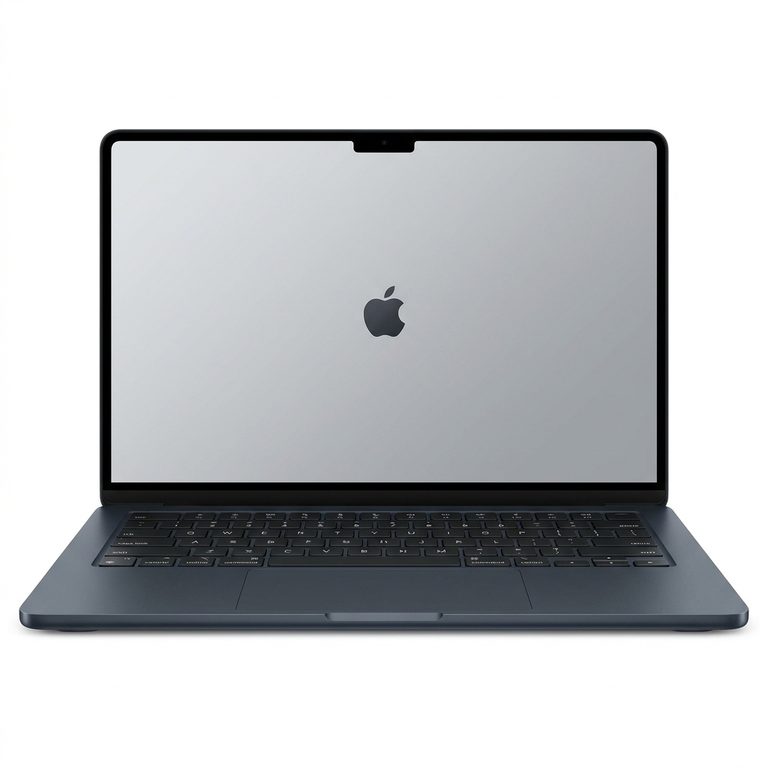
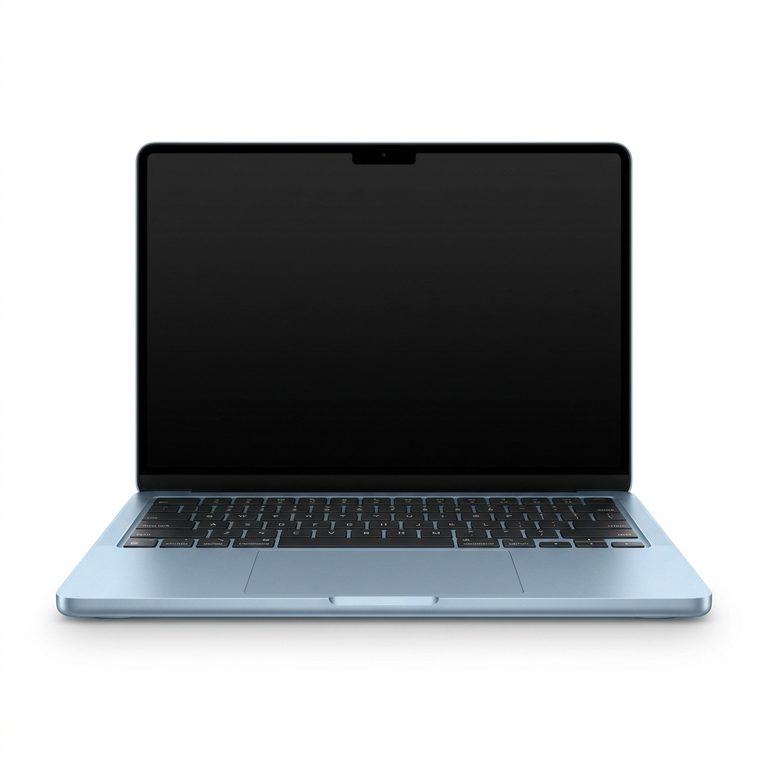
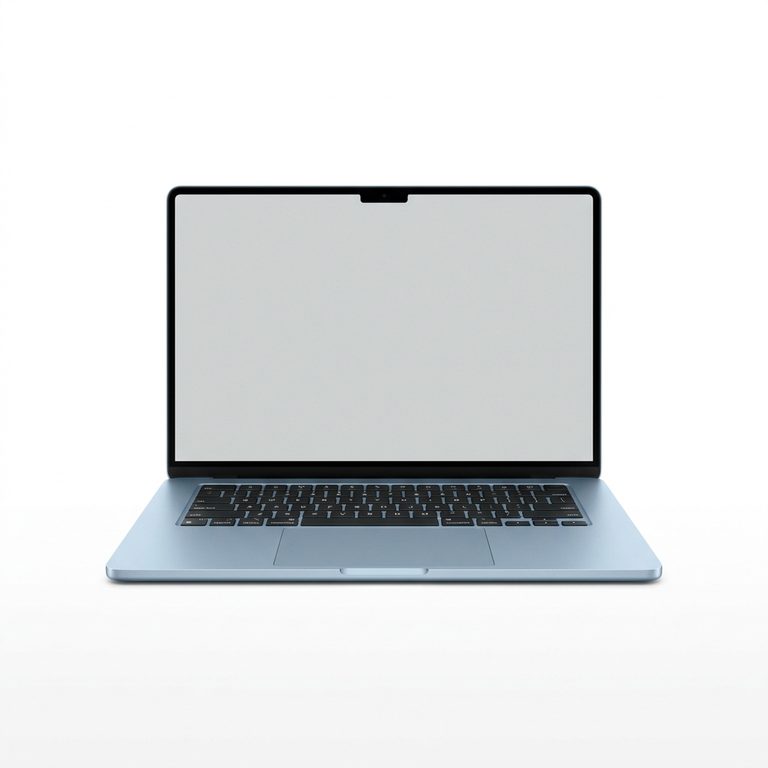
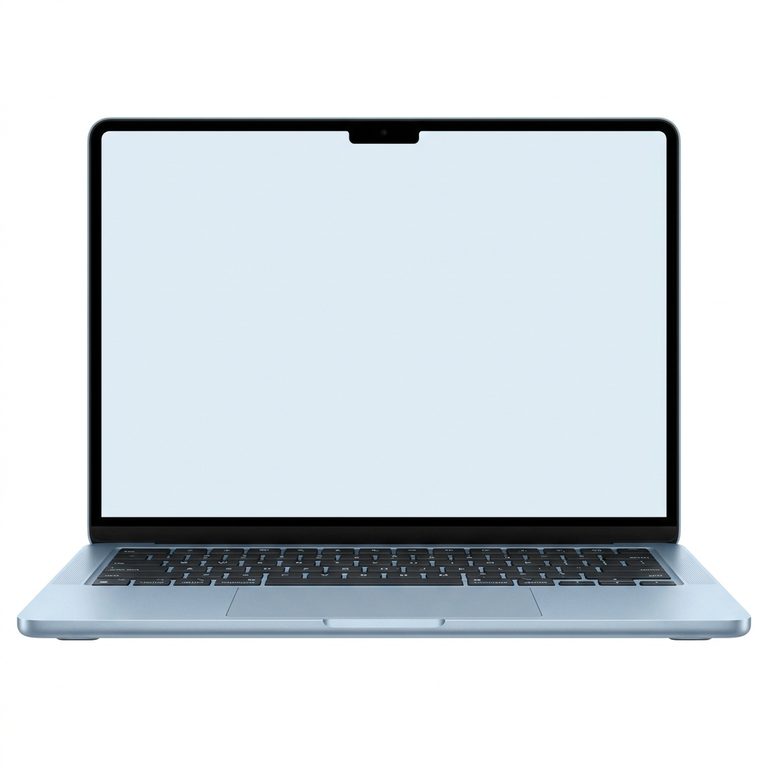



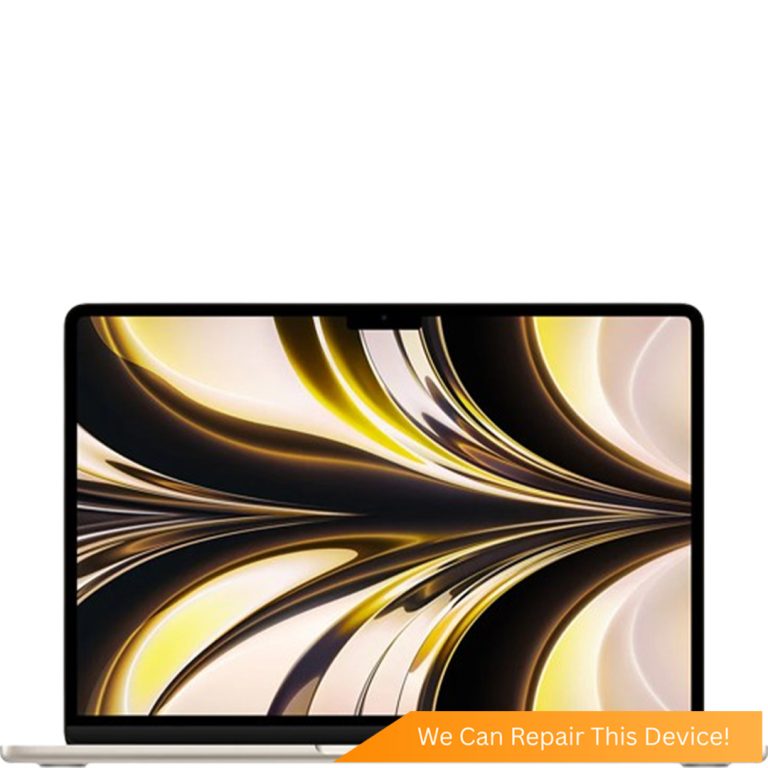

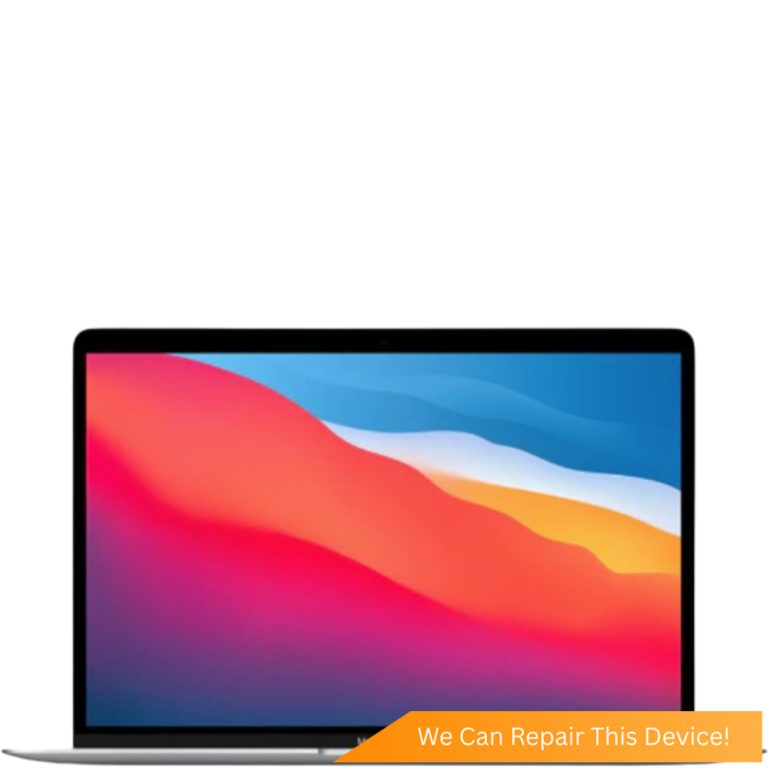
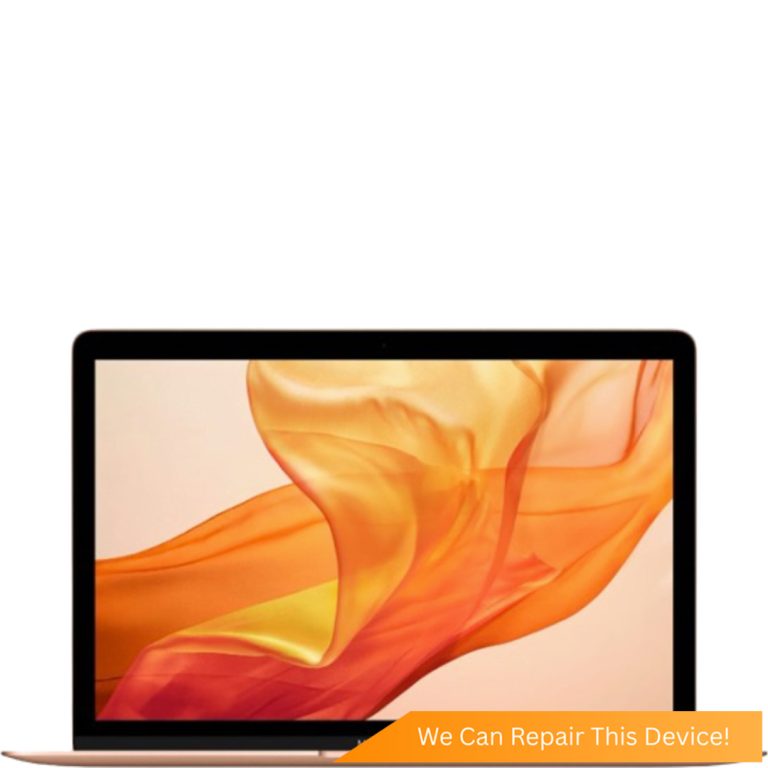
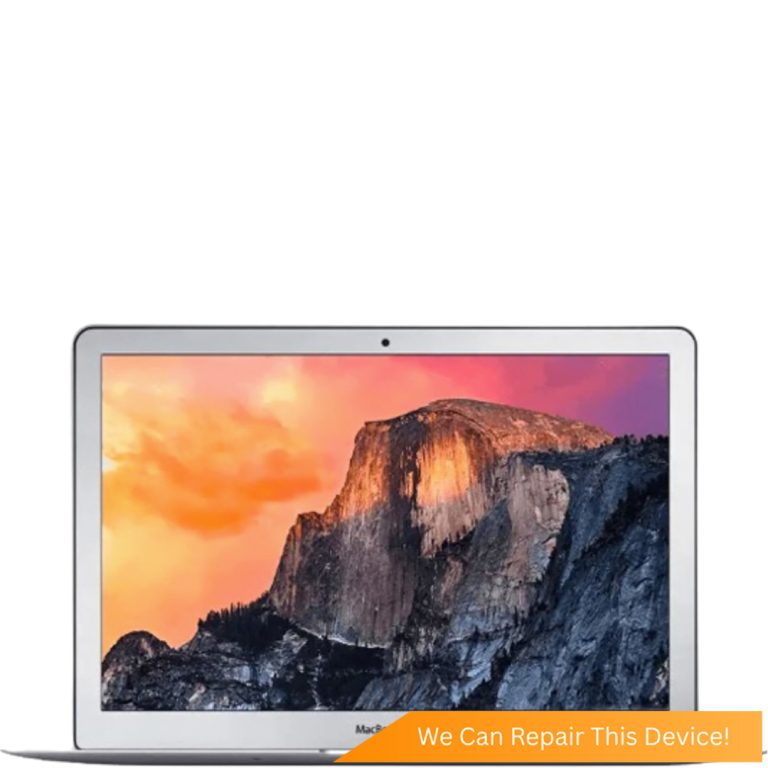
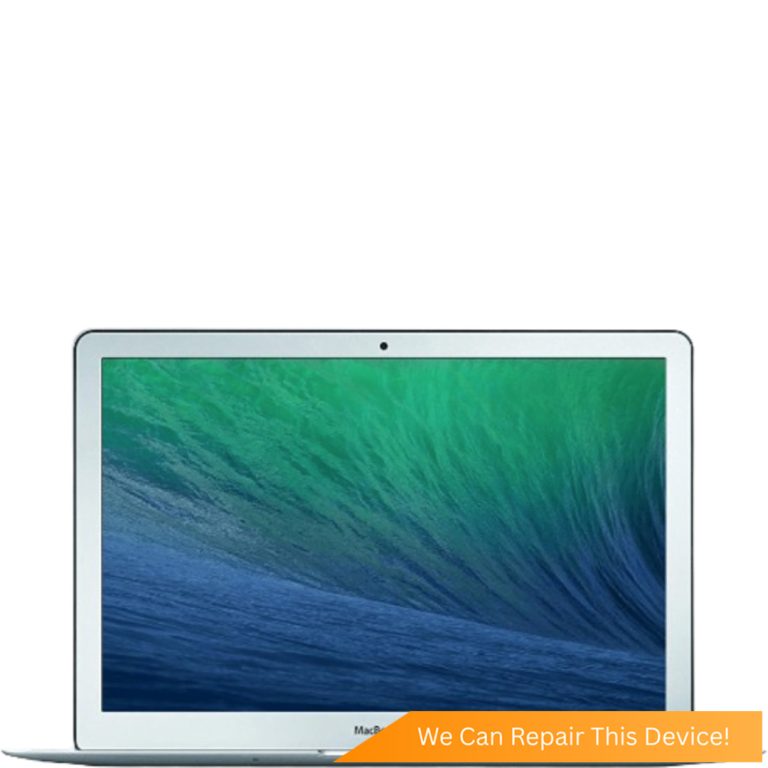

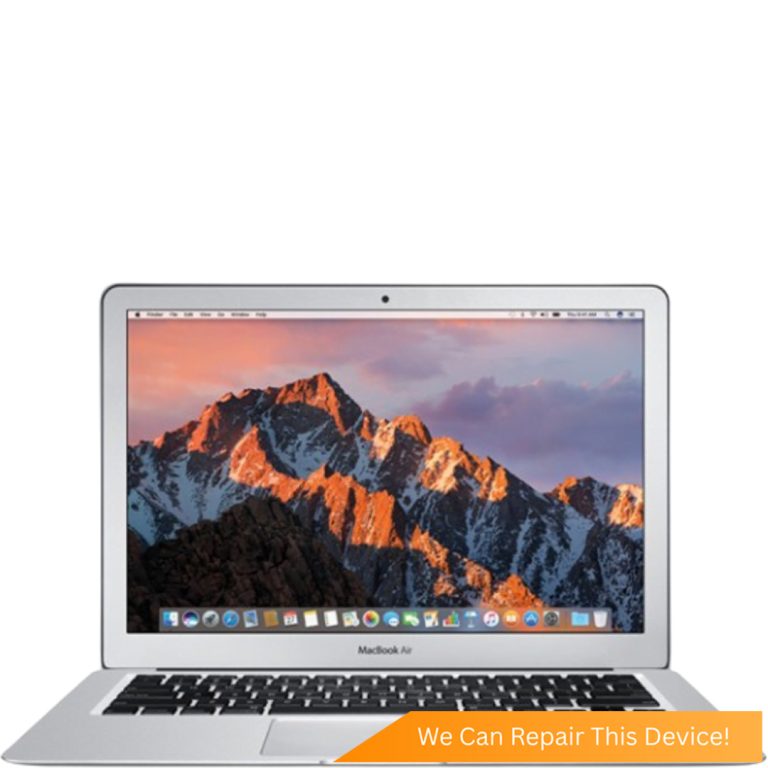
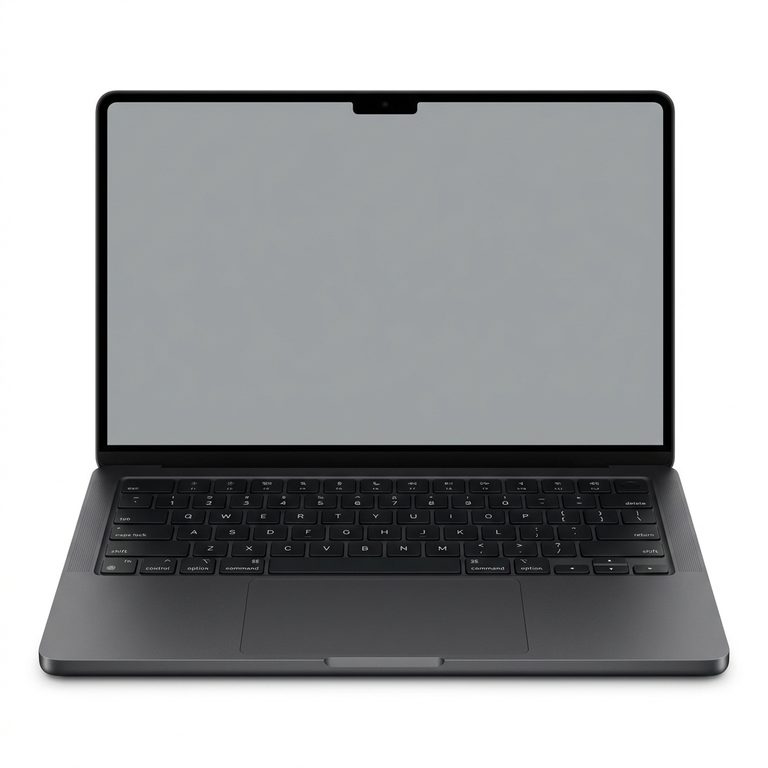
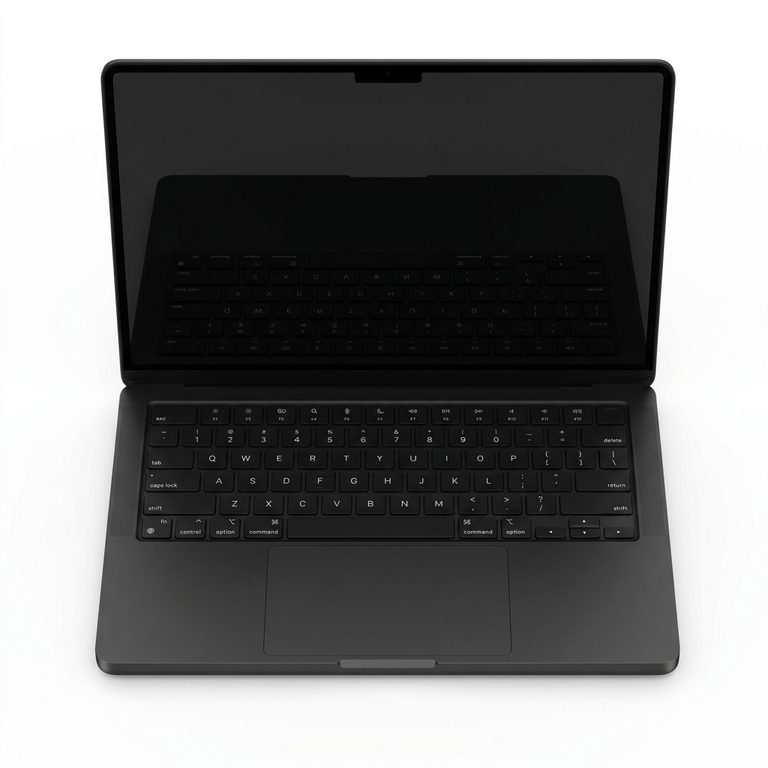
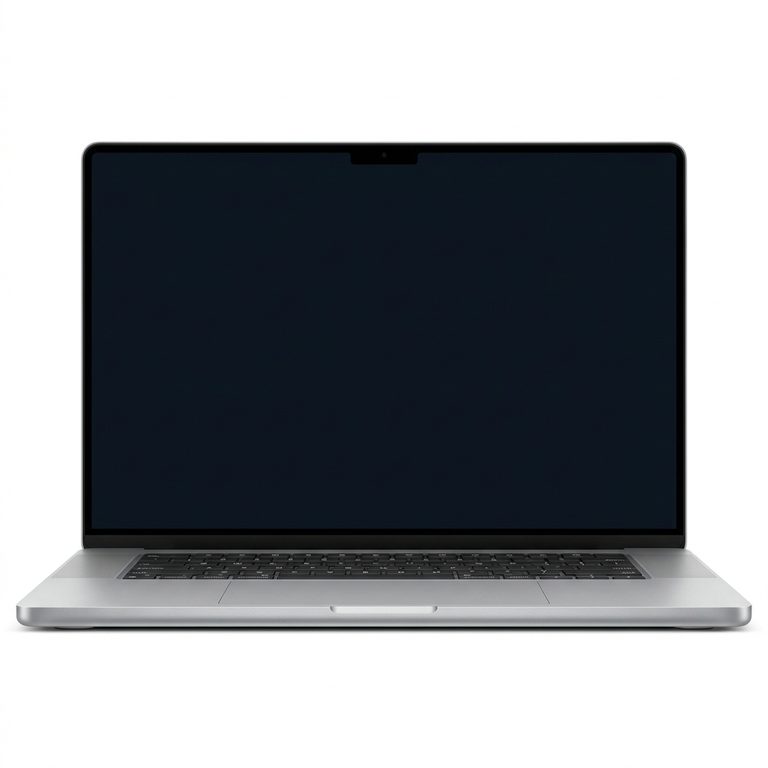
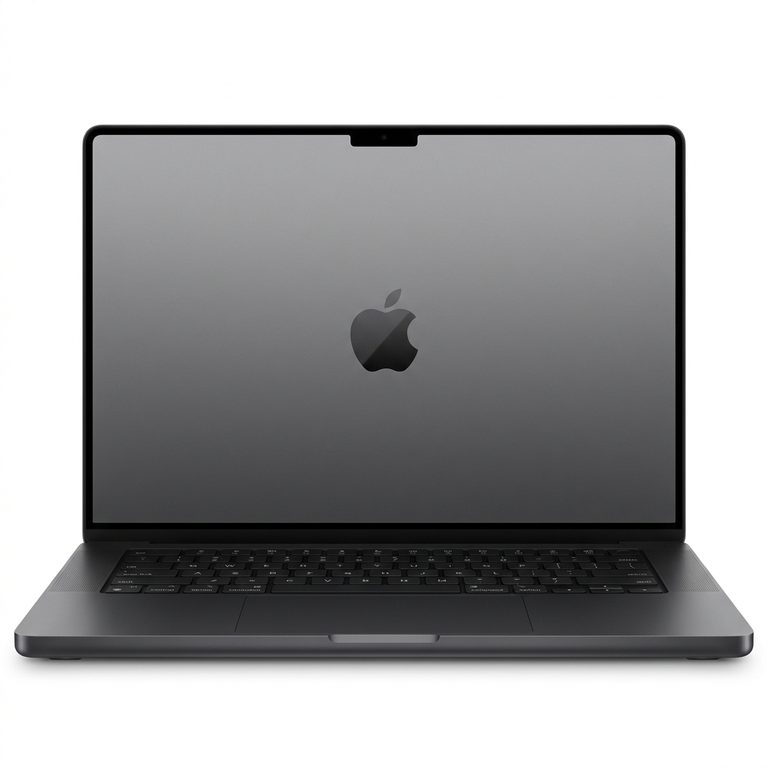
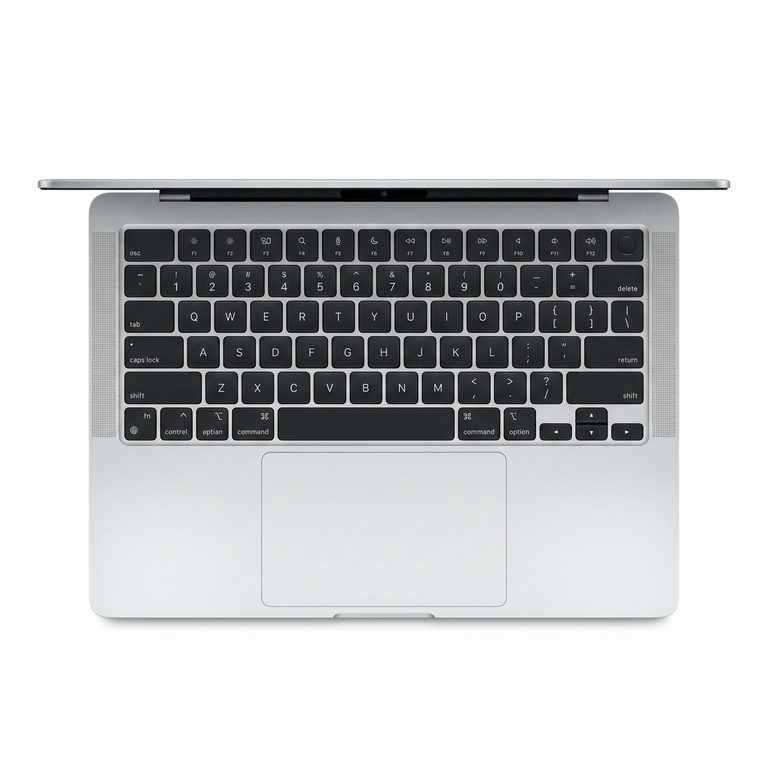
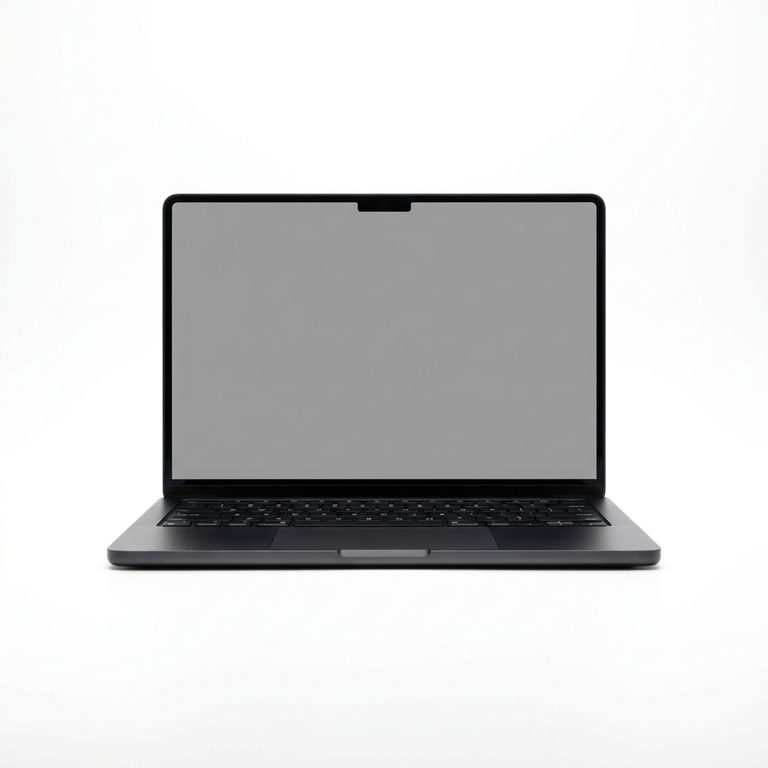

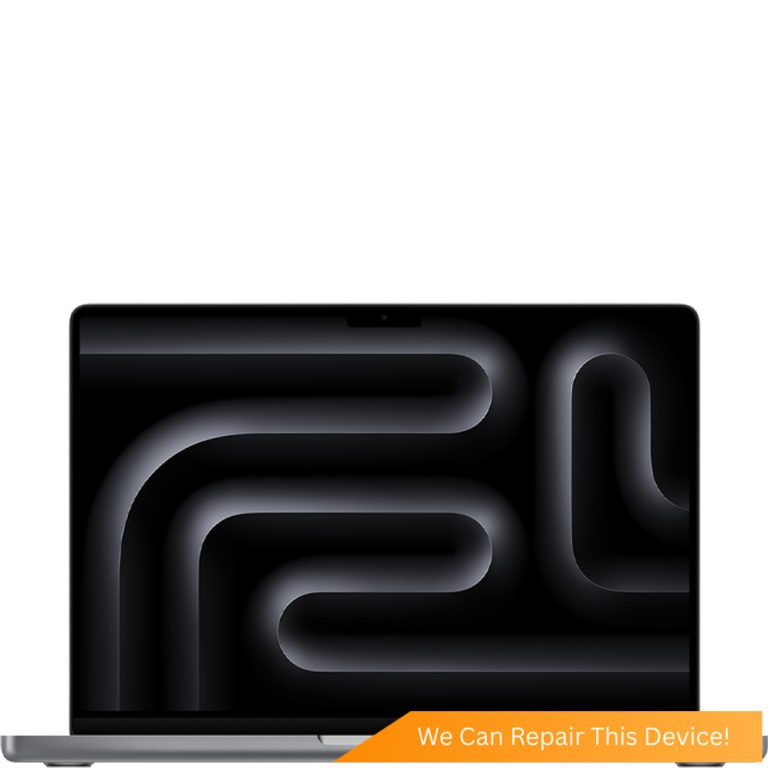
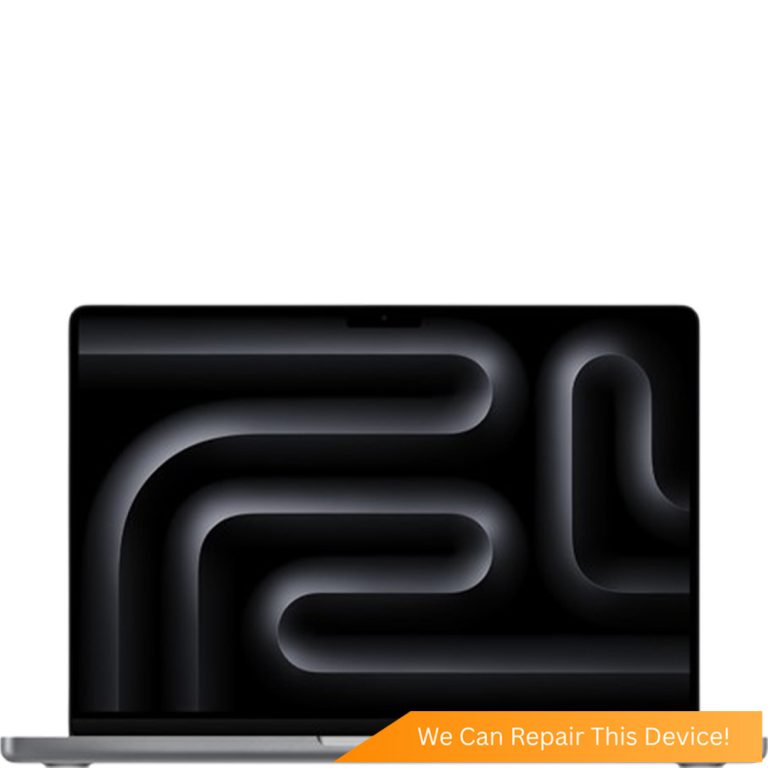

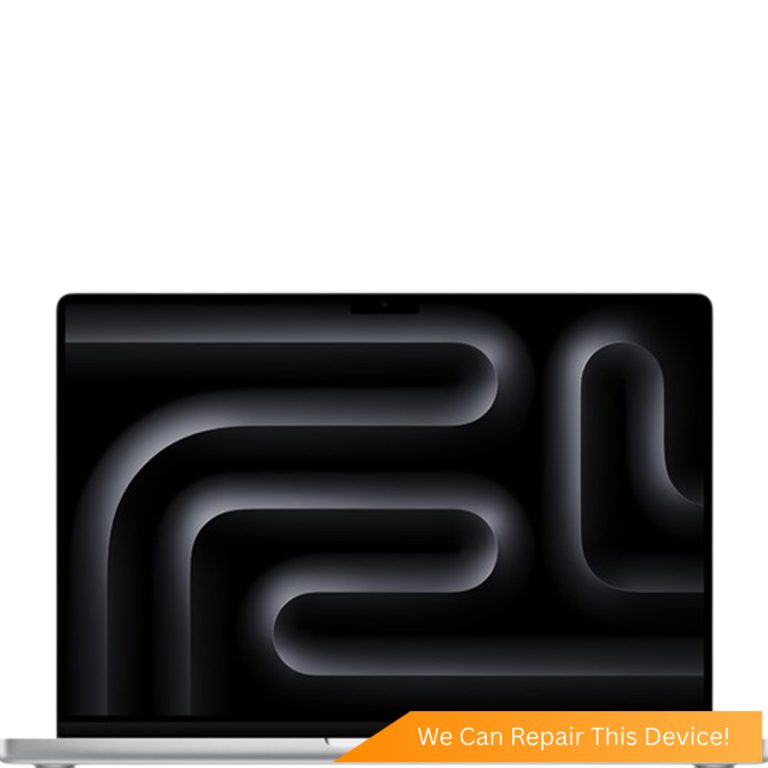


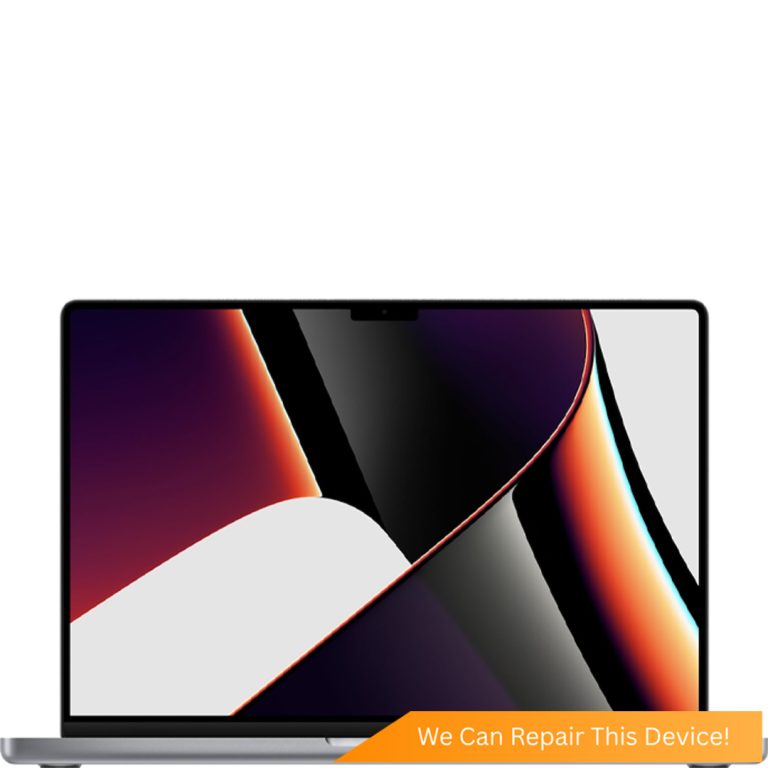
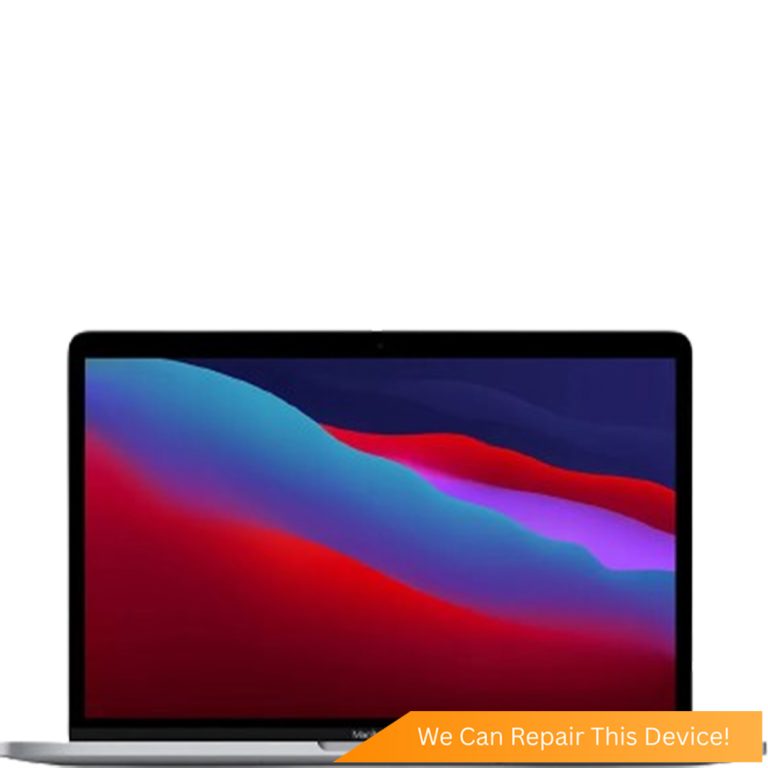
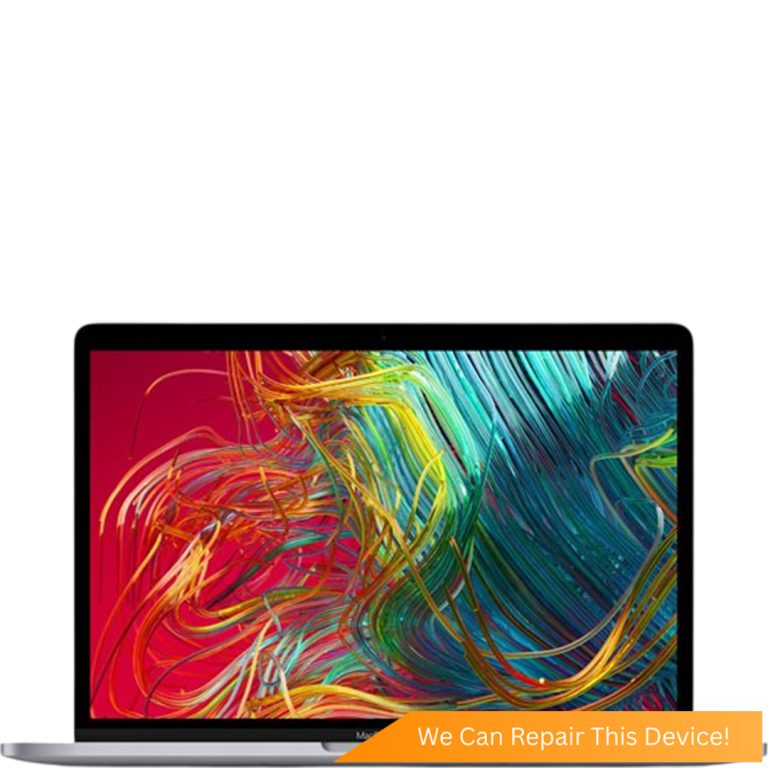
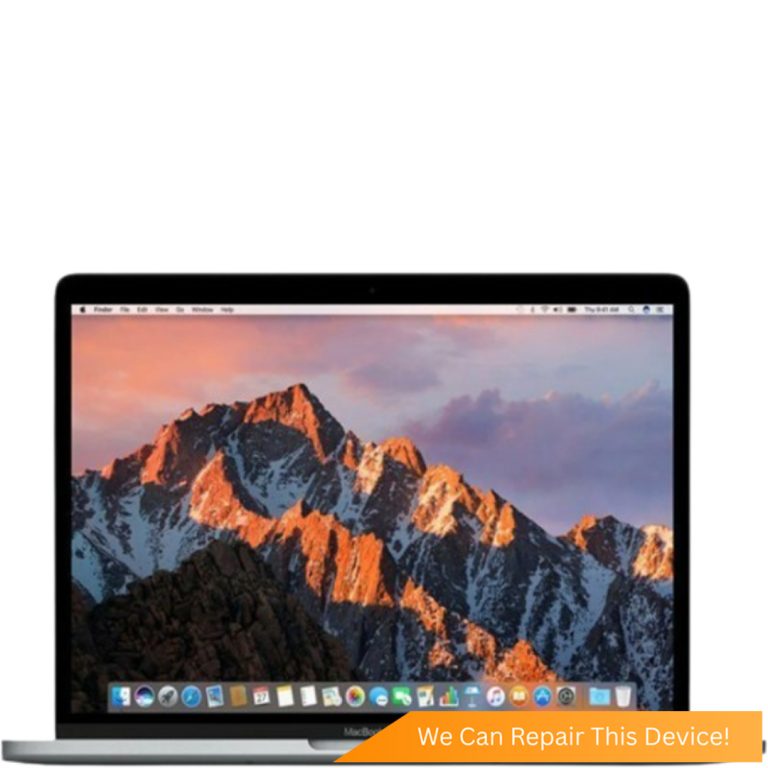
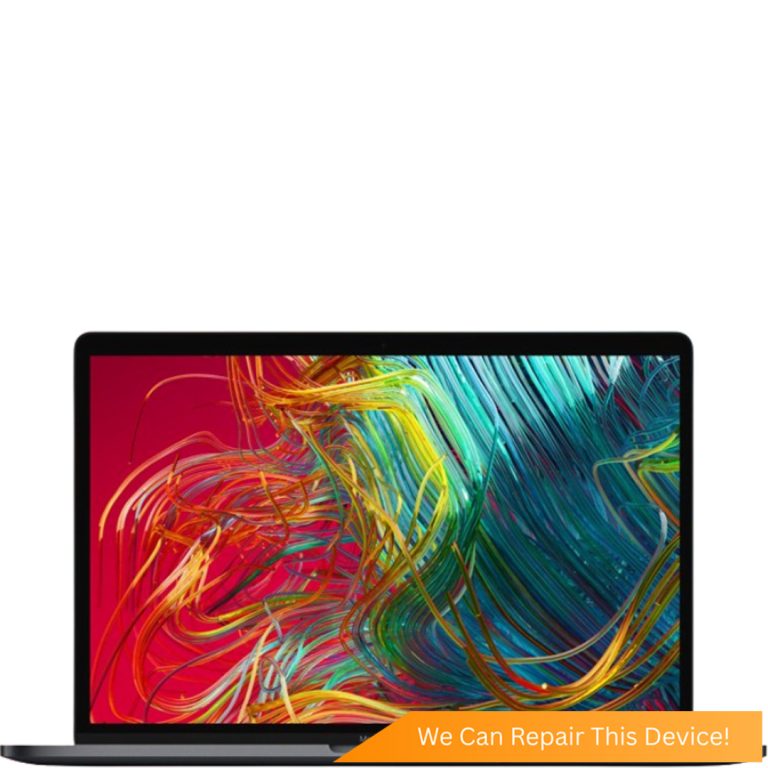

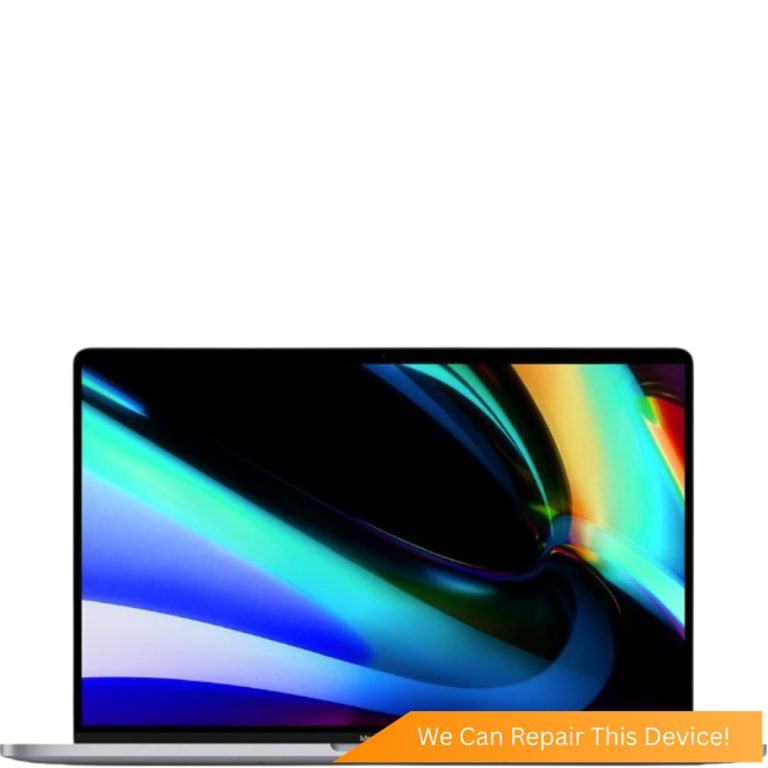
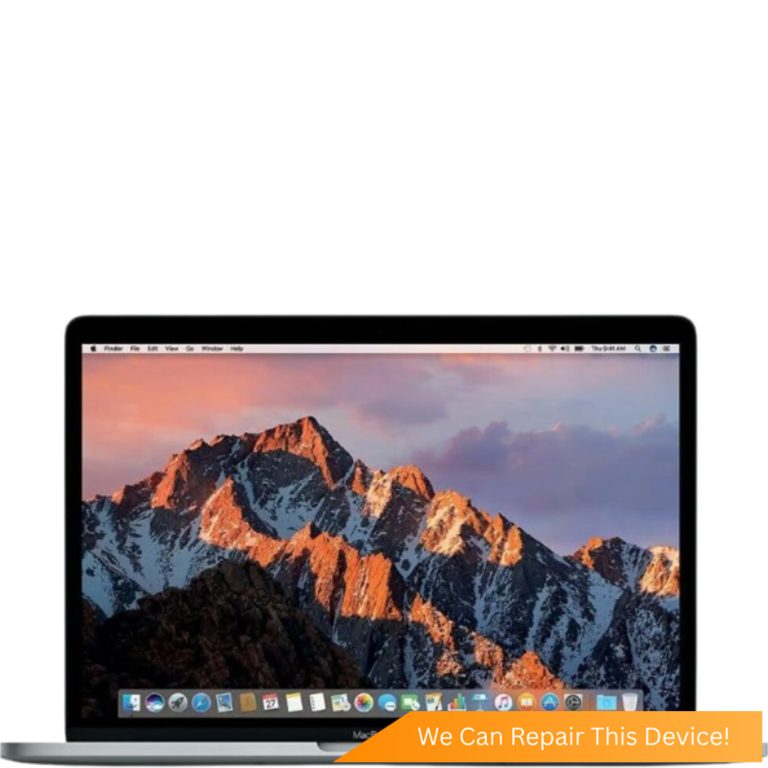

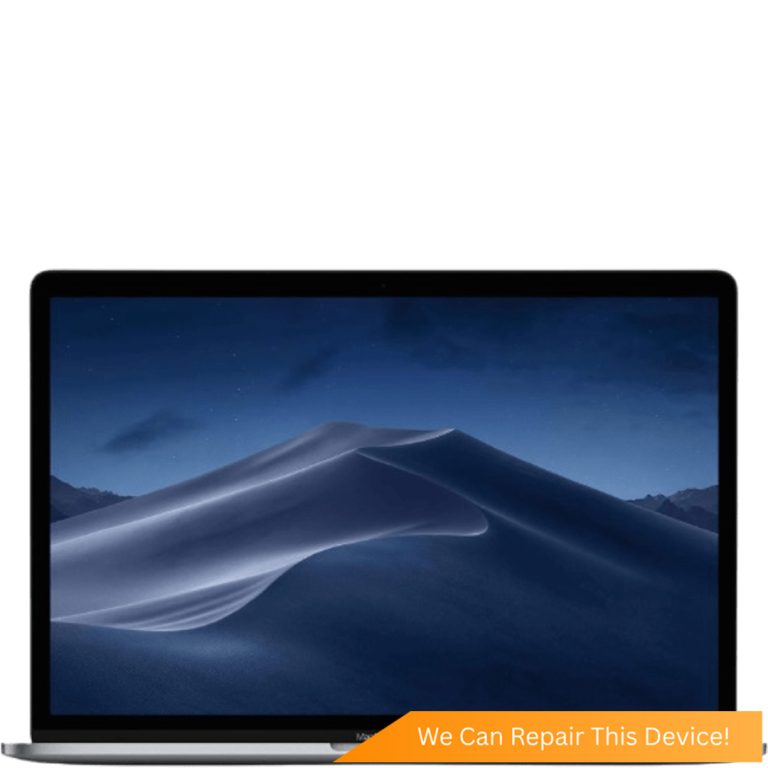




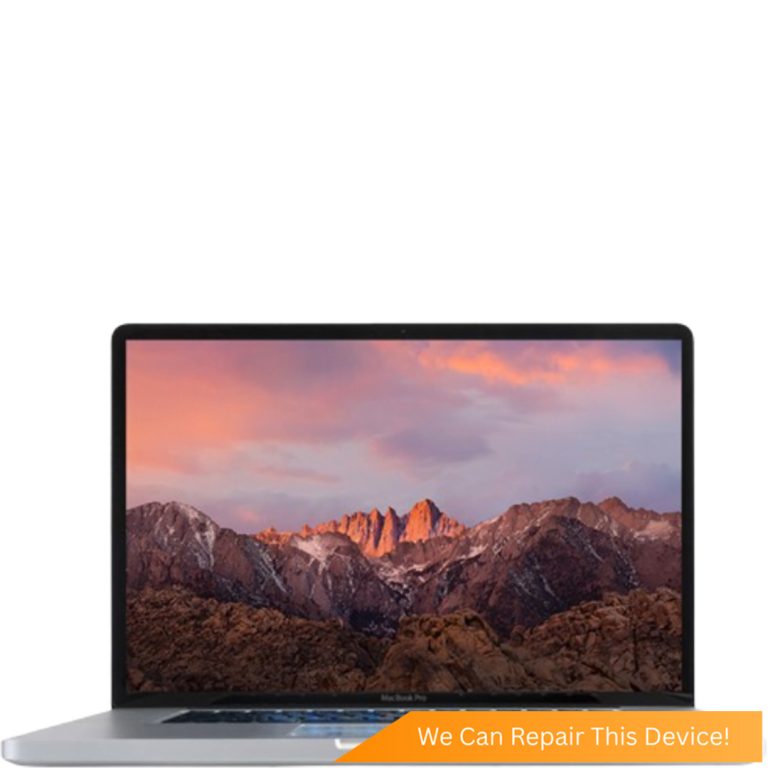



Not sure which one you have? The model number, an A followed by four digits, is printed in small type on the underside of your MacBook.
MacBook Keyboard Replacement FAQs
- How do I fix a MacBook keyboard that's not working?
- Restart the Mac first. Then check the Accessibility settings, where Slow Keys and Mouse Keys can make working keys seem dead, and the input source in the menu bar. Plug in an external keyboard: if it types, macOS is fine and the built-in keyboard is at fault. For a stuck key, use compressed air with the Mac tilted at a steep angle. If none of that helps, it's a hardware repair, and the check at Citri Mobile is free.
- How much does a MacBook Pro keyboard replacement cost?
- From $130 nett at Citri Mobile, the same price on the 13-, 14-, 15-, 16- and 17-inch MacBook Pros in our price table, butterfly models included. The newest machines, such as the late-2024 Pros, are quoted individually. If liquid caused the fault, we quote after a free diagnosis, because the keyboard may not be the only part affected.
- Where can I get a MacBook keyboard replaced in Singapore?
- Citri Mobile replaces MacBook keyboards at four walk-in branches: People's Park Centre (Chinatown), Tampines, Yishun and Jurong Point. Judge any shop on what you can check. We publish nett prices per MacBook model, check the keyboard free before quoting, and cover the repair with a warranty of up to 100 days. Message us your model first so we can confirm the part is in stock.
- Will Apple still replace a butterfly keyboard for free?
- Not any more. Apple's keyboard service programme covered butterfly keyboards for four years from the machine's first sale, and that window has passed on every model it included: the 12-inch MacBook, the 2016 to 2019 13- and 15-inch MacBook Pros and the 2018 and 2019 MacBook Air. A butterfly keyboard repair is now a paid repair.
- My MacBook keyboard is not working except the power button. What's wrong?
- The keyboard has usually lost its connection. The common causes are liquid, sometimes from a spill weeks earlier since corrosion keeps going after it dries, and a faulty keyboard cable or connector at the logic board. Test with an external keyboard to rule out macOS, then bring it in. The check is free and tells you which part needs work before you pay.
- Will I lose my files if my MacBook keyboard is replaced?
- No. A keyboard replacement doesn't touch the drive, and nothing is wiped or reinstalled. Back up before any repair as a habit, but this job doesn't put your data at risk.
- Do you use genuine Apple keyboards for MacBook repairs?
- No. Genuine Apple parts are reserved for eligible iPhone repairs under the Apple IRP programme. MacBook keyboards at Citri Mobile are quality Original Grade parts, tested before you collect and covered by a warranty of up to 100 days.
A stuck key, a letter that types twice, a keyboard that has gone dead. We do MacBook keyboard repair and replacement on the Air and the Pro at four branches in Singapore, from the 2009 13-inch MacBook Pro through to the 14- and 16-inch models.
Plenty of MacBook keyboard issues never need a new keyboard, though. If you'd like to fix a MacBook keyboard yourself first, the checks below are free and take about ten minutes. And if your Mac is from 2015 to 2019, it probably has the butterfly keyboard, which has a story of its own.
How Do I Fix a MacBook Keyboard That's Not Working?
Restart the Mac, check the keyboard settings, try an external keyboard, then clean under the keys with compressed air. In that order, because each step rules something out.
- Restart. Hold the power button until the Mac switches off, then start it again. When macOS has stopped listening to the keyboard, this brings it back.
- Check the settings that imitate a broken keyboard. Slow Keys, in the Accessibility settings, makes the Mac ignore a normal tap. Mouse Keys turns a block of letter keys into pointer controls. If the wrong characters come out, check the input source in the menu bar.
- Plug in a USB or Bluetooth keyboard. If that one types and the built-in one doesn't, macOS is fine and the fault is the keyboard or its connection. Dead at the login screen too, straight after a restart? Then it's hardware.
- Blow it out properly. Tilt the Mac up at a steep angle and spray compressed air, straw fitted, across the keys from left to right. Turn the Mac onto its right side and repeat, then onto its left. Don't prise keycaps off. The clips under butterfly keys snap easily.
A key that still sticks after a proper clean, or a keyboard that stays dead, needs the bench. Our guide to a MacBook keyboard not working goes through every check in more detail.
Why Does a MacBook Keyboard Key Get Stuck?
On a MacBook from 2015 to 2019, a stuck key is usually the butterfly keyboard. Apple used it on the 12-inch MacBook, the 13- and 15-inch MacBook Pros from 2016 to 2019 and the 2018 and 2019 MacBook Air, then went back to a scissor design.
The butterfly mechanism is very thin and each key barely moves, so there's nowhere for a speck of dust to go. One grain under a key and it won't press down, or it registers twice from a single press. Hence the doubled letters.
Apple ran a keyboard service programme that covered these machines for four years from first sale. That window has now passed on every one of them, so a butterfly keyboard repair is a paid job wherever you take it. On these models the keyboard is riveted into the top case, the aluminium shell around the keys and palm rest. That's why Apple's own repair swapped the whole top case.
Find the A-number on the underside of your Mac and match it here:
- Older scissor keyboard: the 13-inch Pro A1278, the 15- and 17-inch Pros A1286 and A1297, every Air before 2018 (A1370, A1465, A1369, A1466) and the 2012 to 2015 Retina Pros (A1425, A1502, A1398). A stuck key here is usually dirt or a knock.
- Butterfly keyboard: the 12-inch MacBook A1534, the 13- and 15-inch Pros A1706, A1708, A1707, A1989, A1990 and A2159, and the MacBook Air A1932.
- Magic Keyboard: the 16-inch Pro A2141 from 2019, the 2020 Air A2179, the 2020 13-inch Pros A2289 and A2251, and every Apple silicon MacBook. Scissor keys again, and far more reliable.
MacBook Keyboard Not Working Except the Power Button?
When every key is dead but the power button still turns the Mac on and off, the keyboard has usually lost its connection, and liquid is the first thing we look for.
Run the external keyboard test above first. Then think back. A spill from a week or two ago counts, because corrosion keeps working after the liquid has dried, and a MacBook that seemed fine after a coffee can lose its keyboard later. With no spill in the picture, the usual cause is the keyboard cable or its connector at the logic board. The check is free, and you'll know whether it's the keyboard, the cable or the board before you pay anything.
MacBook Keyboard Water Damage: What to Do After a Spill
Switch the MacBook off straight away by holding the power button, unplug the charger, and don't turn it back on to test it.
Open the lid, turn the Mac upside down and stand it in a tent shape so the liquid drains out. Skip the rice and the hairdryer. MacBooks have no water resistance, and the keyboard is where most spills land, so it's often the first thing to act up. The bigger risk sits underneath, where liquid reaches the logic board.
So a spill gets a MacBook water damage repair check first, and the keyboard is quoted after a free diagnosis once we know what else the liquid touched. Our guide to MacBook liquid damage repair in Singapore covers the first hour.
Is It Worth Replacing a MacBook Keyboard?
Usually, yes. A MacBook keyboard replacement costs from $130 nett, the same price across the range, so the decision comes down to how much life the rest of the Mac has left.
On a 2020 or later Air or Pro with a healthy battery, it's an easy yes. On a 2016 to 2019 butterfly machine it's still often worth doing. The free programme has ended, but a keyboard costs far less than a new laptop. The newest machines, including the late-2024 MacBook Pros, show as quote-only in the table above. Send us the model and we'll price it.
Got a 13- or 15-inch MacBook Pro from 2016 or 2017? Those also carry the Flexgate display cable fault. Uneven bright patches along the bottom of the screen are its early sign, so mention them at the counter.
We fit quality Original Grade keyboards. Once the part is here, the Mac is usually back with you the same day, and we give you a realistic time when we quote. A keyboard replacement doesn't touch your files, and nothing is wiped or reinstalled. Back up anyway. Here's how to back up a MacBook before a repair.
Where to Get a MacBook Keyboard Replaced in Singapore
Citri Mobile replaces MacBook keyboards at four walk-in branches: People's Park Centre in Chinatown, Tampines, Yishun and Jurong Point, open 11am to 9pm daily.
You don't need an appointment, but message us first with your model or A-number so we can confirm the keyboard is in stock before you travel. The check is free, prices are nett, and the repair carries a warranty of up to 100 days. Addresses are on the locations page.
Related Guides and Repairs
- MacBook keyboard not working: fixes for stuck, dead and repeating keys
- MacBook liquid damage: what to do after a spill
- MacBook trackpad replacement: for a trackpad that won't click
- Why some MacBooks are harder to repair: where the limits come from
- MacBook repair shop: batteries, screens, charging ports and logic board work
Other MacBook Repairs
Something else wrong with your MacBook? Every repair we do for the brand, model by model.
Why Citri Mobile for MacBook keyboard replacement?
- 🏅
Quality parts & diagnostics
Quality Original Grade parts, professional tools and full diagnostics for MacBook. Genuine Apple parts are reserved for eligible iPhone repairs under the Apple IRP programme. - 🏆
Carousell Best Service Provider
Carousell 2024 & 2025 award winner. - 🤝
Carousell Preferred Partner
Trusted by thousands across Singapore for MacBook keyboard replacement. - ✅
CaseTrust Accredited
Recognised for fair and ethical business practices, transparent pricing. - ⭐
5.0★ · 3,000+ reviews
Across Google and Carousell, consistently rated for fast, reliable, honest repairs at all four shops. - ⚡
Same-day on most repairs, fair nett pricing
Most standard MacBook repairs are completed the same day and board-level work is quoted after a free diagnosis — always at wholesale rates with no hidden charges. - 🛡️
30-100 days warranty
Most repairs are backed by a warranty, so you stay covered after you leave. - 🔒
Your data stays safe
Photos, apps and settings are kept intact for most repairs.
Apple Independent Repair Provider Testimonials Our locations
Where to Get Your Device Repaired in Singapore
Walk in to any of our 4 repair shops for your MacBook keyboard replacement. We're open 11am–9pm daily, no appointment needed — message us first if you want us to confirm your part is in stock.
-
Chinatown
People’s Park Centre, #01-47, Singapore 058357 11:00 AM – 9:00 PM · daily -
Tampines
503 Tampines Central 1, #01-299, Singapore 520503 11:00 AM – 9:00 PM · daily -
Jurong
CarousellMOBILE Jurong Point, #B1-34A, Singapore 648886 11:00 AM – 9:00 PM · daily -
Yishun
Blk 846 Yishun Street 81, #01-3643, Singapore 760846 11:00 AM – 9:00 PM · daily