
LG V40 ThinQ Repair Singapore
LG V40 ThinQ repairs at Citri Mobile start at S$30 nett, with a 30-100 days warranty and most done the same day, many while you wait. Every repair we do for this model is priced below. Message us before you come and we'll confirm the part for your LG V40 ThinQ is in stock.
Most Repairs Done Same Day · Data Untouched On Most Jobs.

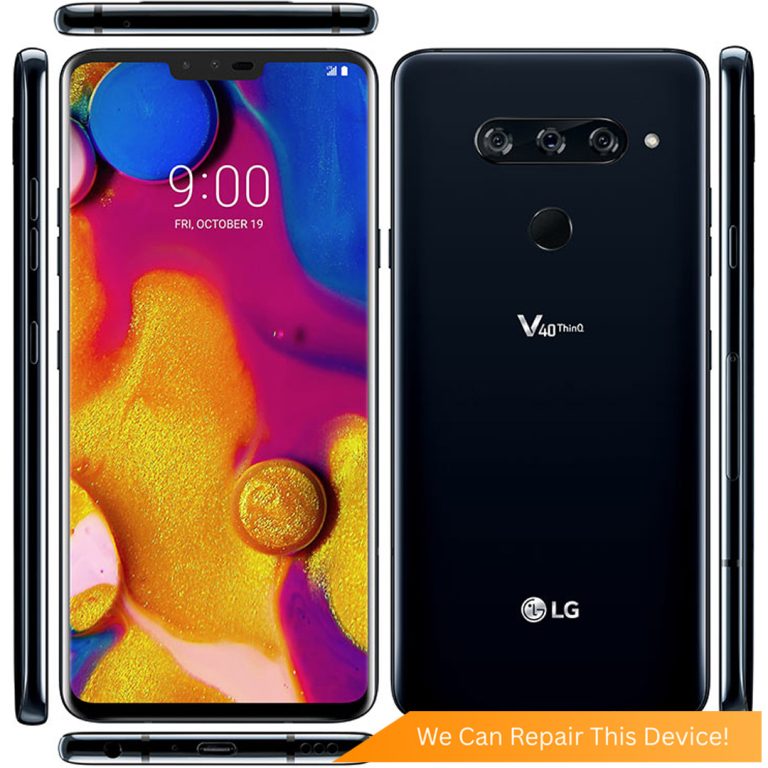
LG V40 ThinQ Repair Services & Price
| Repair | Parts grade | Warranty | Price | Enquire |
|---|---|---|---|---|
| LG V40 ThinQ Battery Replacement | Original Grade | S$40 | WhatsApp us | |
| LG V40 ThinQ Camera Lens Replacement | Original Grade | S$30 | WhatsApp us | |
| LG V40 ThinQ Camera Removal | S$30 | WhatsApp us | ||
| LG V40 ThinQ Charging Port Replacement | Original Grade | S$30 | WhatsApp us | |
| LG V40 ThinQ Screen Repair | Original Grade | S$100 | WhatsApp us | |
| LG V40 ThinQ Power Button Replacement | S$45 | WhatsApp us | ||
| LG V40 ThinQ Volume Button Replacement | On quote | WhatsApp us | ||
| LG V40 ThinQ Water Damage Repair | Chemical Wash | S$45 | WhatsApp us |
LG Repair Services in Singapore
The prices above are for the LG V40 ThinQ. To compare a repair across every LG we handle, open the service.
Explore More LG Repairs
Per-model prices, warranty and the full list of repairs for each one. All 23 models we repair, also listed on the LG repair page.
- LG V60: LG V60 ThinQ Repair
- LG V50S: LG V50S ThinQ Repair
- LG V50: LG V50 ThinQ Repair
- LG V40: LG V40 ThinQ Repair
- LG V30: LG V30 Plus Repair | LG V30 Repair
- LG V20: LG V20 Repair
- LG V10: LG V10 Repair
- LG Q6: LG Q6 Repair
- LG G8X: LG G8X ThinQ Repair
- LG GX2: LG GX2 Repair
- LG G8S: LG G8S ThinQ Repair
- LG G8: LG G8 ThinQ Repair
- LG G7: LG G7 ThinQ Repair | LG G7 Plus Repair
- LG G6: LG G6 Plus Repair | LG G6 Repair
- LG G5: LG G5 Repair
- LG G4: LG G4 Repair
- LG G3: LG G3 Repair
- LG G2: LG G2 Repair
- LG X: LG X Power Repair | LG X Repair
Can't Find Your Model?
Don't see your exact LG model or the repair you need? WhatsApp us a photo of your device and we'll have a check, then send a transparent nett quote.
Why Citri Mobile for LG V40 ThinQ repair?
- 🏅
Quality parts & diagnostics
Quality Original Grade and Grade AAA parts, professional tools and full diagnostics for every device. - 🏆
Carousell Best Service Provider
Carousell 2024 & 2025 award winner. - 🤝
Carousell Preferred Partner
Trusted by thousands across Singapore for LG V40 ThinQ repair. - ✅
CaseTrust Accredited
Recognised for fair and ethical business practices, transparent pricing. - ⭐
5.0★ · 3,000+ reviews
Across Google and Carousell, consistently rated for fast, reliable, honest repairs at all four shops. - ⚡
On-the-spot repair, fair nett pricing
Most LG V40 ThinQ repairs are done while you wait, generally 30–90 minutes, at wholesale rates with no hidden charges. - 🔒
Your data stays safe
Photos, apps and settings are kept intact for most repairs.
Apple Independent Repair Provider Testimonials Our locations
Before You Send In Your LG V40 ThinQ for Repair
A quick checklist so your LG V40 ThinQ repair goes smoothly. We don't wipe your device for most repairs, but a little prep helps.
- Back up your data first. Most repairs are data-safe, but always back up your photos and important files before any repair, just in case.
- Remove your SIM & memory card. Take out the SIM tray and any microSD card before handing your device over.
- Take off accessories. Remove your casing, pop socket, screen protector and any straps so we can work on the device.
Where to Repair Your LG V40 ThinQ in Singapore
Walk in to any of our 4 repair shops for your LG V40 ThinQ repair. We're open 11am–9pm daily, no appointment needed — message us first if you want us to confirm your part is in stock.
-
Chinatown
People’s Park Centre, #01-47, Singapore 058357 11:00 AM – 9:00 PM · daily -
Tampines
503 Tampines Central 1, #01-299, Singapore 520503 11:00 AM – 9:00 PM · daily -
Jurong
CarousellMOBILE Jurong Point, #B1-34A, Singapore 648886 11:00 AM – 9:00 PM · daily -
Yishun
Blk 846 Yishun Street 81, #01-3643, Singapore 760846 11:00 AM – 9:00 PM · daily
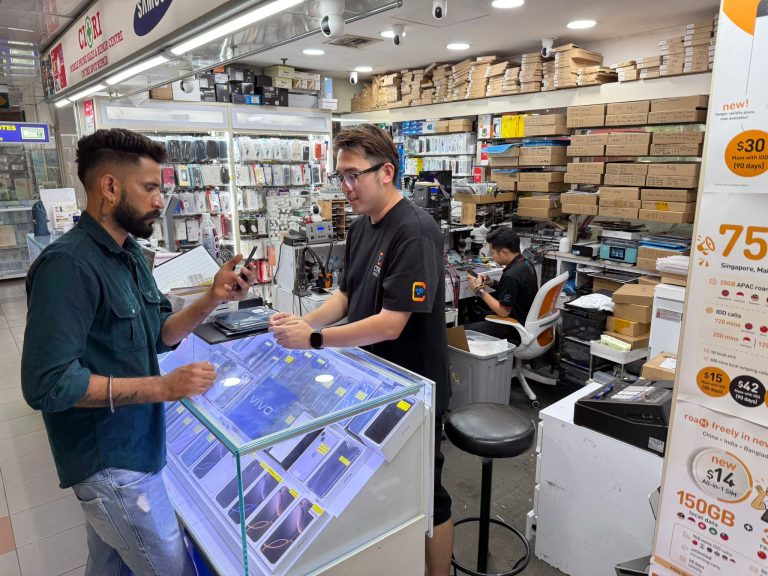
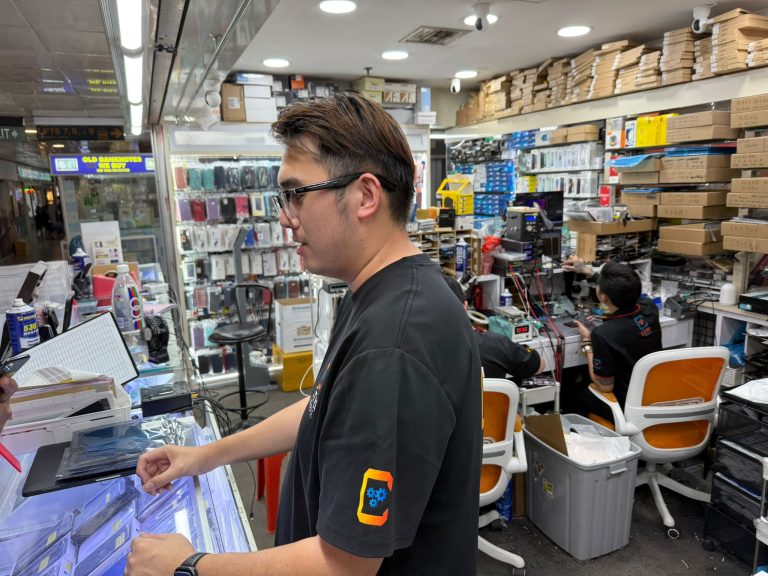
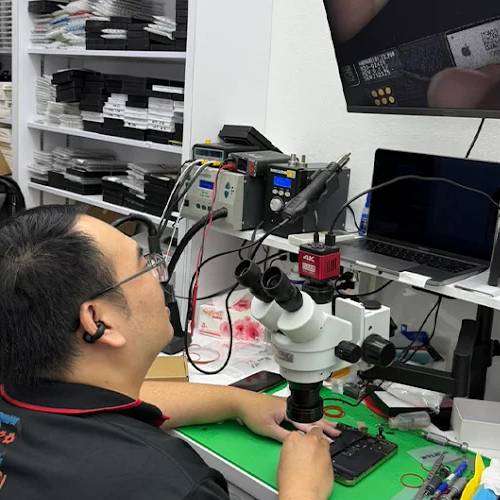
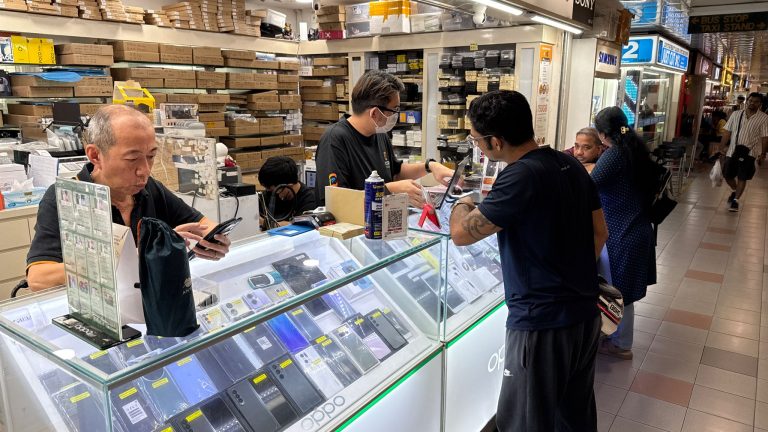
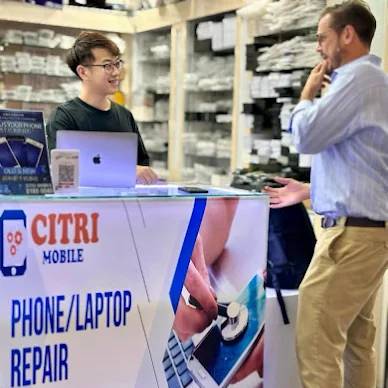
Inside Our Workshop: LG V40 ThinQ repair in Singapore
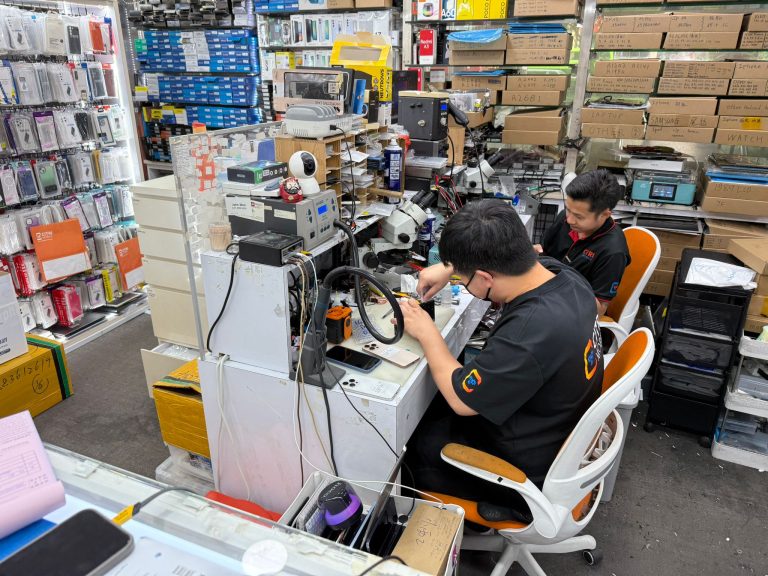
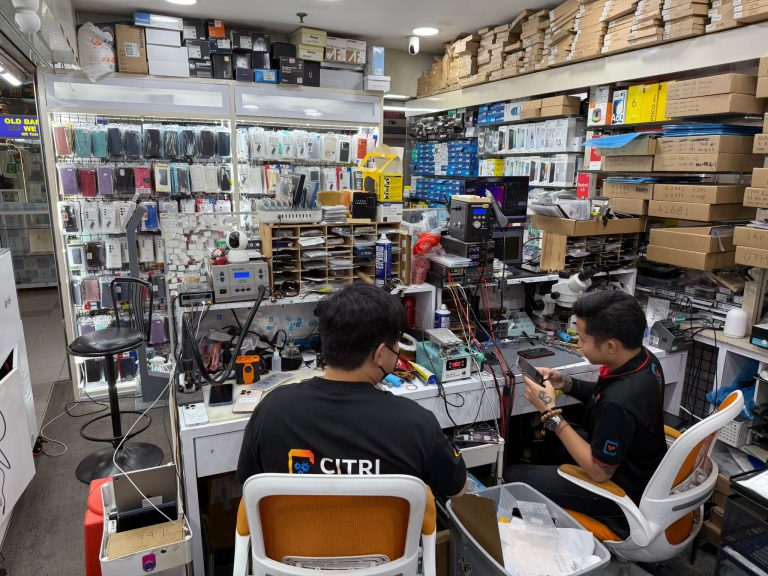
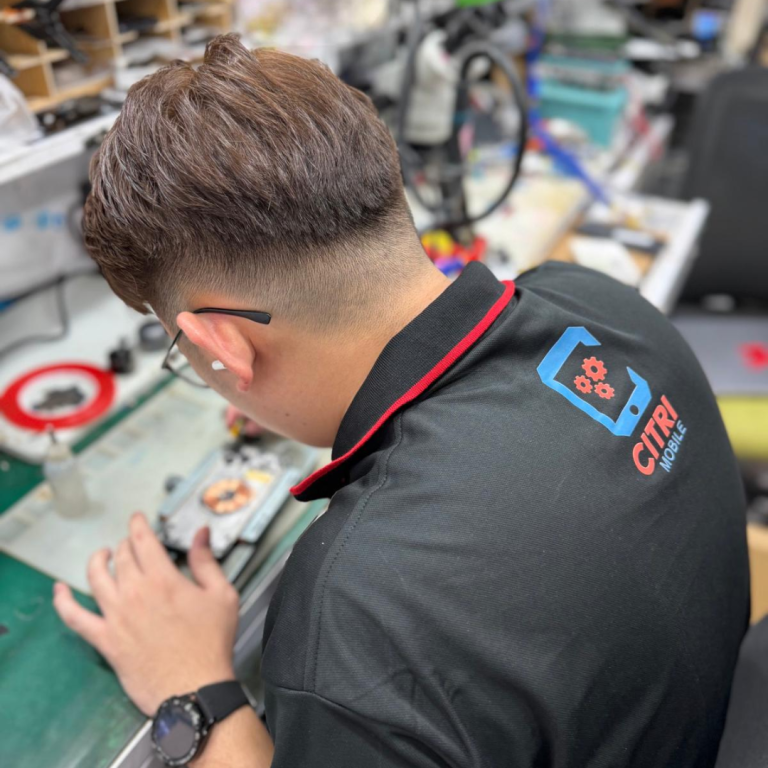
FAQ For LG V40 ThinQ Repair
- 1. What should I do if my LG V40 ThinQ has water damage?
- We understand how stressful it can be to deal with water damage on your phone. At Citri Mobile, we offer a comprehensive water damage repair and chemical wash for your LG V40 ThinQ. Our skilled technicians can often fix water damage quickly, usually within 45 minutes. If you're looking for an official LG service, you can also <a href=""https://www.lg.com/us/support/repai; "
- 1. What should I do if my MacBook Air 15-inch A3114 won't turn on?
- We understand how frustrating it can be when your MacBook won't power up. First, check to ensure that the issue isn't related to battery or power supply. If simple troubleshooting doesn't work, it could indicate a more serious issue. For detailed steps, visit our blog on what to do when your MacBook Pro or Air won’t power on. You can also start a repair request through Apple Repair.
- 2. How can I tell if my MacBook Air 15-inch A3114 needs a battery replacement?
- It can be quite concerning to see your MacBook's battery drain more quickly than usual. Signs of a failing battery include the device shutting down unexpectedly or the battery not holding a charge as long as it used to. For more signs and symptoms, check out our detailed guide on how to tell if your MacBook battery needs replacement. Consider exploring AppleCare+ for service and support options.
- 3. My MacBook Air 15-inch A3114 is overheating. What should I do?
- Overheating can seriously impact your MacBook's performance and longevity. This might be caused by blocked vents, high internal dust levels, or intensive application usage. For immediate tips on how to manage and resolve overheating, visit our blog on resolving MacBook overheating issues. For professional help, you can always visit Citri Mobile or consult Apple's official MacBook repair and service.
- 4. What are common reasons for a MacBook Air 15-inch A3114 running slow, and how can I fix it?
- Experiencing a slow MacBook can be quite hindering to your productivity. Common causes include outdated software, full hard drives, or background applications consuming excessive resources. For a comprehensive guide on speeding up your MacBook, check out causes and fixes for slow MacBook performance. Additional resources can be found on Apple's MacBook repair and service page.
- 5. I spilled water on my MacBook Air 15-inch A3114. What steps should I take?
- Water damage can be devastating to your MacBook. First, turn off your MacBook immediately and disconnect any power source. Do not attempt to turn it back on to avoid further damage. For a detailed action plan, read our guide on liquid damage repair for MacBook in Singapore. It's crucial to get professional help quickly, so consider visiting Citri Mobile for an in-store diagnosis.
- 6. How do I prepare my MacBook Air 15-inch A3114 for repair?
- Preparing your MacBook for repair is an important step to ensure that your data remains safe and the repair process goes smoothly. Start by backing up all important data. For a checklist on what to do before and after sending your MacBook for repair, visit our servicing checklist. You can also find more information on Apple's official repair portal.
- 7. What options do I have if my MacBook Air 15-inch A3114's screen is cracked?
- A cracked screen can significantly disrupt your ability to work efficiently. Citri Mobile specializes in original-grade screen repairs and replacements. Learn more about diagnosing and fixing screen issues on our blog about MacBook screen problems. For official support, visit Apple's MacBook repair and service.
- 8. Why is my MacBook Air 15-inch A3114's keyboard not responding, and what can I do?
- Keyboard issues can be particularly annoying, impacting both work and communication. This could be due to dirt, liquid spills, or a hardware failure. For troubleshooting tips, check out our article on non-responsive MacBook keyboards. For repairs, consider visiting Citri Mobile or check out Apple's repair services.
- 9. My MacBook Air 15-inch A3114's trackpad is unresponsive. What should I do?
- An unresponsive trackpad can drastically affect your ability to navigate your MacBook. This issue might be due to settings, a software glitch, or hardware malfunction. For troubleshooting steps, visit our blog on troubleshooting an unresponsive MacBook trackpad. For professional repair, you can start a service request at Apple Repair.
- 10. How can I address software issues and macOS errors on my MacBook Air 15-inch A3114?
- Software issues can manifest in various frustrating ways, from slow performance to apps not functioning properly. To address macOS errors and update problems, check out our detailed guide on macOS, update, and software errors. For additional support, you may also consider Apple's MacBook repair and service.
- 11. What should I do if my MacBook Air 15-inch A3114 is not charging?
- Charging issues can be due to problems with your charger, charging port, or internal battery. It's important to diagnose this issue correctly to avoid further damage. For tips on fixing charging failures, visit our blog on MacBook charging issues. If you need professional help, Citri Mobile offers in-store diagnostics and repairs.
- 12. How can I ensure my data is safe before sending my MacBook Air 15-inch A3114 for repair?
- Before sending your MacBook for repair, it's crucial to back up all your important data to avoid any potential data loss. For tips on how to effectively back up your MacBook, visit our guide on how to back up your MacBook before repair. For further assistance, you can always consult Apple's official support.
About the LG V40 ThinQ
The LG V40 ThinQ is known for its impressive five-camera setup and high-resolution OLED display, making it a favorite among photography enthusiasts and multimedia users. However, its sophisticated features, like the delicate screen and advanced hardware, can be vulnerable to damage such as screen cracks, battery degradation, and issues with the USB-C port. Given the complexity of modern smartphones, professional repair services are crucial to maintain the functionality and longevity of your LG V40 ThinQ.
LG V40 ThinQ Repair Services
At Citri Mobile, we offer a comprehensive range of repairs for the LG V40 ThinQ, using only high-quality Original Grade parts to ensure your device returns to its optimal condition.
Screen & Display Repairs
We understand how frustrating a cracked or malfunctioning display can be. If your LG V40 ThinQ suffers from screen damage or display issues, check out our LCD Repair and Replacement service. Our expert technicians can restore your screen's clarity and responsiveness quickly.
Battery Repairs
A failing battery can significantly hinder your device's performance. If your LG V40 ThinQ no longer holds a charge as it used to, consider our Battery Repair and Replacement service. We can help you regain reliable battery life for your device.
Camera & Face ID Repairs
Issues with cameras or facial recognition can diminish your experience. Whether you need a Camera Removal or a Camera Lens Repair and Replacement, our technicians are ready to restore your device's photographic capabilities.
Charging Port, Buttons & Other Repairs
Problems with charging ports, buttons, or other components can be annoying. We offer Charging Port Repair and Replacement, Volume Button Repair and Replacement, and Power Button Repair and Replacement to ensure every aspect of your LG V40 ThinQ is functioning perfectly.
Motherboard & Water Damage Repairs
Severe issues like water damage require expert attention. Our Water Damage Repair and Chemical Wash service is designed to address and rectify damage from liquids effectively.
How Our Repair Service Works
- Simply walk into our store anytime between 11am and 9pm, no appointment necessary.
- Receive a free diagnosis from our expert technicians to identify the issue.
- Get an instant quote with a clear breakdown of the repair costs.
- Our skilled technicians will perform the repair swiftly, typically within 15–45 minutes.
- Leave with a functioning device, backed by our warranty for your peace of mind.
LG V40 ThinQ Repair Reviews
3,000+ reviews across Google and Carousell, left by customers at our Chinatown, Tampines, Yishun and Jurong Point shops. The Google ones are loaded live below.