
MacBook Touchpad Replacement in Singapore
Original Grade
MacBook trackpad replacement at Citri Mobile costs from $120 nett, the same price across the range and listed per model in the table below, with a free swollen-battery check first and a warranty of up to 100 days at four walk-in branches across Singapore.
30-100 Days Warranty · Most Repairs Done Same Day · Data Untouched On Most Jobs.


MacBook Touchpad Replacement Prices by Model
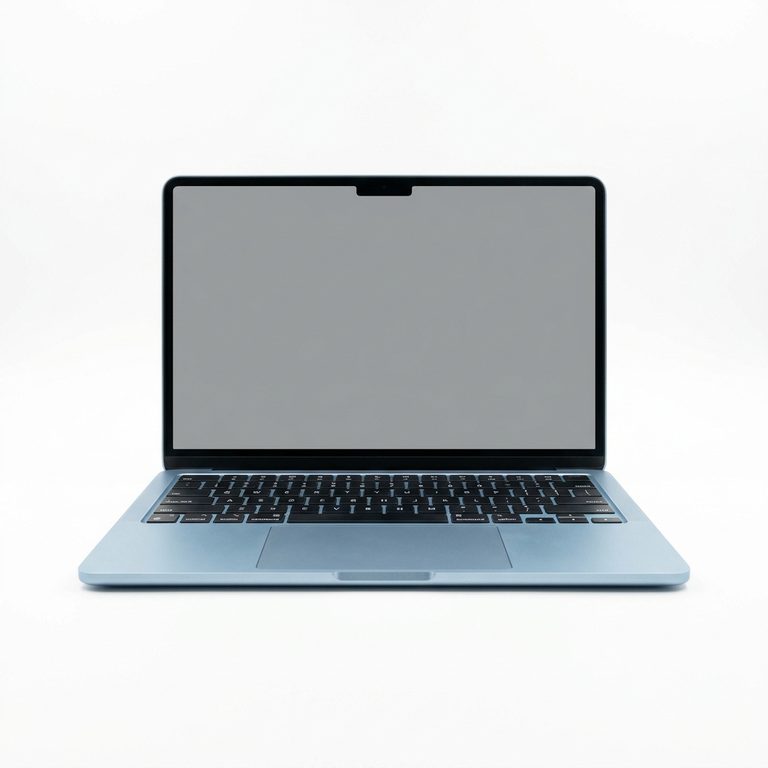
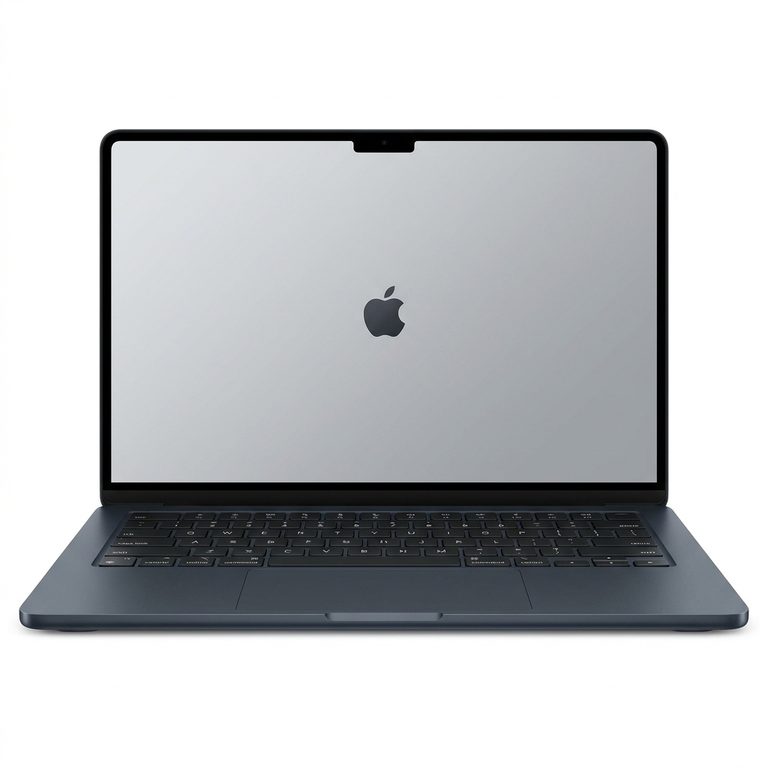
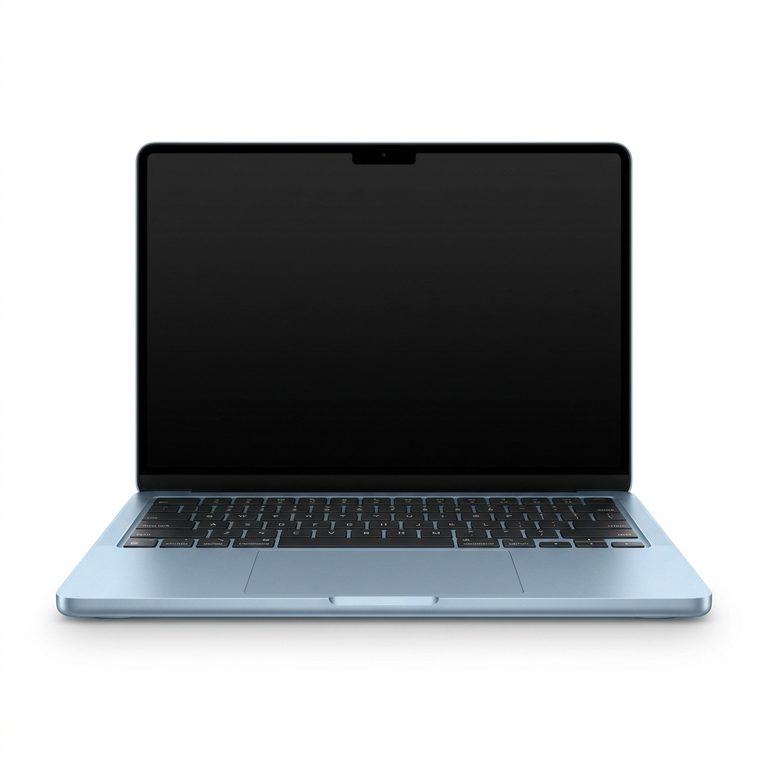
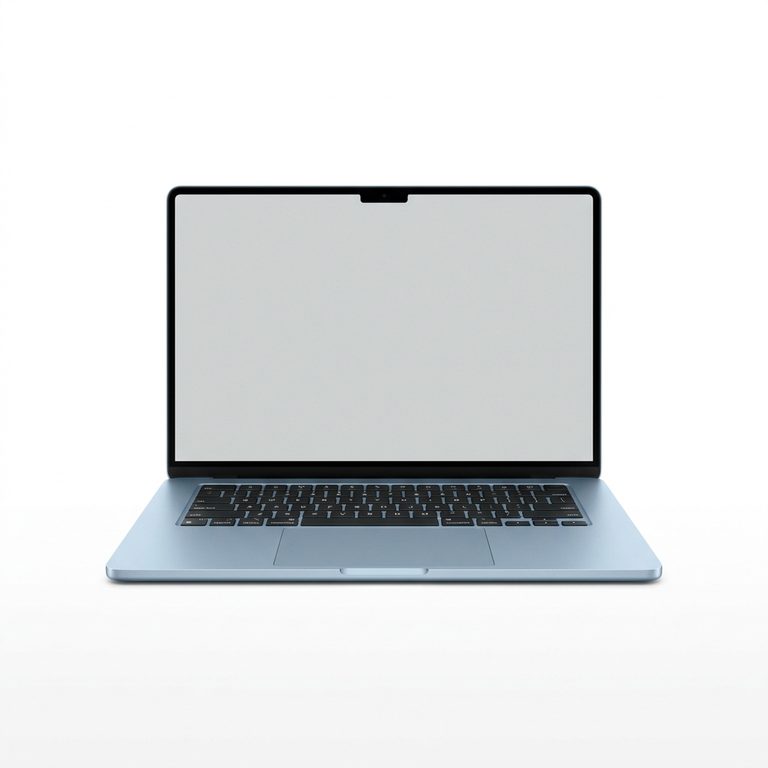
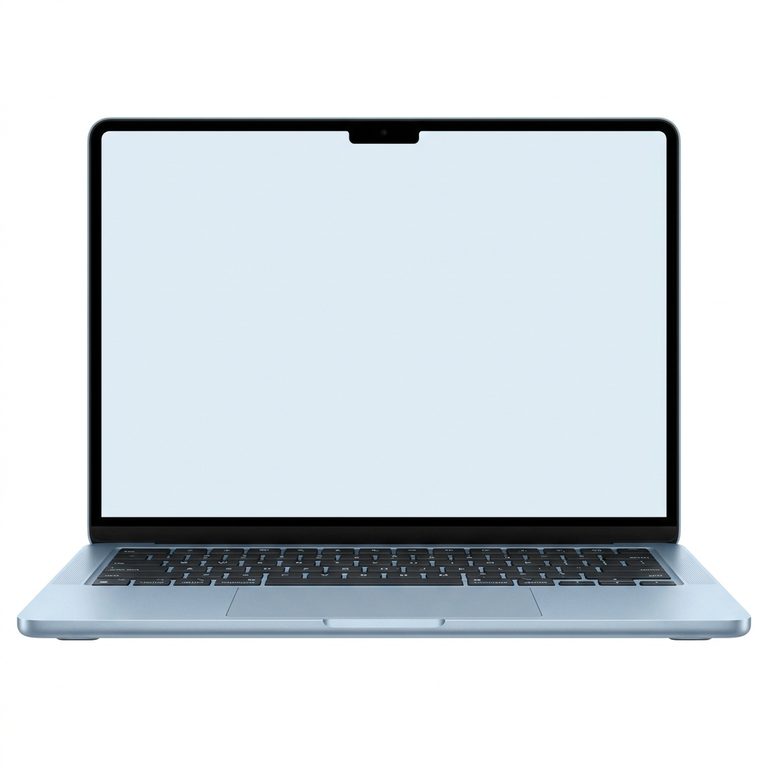
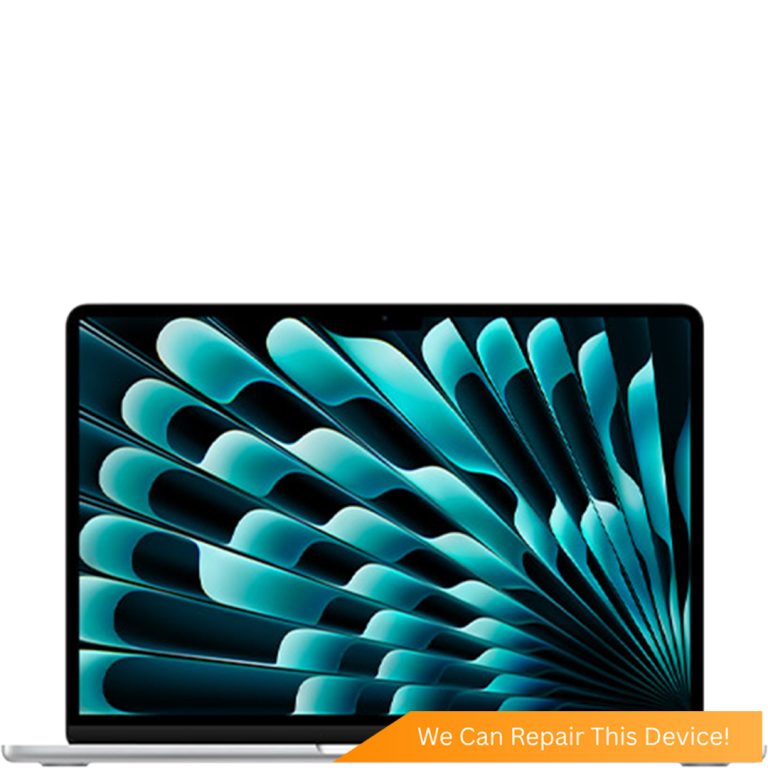
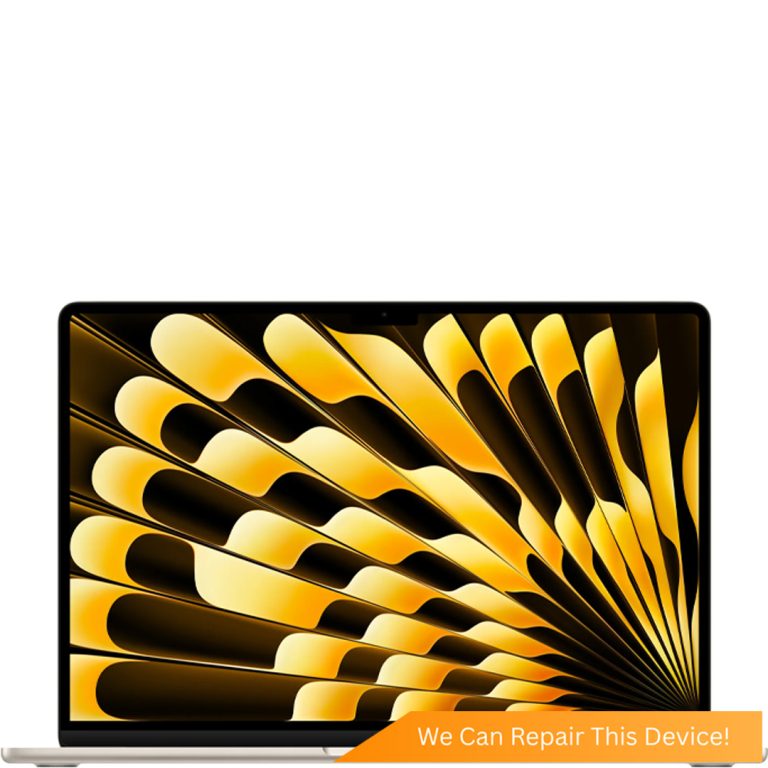
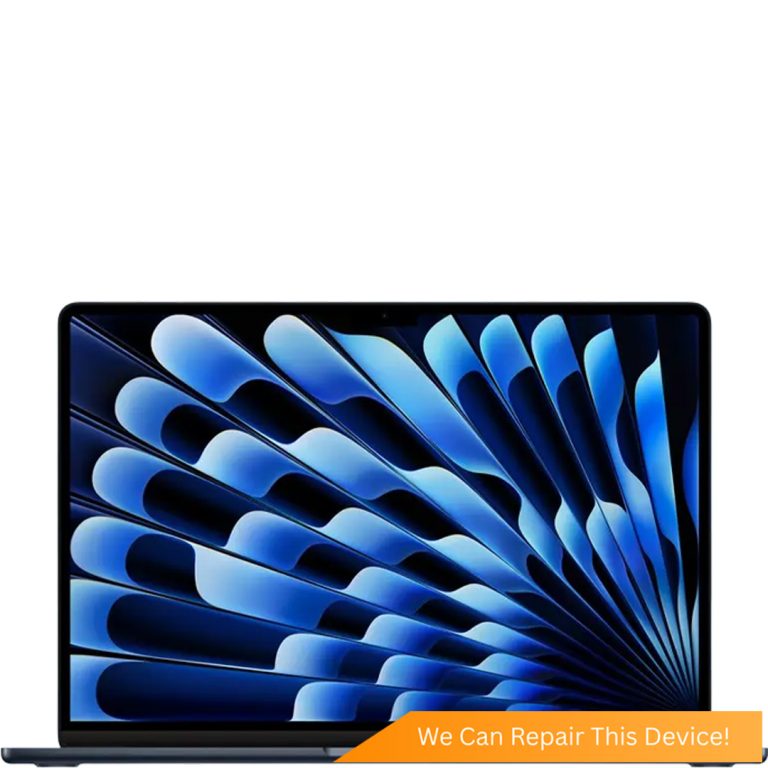
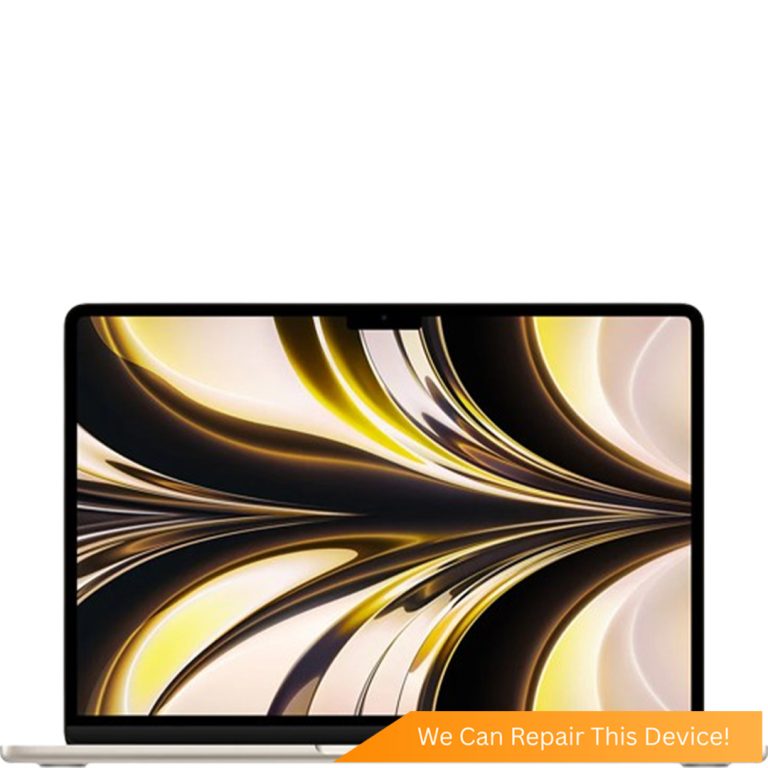
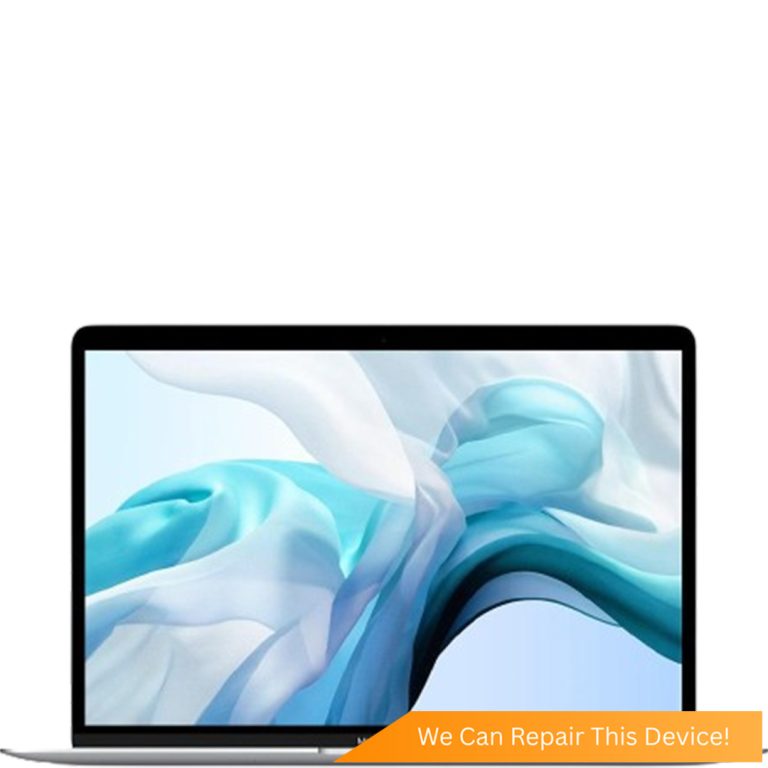
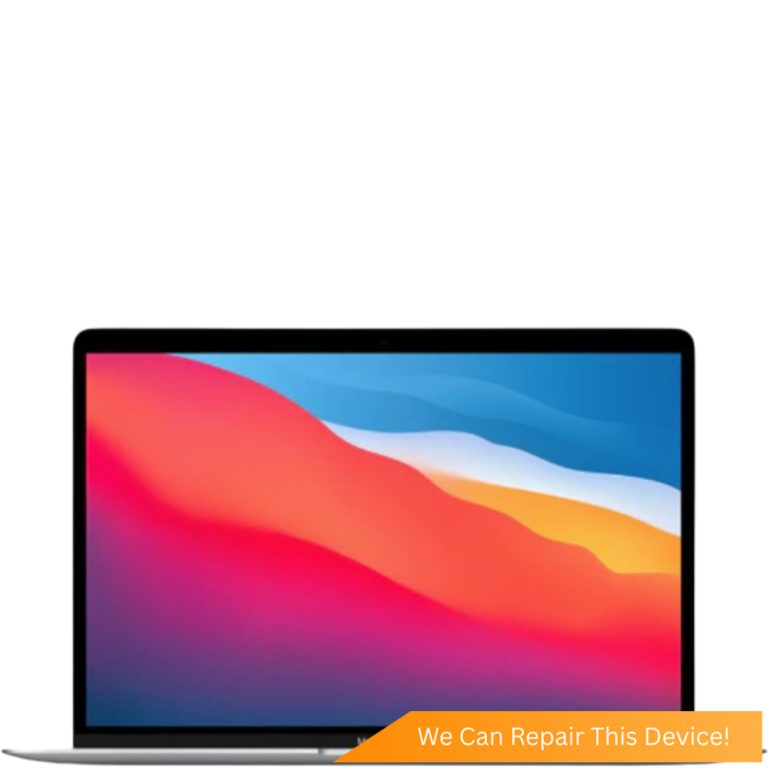
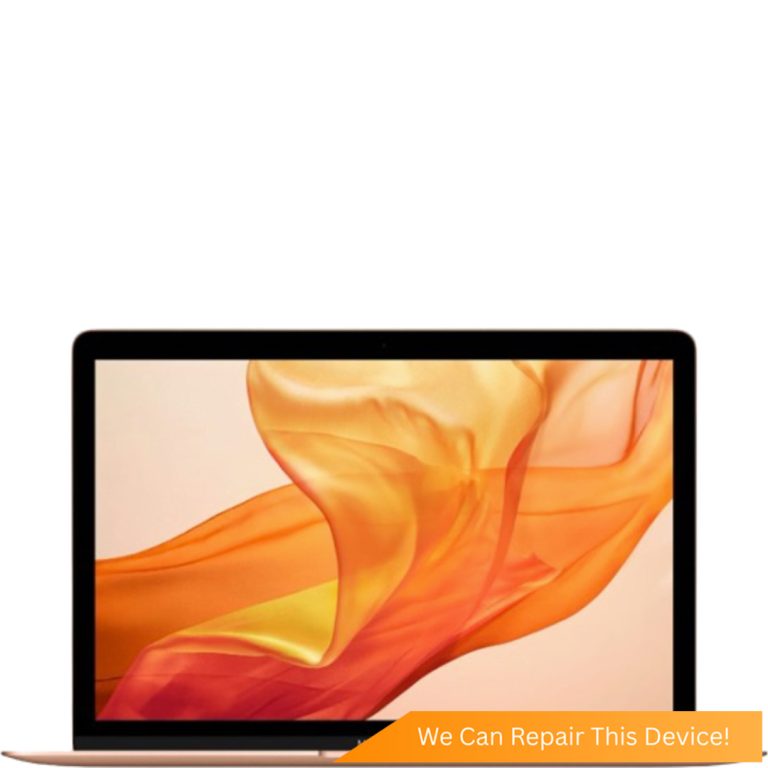
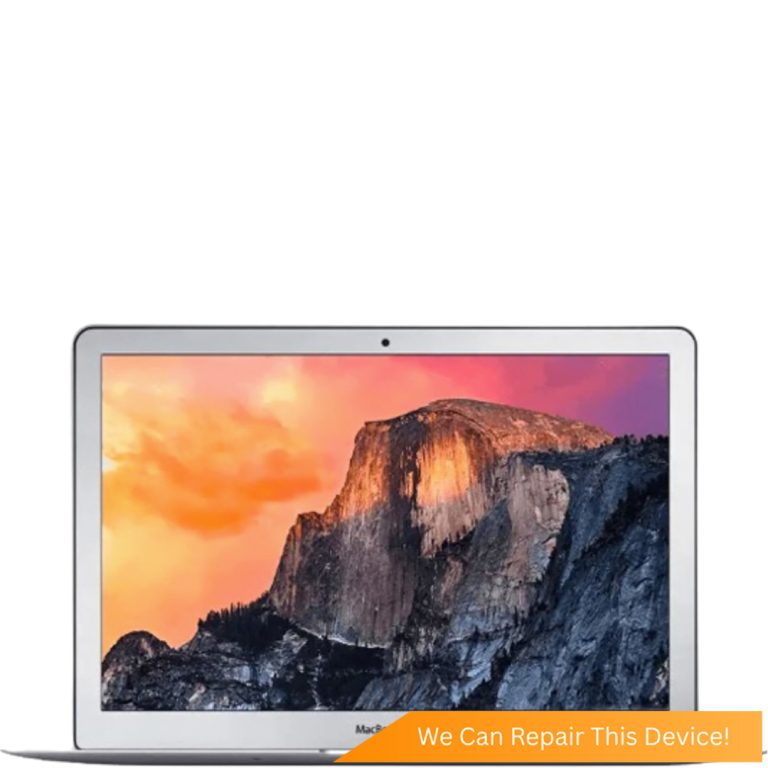
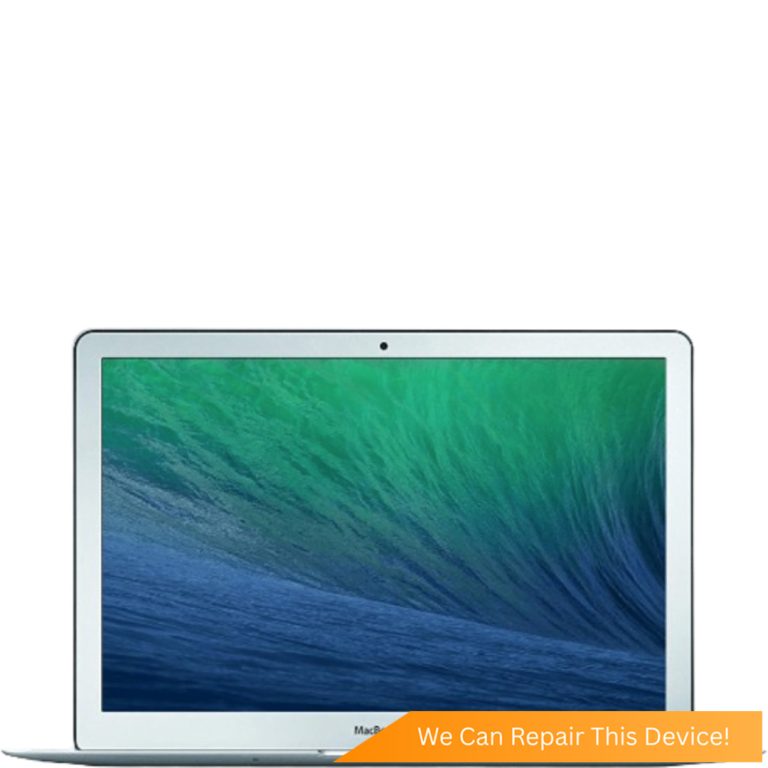
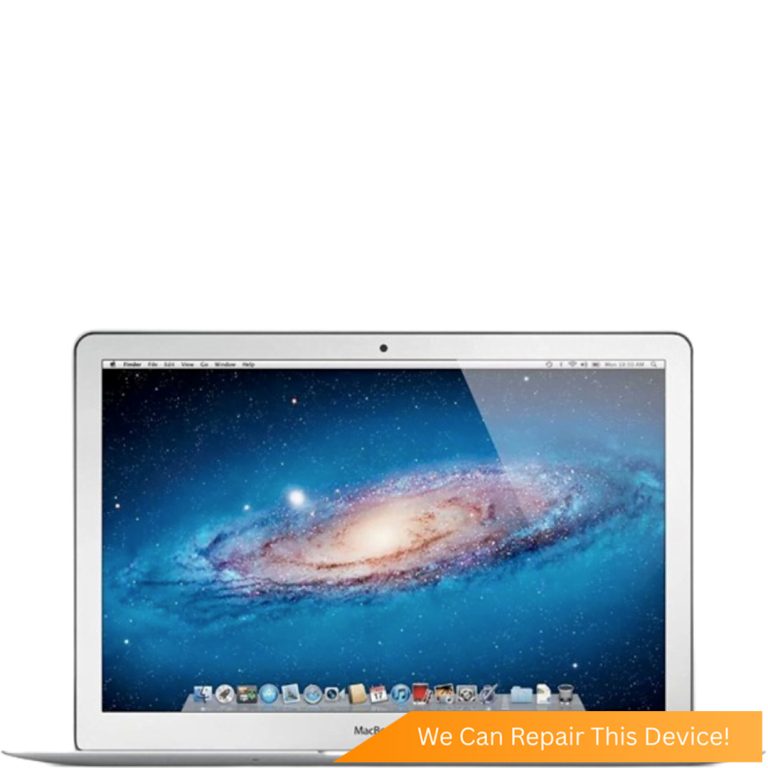
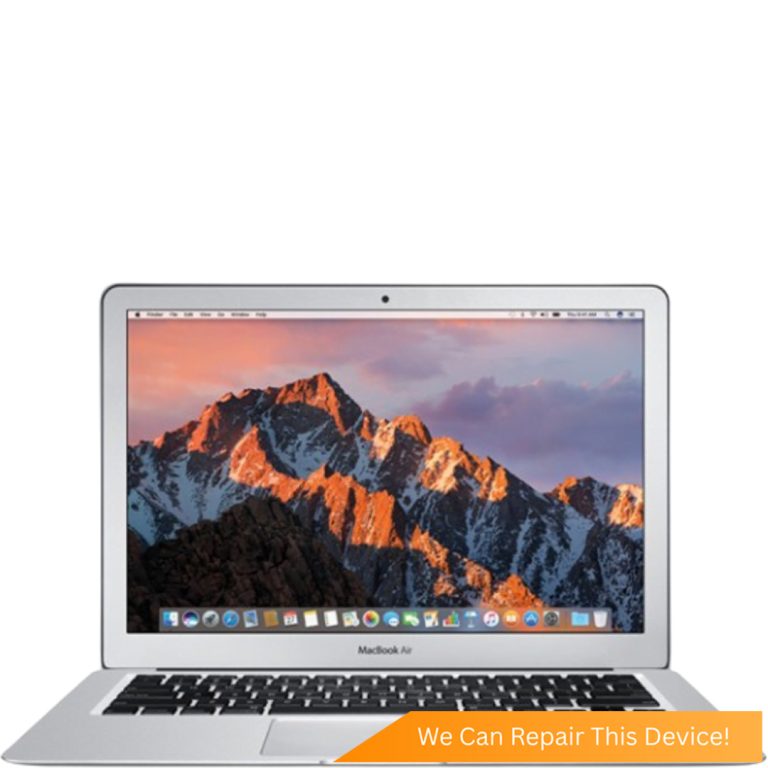
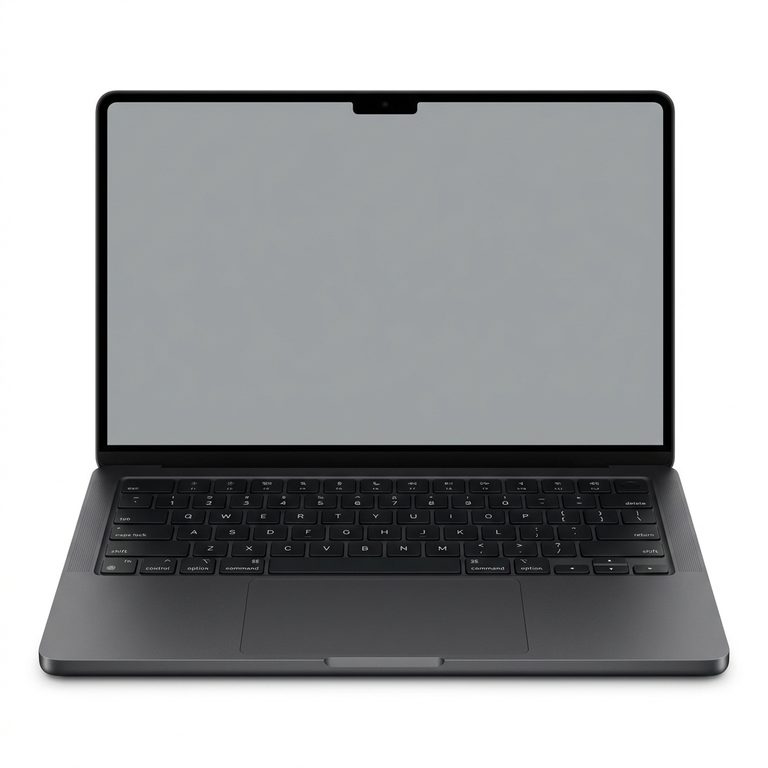
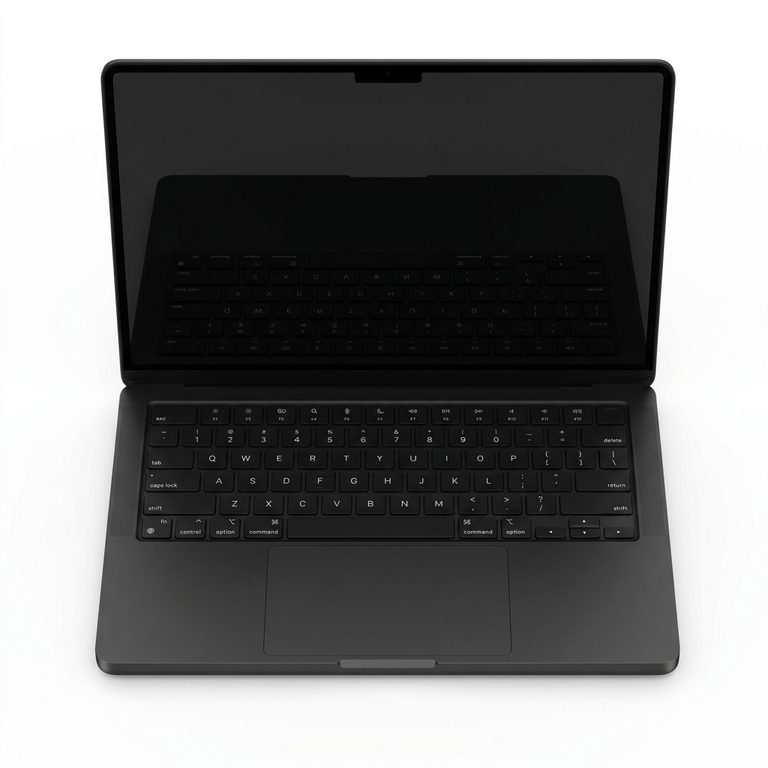
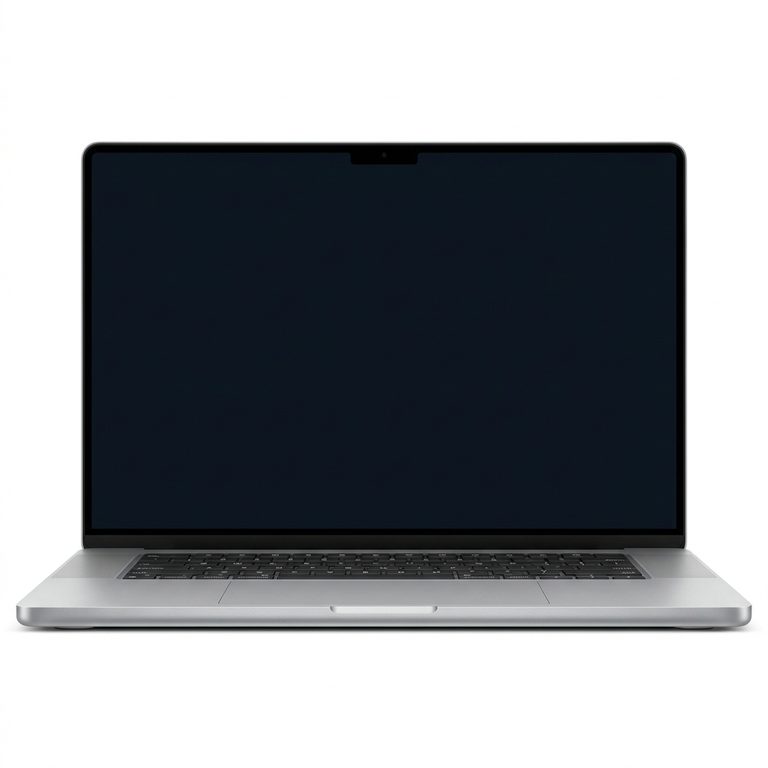
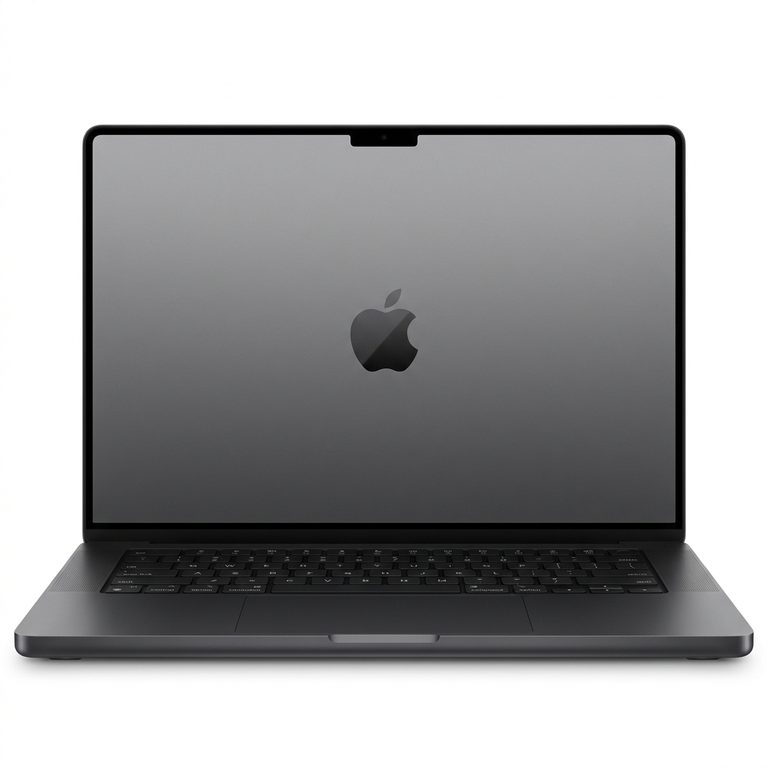
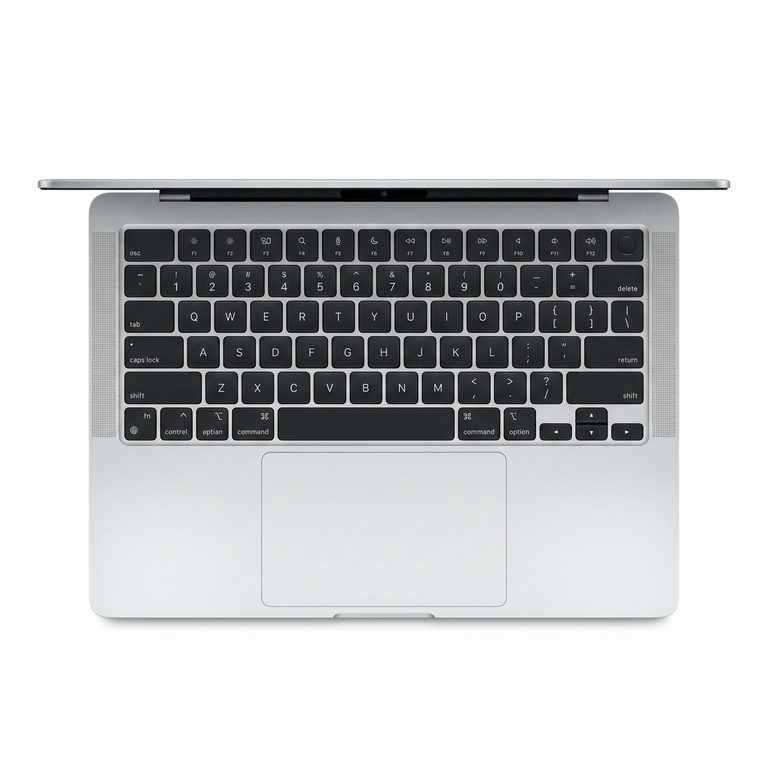
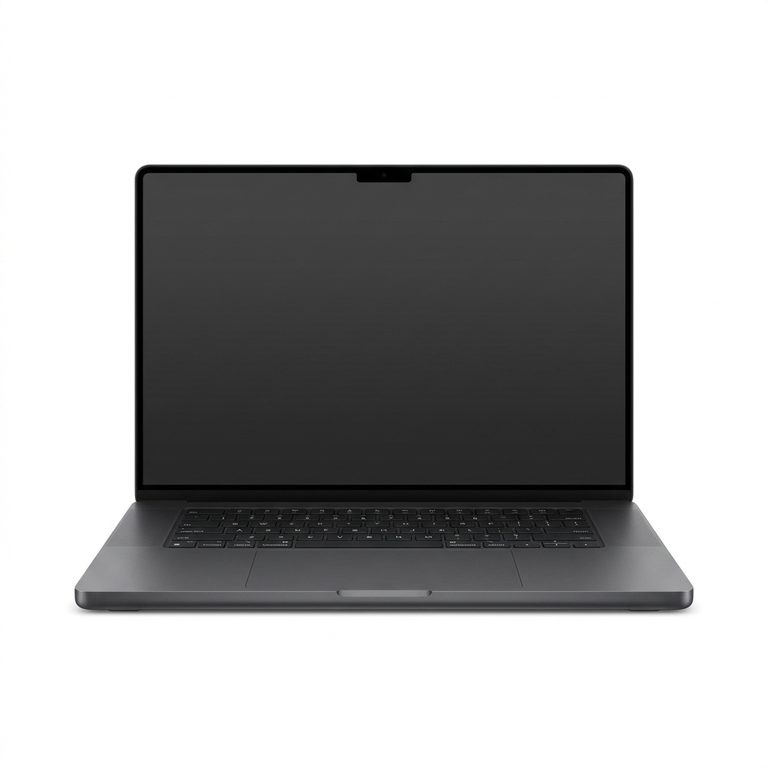
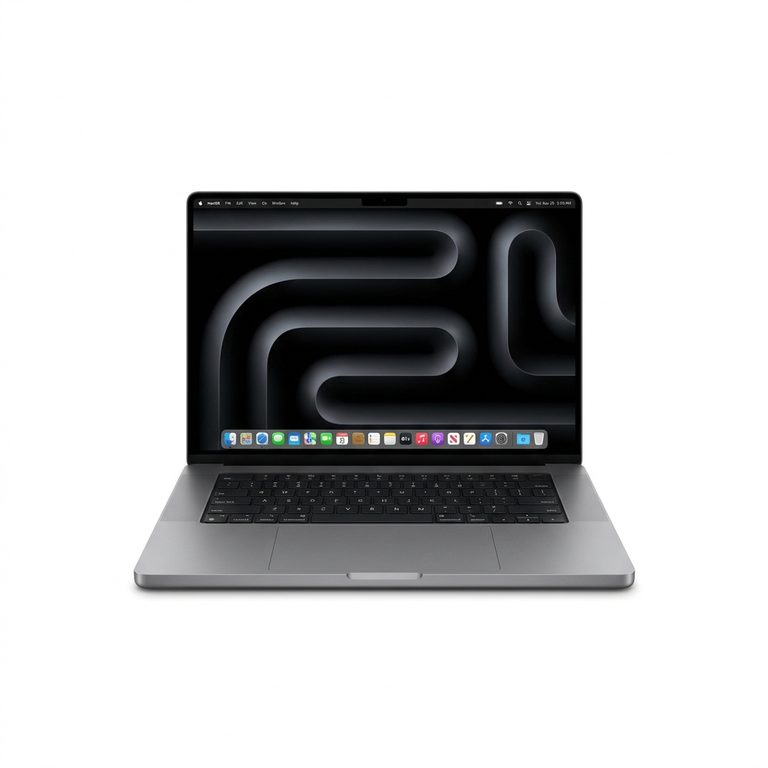
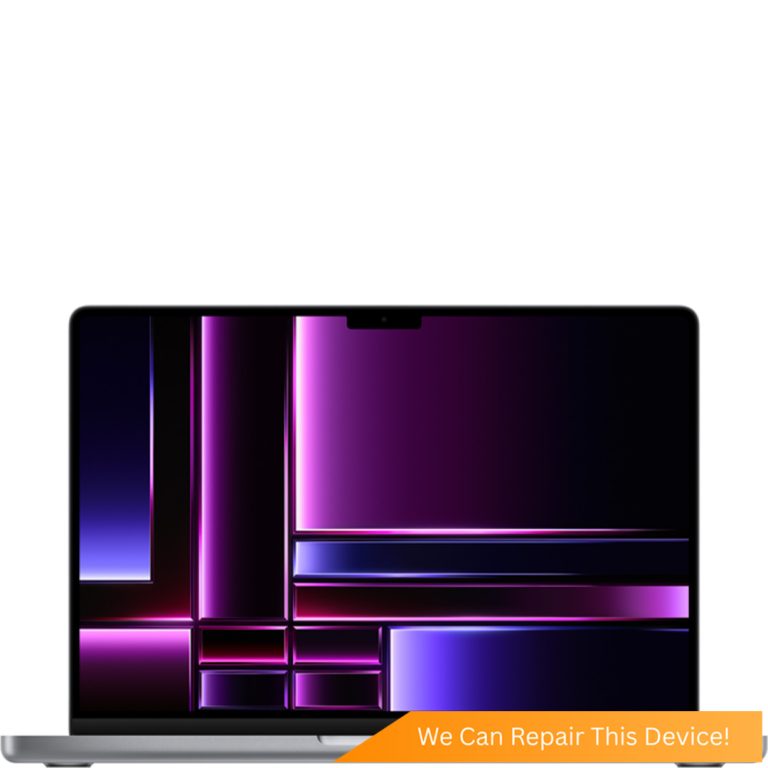
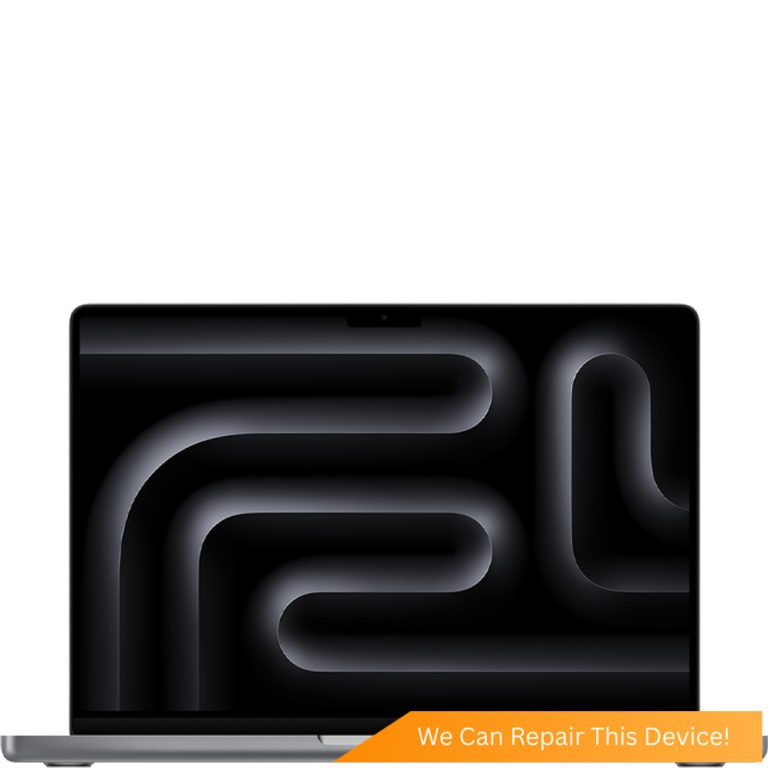
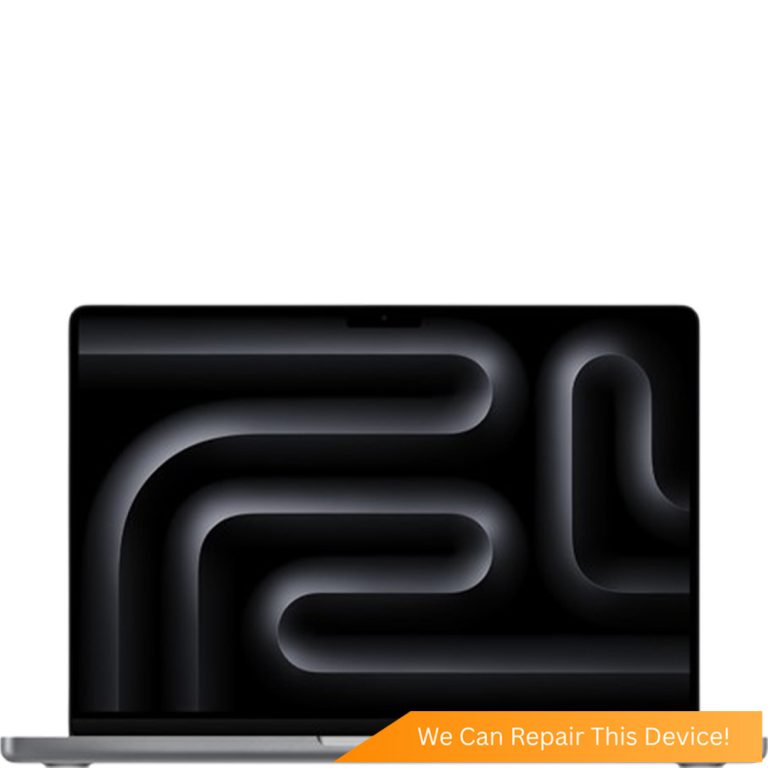
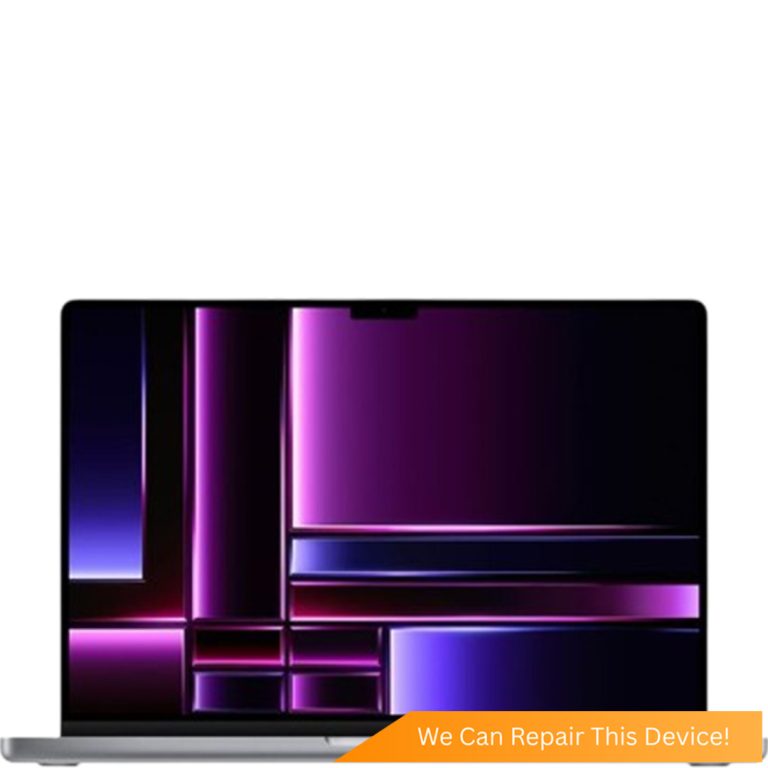
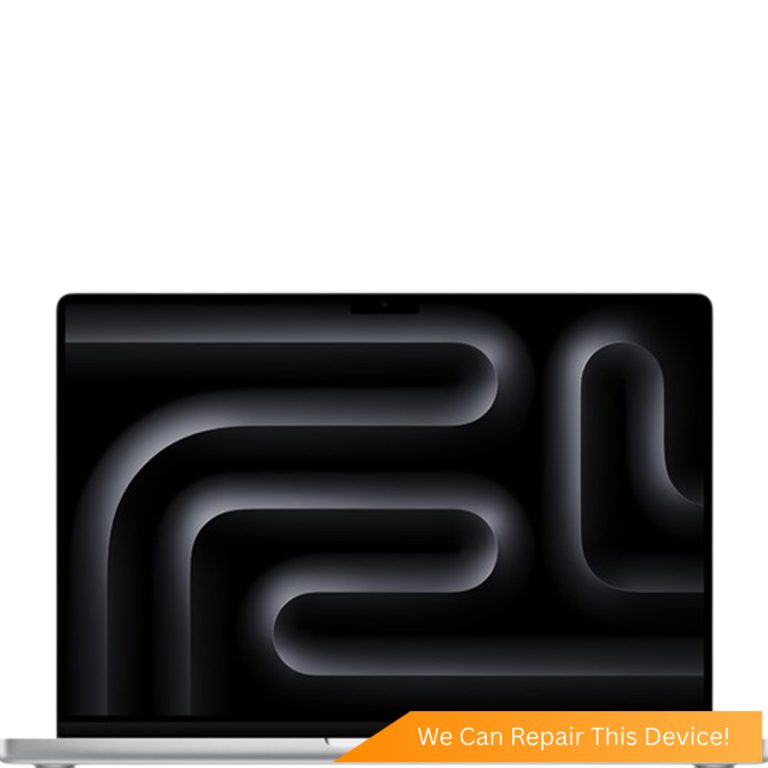
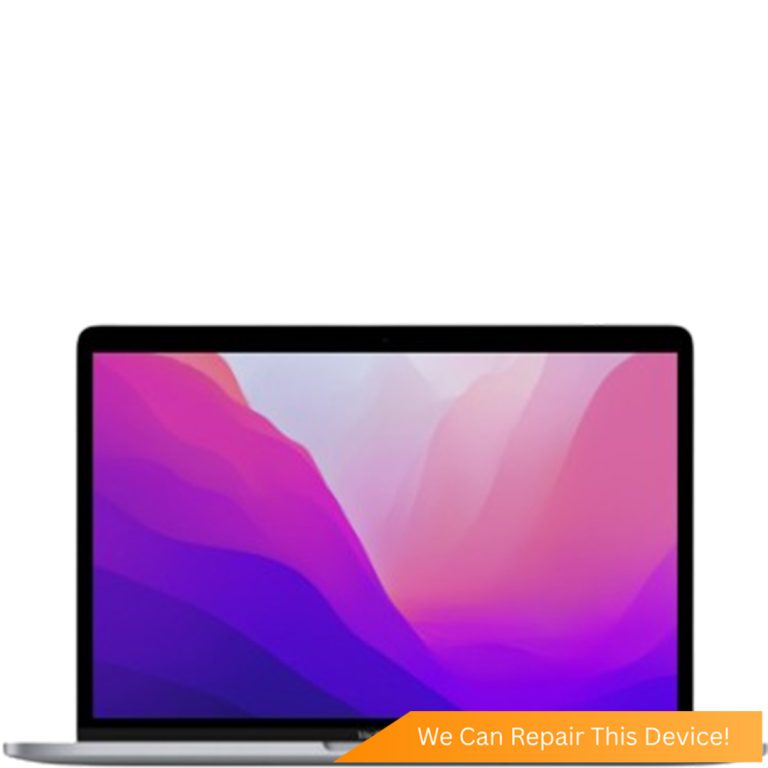
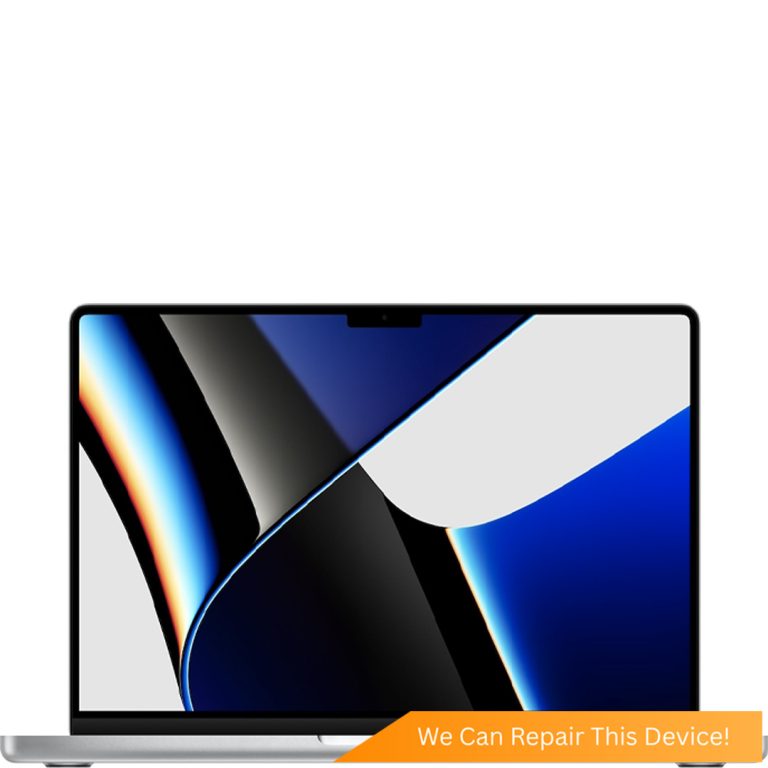
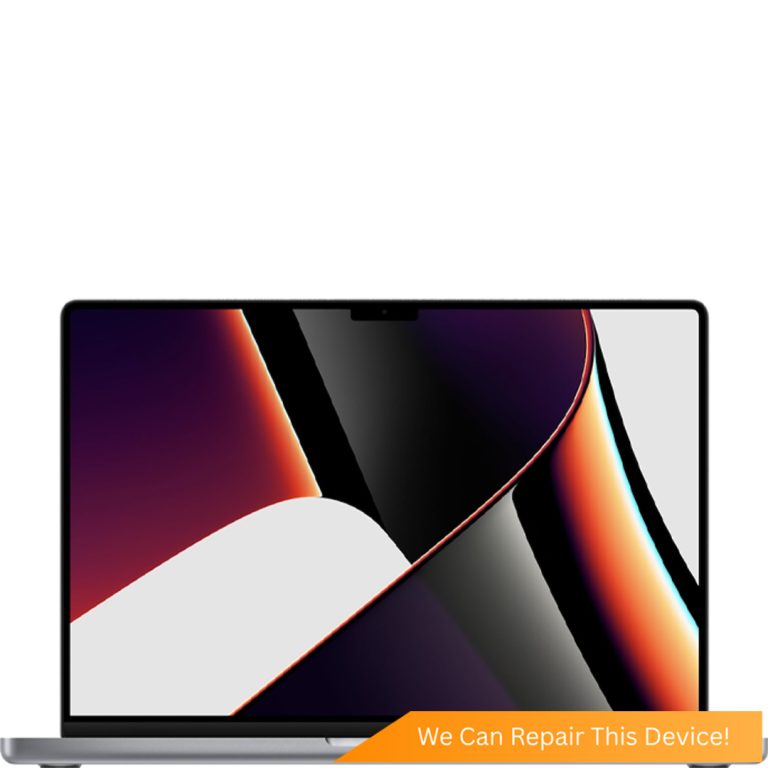
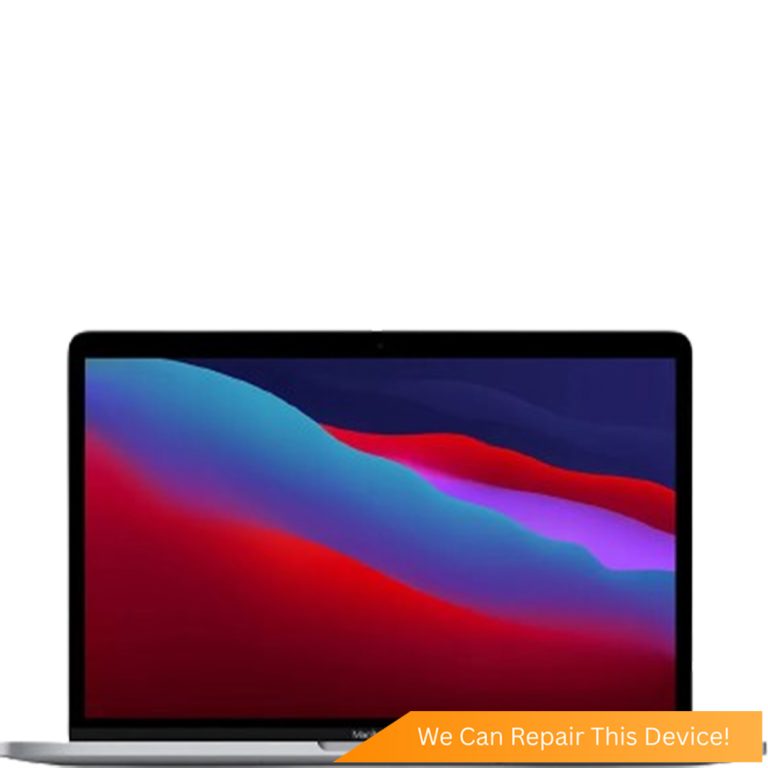
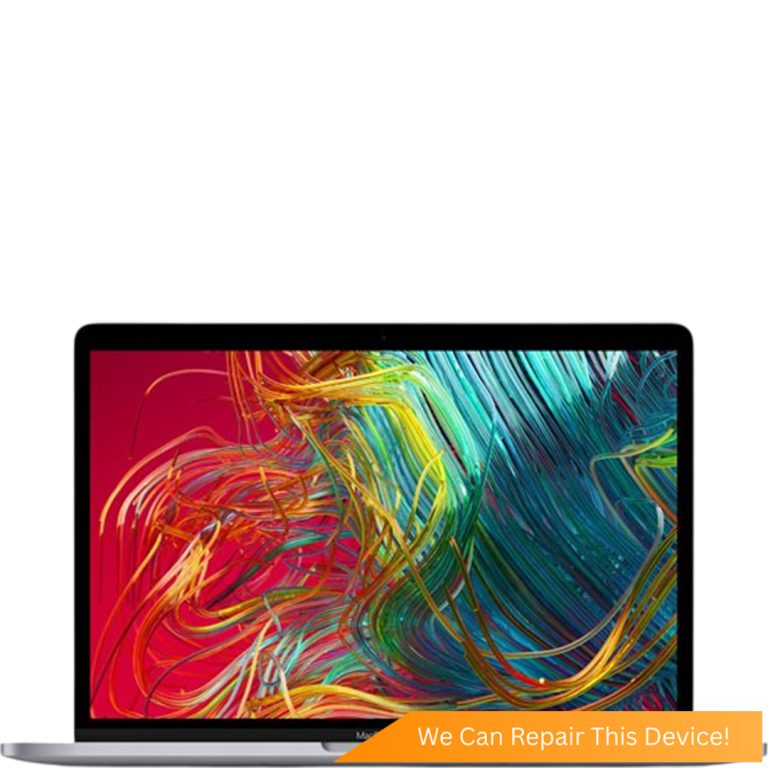
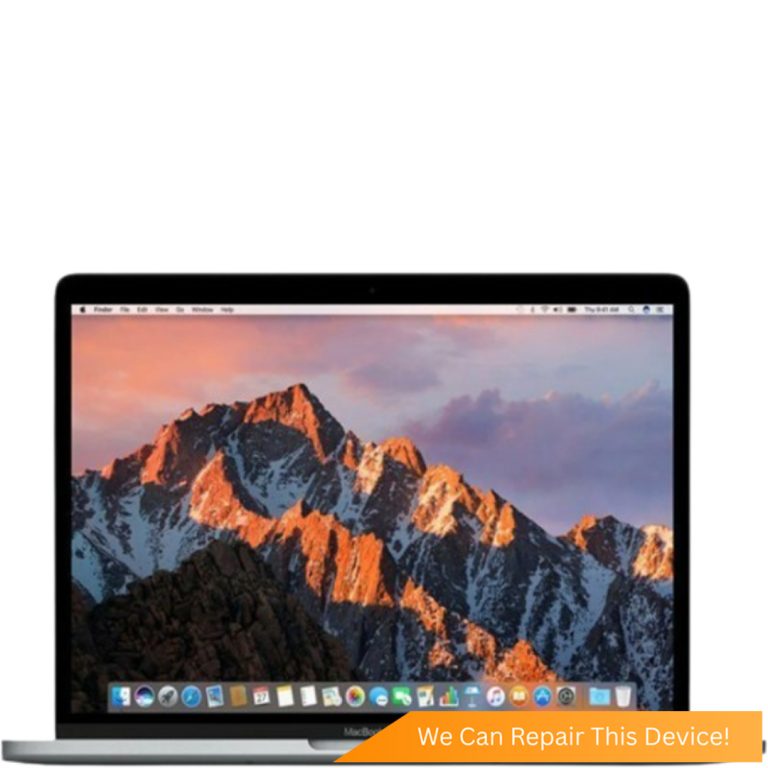
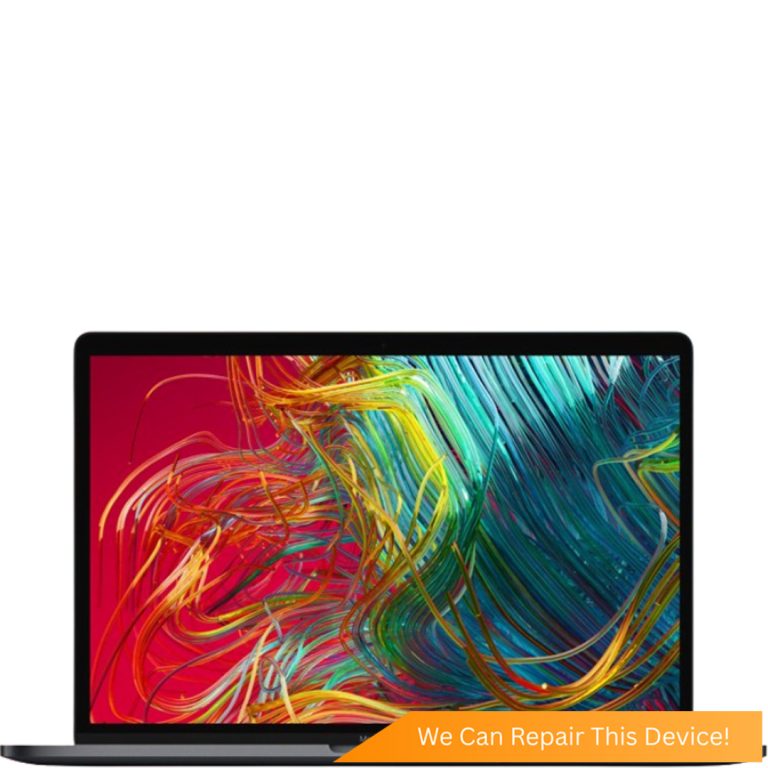
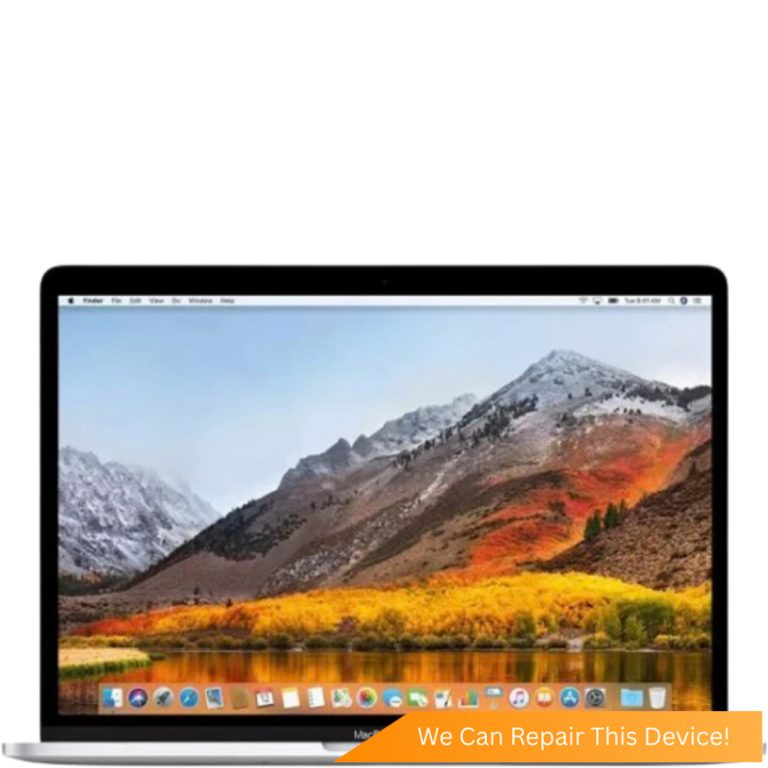
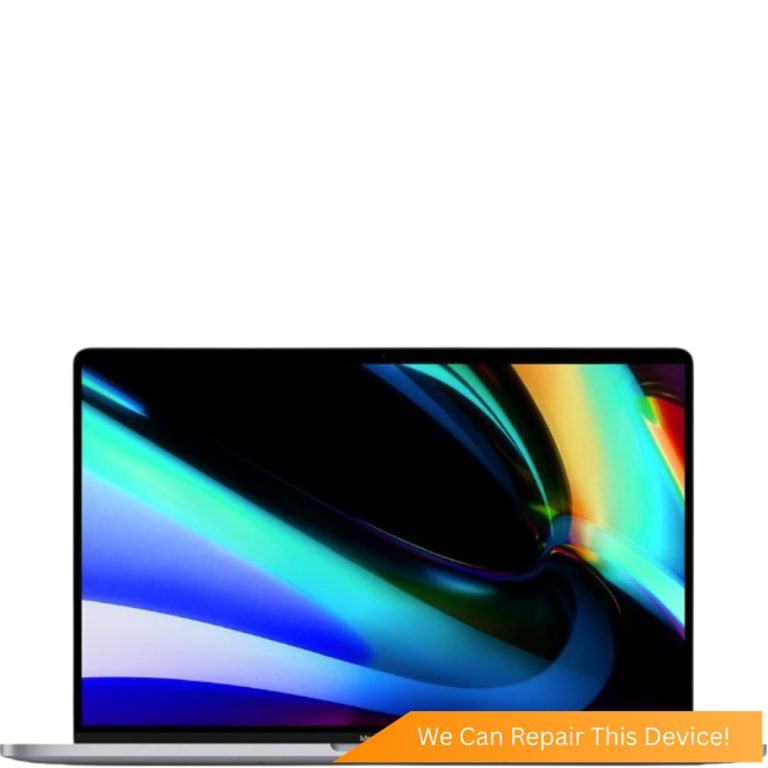
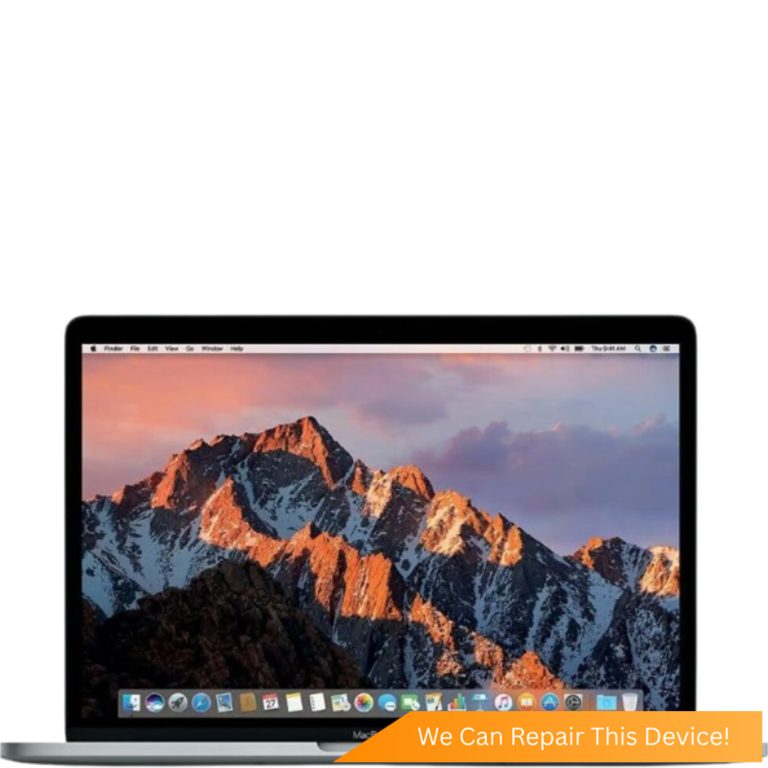
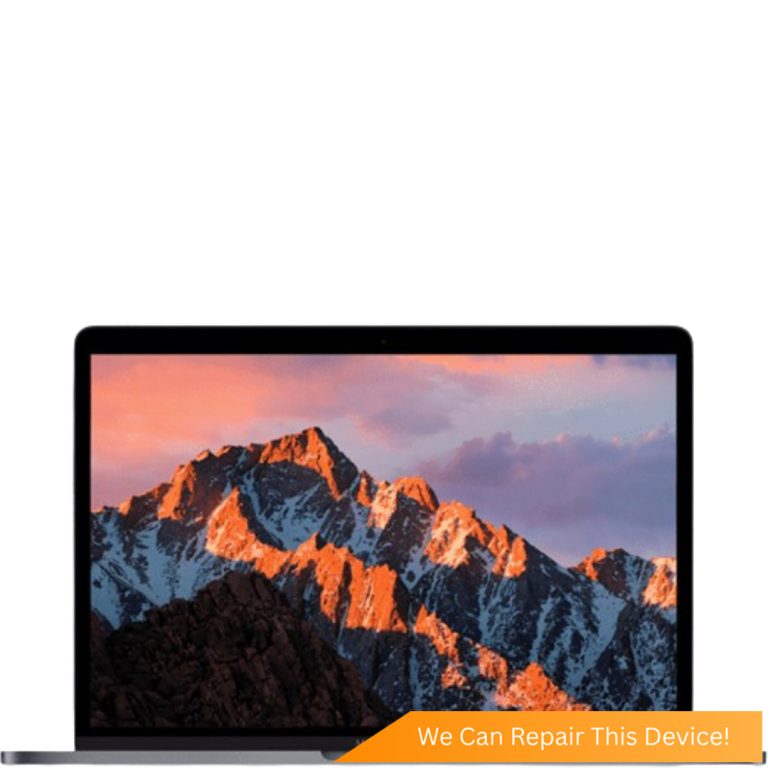
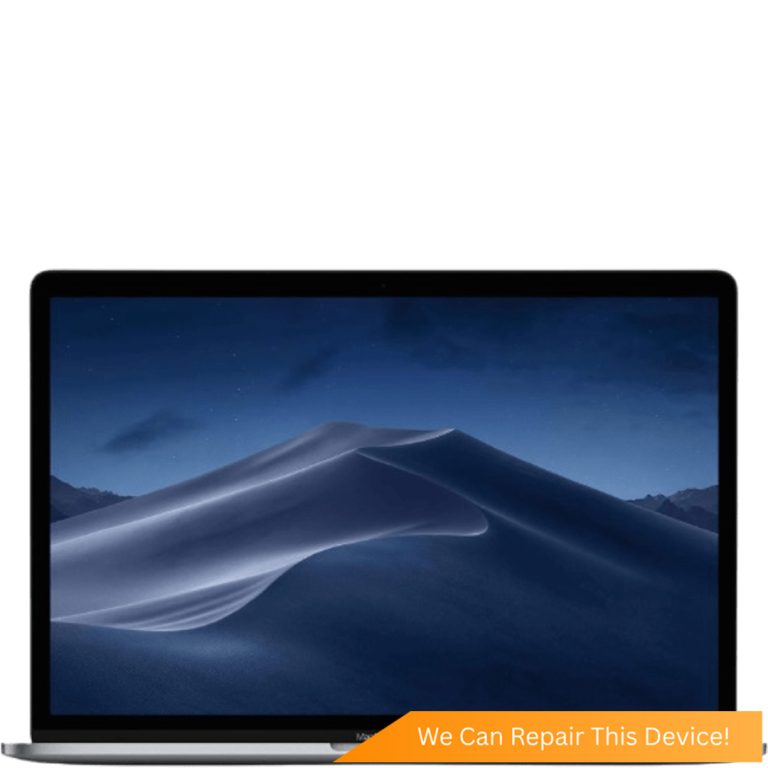
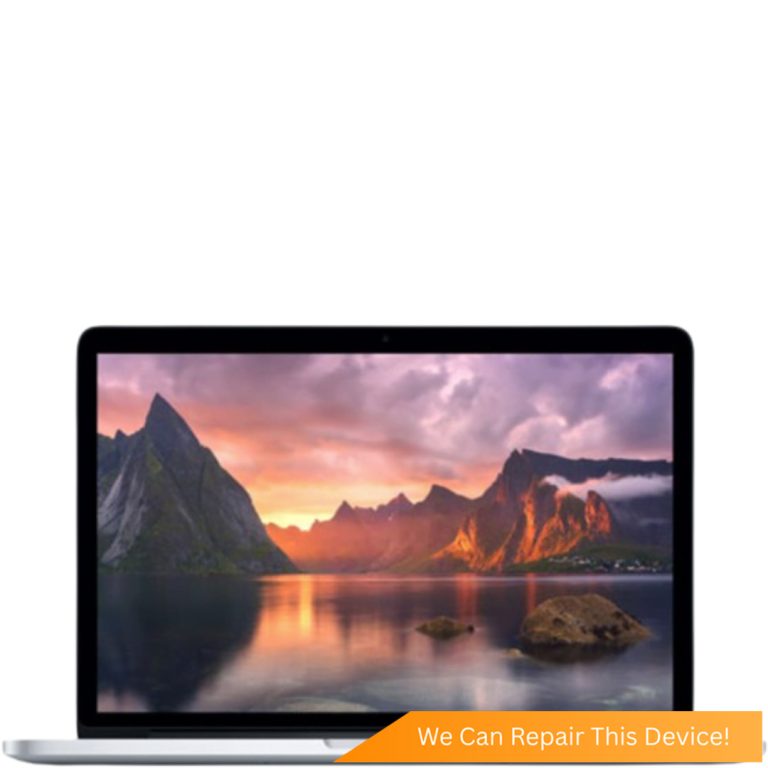
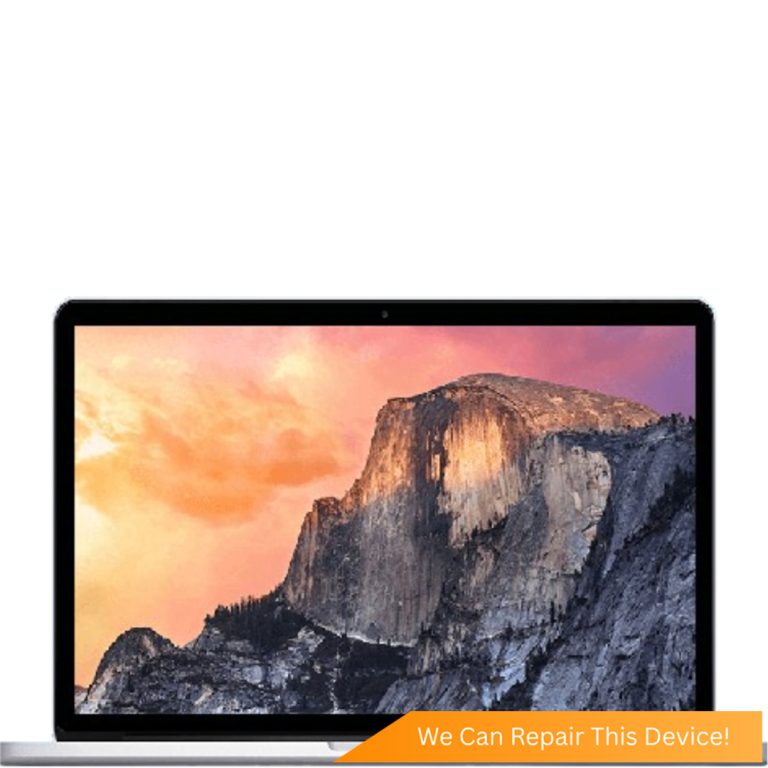
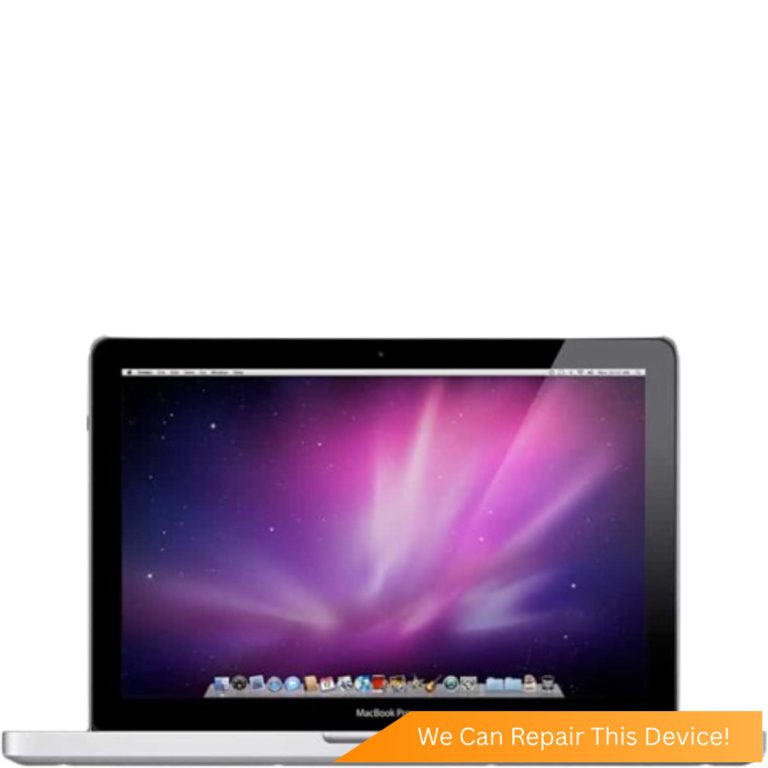
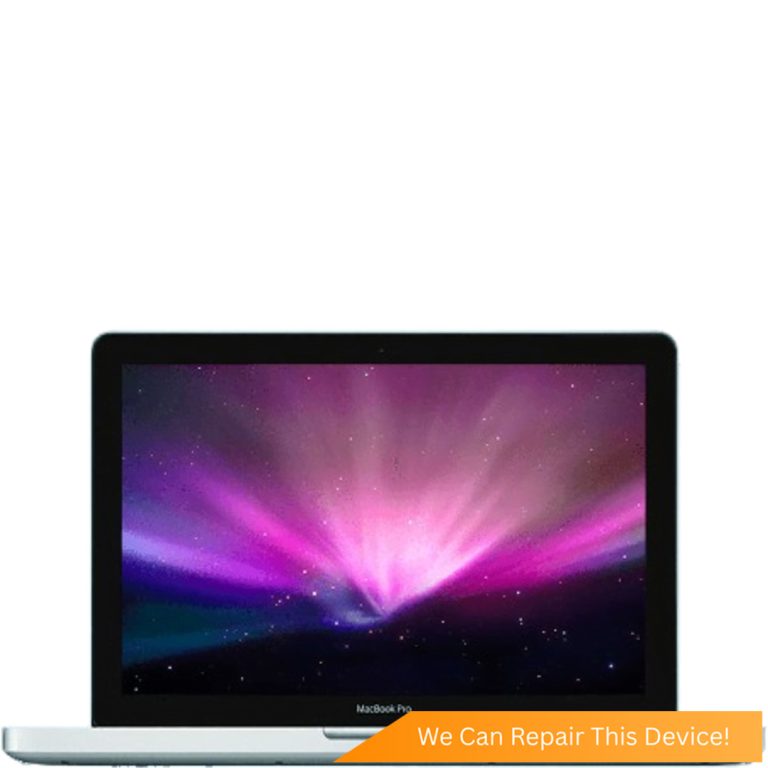
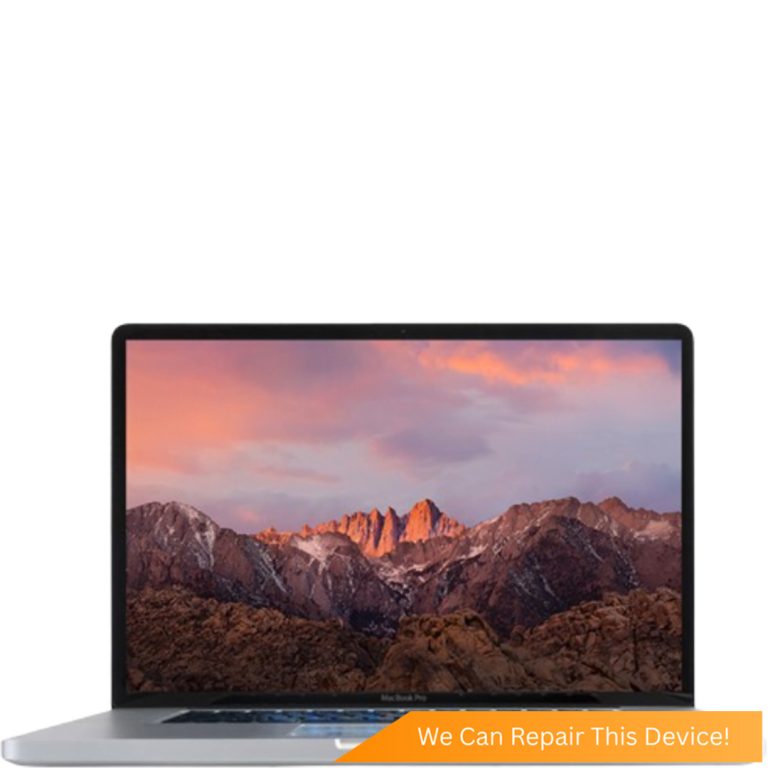
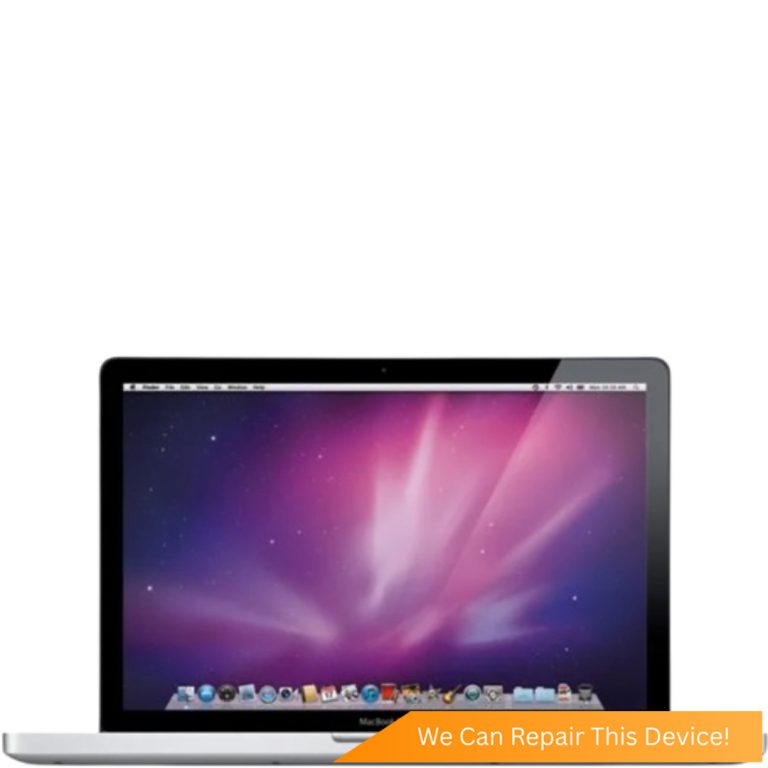
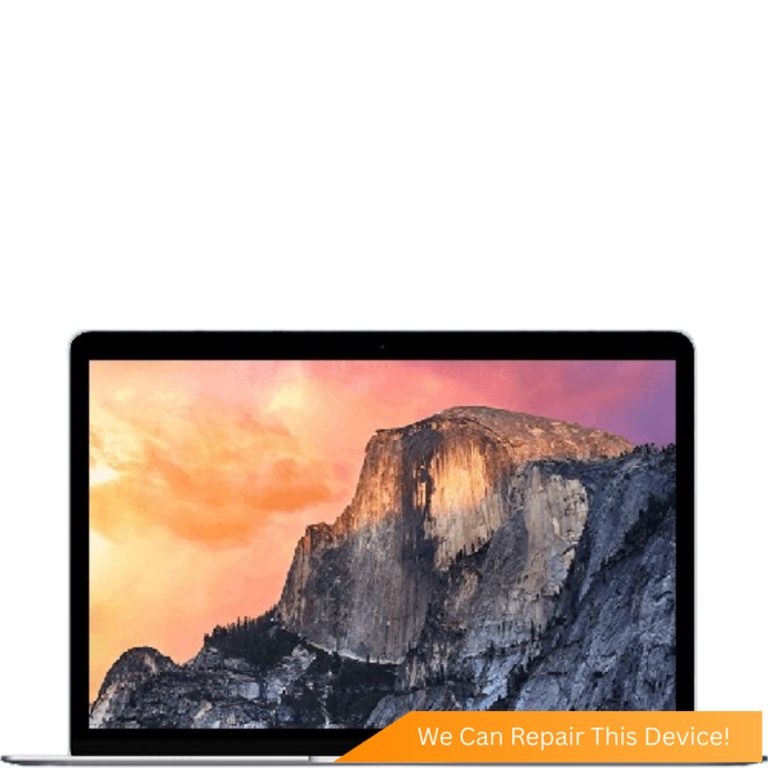
Not sure which one you have? The model number, an A followed by four digits, is printed in small type on the underside of your MacBook.
MacBook Touchpad Replacement FAQs
- Why is my MacBook Air trackpad not clicking?
- Often it's a swelling battery pushing it up from underneath, so stop charging the Mac and have it checked. On a 2018 or later Air, also make sure the Mac is switched on: the Force Touch trackpad's click is simulated and does nothing when the Mac is off. If the Mac is on, the case sits flat and the trackpad still won't click, the trackpad or its cable needs repair.
- My MacBook trackpad is stuck down. Is it broken?
- Not necessarily. A stuck trackpad is often being pushed up by a swollen battery underneath. Stop using and charging the MacBook and bring it in. Citri Mobile checks the battery first, free, because a new trackpad won't fix a battery that's still swelling.
- How much does a MacBook Air trackpad replacement cost?
- From $120 nett at Citri Mobile. That's the same price for MacBook Air and MacBook Pro trackpads across the range, with only a couple of the newest models quoted individually.
- Where is the best place to replace a MacBook trackpad in Singapore?
- Judge it on what you can check. Citri Mobile publishes nett prices per MacBook model, checks for a swelling battery before quoting for a trackpad, and covers the repair with a warranty of up to 100 days at four walk-in branches: People's Park Centre (Chinatown), Tampines, Yishun and Jurong Point. Message us your model first so we can confirm the part is in stock.
- Will I lose my data during a MacBook trackpad replacement?
- No. Replacing a trackpad doesn't touch the drive, and nothing is wiped or reinstalled. Back up before any repair as a habit all the same.
Most people call it the trackpad, and our price list calls it the touchpad. Same part. When it stops clicking or sticks down, the trackpad itself is often fine. The battery underneath it has started to swell.
We replace MacBook Air and MacBook Pro trackpads at four branches in Singapore, and we check the battery before quoting for one.
MacBook Trackpad Not Clicking? Check for a Swelling Battery First
If your MacBook trackpad has stopped clicking or feels stuck, treat it as a swelling battery until that's ruled out. Stop using and charging the Mac.
Put the Mac on a flat table. If it rocks, or the trackpad or keyboard sits higher than it used to, the battery is the likely cause. A new trackpad won't click either while the battery pushes on it, so the first job is a MacBook battery replacement, from $85. If the trackpad still doesn't click after that, then it's a trackpad job.
Force Touch or Hinge Click: Which MacBook Trackpad Do You Have?
Newer MacBooks have a Force Touch trackpad that doesn't physically move. The click you feel is simulated. Older ones click on a real hinge.
Force Touch arrived in 2015 on the 13-inch Retina MacBook Pro (A1502) and the 12-inch MacBook, and every MacBook Pro from 2016 and every Air from 2018 has one. Because the click is made electronically, pressing it with the Mac switched off does nothing. That's normal. With the Mac on and still no click, the trackpad, its cable or something pressing on it is at fault.
Earlier MacBooks, among them the 13-inch Pro A1278 and the 2012 to 2014 Retina Pros, have a trackpad that tips down on a hinge. When one of those stops clicking, it's the click mechanism or the battery pushing from below.
MacBook Trackpad Not Working at All? Check the Settings First
A trackpad that won't tap, or ignores you completely, is sometimes a setting.
- In System Settings, open Trackpad and check Tap to click and the click settings.
- In Accessibility, look for the option to ignore the built-in trackpad when a mouse is present. With a mouse or wireless receiver connected, it switches the trackpad off on purpose.
- Unplug any USB mouse, receiver or dongle, then restart.
If the pointer still jumps around or the trackpad works only some of the time, it's hardware. Our guide to a MacBook trackpad not working has more checks.
Did Liquid Get Under the Trackpad?
If it did, switch the MacBook off now, unplug it and don't charge it. Liquid that reaches the trackpad can reach the board too.
Tip it open upside down in a tent shape and bring it in. Corrosion carries on after the spill dries, so a trackpad that turns sticky or erratic needs a MacBook water damage repair check before any parts go in, and liquid work is quoted after a free diagnosis.
Where to Get a MacBook Trackpad Replaced in Singapore
Citri Mobile replaces MacBook trackpads at four walk-in branches in Singapore, from $120 nett, the same price across the range.
That covers MacBook Air trackpad replacement from the 11-inch A1370 to the 15-inch Airs, and the Pros from the A1278 to the 16-inch models. Two of the newest models in the table above are quoted individually. We fit quality Original Grade trackpads.
Branches are at People's Park Centre in Chinatown, Tampines, Yishun and Jurong Point, open 11am to 9pm daily. No appointment needed, but message us first with your model so we can confirm the part is in stock. The repair carries a warranty of up to 100 days.
Related Guides and Repairs
- MacBook trackpad not working: fixes to try first
- Signs your MacBook battery needs replacing: swelling included
- MacBook keyboard replacement: stuck, dead and repeating keys
- MacBook repair shop: every repair, priced by model
Other MacBook Repairs
Something else wrong with your MacBook? Every repair we do for the brand, model by model.
Why Citri Mobile for MacBook touchpad replacement?
- 🏅
Quality parts & diagnostics
Quality Original Grade parts, professional tools and full diagnostics for MacBook. Genuine Apple parts are reserved for eligible iPhone repairs under the Apple IRP programme. - 🏆
Carousell Best Service Provider
Carousell 2024 & 2025 award winner. - 🤝
Carousell Preferred Partner
Trusted by thousands across Singapore for MacBook touchpad replacement. - ✅
CaseTrust Accredited
Recognised for fair and ethical business practices, transparent pricing. - ⭐
5.0★ · 3,000+ reviews
Across Google and Carousell, consistently rated for fast, reliable, honest repairs at all four shops. - ⚡
Same-day on most repairs, fair nett pricing
Most standard MacBook repairs are completed the same day and board-level work is quoted after a free diagnosis — always at wholesale rates with no hidden charges. - 🛡️
30-100 days warranty
Most repairs are backed by a warranty, so you stay covered after you leave. - 🔒
Your data stays safe
Photos, apps and settings are kept intact for most repairs.
Apple Independent Repair Provider Testimonials Our locations
Where to Get Your Device Repaired in Singapore
Walk in to any of our 4 repair shops for your MacBook touchpad replacement. We're open 11am–9pm daily, no appointment needed — message us first if you want us to confirm your part is in stock.
-
Chinatown
People’s Park Centre, #01-47, Singapore 058357 11:00 AM – 9:00 PM · daily -
Tampines
503 Tampines Central 1, #01-299, Singapore 520503 11:00 AM – 9:00 PM · daily -
Jurong
CarousellMOBILE Jurong Point, #B1-34A, Singapore 648886 11:00 AM – 9:00 PM · daily -
Yishun
Blk 846 Yishun Street 81, #01-3643, Singapore 760846 11:00 AM – 9:00 PM · daily