Samsung
How to Check Battery Health on a Samsung (and When to Replace It)
In this article
- Why doesn't Samsung show battery health like an iPhone?
- How do I check battery health in the Samsung Members app?
- Can I see the exact battery percentage in Settings? (One UI 7 and 8)
- What does the *#0228# code show?
- At what point should a Samsung battery be replaced?
- Can I replace a Samsung battery myself?
- Samsung battery replacement in Singapore
- Samsung battery health: FAQs
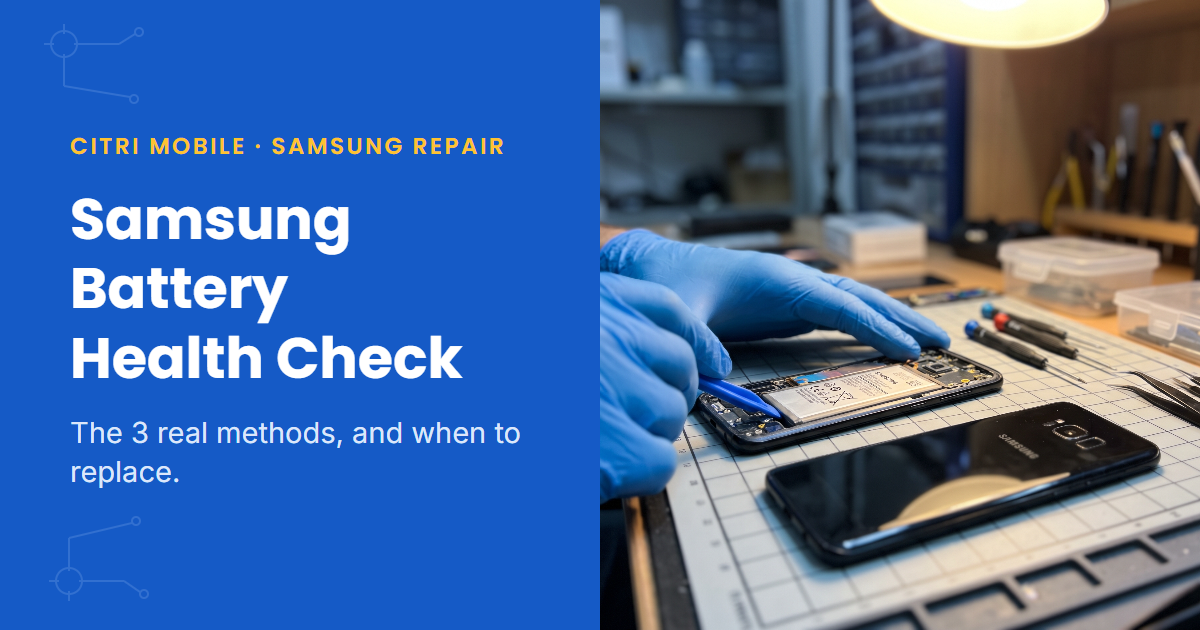
Samsung doesn't have an iPhone-style battery health screen on most phones. The quickest check: open the Samsung Members app, tap Get help, run the Diagnostics battery test, and read the one-word result. On a Galaxy S24 or newer running One UI 7 or 8, you can also see the exact maximum capacity under Settings > Battery > Battery information. Here's every method that actually works, what the results mean, and the point where a replacement makes sense.
By the Citri Mobile Repair Team · Updated August 2026 · Rated 5.0★ from 2,300+ Google reviews · 15 years repairing phones in Singapore.
Why doesn't Samsung show battery health like an iPhone?
iPhones have had a Battery Health page with a capacity percentage since 2018. Samsung took a different route: for years the only built-in check was a pass/fail style diagnostic hidden inside the Samsung Members app, and Settings > Battery showed usage, not health. That page tells you how fast you're draining the battery today. It says nothing about how worn out the battery is.
This changed with One UI 7. Newer Galaxy models now show a proper maximum capacity figure and a charge cycle count in Settings. Older models still don't, so the method that works for you depends on your phone. There are three, and they're all free.
How do I check battery health in the Samsung Members app?
This works on almost any Galaxy, old or new. Samsung Members comes preinstalled; if you've removed it, it's a free download from the Galaxy Store.
- Open Samsung Members.
- Tap Get help (on some versions it's the Support tab).
- Under Diagnostics, tap View tests (or Phone diagnostics).
- Run the Battery test, or Test all if you want the full check-up.
- Read the battery result. You'll get a one-word grade: Good/Normal, Weak, or Bad.
The exact button names shift a little between app versions, which is why two people following the same tutorial sometimes see different menus. The flow above matches Samsung's own diagnostics guide and the current app as of August 2026. Weak means the battery has measurably degraded; Bad means it's overdue for a swap.
Can I see the exact battery percentage in Settings? (One UI 7 and 8)
On recent models, yes. Go to Settings > Battery > Battery information and you'll find maximum capacity as a percentage, the charge cycle count, and the battery's manufacture date. That capacity figure is the same idea as the iPhone's: 100% when new, sliding down as the cell wears.
Two caveats, verified as of August 2026 on One UI 7 and 8. First, it's limited to newer hardware: the Galaxy S24 series onwards and recent Z Fold and Z Flip models. Second, the rollout is uneven; the screen depends on your firmware region, and some owners have seen the numbers appear or vanish with an update. If your Settings app has no Battery information entry, nothing's wrong with your phone. Use the Members app instead.
What does the *#0228# code show?
Type *#0228# into the Phone app's dial pad, as if dialling a number. On phones that support it, a plain service screen called BatteryStatus opens showing the battery's live voltage, temperature and charge level.
Be honest with yourself about what this is: a factory test screen, not a health report. It won't give you a wear percentage. It's mainly useful for spotting a battery that reads oddly, like a "full" phone showing a low voltage. And it doesn't work on every phone; some models and firmware versions block dial codes entirely, and a few lost the code after an Android update. If nothing happens when you dial it, that's normal. Just read the numbers if it opens, and leave the buttons on that screen alone.
At what point should a Samsung battery be replaced?
The rough line in the industry is 80% maximum capacity: below that, the battery is considered worn and you'll feel it in daily use. For most people that's after two to three years of daily charging. But a one-word grade or a percentage is only half the picture. These symptoms matter more than any label:
- Sudden percentage drops. The phone falls off a cliff from 40% to 15%, or dies outright at 25%. A worn cell can't hold voltage under load, so the meter lies.
- It only gets you to lunchtime. Same apps, same habits, half the runtime it used to have.
- It's warm doing nothing. A battery that heats up while the phone sits idle is working too hard.
- The phone doesn't sit flat, or the back is lifting. That's swelling, and it outranks everything else on this list. A swollen battery has failed, whatever any diagnostic says.
Swollen batteries come across our counter every week, and they all look the same. The pouch cell puffs up like a small pillow and pushes outwards, so the first sign is usually the back glass lifting away at one corner, with strings of grey adhesive stretched underneath, or the screen sitting proud of the frame on one side. The phone rocks when you lay it on the table. If yours looks like that, stop charging it. The swelling is gas produced by a chemical reaction inside the cell, and every charge feeds that reaction. Don't press it flat and don't puncture it; keep the phone somewhere cool and get the battery replaced promptly.
One more check before you spend anything: if the phone struggles to charge at all, the fault may be the port rather than the battery. Our guide on telling a faulty port from a worn battery walks through it. And if your phone is under a year old, a weak battery may be Samsung's problem, not yours; here's how to check your Samsung warranty in Singapore first.
Can I replace a Samsung battery myself?
Technically, yes, and the kits are cheap online. Whether it's a good idea depends on the phone and on you. Modern Galaxys are glass front and back, sealed with adhesive. Getting in means heating the back panel and prying it off without cracking it, and the battery itself is glued down inside. Do it carefully and it's a satisfying afternoon. Slip with a pry tool and you've cracked a back panel, or worse, put a bend in the battery you're removing. Bent or punctured lithium cells can catch fire, which is why the one hard rule is: never DIY a swollen battery. That job needs to be done by someone who handles them routinely.
The honest trade-off: you save some money, you spend an hour or two, you lose the water resistance unless you reseal it properly, and you carry the small but real risk of turning a cheap battery job into a dead phone. On an older phone you don't mind losing, go for it. On a phone you rely on every day, a shop swap is cheap insurance.
Samsung battery replacement in Singapore
If the diagnosis says the battery's done, the fix is quick and doesn't touch your data. At Citri Mobile, a Samsung battery replacement with an Original Grade cell starts from $40 depending on model, with a free diagnosis first so you're not paying to find out. Prices are nett. Most battery swaps are done the same visit when the part's in stock; if yours needs longer, we'll tell you before we start.
We've been repairing phones in Singapore for 15 years, rated 4.8★ from 2,300+ Google reviews, with four branches: People's Park/Chinatown, Tampines, Yishun and Jurong Point, open 11am–9pm daily. Walk-ins are welcome, but message or call +65 9456 6455 first so we can confirm we have your model's battery in stock. Or look up your exact Samsung model for live prices.
Samsung battery health: FAQs
- Is 85% battery health bad for a Samsung?
Not bad, but past its best. At 85% you'll notice shorter days than when the phone was new. The usual replacement line is 80%; below that, degradation tends to speed up and the symptoms (sudden drops, early shutdowns) get harder to live with. If the phone still lasts you comfortably, keep using it.
- How often do Samsung batteries need replacing?
For a daily-charged phone, expect two to three years before the battery drops to around 80% capacity. Heavy users who run the phone hot (gaming, navigation on the dash, charging in a hot car) get there faster. It's normal wear, not a defect: one battery swap typically buys an otherwise-good phone a couple more years.
- Does fast charging damage my Samsung battery?
Less than people fear. Heat is what ages a battery, and Samsung's charging system manages speed and temperature to limit it. Habits matter more than the charger: avoid charging in direct sun or a hot car, and consider One UI's battery protection setting, which caps charging to reduce long-term wear if you leave the phone plugged in overnight.
- What should I do with a swollen Samsung battery?
Stop charging the phone, don't press the bulge flat, and don't puncture anything. Keep it somewhere cool away from anything flammable and have the battery replaced promptly. Swelling is gas building up inside the cell; the phone is usually fine once the battery's out, but it's not a wait-and-see fault.
- How much does a Samsung battery replacement cost in Singapore?
From $40 with an Original Grade cell, depending on model. Prices are nett, diagnosis is free, and your data isn't touched. Message us your model first so we can confirm the battery's in stock before you come down.