iPad
Change iPad Battery: How to Tell When Yours Is Finished
In this article
- Why can't I see iPad battery health in Settings?
- How do I check my iPad battery without a battery health screen?
- What are the signs an iPad battery needs changing?
- What happens if I keep using a swollen iPad battery?
- How much does it cost to change an iPad battery in Singapore?
- Original Grade or Premium High Capacity: which should I take?
- How long does an iPad battery replacement take?
- Is it worth changing the battery on an old iPad?
- iPad battery FAQs
- Getting it changed
An iPad battery is finished when it stops holding a working day of light use, when the iPad shuts down before it reaches 0%, or when the screen starts lifting at one edge. iPadOS has no battery health screen, so you cannot just look it up the way you can on an iPhone. There are three checks that do work, and they take about five minutes. Battery replacement at Citri Mobile starts from $35, nett.
Why can't I see iPad battery health in Settings?
Because Apple never put it there. iPhone has Settings, Battery, Battery Health & Charging with a maximum capacity percentage. Open the same Battery screen on an iPad and you get charge level and a usage graph, and that is all.
People assume they have missed a menu somewhere. They have not. So the checks below work around it.
How do I check my iPad battery without a battery health screen?
Three ways, easiest first.
1. Time the discharge against a real day
Charge to 100%, unplug, and use the iPad the way you normally do. Note the percentage at the same time the next day. A healthy iPad on light use, some browsing, some video, screen at half brightness, should still be somewhere above 40% after a normal day. If yours is flat by mid afternoon on the same habits it had two years ago, the battery is the thing that changed.
This sounds crude. It is also the check that matches what you actually care about, which is whether the thing lasts.
2. Plug it into a Mac and read the cycle count
If you have a Mac, coconutBattery reads an iPad's cycle count and design-versus-current capacity over the cable. Apple rates iPad batteries for around 1,000 full charge cycles before capacity drops off. Past that, a drop is normal rather than a fault.
No Mac? Skip to the third check.
3. Read it out of the analytics logs
On the iPad: Settings, Privacy & Security, Analytics & Improvements, Analytics Data. Scroll to a file starting with log-aggregated and dated recently, open it, and use the share sheet to send it to yourself. Search the text for NominalChargeCapacity and MaximumCapacity. The first divided by the design capacity is roughly what a battery health screen would have told you.
It is fiddly. It is also free, and it is the only number on the device itself.
If none of that appeals, bring it in. Diagnosis is free and we read it off in a couple of minutes at the counter.
What are the signs an iPad battery needs changing?
- It dies well before 0%. 20% one minute, black screen the next. A worn cell cannot hold voltage under load, so the iPad cuts out to protect itself.
- It will not wake unless it is plugged in. Common on older iPads left in a drawer for a few months.
- It charges to 100% in under an hour and drains in two. Capacity has fallen far enough that the charge going in is small.
- It gets warm doing nothing. Some heat while charging is normal. Warm while idle and unplugged is not.
- The screen sits proud of the frame at one corner, or the glass has a hairline lift. Stop here and read the next section.
What happens if I keep using a swollen iPad battery?
A swollen battery pushes the screen up from underneath. On an iPad there is a lot of surface area and a thin glass panel over it, so the first thing owners notice is usually a gap at one edge or a corner that catches a fingernail. Some people glue it back down. Please do not.
The swelling is gas from a cell that has broken down internally. It does not go back. Left alone, it keeps lifting until the glass cracks or the digitiser cable is stretched far enough to kill the touch layer, which turns a battery job into a battery job plus a screen. On an older iPad that is often the difference between worth repairing and not.
A swollen iPad should not be flown with or left charging unattended. Bring it in, or at minimum take it off charge and keep it somewhere cool until you can.
How much does it cost to change an iPad battery in Singapore?
Real catalog figures, nett, so the quote after diagnosis is what you pay at collection.
| Service | Price |
|---|---|
| Battery replacement (Original Grade) | $35–$65 |
| Battery replacement (Premium High Capacity) | $50–$75 |
| iPad mini 4 battery | $50 |
| iPad Air 2 battery | $45 |
| iPad Pro 12.9 battery | $55 |
| Screen damaged by swelling, on top of the battery | from $40 |
Your exact model is priced on the iPad repair page, and the iPad battery replacement service page lists every model we carry a cell for.
Apple's own out-of-warranty battery service for iPad is a flat fee per model family, published on Apple's iPad service page. Worth checking against the figures above, particularly if your iPad is still under AppleCare+, in which case go to Apple.
Original Grade or Premium High Capacity: which should I take?
Original Grade matches the cell the iPad shipped with. It is the right choice for most people and it is what we fit unless you ask otherwise.
Premium High Capacity holds more charge than the original. It costs a bit more and it suits an iPad that lives away from a plug, on site, in a car, on a stand in a shop. On an iPad used at home next to a charger, the extra capacity is money you will not notice.
We use Original Grade and Premium High Capacity parts on iPad. We make no manufacturer-parts claim on iPad, and we tell you which grade is going in before you agree to anything.
How long does an iPad battery replacement take?
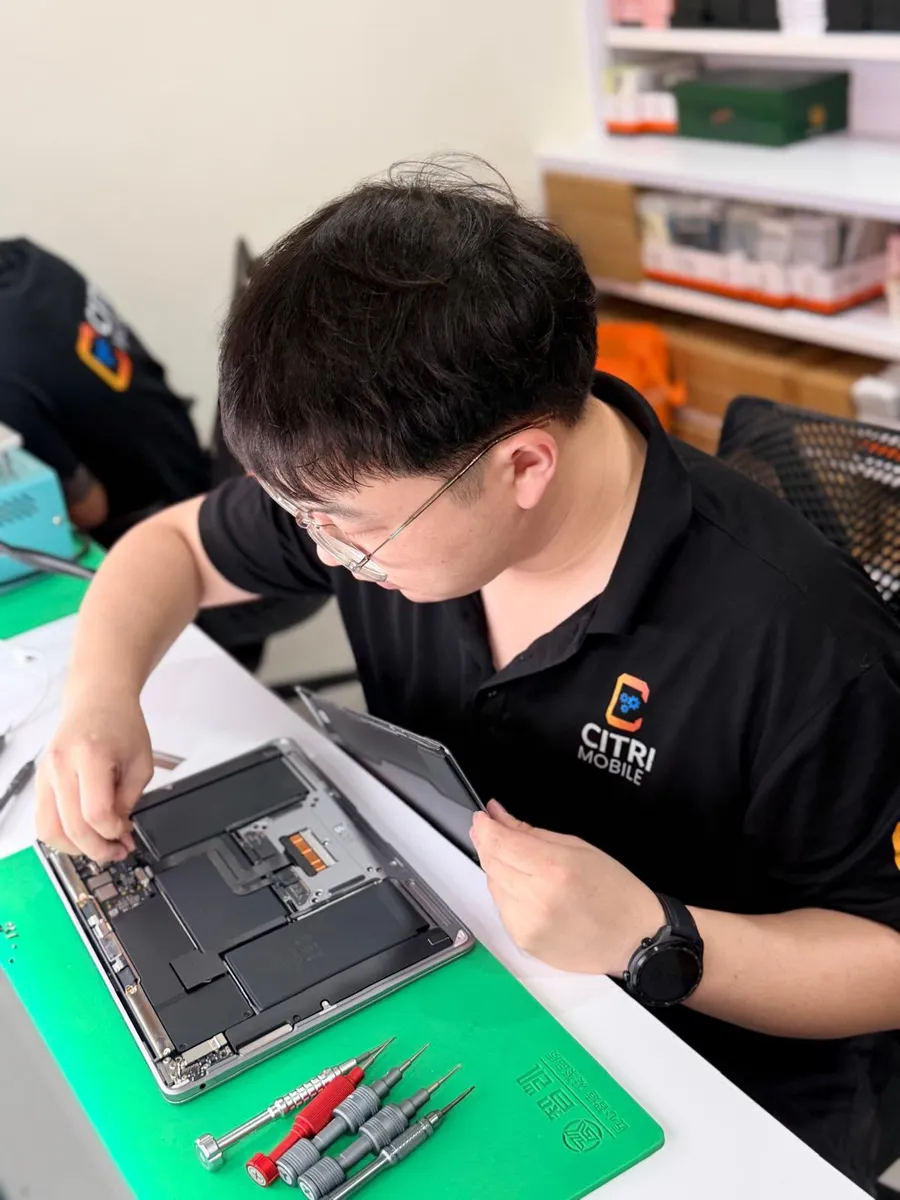
Most iPads run about 60 to 120 minutes. iPad is slower than a phone because the screen is bonded down with adhesive across its whole edge and the battery is glued to the chassis underneath, so both come off with heat and patience rather than speed. If yours needs longer, we will say so when we quote rather than after you have left.
Where a screen was already cracked before the job, or the swelling has stretched a cable, we will tell you at diagnosis what else it needs and what that costs, and you decide then.
Is it worth changing the battery on an old iPad?
Usually yes, and more often than with a phone. An iPad that only ever browses, streams and takes notes does not get slower the way a phone does, so a battery is often the single thing standing between a six-year-old iPad and another two years of use. Against the price of a new one, it is not a close call.
The cases where it is not worth it: the screen is already cracked and the model is old enough that screen plus battery approaches half the price of a used replacement, or the iPad no longer takes the current iPadOS and you need an app that does. Ask us and we will tell you honestly which side yours falls on, including when the answer is to leave it.
iPad battery FAQs
- How do I check iPad battery health?
- iPadOS has no battery health screen. Use one of three checks instead: time a full charge against a normal day of use, read the cycle count with coconutBattery over a Mac cable, or pull NominalChargeCapacity out of a log-aggregated file under Settings, Privacy & Security, Analytics & Improvements, Analytics Data. Or bring it in, since diagnosis is free.
- How much does it cost to change an iPad battery in Singapore?
- At Citri Mobile, from $35 for an Original Grade cell, and from $50 for Premium High Capacity. Prices are nett with nothing added at collection. An iPad mini 4 is $50.
- How many charge cycles does an iPad battery last?
- Apple rates iPad batteries for around 1,000 full cycles before capacity falls off noticeably. Most iPads reach that in three to five years of normal use, which is why battery complaints cluster around that age.
- My iPad screen is lifting at one corner. Is that the battery?
- Almost always, yes. A swollen battery pushes the panel up from underneath. Take it off charge and bring it in rather than pressing it back down, because the next stage is cracked glass or a stretched touch cable, which adds a screen to the bill.
- Can I change an iPad battery myself?
- You can buy the parts, but iPad is the hardest common battery job there is. The screen is bonded around its whole edge and comes off with heat, and the battery is glued flat to the chassis. Cracked glass and severed digitiser cables are the usual outcome, and both cost more than the battery.
- Which iPads do you replace batteries on?
- Around 37 models, from iPad 2 through the current Air and Pro, including every iPad mini generation. Message us the model and we will confirm the cell is on the shelf before you travel.
- What warranty do I get on an iPad battery replacement?
- A warranty of up to 100 days depending on the repair, honoured at any of our four shops rather than only the one that did the work.
Getting it changed
Four shops: People's Park Centre in Chinatown, Tampines, Yishun and Jurong Point, open 11am–9pm daily.
Message us your iPad model on WhatsApp and we will quote before you travel. Walk-ins are fine any day, but message or call first so we can confirm we have your cell in stock. Diagnosis is free, and if your iPad is still covered by AppleCare+ we will tell you to use it.
Related reading: iPad not charging and the cost of iPad repair in Singapore.