MacBook
Ultimate MacBook Troubleshooting and Repair Guide
In this article
- Common MacBook Problems and How to Fix Them
- MacBook Won’t Turn On? Here's how to fix it
- Why Is My MacBook Battery Draining So Fast? Fixes & When to Replace
- MacBook Overheating Issues
- MacBook Keyboard Not Working
- MacBook Screen Issues (Flickering, Cracks, No Display)
- MacBook Running Slow
- MacBook Charging Problems
- MacBook Trackpad Not Responding
- MacBook Software Issues: macOS Errors, Update Problems
- MacBook Liquid Damage Repair
- Should You Repair Your MacBook Yourself or Seek Professional Help?
- How to Prepare Your MacBook Before Repair
- Maintenance Tips to Keep Your MacBook Running Smoothly
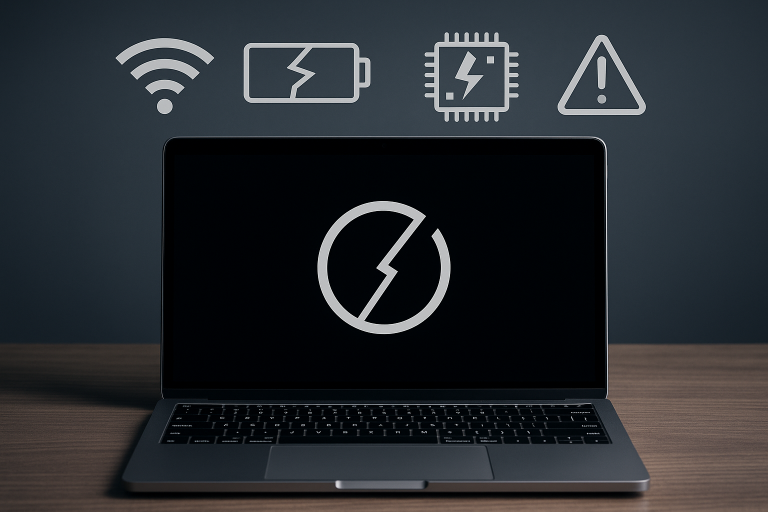
MacBooks are known for their sleek design and reliable performance, but like any device, they can encounter issues that disrupt your workflow. Whether your MacBook won't turn on, the battery drains quickly, or you face hardware or software problems, this guide covers the most common MacBook issues and how to address them efficiently.
Common MacBook Problems and How to Fix Them
Below are detailed guides on common MacBook problems. Each link directs you to a dedicated article with troubleshooting steps, tips, and repair options.
MacBook Won’t Turn On? Here's how to fix it
If your MacBook isn’t powering on at all, it could be due to battery failure, power circuitry issues, or a simple SMC fault. Start by checking your charger, trying a force restart, and resetting system controllers. But if it’s still unresponsive, further diagnosis may be needed. Read our full guide to learn how to troubleshoot and fix a MacBook that won’t turn on.
Why Is My MacBook Battery Draining So Fast? Fixes & When to Replace
Experiencing unusually fast battery drain? Common causes include background processes, display brightness settings, or an aging battery with high cycle count. Regular maintenance and software updates can help, but in some cases, a replacement is the only solution. Find out how to extend battery life and when to replace your MacBook battery in our detailed article.
MacBook Overheating Issues
MacBooks are engineered to manage heat efficiently, but persistent overheating might signal a blocked vent, failing fan, or demanding background apps. Overheating can shorten your device’s lifespan and cause system slowdowns. Explore our guide to uncover why your MacBook is overheating and what you can do about it.
MacBook Keyboard Not Working
Non-responsive keys, stuck inputs, or phantom characters? The issue might be software-related or due to debris under the keys, especially in butterfly keyboard models. This can often be resolved with cleaning or reset techniques. Learn more about diagnosing and fixing MacBook keyboard issues.
MacBook Screen Issues (Flickering, Cracks, No Display)
Whether you’re seeing lines, flickering pixels, or a blank screen, screen issues can stem from damaged panels, faulty flex cables, or GPU problems. Start with external display tests and safe boot to isolate the cause. See the full breakdown of MacBook screen problems and available repair solutions.
MacBook Running Slow
If your MacBook is lagging or freezing, it might be time to declutter your system. Often, background processes, lack of RAM, or outdated software are to blame. Performance tuning and simple upgrades can make a huge difference. Check out our step-by-step guide to speed up a slow MacBook.
MacBook Charging Problems
Charging issues may be caused by a faulty adapter, damaged cable, or debris in the charging port. In some cases, a reset of the power management controller (SMC) solves the problem. Learn how to fix common MacBook charging problems in our in-depth guide.
MacBook Trackpad Not Responding
If your trackpad isn’t clicking or tracking properly, it could be due to system bugs, hardware faults, or swelling batteries pressing from underneath. Resetting PRAM or using an external mouse can offer temporary relief. Read the full guide on diagnosing and resolving MacBook trackpad issues.
MacBook Software Issues: macOS Errors, Update Problems
Update failures, boot loops, or app crashes often stem from corrupted installations or incompatible third-party tools. Safe Mode, Disk Utility, and clean installations are often the fix. Get detailed instructions on handling common macOS problems in our full article.
MacBook Liquid Damage Repair
Liquid spills require fast action, turning off the device and avoiding attempts to restart are critical. Internal corrosion and short-circuits can be minimized with the right steps taken early. Learn exactly what to do after a spill and how to approach MacBook liquid damage repair.
Should You Repair Your MacBook Yourself or Seek Professional Help?
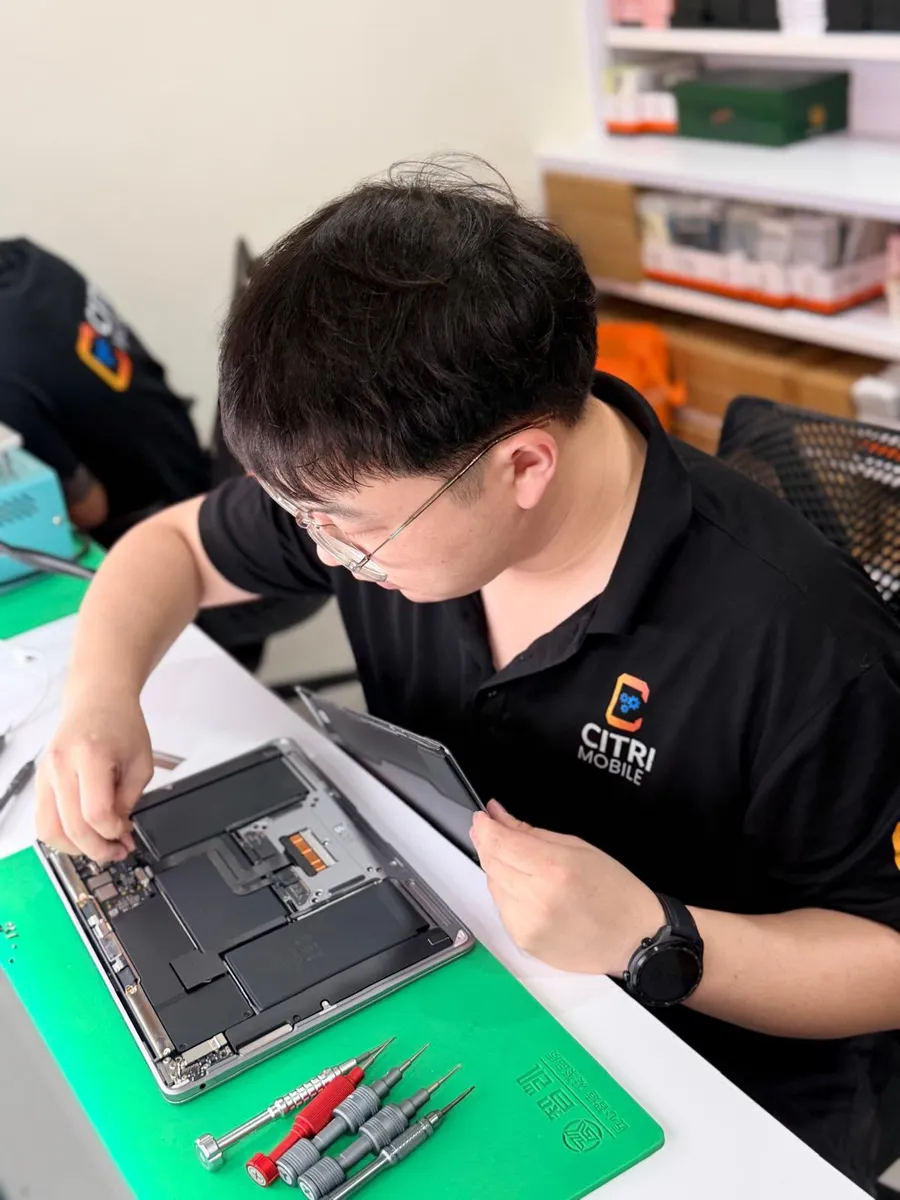
Some issues can be resolved with simple DIY troubleshooting, such as resetting your MacBook’s SMC, performing safe mode boots, or cleaning hardware components. However, problems like liquid damage, screen replacements, or internal hardware faults usually require professional expertise to avoid further damage.
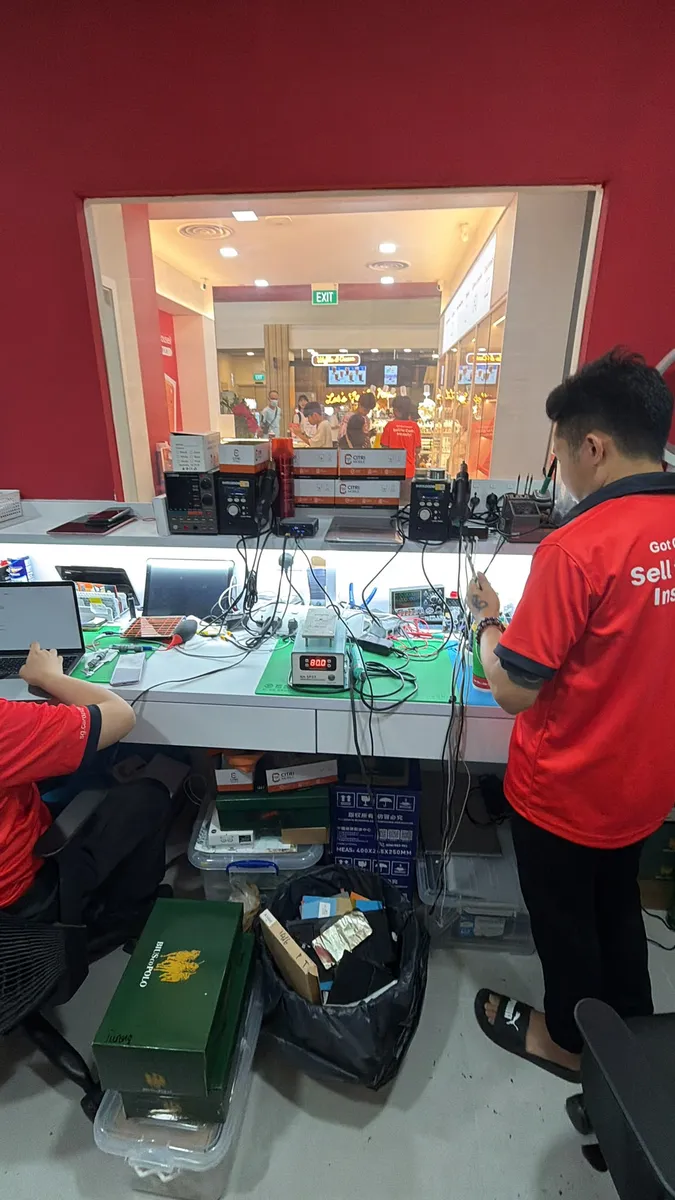
For trustworthy repair services, consider reputable Apple Authorized Repair Providers or independent repair centres, which often provide original-grade parts and warranties. Learn more about choosing the right repair option here.
How to Prepare Your MacBook Before Repair
Before sending your MacBook for repair, it’s critical to backup your data to avoid potential loss. Use Time Machine or cloud storage to secure your files. Also, remove any sensitive information if possible. Read our detailed guide on How to Backup MacBook Before Repair for step-by-step instructions.
Maintenance Tips to Keep Your MacBook Running Smoothly
Regular maintenance can prevent many common issues. Clean your MacBook’s vents, update macOS regularly, monitor battery health, and avoid exposing your device to extreme temperatures or liquids. Seasonal care guides and performance optimization tips can be found in our MacBook Running Slow article.