MacBook
MacBook Keyboard Not Working? Fixes for Stuck, Dead and Repeating Keys
In this article
- How do I fix a MacBook keyboard that's not working?
- How do I clean a MacBook keyboard properly?
- Why is one key stuck, dead or repeating?
- Did the problems start after a spill?
- How much does a MacBook keyboard replacement cost in Singapore?
- MacBook keyboard repairs at Citri Mobile
- MacBook keyboard not working: FAQs
A MacBook keyboard that stops working is usually one of three things: debris under the keys, a software or settings problem, or worn hardware. Restart first, then clean with compressed air the way Apple recommends, then check your input settings. If one key stays dead or the problems started after a spill, it's a hardware job. Here's the full checklist, in order.
By the Citri Mobile Repair Team · Updated August 2026 · Rated 5.0★ from 2,300+ Google reviews · 15 years repairing MacBooks in Singapore.
How do I fix a MacBook keyboard that's not working?
Work through these in order. They're free, and between them they clear most keyboard complaints that walk into our shops:
- Restart the Mac. Obvious, and it really does fix the case where macOS has stopped listening to the keyboard entirely. Hold the power button, wait a few seconds, power back on.
- Update macOS. System Settings → General → Software Update. Keyboard bugs show up in patch notes more often than you'd think, especially right after a major macOS release.
- Check the settings that mimic a broken keyboard. Three usual suspects: the input source has switched (menu bar shows a different language), Sticky Keys or Slow Keys got enabled under System Settings → Accessibility → Keyboard, or a function-key setting changed. Each one makes a healthy keyboard feel possessed.
- Boot into Safe Mode. On Apple Silicon: shut down, hold the power button until startup options appear, pick your disk while holding Shift. If the keyboard behaves in Safe Mode, some third-party app or extension is interfering.
- Clean it properly (next section). Debris is the single most common cause of stuck and repeating keys.
If the keyboard is dead everywhere, including the login screen and Safe Mode, plug in any USB or Bluetooth keyboard to keep working while you sort out repair. An external keyboard working fine while the built-in one is dead is itself a diagnosis: the fault is the internal keyboard or its connection, not macOS.
How do I clean a MacBook keyboard properly?
Follow Apple's own method: a can of compressed air with the straw fitted, held about 1.5 cm from the keys. Spray the keyboard left to right, then rotate the Mac onto its right side and spray again, then onto its left side and spray a third time. The rotation matters, because you're persuading grit to fall out, not just moving it around.
What not to do, from cases we see weekly:
- Don't pry off keycaps, especially on 2015–2019 butterfly keyboards. The clips are fragile, replacements are hard to source individually, and a snapped clip turns a cleaning job into a repair job.
- No liquid, ever. Not cleaning spray, not a damp cloth into the gaps, not alcohol dripped under a sticky key. Grease from fingers on the keycap surface can be wiped with a barely-damp lint-free cloth, but nothing should ever go under the keys wet.
- Don't vacuum it. Static and small parts don't mix.
If a key still sticks after a proper compressed-air pass, the debris is wedged where air can't reach, or the mechanism underneath is worn. Both are bench jobs.
Why is one key stuck, dead or repeating?
Single-key problems are nearly always mechanical. A crumb or grain of sand under the mechanism makes a key stick or double-type; a worn dome or broken clip makes it feel dead or mushy. Which keyboard you have changes the odds considerably:
- Butterfly keyboards (most 2015–2019 MacBooks): famously sensitive to the smallest debris. Apple ran a free service programme for these for years; that programme has ended, so an out-of-warranty butterfly keyboard fix is now a paid repair wherever you take it. If your 2016–2019 Pro or Air has sticky-key trouble, it's the design, not you.
- Scissor "Magic Keyboard" (late 2019 onward, all current models): far more reliable. Single-key faults here usually mean debris, a drop, or liquid rather than design weakness.
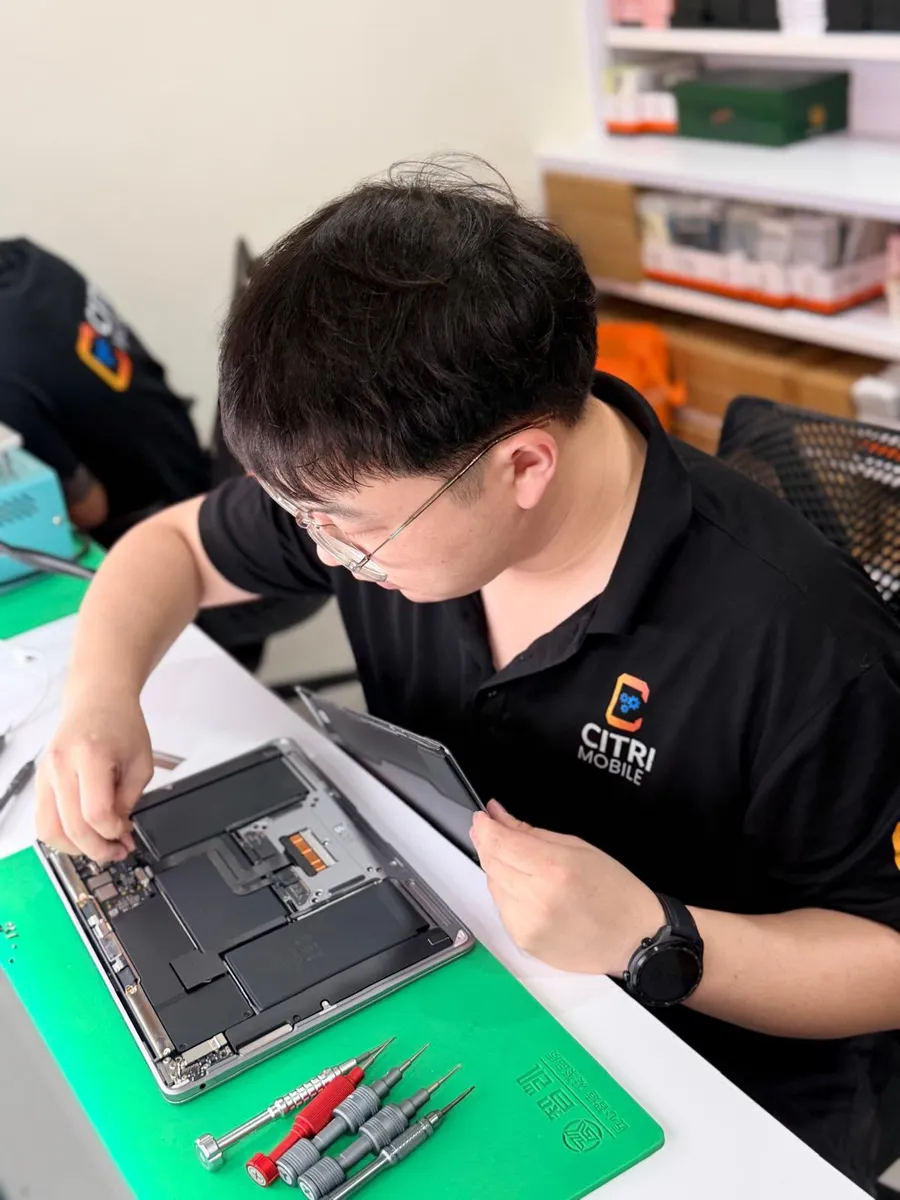
One honest note from the bench: on modern MacBooks the keyboard is riveted into the top case, so a "one key" repair often becomes a top-case-assembly decision. That's an Apple design choice, not a repair-shop upsell, and it's why we diagnose before quoting anything.
Did the problems start after a spill?
If yes, treat this as a liquid-damage case, not a keyboard case. Power the Mac off now and don't charge it. The keyboard is usually the first thing a spill reaches and the first thing to misbehave, but the real risk is corrosion spreading to the logic board over days and weeks while everything still seems mostly fine. Our MacBook liquid damage guide covers the first steps; the short version is that speed matters and charging a wet Mac is what does the permanent damage.
How much does a MacBook keyboard replacement cost in Singapore?
At Citri Mobile, a MacBook keyboard replacement with Original Grade parts starts from $130 nett, with live per-model pricing on our MacBook repair page. Because the keyboard is built into the top case on most models, we'll tell you after the free diagnosis whether yours is a keyboard-only job or a top-case one, and quote before touching anything. Liquid-damaged machines are also quoted after inspection, since the keyboard is often only part of the story there.
Your files stay on the machine for keyboard work, though it's always sensible to back up before any repair. And if the keyboard fault comes with charging trouble, the two can share a cause; see our guide to a MacBook that won't charge.
MacBook keyboard repairs at Citri Mobile
Bring it in and we'll pin down whether it's debris, the keyboard mechanism, the flex cable or something on the board, free, before you commit. 5.0 stars from 2,300+ Google reviews, Original Grade parts with a 30-100 days warranty. Four branches, open 11am–9pm daily: People's Park Centre (Chinatown), Tampines, Yishun and Jurong Point. Walk-ins are welcome, but WhatsApp +65 9456 6455 first so we can confirm parts for your model are in stock. Most keyboard jobs are done the same day; if yours needs a top-case order or board work, we'll say so up front. For everything else that can go wrong with a Mac, our MacBook troubleshooting guide has the full map.
MacBook keyboard not working: FAQs
- Why did my MacBook keyboard suddenly stop working?
Most sudden, total failures are software: macOS has hung, an update went wrong, or a setting like Sticky Keys got switched on. Restart first and check System Settings → Accessibility → Keyboard. If the built-in keyboard stays dead while an external one works, the internal keyboard or its flex cable has failed and it's a repair.
- Can I replace just one key on a MacBook?
Sometimes. If the keycap popped off and the clip underneath survived, it can often be re-seated. If the clip or the mechanism broke, single replacements are fiddly and fragile, and on modern MacBooks a badly worn keyboard means replacing the assembly. We'll tell you which case yours is after a free look.
- How much does a MacBook keyboard replacement cost?
From $130 nett at Citri Mobile with Original Grade parts, depending on model, with a 30-100 days warranty. Machines needing a full top-case assembly or with liquid damage are quoted after a free diagnosis.
- Does Apple still fix butterfly keyboards for free?
No. Apple's Keyboard Service Programme for the 2015–2019 butterfly models has ended, so those repairs are now paid, whether at Apple or an independent shop. If you have a butterfly-era MacBook with sticky keys, it's worth pricing the repair against the machine's value before deciding.