MacBook
How to fix MacBook Screen Issues

In this article
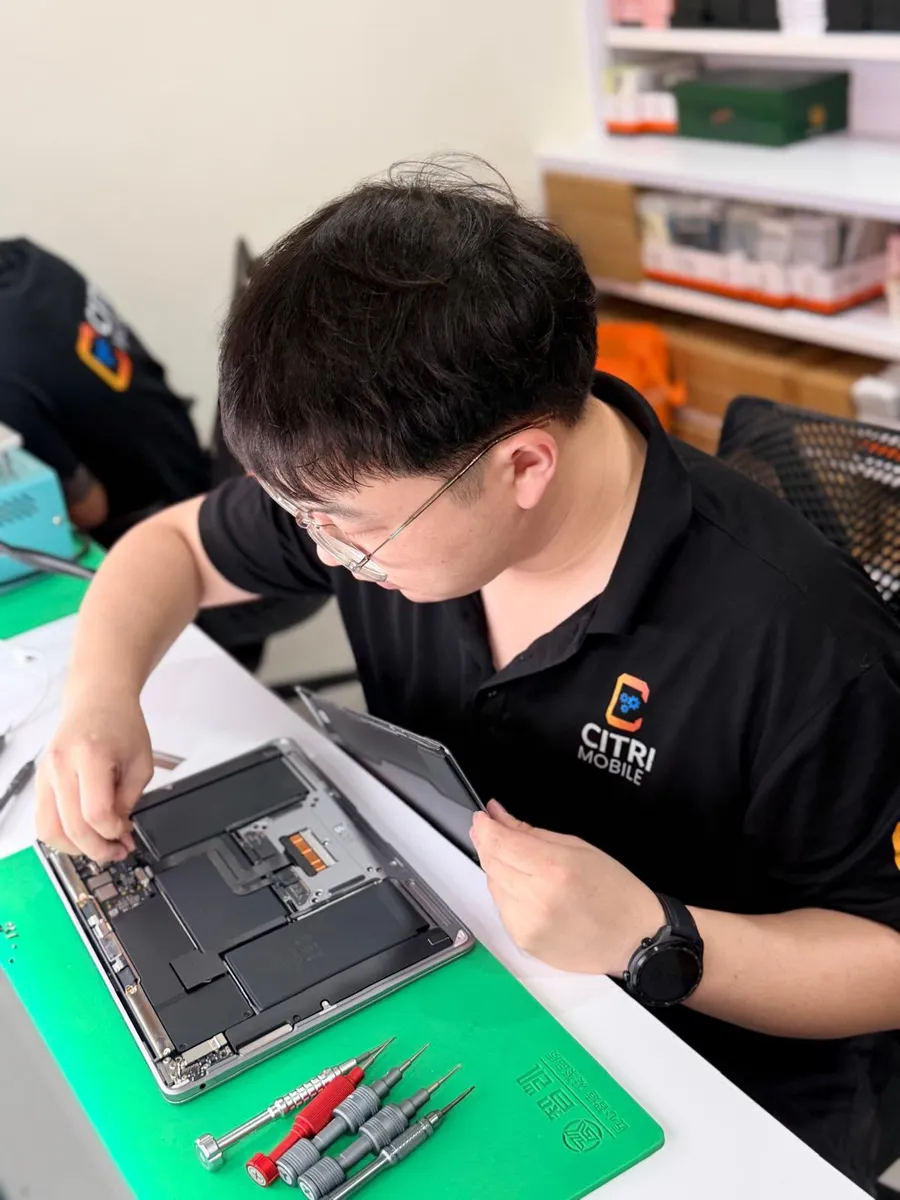
If you're staring at your MacBook and the screen is flickering, cracked, or not showing anything at all, we know exactly how frustrating that can be. As an independent repair specialist with years of hands-on experience, we’ve seen and fixed every kind of screen problem you can imagine. Whether it’s a minor software glitch or a serious hardware issue, we’ll walk you through the possible causes, what you can try at home, and when it’s time to bring it in.
1. Common MacBook Screen Problems We See
Screen issues on a MacBook usually fall into a few key categories. Here’s what we most often help our customers with:
- Flickering Screen – The screen flashes on and off, especially when adjusting brightness or switching apps. This can be caused by software conflicts, GPU issues, or a failing display cable.
- Cracked or Physically Damaged Display – Cracks often occur from drops or pressure on the lid. Even hairline cracks can spread quickly and compromise your display entirely.
- No Display or Black Screen – Your MacBook powers on (keyboard lights up or you hear the chime) but the screen stays black. This may signal a display failure, loose internal cable, or logic board issue.
- Lines or Artifacts on Screen – You might see vertical lines, color distortions, or weird ghosting. These could point to GPU failures or internal screen damage.
2. Quick Checks You Can Try at Home
Before assuming the worst, try these simple steps, many of our customers fix the issue themselves with just a few tweaks:
- Reset the SMC and NVRAM – This can fix flickering and display bugs caused by corrupted system settings.
- Boot into Safe Mode – This helps isolate third-party app conflicts that could be messing with your display.
- Check Brightness and External Display Settings – Sometimes the brightness is just set too low or the system is sending the signal to a second display.
- Inspect for Physical Damage – Shine a light at an angle to check for hairline cracks or liquid marks that might not be immediately visible.
If you’re still stuck or the problem seems to get worse, don’t worry, that’s exactly what we’re here for.
3. When You Should Let Us Handle It
Some screen issues need tools, diagnostics, and parts only available to trained professionals. If you notice any of the following, it’s time to contact us immediately:
- Visible cracks or physical damage – These can spread quickly and risk further internal damage.
- Display turns off randomly or doesn’t turn on at all – This might signal a logic board, backlight, or GPU fault.
- You suspect liquid damage – Spills can lead to corrosion and require internal cleaning and repair.
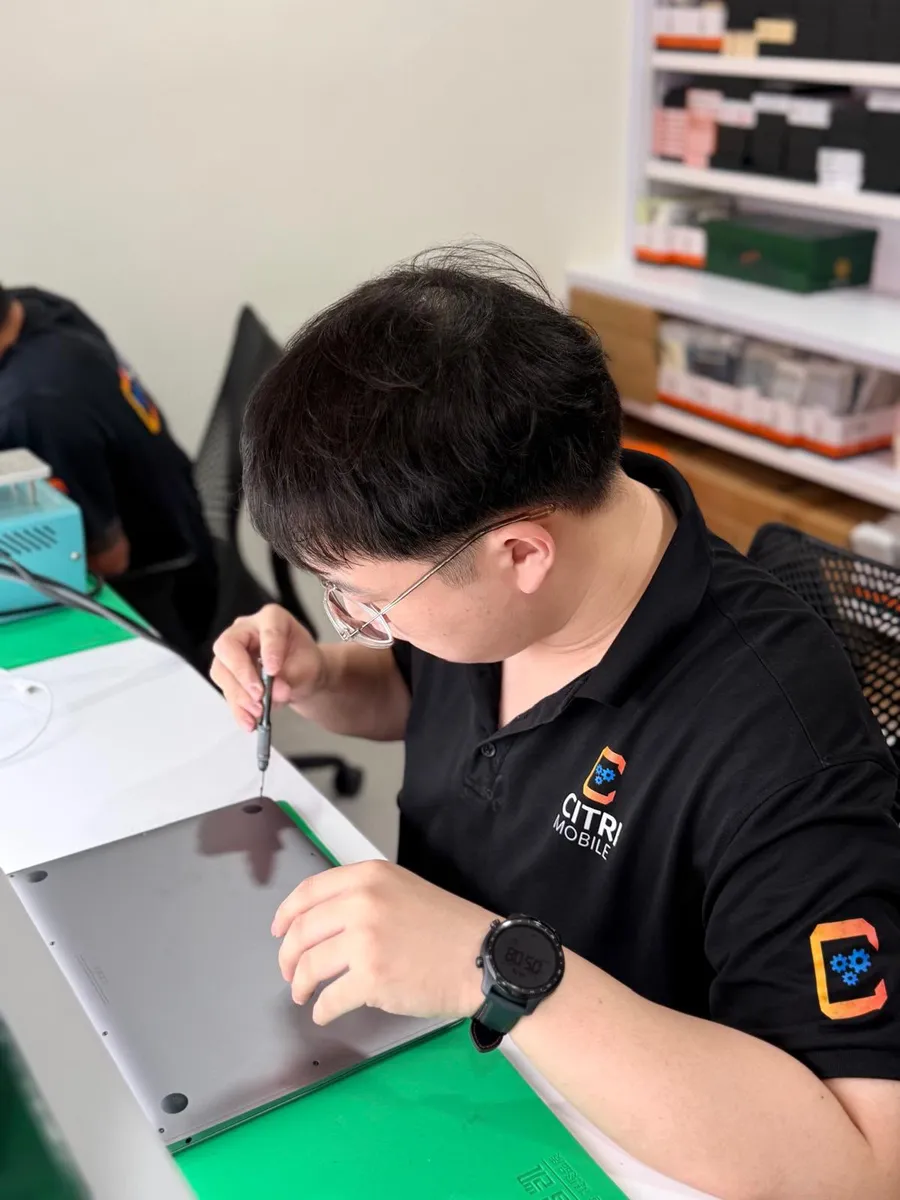
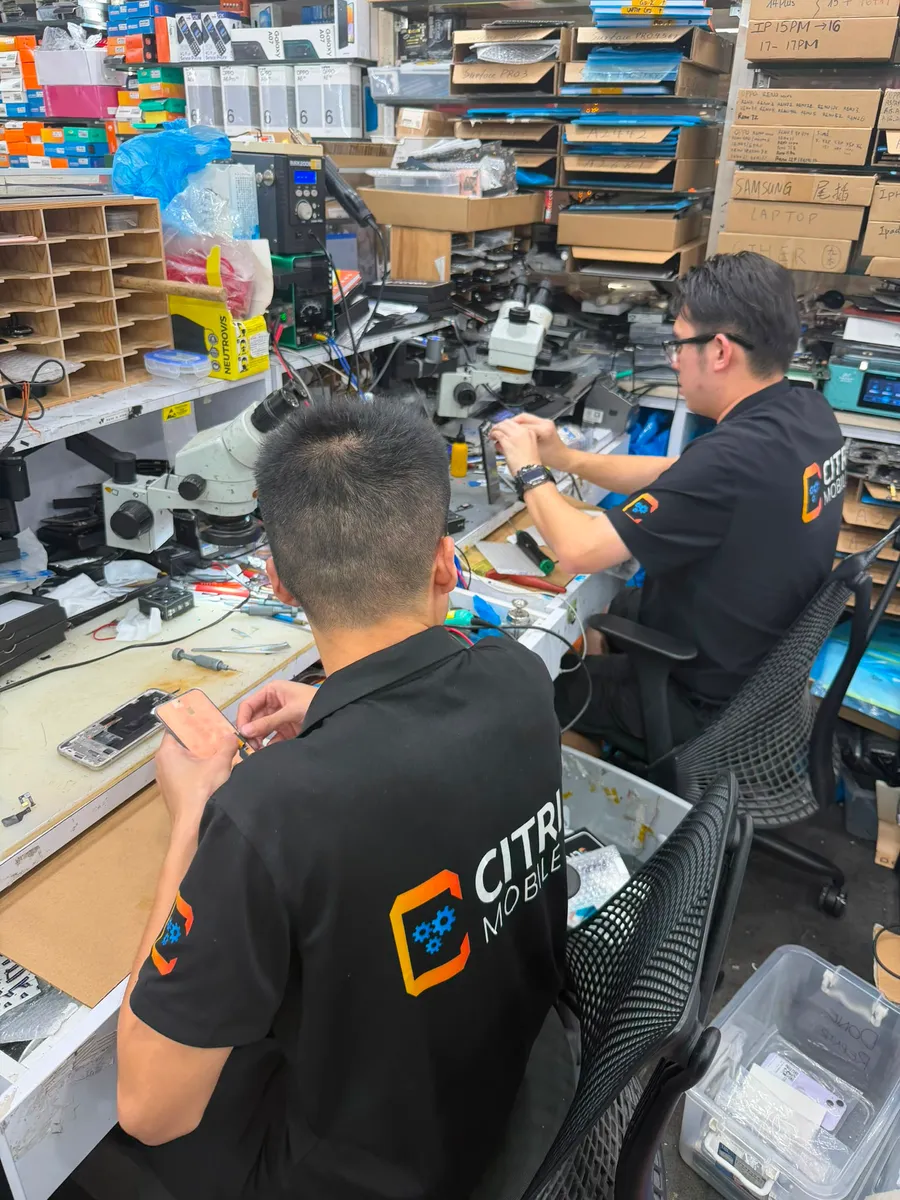
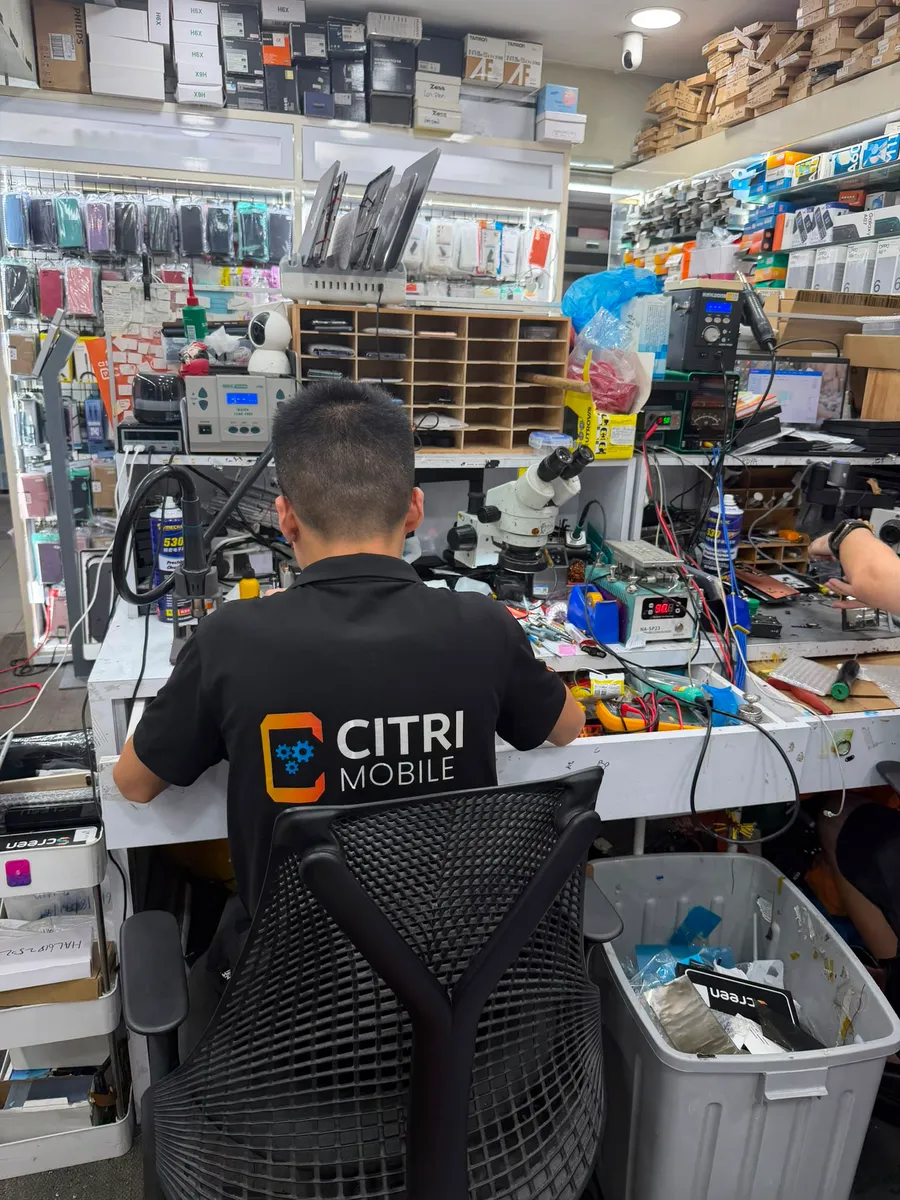
We’ll run full diagnostics using specialised tools and let you know exactly what’s wrong. Whether it’s just a screen swap or a deeper issue, we use original-grade parts and provide a professional fix with fast turnaround times.
4. How Much Does a MacBook Screen Repair Cost?
We don’t believe in vague pricing. You can view actual service pricing for your exact MacBook model on our MacBook repair archive page. Just select your model, view the repair services offered, and get a transparent cost breakdown before reaching out to us. You can also submit your enquiry or book a service directly from there.
5. Preventing MacBook Screen Damage in the Future
We often get asked: "How can I prevent this from happening again?" Here’s what we usually recommend:
- Always use a hard case and a screen protector – This is your first line of defense against drops and scratches.
- Never close your lid with items on the keyboard – Things like earbuds or pens are notorious for cracking MacBook screens when the lid is shut.
- Use a padded laptop sleeve – This reduces pressure when you place your MacBook in your bag or carry it around.
- Keep liquids far away – Even a few drops can seep into the screen or internals if the MacBook is left open.
6. Need Help? We're Just a Click Away
Still unsure what’s going on with your MacBook screen? Let’s take a look. Contact us here and one of our technicians will get back to you quickly. We offer walk-in service and most screen repairs can be done the same day.
7. More MacBook Issues? We’ve Got You Covered
This article is just one part of our full troubleshooting guide. If you’re facing other problems, slow performance, battery issues, charging problems, be sure to visit our Ultimate MacBook Troubleshooting and Repair Guide. It’s the go-to resource for everything MacBook-related.
And if you're ready to check your exact model, explore pricing, or get support right away, head over to our MacBook Repair Singapore page.
We’re here to make your MacBook good as new, no data loss, no downtime, and no guesswork.