MacBook
MacBook Trackpad Not Working? Here’s What You Can Do
In this article
If your MacBook trackpad isn’t clicking, responding to gestures, or behaving strangely, you’re not alone. We see this issue often at our repair centres in Singapore, especially at our Chinatown, Tampines, Yishun and Jurong Point branches. In this guide, we’ll walk you through the possible reasons why your MacBook trackpad might not be working and what you can do about it, both DIY fixes and professional repair options.
Common Symptoms of a Faulty MacBook Trackpad
- No response to clicks or taps: The trackpad feels dead, with no physical or haptic feedback.
- Erratic cursor movement: The cursor jumps around or doesn’t follow your finger precisely.
- Gestures not working: Pinch-to-zoom, swipes, or Mission Control gestures stop responding.
- Trackpad only works intermittently: Sometimes it works, other times it doesn’t, often after waking from sleep.
What Causes a MacBook Trackpad to Stop Working?
- macOS glitches: A system bug or corrupted preferences file can affect trackpad functionality. Resetting the SMC or NVRAM often helps.
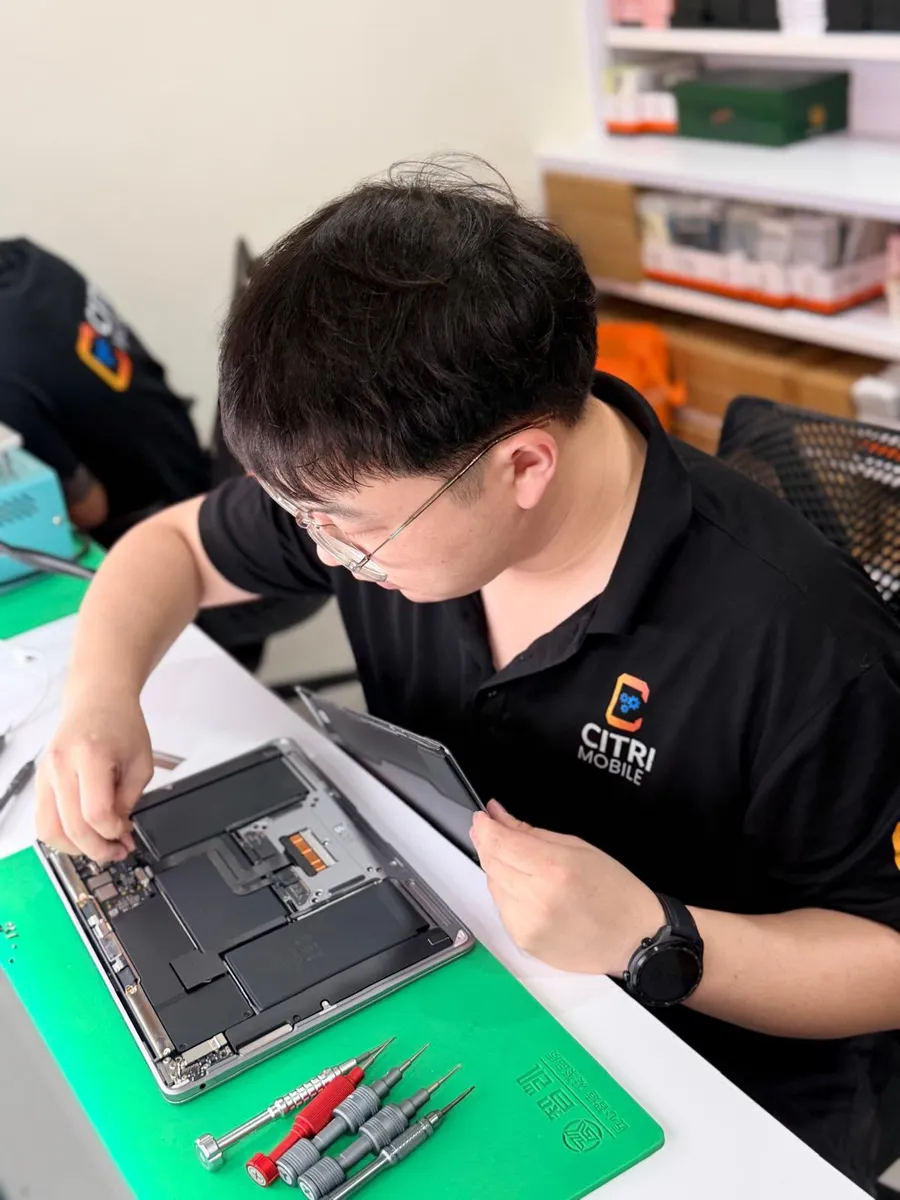
- Battery swelling: A swollen battery can press up against the trackpad from beneath, preventing it from clicking properly.
- Water or liquid damage: Moisture under the trackpad or on the logic board can short-circuit functionality.
- Hardware damage: Drops or pressure damage can lead to flex cable issues or trackpad misalignment.
- Trackpad cable failure: On some models, the cable that connects the trackpad to the logic board becomes loose or damaged over time.
Quick DIY Fixes You Can Try
Before bringing your MacBook in for service, try these first:
- Reset the System Management Controller (SMC): Shut down your MacBook, then hold Shift + Control + Option + Power for 10 seconds. Release and turn on your Mac.
- Reset NVRAM/PRAM: Restart and hold Option + Command + P + R immediately until you hear the second startup chime.
- Boot into Safe Mode: Restart your Mac while holding Shift. This disables third-party extensions that may affect the trackpad.
- Check for macOS updates: Go to System Preferences → Software Update. Bug fixes are sometimes included in newer builds.
When to Seek Professional Repair
If you’ve tried the DIY methods above and your trackpad is still unresponsive, it’s likely a hardware issue. In many cases, we’ve found that a simple trackpad cable replacement or battery replacement solves the problem.
We specialise in MacBook repairs in Singapore, and we carry out trackpad diagnostics, replacements, and even liquid damage assessments on-site. The best part? You can walk in without an appointment at our Chinatown or Tampines locations.
Don’t Ignore a Faulty Trackpad
Left unfixed, a trackpad issue could point to a deeper problem with your logic board or battery. Bring it in early, and you might avoid costlier damage. Our diagnostic process is fast, and we’ll let you know upfront what’s wrong and how much it’ll cost to fix.
Want to check prices before coming down? Head over to our MacBook Repair Singapore archive where you can select your model and view available services with pricing information.
Explore Other Common MacBook Issues
If your trackpad issue is just the tip of the iceberg, or you’re facing other problems like slow performance or battery drain, we’ve written a full resource for you. Visit our Ultimate MacBook Troubleshooting and Repair Guide to explore fixes for a wide range of MacBook issues.
Need Help? We’re Just a Click Away
Still unsure what’s wrong? Let us help. Contact us today to speak with our technicians or drop by our service centres in Chinatown or Tampines. We’re here to get your MacBook back in top shape, fast, affordable, and with no data loss.