MacBook
How To Fix MacBook Battery Draining Fast
In this article
We’ve had many MacBook users come in asking why their MacBook battery seems to drain much faster than it used to. If you're experiencing this too, you're not alone, and it's something we can help with. At Citri Mobile, we deal with battery-related issues every day and understand how frustrating it is when your device can’t even last through a Zoom call or lecture.
Why Is Your MacBook Battery Draining So Quickly?
There are a few common reasons why this happens, and identifying the root cause is the first step toward resolving it:
- Background Processes: Apps running in the background, especially ones that sync data or use location services, can rapidly drain power without you noticing.
- Battery Age and Wear: MacBook batteries naturally degrade over time. After 1000 charge cycles, most batteries will start showing signs of reduced capacity.
- macOS or App Bugs: Occasionally, an update may cause a bug that affects battery performance, often seen in Safari, Spotlight, or indexing processes.
- Display and Energy Settings: High brightness, frequent screen wakeups, or not using sleep mode correctly can all drain the battery faster than normal.
- Battery Health Issues: If your MacBook gets unusually warm or shuts down unexpectedly, it may be a failing battery or internal issue.
How to Check Your MacBook Battery Health
Here’s how you can get a basic idea of your battery's condition:
- Click on the Apple logo in the top left corner.
- Select About This Mac, then click System Report.
- Under Power, look at the Cycle Count and Condition section.
If your cycle count is above 800 or your condition says “Service Recommended,” your battery is likely due for a replacement. We can help you replace it with original-grade parts at our MacBook Repair Singapore page, where you can select your model and check prices before contacting us.
What You Can Do to Extend Battery Life
Here are a few practical steps you can take right now:
- Turn on Battery Saver Mode: Enable Low Power Mode under System Settings to reduce energy use.
- Reduce Screen Brightness: Lower brightness or turn on auto-adjust to help extend battery runtime.
- Close Unused Apps: Especially Chrome, Zoom, or design apps like Figma and Adobe software, these are heavy on battery use.
- Turn off Bluetooth and Wi-Fi: If you’re not using them, switching off wireless connections can help save power.
- Use Safari Instead of Chrome: Safari is far more battery-efficient on macOS compared to other browsers.
While these tips can help, they don’t fix battery degradation or internal issues. If your battery still dies too fast even after trying the above, it’s time to look into professional repair.
We Can Help You Fix It
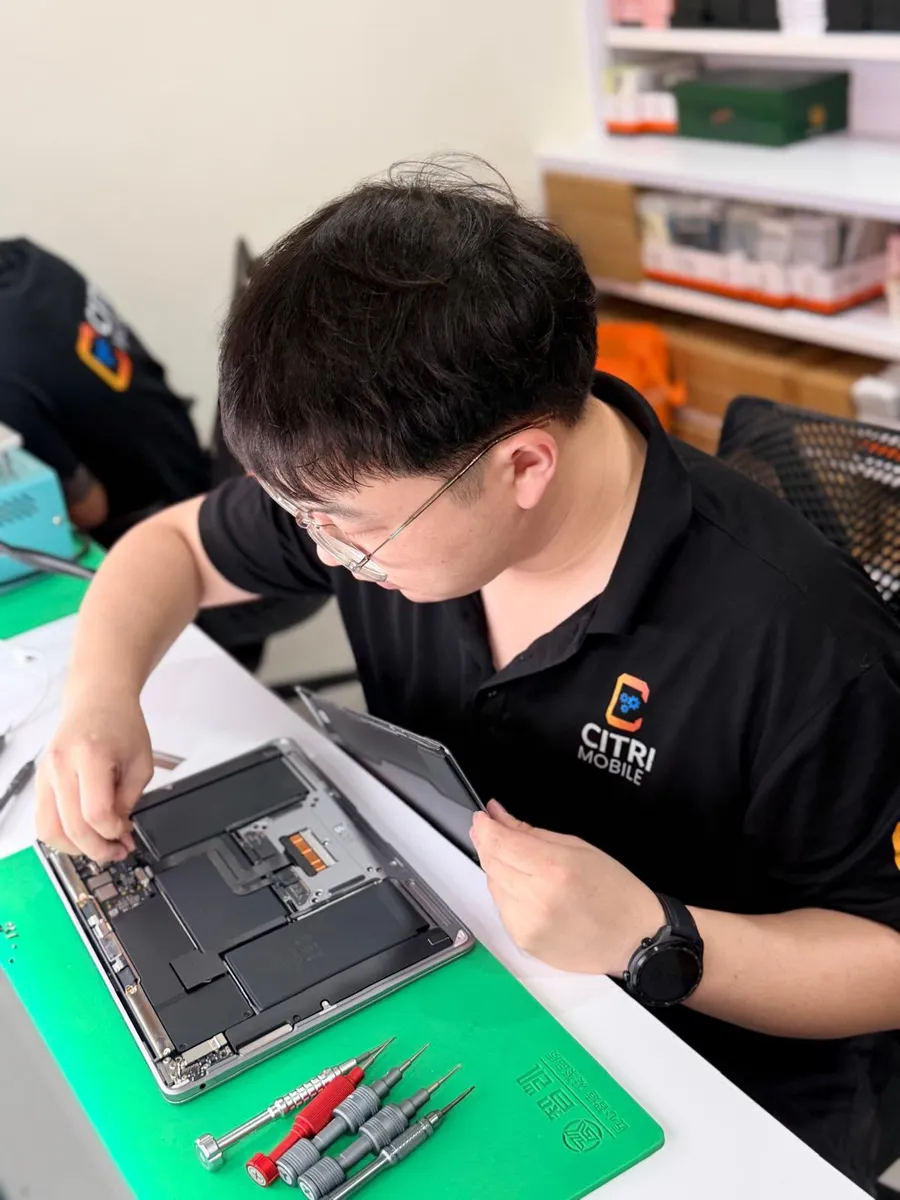
At Citri Mobile, we’re an independent repair specialist: which means we use original-grade parts and professional tools when replacing MacBook batteries. No data loss, no risk. Just a proper, fast, and affordable fix by our experienced technicians.
If you’re not sure what the issue is, you can also check out our Ultimate MacBook Troubleshooting and Repair Guide. It walks through a wide range of common issues beyond just battery drain, so it might help you diagnose other potential problems too.
Ready to Get Your MacBook Battery Fixed?
If your battery isn’t holding charge like it used to, we recommend booking an assessment or dropping by. You can contact us directly for a quick quote or to arrange a repair. You can also head over to our MacBook repair shop page to find your model and explore service options.
We handle most MacBook battery replacements within the same day, so you won’t be left without your laptop for long.