
MacBook Charging Port Replacement in Singapore
Original Grade
MacBook charging port replacement at Citri Mobile starts from $85 nett, priced per model in the table below, after a free check that confirms the port is the fault, with a warranty of up to 100 days at four walk-in branches across Singapore.
30-100 Days Warranty · Most Repairs Done Same Day · Data Untouched On Most Jobs.


MacBook Charging Port Replacement Prices by Model

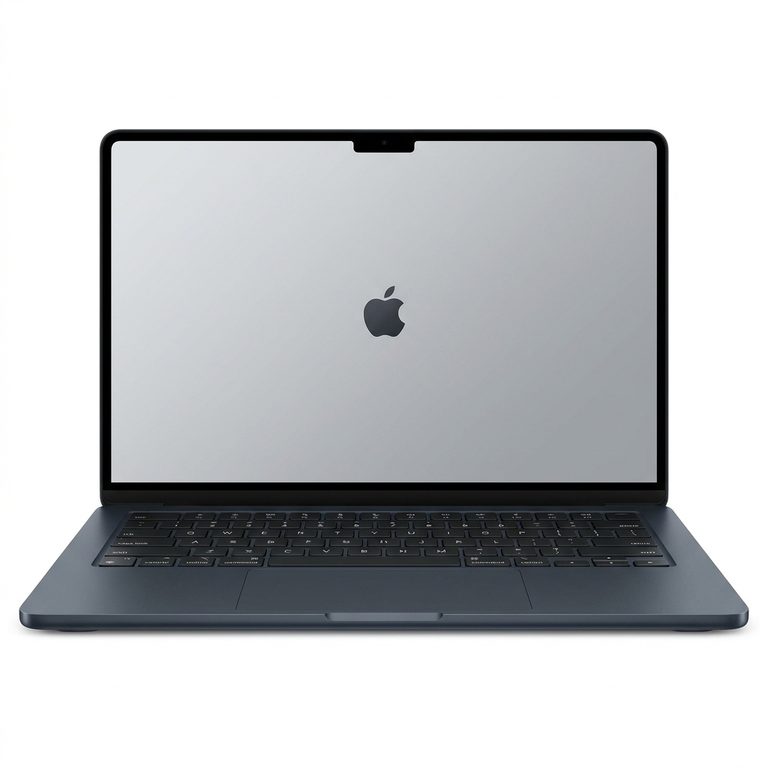
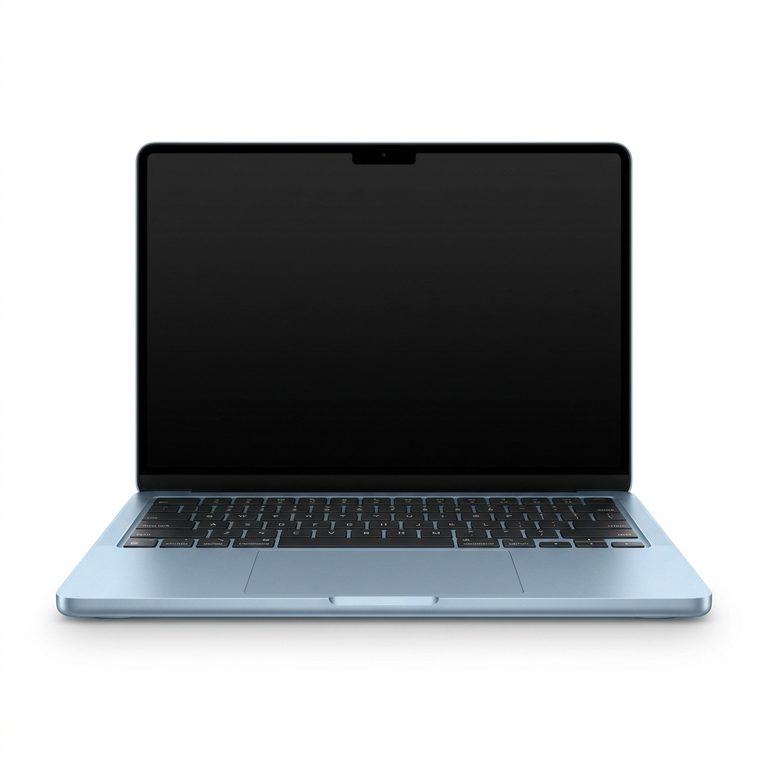

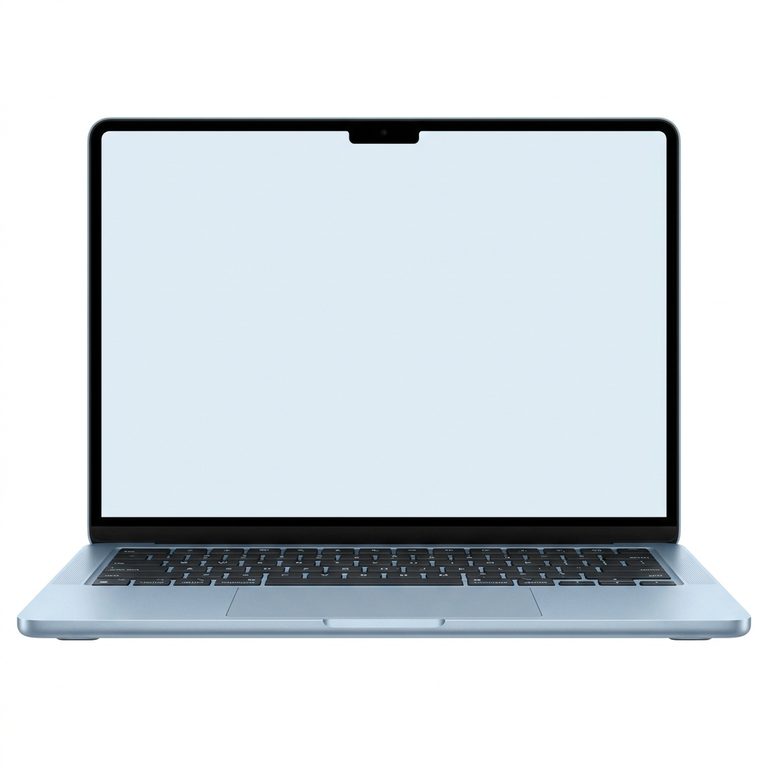





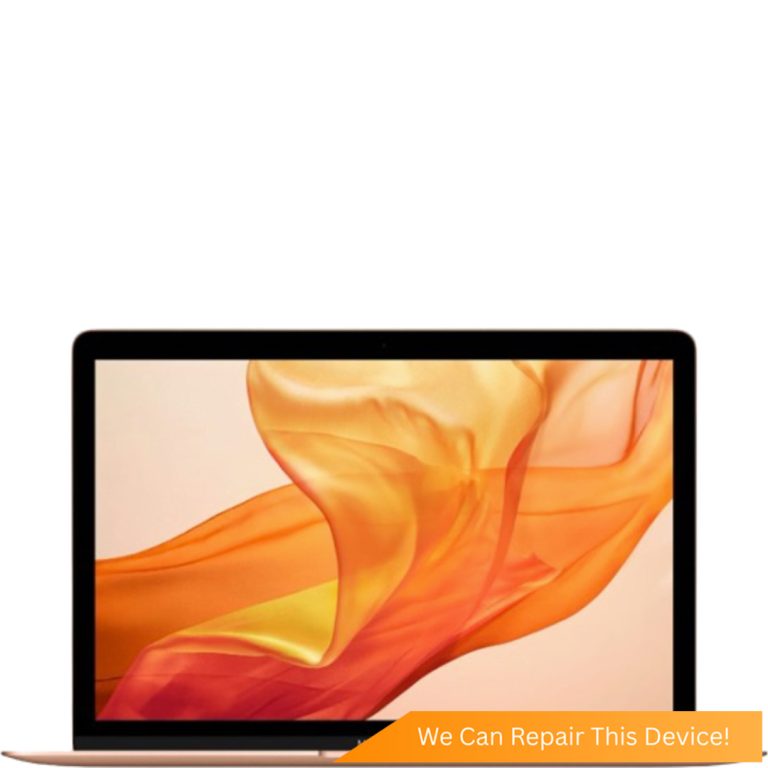
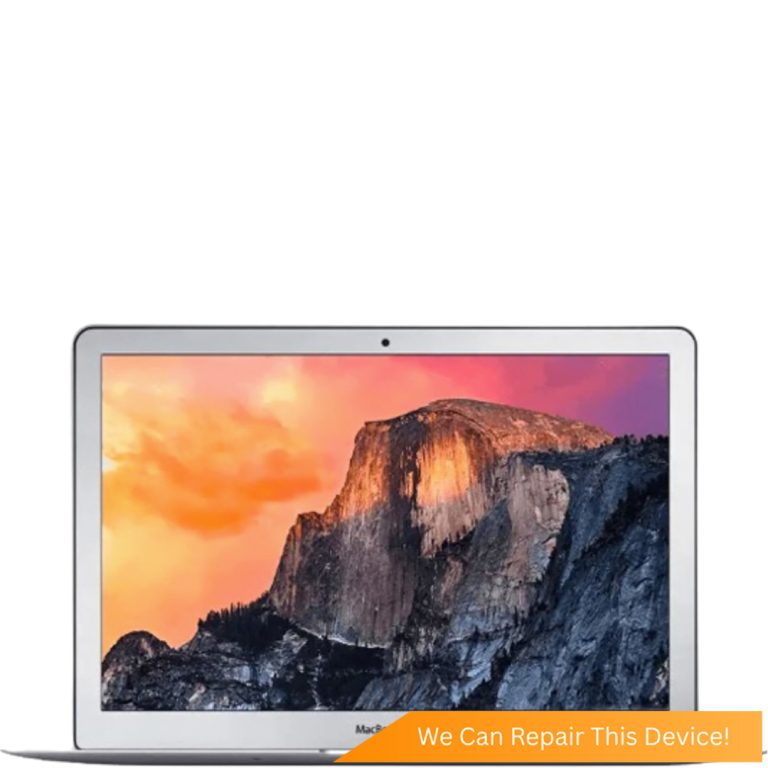
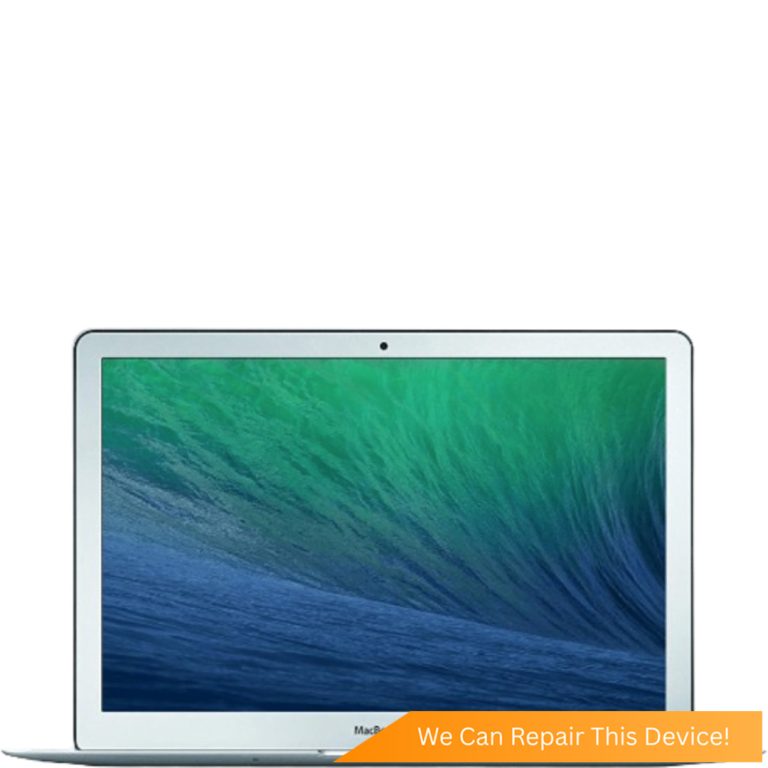

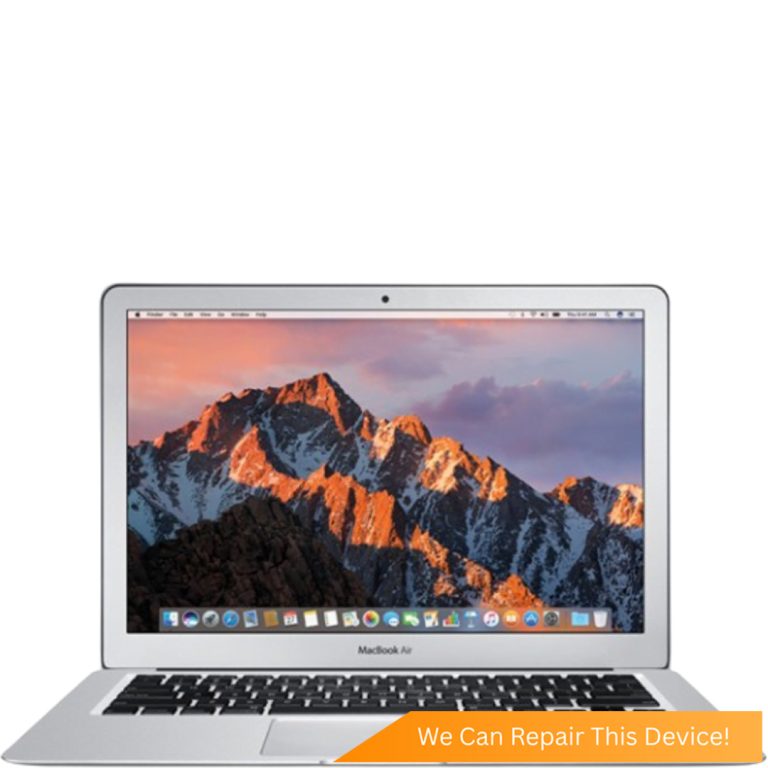
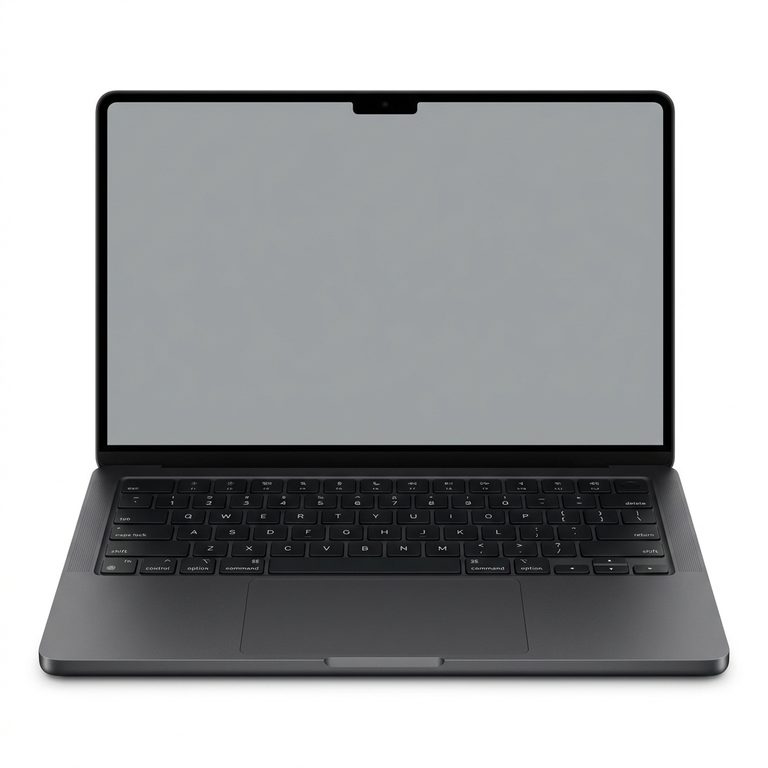
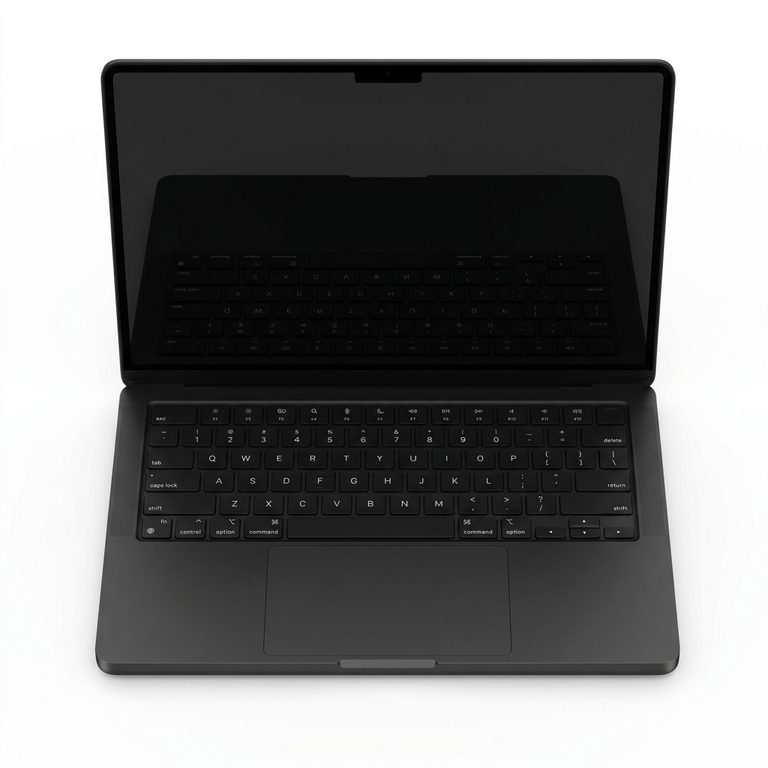
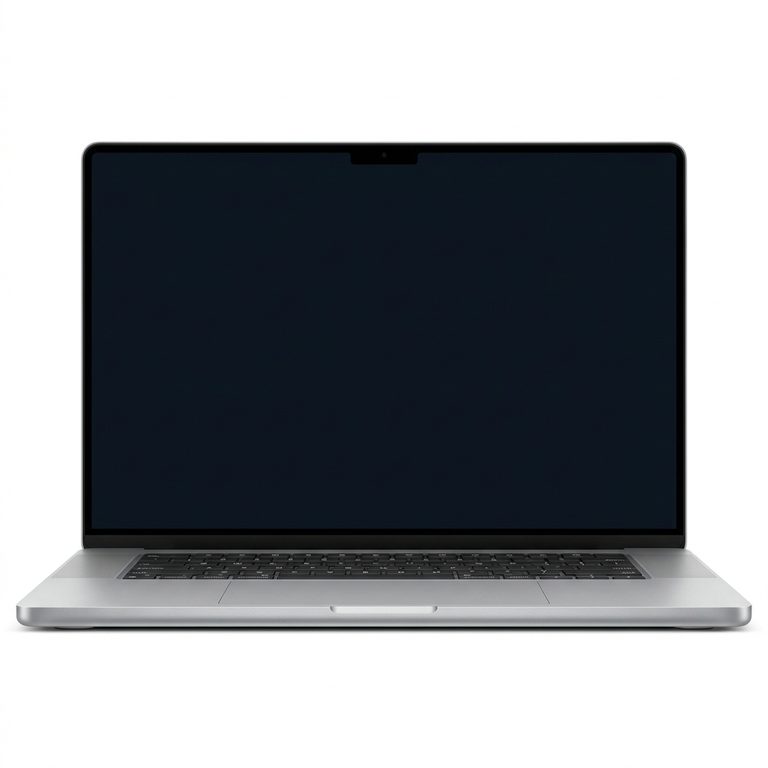
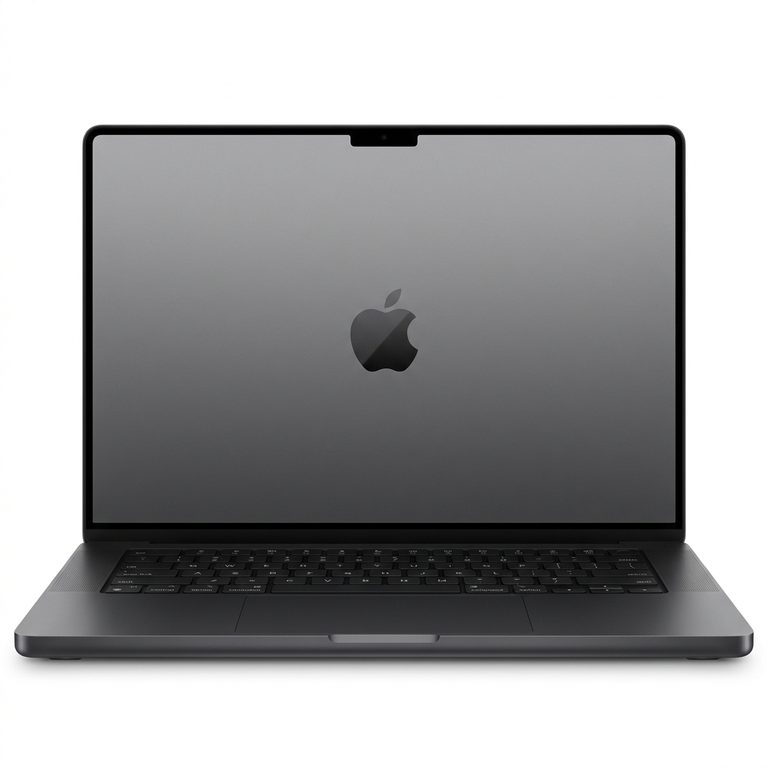
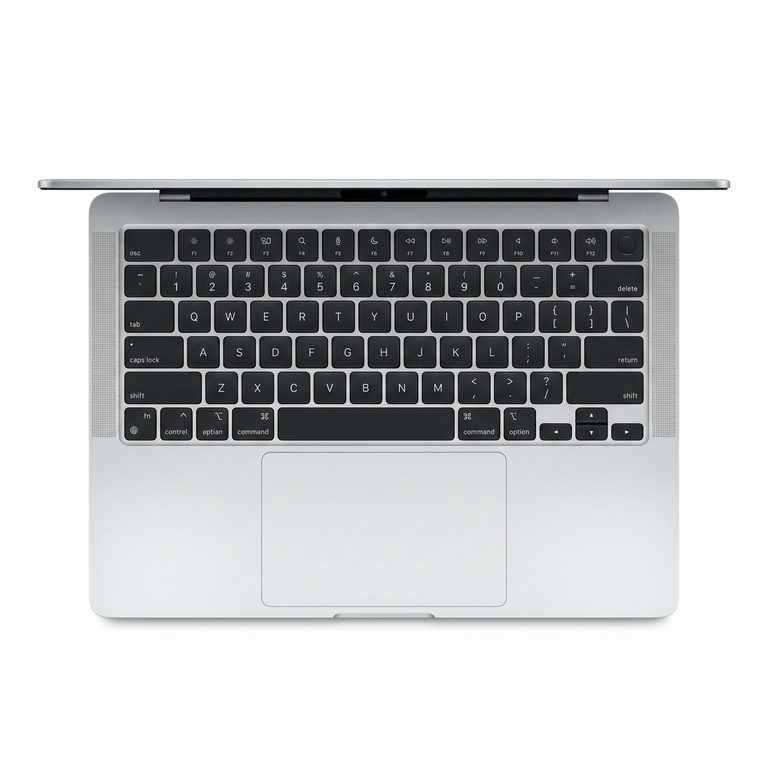
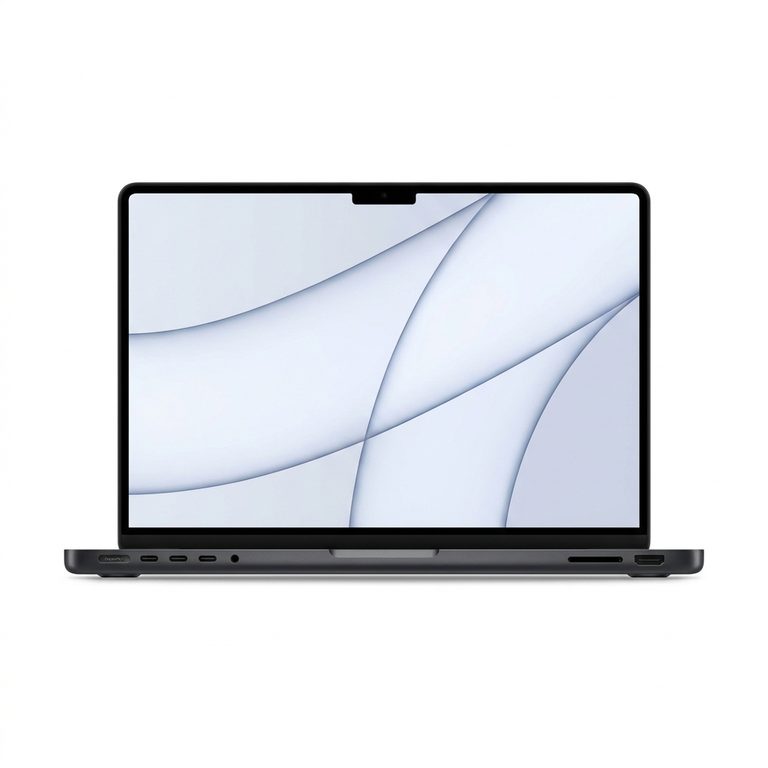
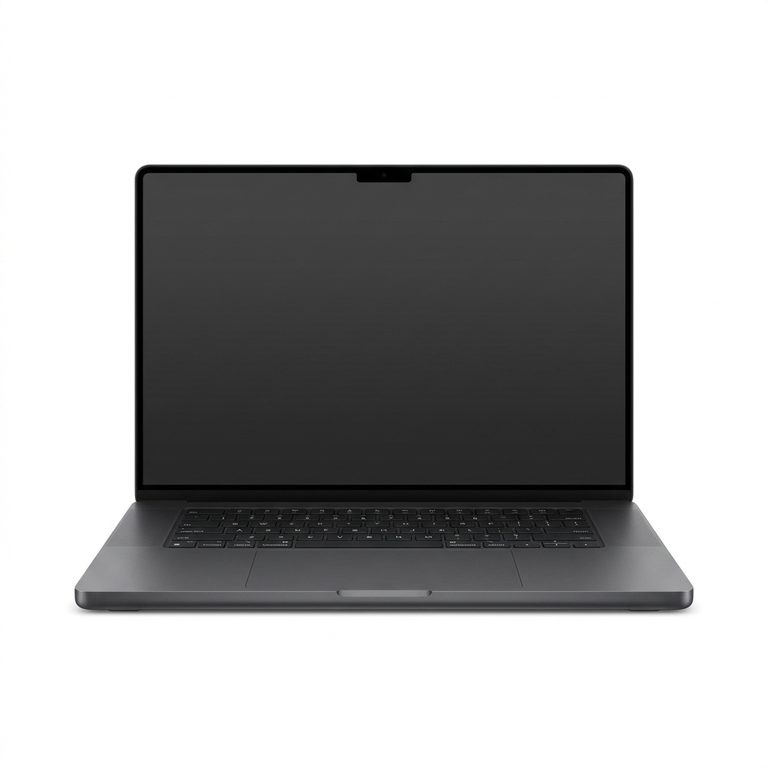
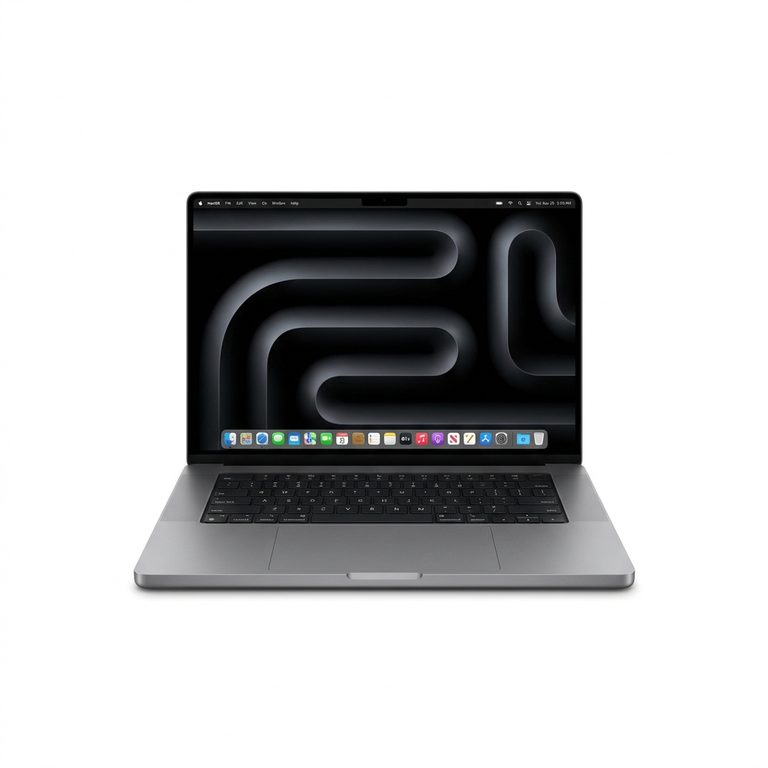





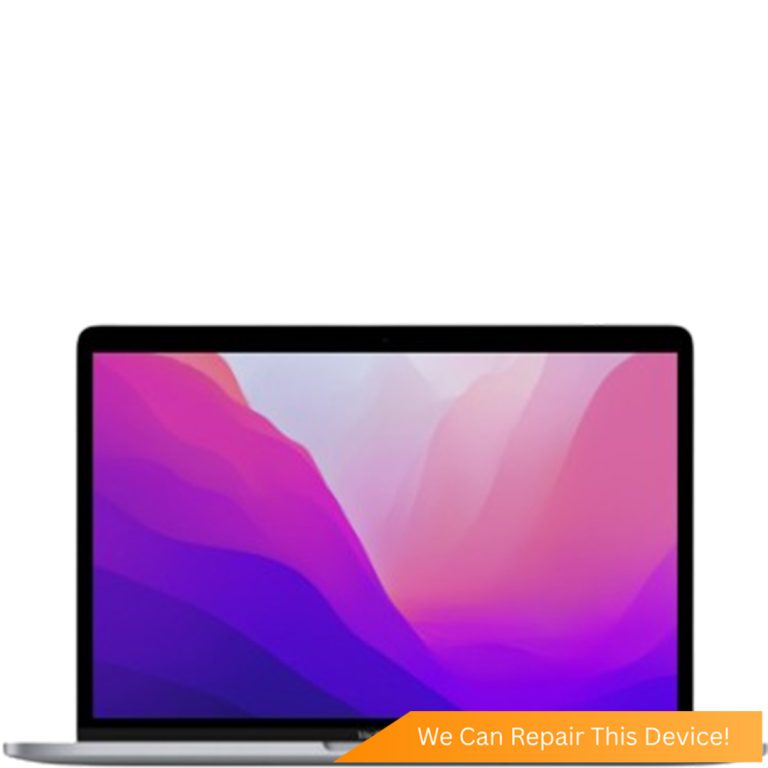

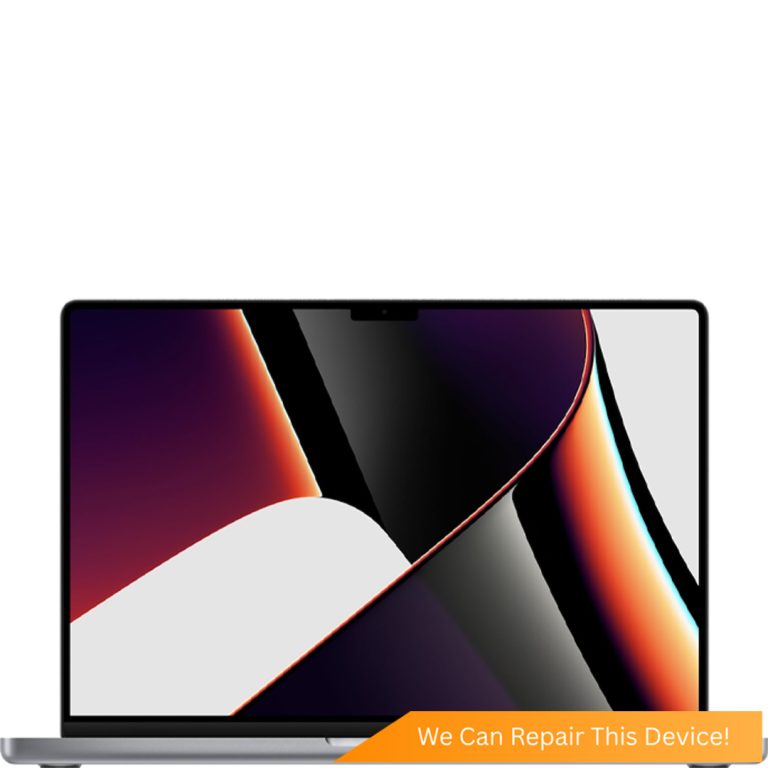
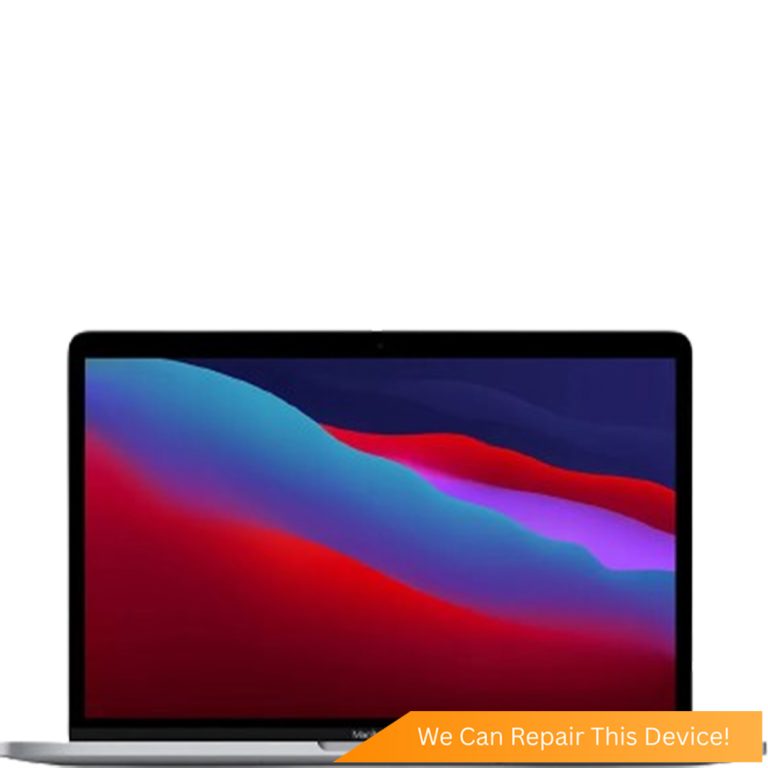
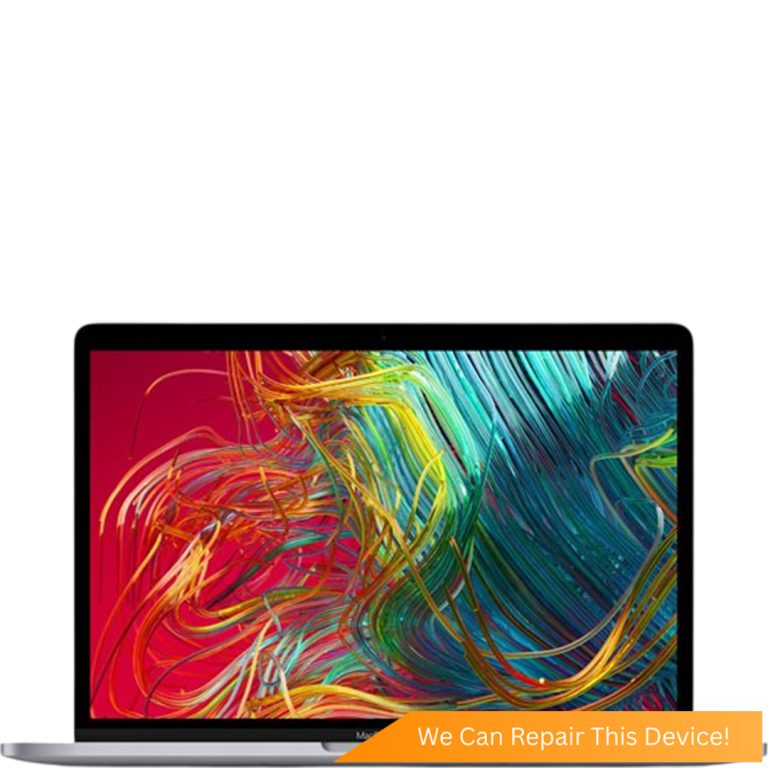

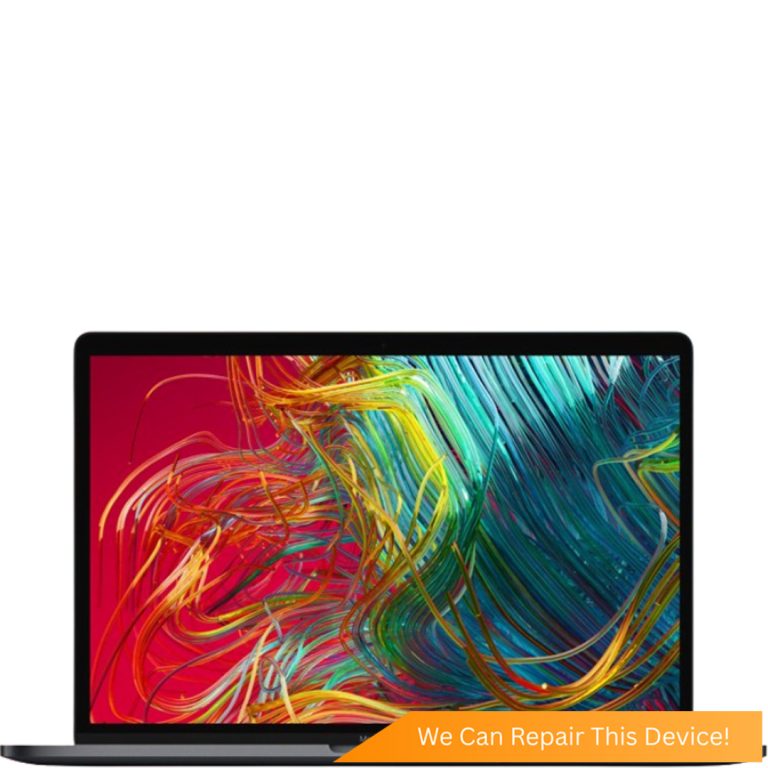

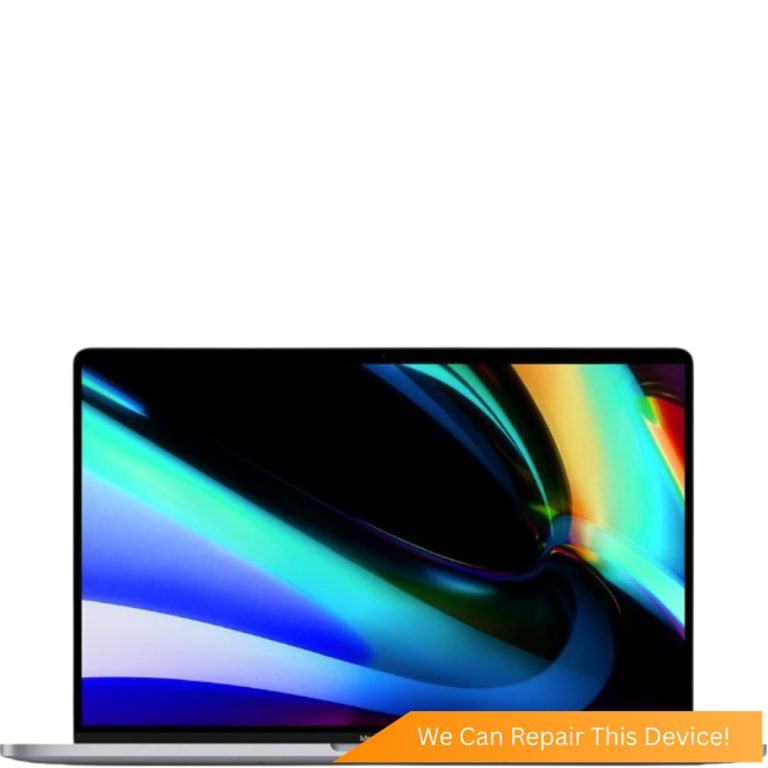


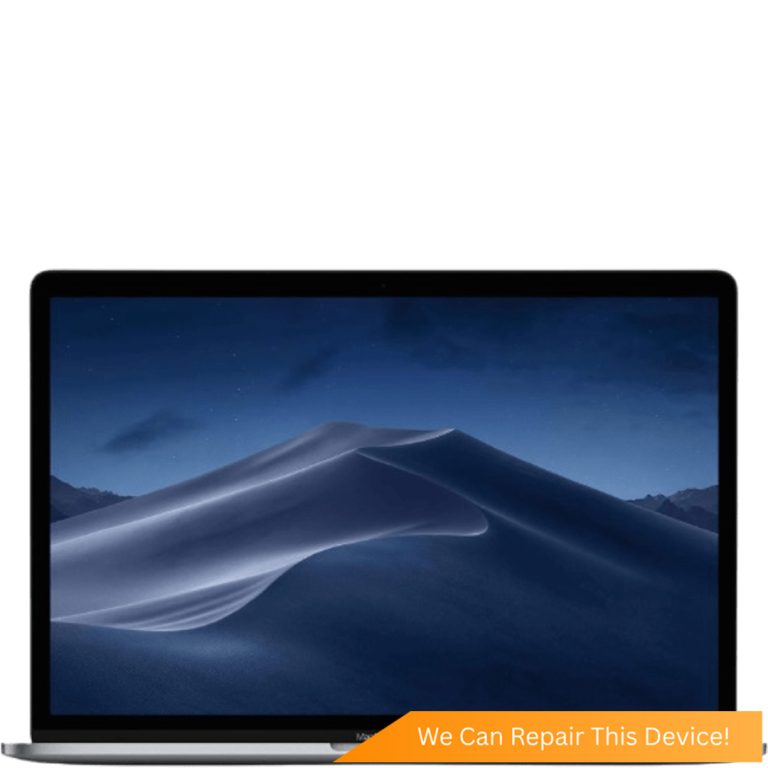




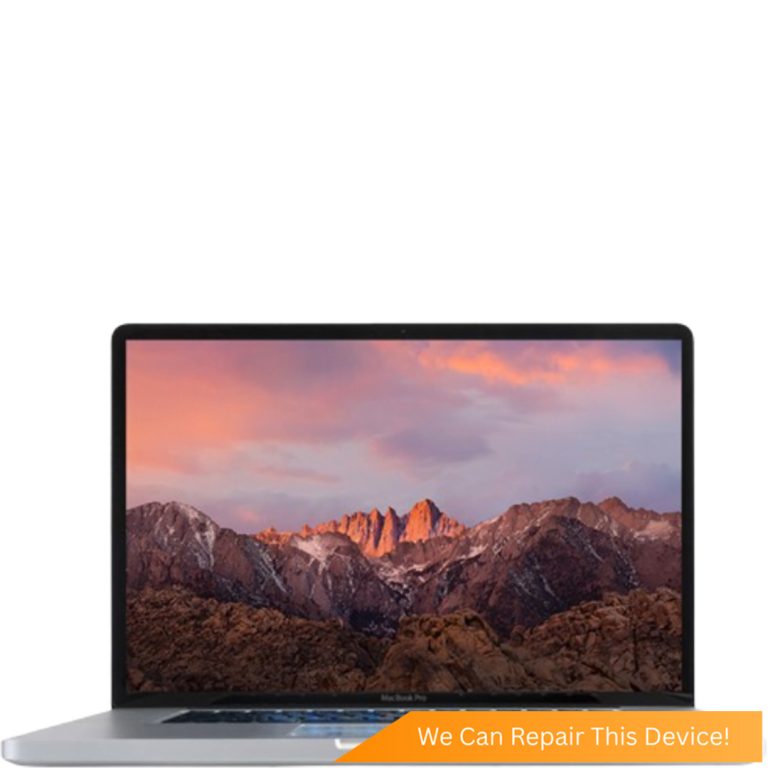




Not sure which one you have? The model number, an A followed by four digits, is printed in small type on the underside of your MacBook.
MacBook Charging Port Replacement FAQs
- Why is my MacBook plugged in but not charging?
- Most often the adapter or cable has failed, the port is packed with lint or worn, or the battery has worn out. Optimised battery charging can also pause the charge at 80%, which shows as not charging and needs no repair. If a known-good cable and adapter change nothing, the fault is inside the Mac, and a free check finds which part.
- Where can I fix a MacBook charging port in Singapore?
- Citri Mobile replaces MacBook charging ports at four walk-in branches: People's Park Centre in Chinatown, Tampines, Yishun and Jurong Point. The nett price for every model is published in the table above, the check before quoting is free, and every repair carries a warranty of up to 100 days. Message us your model first so we can confirm the part is in stock.
- How much does a MacBook charging port replacement cost?
- It starts from $85 nett, and your exact model's price is in the table above. If the free check finds the fault is on the logic board instead, that work is quoted separately after diagnosis, and you decide before anything starts.
- Why is my 2019 MacBook Pro not charging?
- The 2019 MacBook Pro charges only over USB-C, so try a different cable and adapter, then every USB-C port on the machine. One port charging and another not means that port is the fault. If none charge with known-good gear, the free diagnosis tells you whether it's the battery or the logic board.
- Can a MagSafe MacBook charge over USB-C?
- The MagSafe 3 models can. The 14-inch and 16-inch MacBook Pro from 2021 and the MacBook Air from M2 onward charge over MagSafe 3 or USB-C. Older MagSafe and MagSafe 2 machines, up to the 2015 Retina Pros and the Airs to 2017, charge only through MagSafe.
- Will I lose my data during a MacBook charging port repair?
- No. Replacing the port doesn't touch the drive, so nothing is wiped and nothing is reinstalled. If the fault turns out to be the logic board on a 2018-or-later MacBook, the storage is soldered and encrypted to that board, so repairing the board is also how your files are kept.
- Do you use genuine Apple parts for MacBook charging ports?
- Genuine Apple parts are reserved for eligible iPhone repairs under the Apple IRP programme. MacBook charging ports are quality Original Grade parts matched to your model, covered by a warranty of up to 100 days.
Plugged in and nothing happens. The percentage won't move, or it only charges with the cable held at an angle. We replace MacBook Air and MacBook Pro charging ports at four walk-in branches, priced against your exact model, after a free check that confirms the port really is the fault.
Because often it isn't. A MacBook that won't charge can be down to the adapter, the cable, the battery or the board, or macOS pausing the charge on purpose. The checks below take five minutes.
Why Is My MacBook Plugged In but Not Charging?
Usually the adapter or cable has failed, the port is blocked or worn, the battery has worn out, or macOS has paused charging deliberately. Change one thing at a time, in this order.
- Try a different cable and a different adapter. Both, one at a time. A MacBook not charging when plugged in over USB-C is often just the cable, and a small phone adapter may not keep up with a MacBook Pro under load.
- Try another port on the Mac. On a USB-C MacBook with more than one port, any of them should charge it. On a MagSafe 3 MacBook, try USB-C if MagSafe does nothing, and the other way round. One port working and another not points straight at the port.
- Read the battery status. "Not Charging" or "Battery Is Not Charging" with the adapter connected often has a harmless cause: optimised battery charging pauses at 80% when macOS expects you to stay plugged in, and finishes later. Nothing needs repairing.
- Check battery health. "Service Recommended" in Battery settings ("Service Battery" on older macOS) means the battery itself is worn, and a worn battery can sit stuck at a low percentage or die the second you unplug.
- Shine a torch into the port. Lint from a bag or pocket packs into USB-C ports until the plug goes in but no longer makes full contact. Don't dig at it with anything metal.
Our guide to a MacBook not charging takes each check further. Still nothing? Bring it in and tell us what you tried.
Signs It's the MacBook Charging Port
If the Mac only charges with the plug held at an angle, the port is the problem. Same if the plug feels loose going in, or charging cuts in and out when you touch the cable.
- Only charges at an angle. The contacts inside the port are worn, bent or dirty, so the plug only meets them in one position.
- Loose plug. A USB-C plug should go in firmly and stay put. If it wobbles or drops out, the port has worn.
- One USB-C port charges, another doesn't. A single dead port with the others working is a fault on that side.
- Lint packed in the port. Sometimes the whole problem. We look for it before quoting, and if a clean-out is all it needed, we'll tell you.
A MacBook charging port not working on every port at once, with an adapter you know is good, is usually the logic board. See below.
Which Charging Port Does My MacBook Have?
It depends on the family and the year, and it changes the home check: a MagSafe 3 Mac can fall back to USB-C, while an older MagSafe Mac has only the one way in.
- MagSafe (the original): MacBook Pro 13-inch and 15-inch, 2009 to 2012 (A1278, A1286); MacBook Pro 17-inch, 2009 to 2011 (A1297); MacBook Air 11-inch and 13-inch, 2010 and 2011 (A1370, A1369).
- MagSafe 2: MacBook Pro Retina 13-inch, 2012 to 2015 (A1425, A1502); MacBook Pro Retina 15-inch, 2012 to 2015 (A1398); MacBook Air 11-inch and 13-inch from 2012, the 13-inch running to 2017 (A1465, A1466).
- USB-C only: the 12-inch MacBook, 2015 to 2017 (A1534), which charges through its single USB-C port; every Intel MacBook Pro from 2016 to 2020, including the 16-inch from 2019; the MacBook Air from 2018 to 2020 and the M1 MacBook Air; the 13-inch M1 and M2 MacBook Pro.
- MagSafe 3 plus USB-C: the 14-inch and 16-inch MacBook Pro from 2021 onward, and the MacBook Air from M2 onward. These charge over either.
So a MacBook Pro 2019 not charging has only USB-C to work with: try every port with a cable you know carries power. On a MagSafe 3 machine, a dead MagSafe with USB-C charging normally points at the MagSafe port or cable, and nothing worse.
MacBook Battery Not Charging: Is It the Battery Instead?
Sometimes, yes. If the plug sits firmly and the Mac runs on the adapter but the percentage won't climb, or it dies the instant you unplug, the battery is the likelier fault. "Service Recommended" in Battery settings points the same way, as does a cycle count near or past the 1,000 cycles Apple rates current MacBook batteries for (hold Option, click the Apple menu, then System Information and Power). A trackpad that has lifted or stopped clicking means a swollen battery: stop charging it and bring it in.
Our MacBook battery replacement page covers that repair. We test the port and the battery at the same free check, so you only pay for the part that has failed.
When a MacBook Won't Charge Because of the Logic Board
If it won't charge from any port with any known-good adapter, the fault is usually on the logic board rather than the port. The same goes for a Mac with no light and no sound at all, or one that stopped charging after a spill or a drop.
Liquid is a common cause. A splash near the port keeps corroding the charging circuit after it has dried, which is why a Mac can stop charging a week or two after the spill. If yours has been wet, stop charging it and read our guide to MacBook liquid damage, or go straight to MacBook water damage repair.
MacBook logic board repair is quoted after a free diagnosis, never off a list. On the 2018 to 2020 Intel MacBooks with the T2 chip and every Apple silicon MacBook, the storage is soldered to the board and encrypted to it, so repairing the board is also how the files come back. If the Mac shows no life at all, start with our guide to a MacBook Pro or Air not turning on.
What Happens During a MacBook Charging Port Replacement?
We confirm the port is the fault first, free. Then it's replaced with a quality Original Grade part matched to your model, and the Mac is charged and tested before you collect it. Usually the same day once the part for your model is here; you get a realistic timing when we quote.
Your files are not touched: nothing is wiped and nothing is reinstalled. If the Mac still runs, back it up before the repair anyway.
Where to Get a MacBook Charging Port Replaced in Singapore
Citri Mobile replaces MacBook charging ports at four walk-in branches: People's Park Centre in Chinatown, Tampines, Yishun and Jurong Point, open 11am to 9pm daily. Addresses and directions are on the locations page.
No appointment is needed, but message us first on WhatsApp at +65 9456 6455 with your model so we can confirm the part is in stock before you make the trip. Every repair carries a warranty of up to 100 days, honoured at any branch, and the price in the table above is nett.
Related Guides and Repairs
- MacBook not charging: adapter, port or battery, and how to tell them apart
- MacBook battery replacement: when the battery is why it won't charge
- MacBook logic board repair: no charge on any port, quoted after a free diagnosis
- MacBook Pro or Air not turning on: what to try before you bring it in
- MacBook repair shop: screens, batteries, keyboards and logic board work
Charging Port Replacement for Other Brands
Same repair, different make — every brand we do charging port replacement for, with its own nett prices.
- ASUS Charging Port Replacement
- Google Pixel Charging Port Replacement
- Honor Charging Port Replacement
- Huawei Charging Port Replacement
- Infinix Charging Port Replacement
- LG Charging Port Replacement
- Microsoft Surface Charging Port Replacement
- Motorola Charging Port Replacement
- Nothing Charging Port Replacement
- OnePlus Charging Port Replacement
- Oppo Charging Port Replacement
- Samsung Charging Port Replacement
- Samsung Tablet Charging Port Replacement
- Sony Charging Port Replacement
- Xiaomi Charging Port Replacement
- Xiaomi Redmi Charging Port Replacement
- iPad Charging Port Replacement
- iPhone Charging Port Replacement
- realme Charging Port Replacement
- vivo Charging Port Replacement
Other MacBook Repairs
Something else wrong with your MacBook? Every repair we do for the brand, model by model.
Why Citri Mobile for MacBook charging port replacement?
- 🏅
Quality parts & diagnostics
Quality Original Grade parts, professional tools and full diagnostics for MacBook. Genuine Apple parts are reserved for eligible iPhone repairs under the Apple IRP programme. - 🏆
Carousell Best Service Provider
Carousell 2024 & 2025 award winner. - 🤝
Carousell Preferred Partner
Trusted by thousands across Singapore for MacBook charging port replacement. - ✅
CaseTrust Accredited
Recognised for fair and ethical business practices, transparent pricing. - ⭐
5.0★ · 3,000+ reviews
Across Google and Carousell, consistently rated for fast, reliable, honest repairs at all four shops. - ⚡
Same-day on most repairs, fair nett pricing
Most standard MacBook repairs are completed the same day and board-level work is quoted after a free diagnosis — always at wholesale rates with no hidden charges. - 🛡️
30-100 days warranty
Most repairs are backed by a warranty, so you stay covered after you leave. - 🔒
Your data stays safe
Photos, apps and settings are kept intact for most repairs.
Apple Independent Repair Provider Testimonials Our locations
Where to Get Your Device Repaired in Singapore
Walk in to any of our 4 repair shops for your MacBook charging port replacement. We're open 11am–9pm daily, no appointment needed — message us first if you want us to confirm your part is in stock.
-
Chinatown
People’s Park Centre, #01-47, Singapore 058357 11:00 AM – 9:00 PM · daily -
Tampines
503 Tampines Central 1, #01-299, Singapore 520503 11:00 AM – 9:00 PM · daily -
Jurong
CarousellMOBILE Jurong Point, #B1-34A, Singapore 648886 11:00 AM – 9:00 PM · daily -
Yishun
Blk 846 Yishun Street 81, #01-3643, Singapore 760846 11:00 AM – 9:00 PM · daily