MacBook
MacBook Liquid Damage Repair in Singapore
In this article
Spilled water, coffee, or any liquid on your MacBook? Don’t panic, you’re not alone, and more importantly, you’re not helpless. At Citri Mobile, we specialise in MacBook liquid damage repair in Singapore with fast turnaround times and expert diagnostics. Whether you're near Chinatown or Tampines, our experienced technicians are ready to help.
In this guide, we’ll walk you through what to do immediately, signs of damage, how liquid affects your MacBook’s internal components, and when it’s time to bring it in for a professional assessment.
What to Do Immediately After Spilling Liquid on Your MacBook
If you’ve just spilled something on your MacBook, here’s what we recommend doing straight away:
- Shut it down immediately. Hold the power button until the screen turns off. Do not try to use it again, this can cause more damage.
- Unplug all accessories and chargers. Remove any USB drives, external monitors, or charging cables.
- Turn it upside down. Place your MacBook in a tent position (like an upside-down V) to let gravity help drain the liquid.
- Do not use rice or hairdryers. These are common myths. Rice doesn't absorb internal moisture effectively, and heat can cause even more damage.
- Bring it to us as soon as possible. Time is critical. Corrosion begins the moment liquid hits the motherboard. Contact us here to book a priority repair slot.
Common Symptoms of MacBook Liquid Damage
Here are some signs your MacBook might be suffering from liquid exposure, even if it was a minor spill:
- MacBook won’t turn on even after charging.
- Keyboard or trackpad stops responding or types erratically.
- Screen flickering, discolouration or lines appearing.
- Battery draining quickly or not charging at all.
- Fan running loudly or overheating issues.
If you notice any of these, reach out to us as soon as possible. Early intervention improves the chances of full recovery.
What Happens Inside a Liquid-Damaged MacBook?
MacBooks are highly compact and tightly integrated. Even a small amount of liquid can reach:
- The logic board – This is the brain of your MacBook. Liquid damage here can cause system failure, power issues, or component shorts.
- Battery connectors – Fluid here can lead to overheating, battery expansion, or even fire risks.
- Keyboard & trackpad membranes – These can short-circuit easily, causing sticky keys or loss of touch functionality.
- Display cables & ports – These areas are vulnerable to corrosion, which can lead to intermittent issues or complete failure.
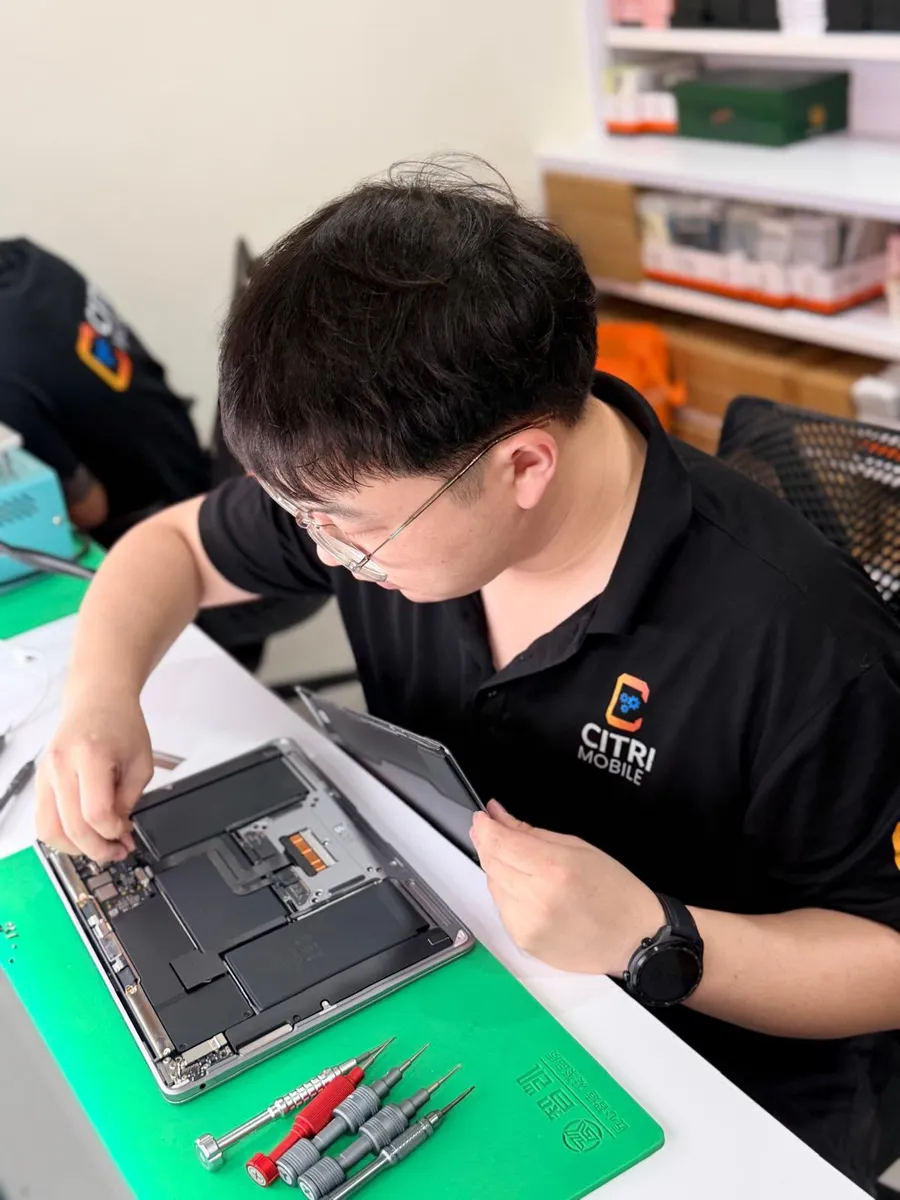
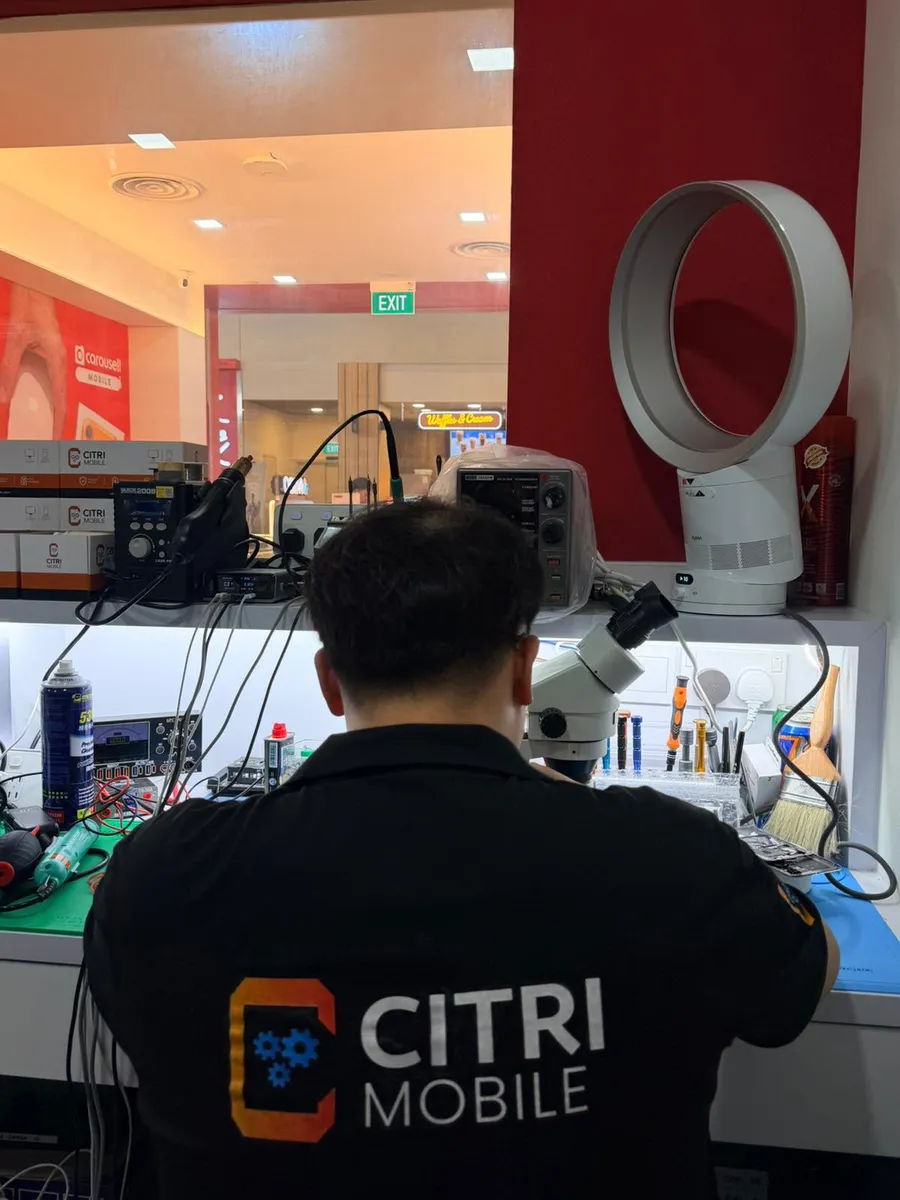
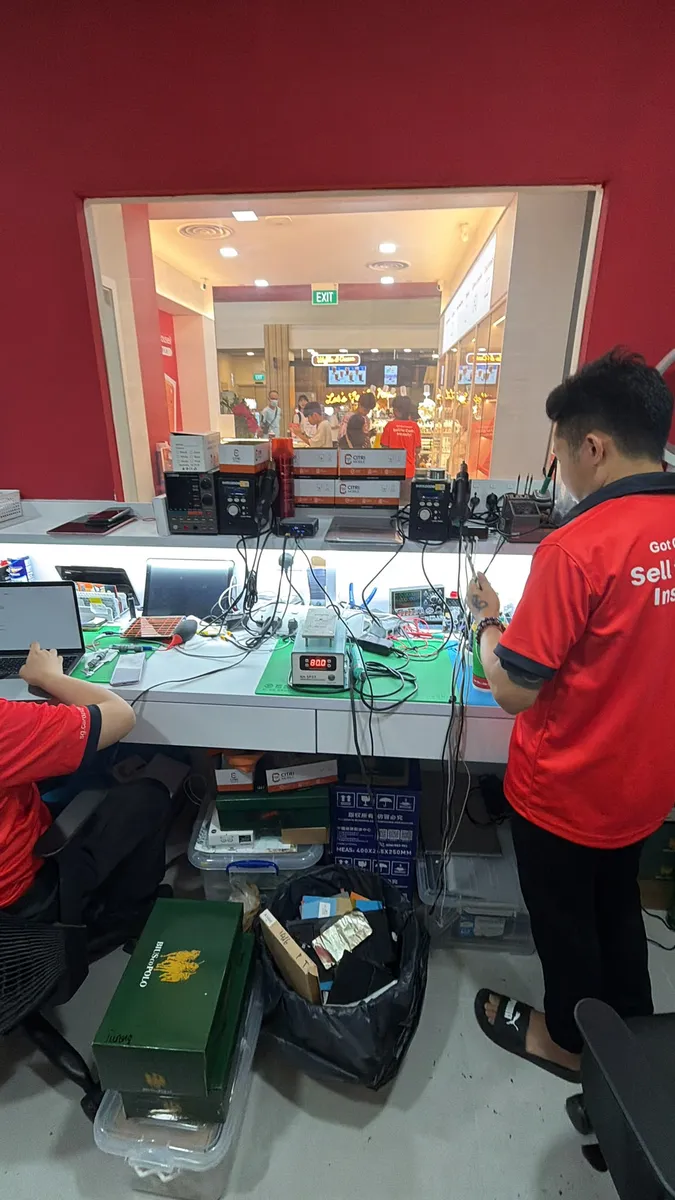
We use professional diagnostic tools to assess internal damage and provide accurate repair options, from ultrasonic cleaning to full board repair or replacement if needed.
Ready to fix your MacBook? Book your repair appointment here or walk in at our Chinatown or Tampines outlets today.
Cost of MacBook Liquid Damage Repair
The cost of repairing a liquid-damaged MacBook varies based on the extent of the damage and model. For a more accurate estimate, visit our MacBook Repair Services Archive. Simply select your MacBook model and see the available services and prices.
How We Repair Liquid-Damaged MacBooks
Every case is different, but our process typically follows this flow:
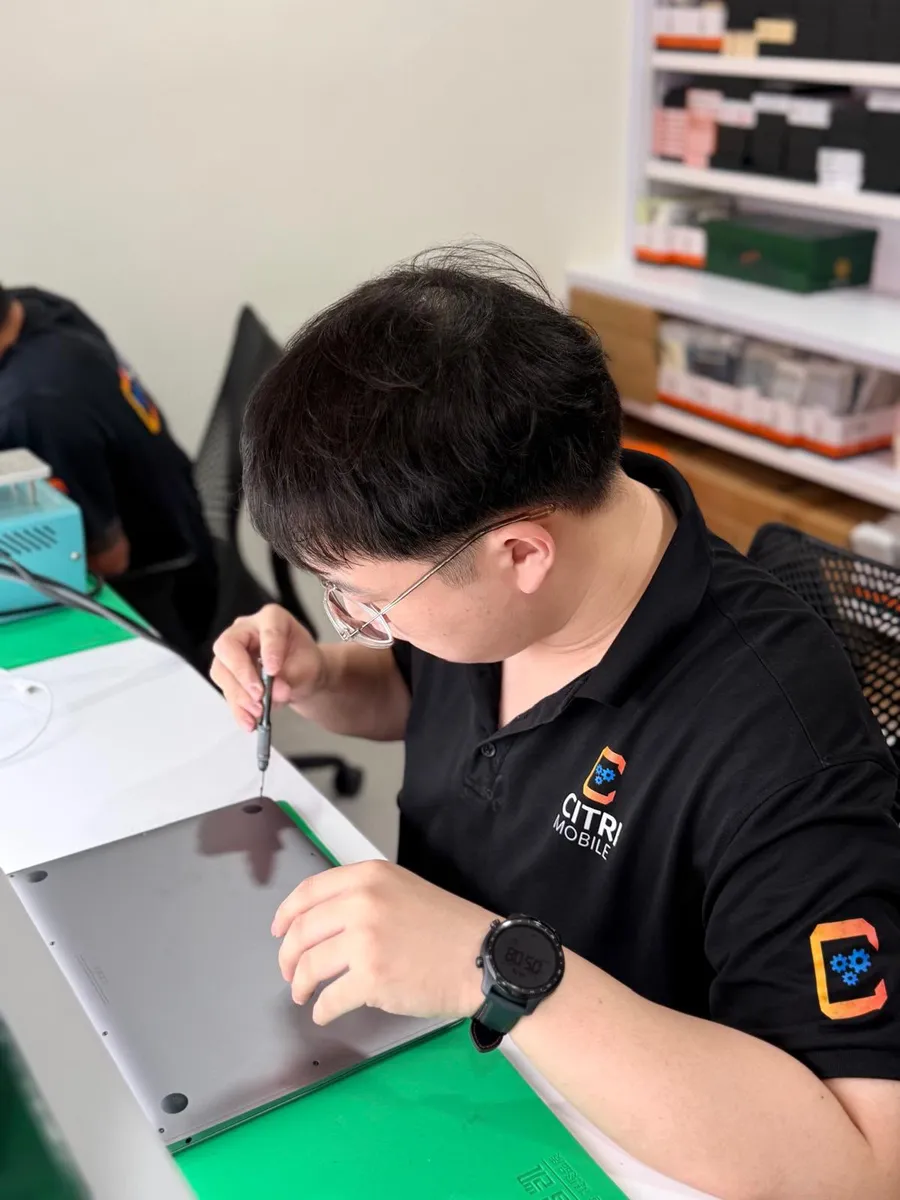
- Free Diagnosis – We’ll open up the device and assess internal corrosion or short circuits.
- Ultrasonic Cleaning – Removes corrosion using professional-grade cleaning tools.
- Component-Level Repairs – Replace damaged chips, resistors or ports without replacing the entire board.
- Full Testing – Ensure the MacBook boots, charges, and functions correctly before returning it to you.
Frequently Asked Questions
- Can my MacBook be saved after liquid damage?
- Yes, in most cases. The sooner you bring it in, the better the chances. Even dead MacBooks can often be revived if the corrosion hasn’t spread too far.
- How long does the repair take?
- The diagnosis comes first and it is free. How long the repair takes depends on what the liquid reached, so we give you the timing with the quote rather than a number we cannot keep.
- Will I lose my data?
- We make every effort to preserve your data. If your MacBook won’t turn on, we can attempt data recovery from the SSD.
- Is this covered under Apple warranty?
- Apple’s warranty typically does not cover liquid damage. However, as an independent repair specialist, we offer reliable and cost-effective alternatives.
- Do you offer warranty on repairs?
- Yes. All our MacBook repairs come with a limited warranty depending on the parts replaced.
Explore More MacBook Fixes
If your MacBook is facing issues beyond liquid damage, such as battery problems, screen flickering, or keyboard malfunctions, check out our Ultimate MacBook Troubleshooting Guide. It covers everything you need to know, model by model.
Need Help Fast?
Liquid damage doesn’t wait, and neither should you. Contact Citri Mobile today or walk in to our conveniently located branches at Chinatown, Tampines, Yishun and Jurong Point. Let’s get your MacBook up and running again.