
MacBook LCD Display Cable Replacement in Singapore
Original Grade
MacBook LCD display cable replacement at Citri Mobile is quoted after a free diagnosis, with every model we handle listed in the table below and a nett price given before work starts, plus a warranty of up to 100 days at four walk-in branches across Singapore.
30-100 Days Warranty · Most Repairs Done Same Day · Data Untouched On Most Jobs.


MacBook LCD Display Cable Replacement Prices by Model
| Model and year, chip and model number | Price |
|---|---|
 MacBook Air 13-inch (2026) M5 · A3449 MacBook Air 13-inch (2026) M5 · A3449 | On quote |
 MacBook Air 15-inch (2026) M5 · A3448 MacBook Air 15-inch (2026) M5 · A3448 | On quote |
 MacBook Air 13-inch (2025) M4 · A3240 MacBook Air 13-inch (2025) M4 · A3240 | On quote |
 MacBook Air 15-inch (2025) M4 · A3241 MacBook Air 15-inch (2025) M4 · A3241 | On quote |
 MacBook Air 15-inch (2025) M4 · A3241 MacBook Air 15-inch (2025) M4 · A3241 | On quote |
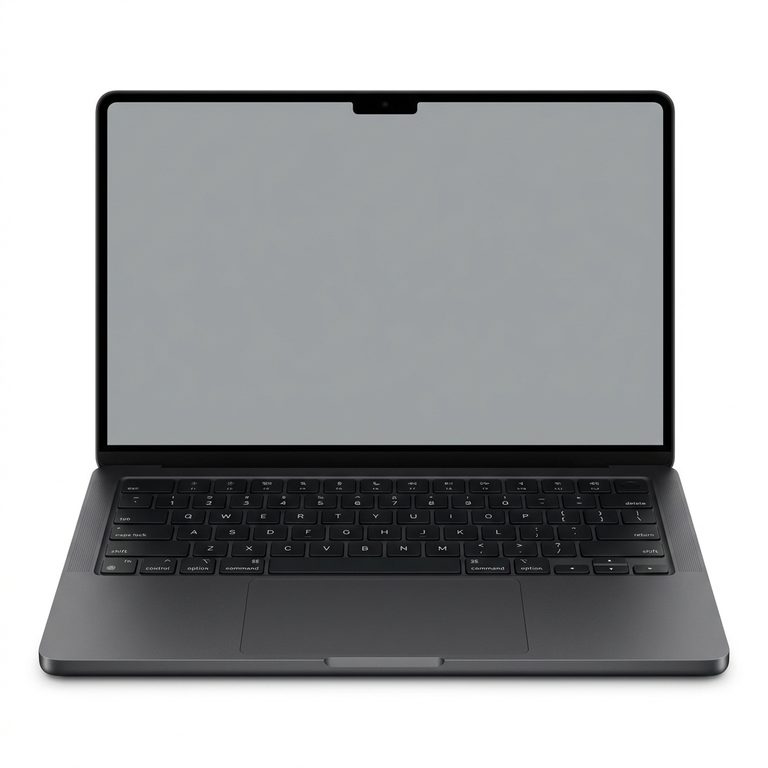 MacBook Pro 14-inch (2026) M5 Pro · A3426 MacBook Pro 14-inch (2026) M5 Pro · A3426 | On quote |
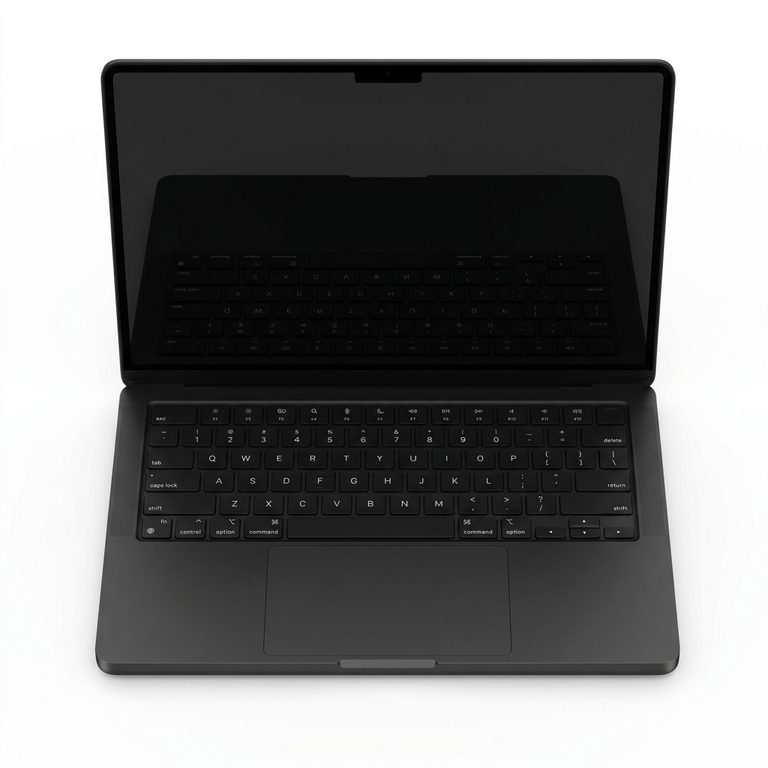 MacBook Pro 14-inch (2026) M5 Max · A3427 MacBook Pro 14-inch (2026) M5 Max · A3427 | On quote |
 MacBook Pro 16-inch (2026) M5 Pro · A3428 MacBook Pro 16-inch (2026) M5 Pro · A3428 | On quote |
 MacBook Pro 16-inch (2026) M5 Max · A3429 MacBook Pro 16-inch (2026) M5 Max · A3429 | On quote |
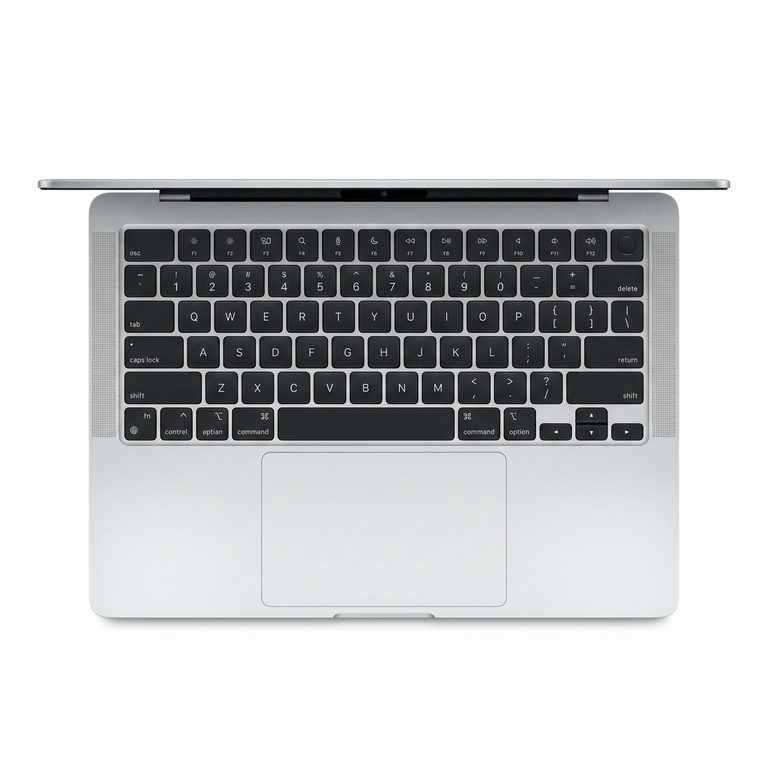 MacBook Pro 14-inch (2025) M5 · A3434 MacBook Pro 14-inch (2025) M5 · A3434 | On quote |
 MacBook Pro 14-inch (2024) M4 · A3112 MacBook Pro 14-inch (2024) M4 · A3112 | On quote |
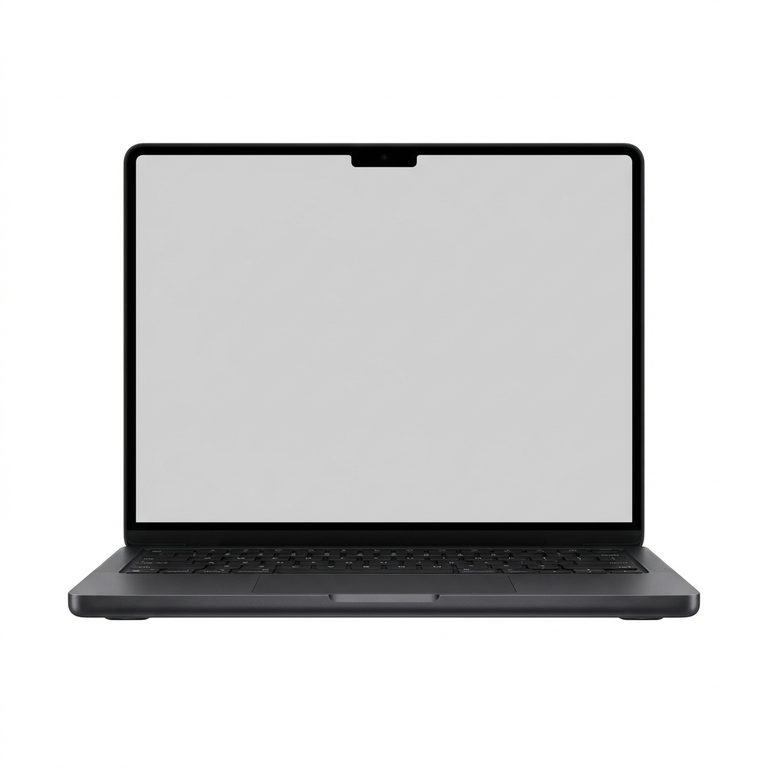 MacBook Pro 14-inch (2024) M4 Pro · A3401 MacBook Pro 14-inch (2024) M4 Pro · A3401 | On quote |
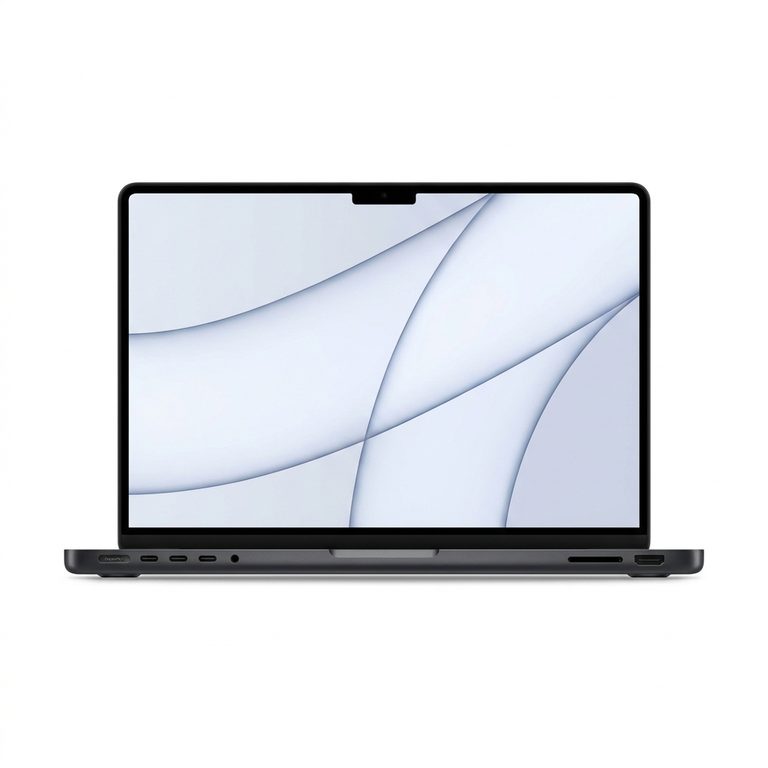 MacBook Pro 14-inch (2024) M4 Max · A3185 MacBook Pro 14-inch (2024) M4 Max · A3185 | On quote |
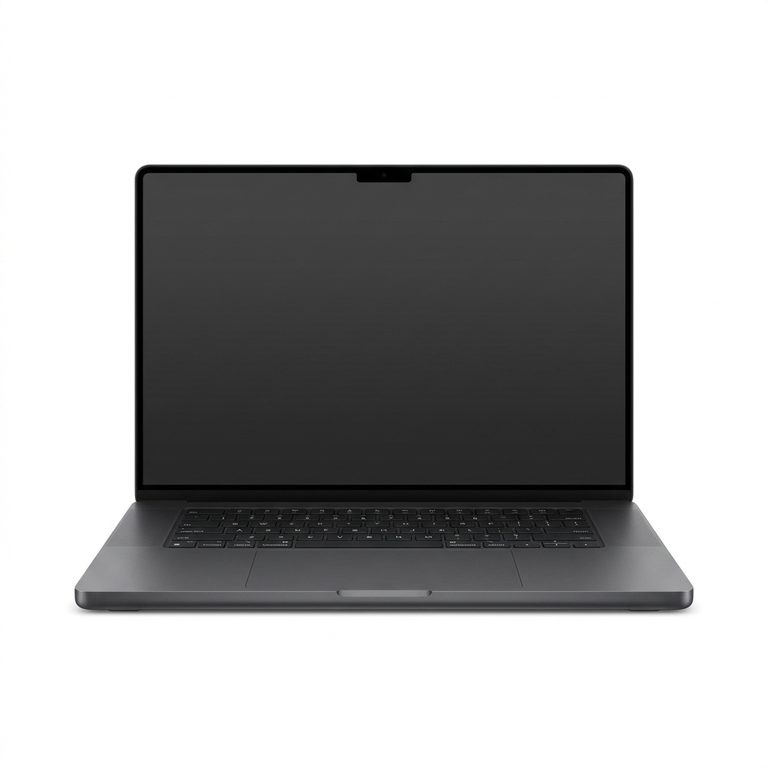 MacBook Pro 16-inch (2024) M4 Pro · A3403 MacBook Pro 16-inch (2024) M4 Pro · A3403 | On quote |
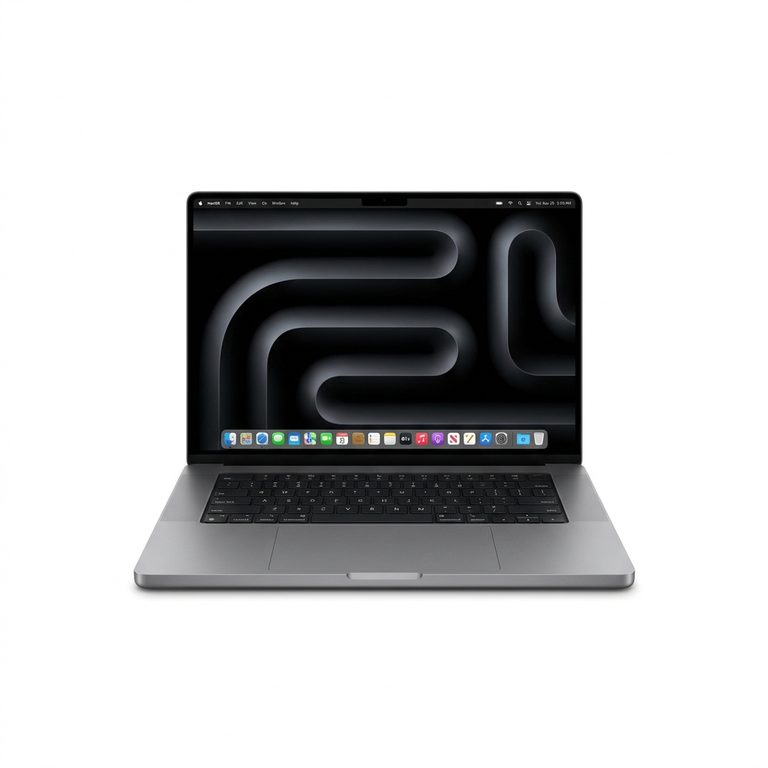 MacBook Pro 16-inch (2024) M4 Max · A3186 MacBook Pro 16-inch (2024) M4 Max · A3186 | On quote |
 MacBook Neo 13-inch (2026) A18 Pro · A3404 MacBook Neo 13-inch (2026) A18 Pro · A3404 | On quote |
 Macbook Air A3240 (15-inch 2025) Repair Singapore Macbook Air A3240 (15-inch 2025) Repair Singapore | On quote |
Not sure which one you have? The model number, an A followed by four digits, is printed in small type on the underside of your MacBook.
MacBook LCD Display Cable Replacement FAQs
- Why is my MacBook screen flickering?
- If the flicker changes when you move the lid or press near the hinge, the display cable is the likely cause. Flicker that looks the same at every angle points more towards the panel, and flicker that also shows on an external monitor points at the logic board. A free check at any Citri Mobile branch tells you which.
- Why are there lines on my MacBook screen?
- Lines that come and go as the lid moves usually mean a worn or loose display cable. Lines that stay fixed in one place, especially alongside a black spot or blots, usually mean a damaged panel. On a 2016 or 2017 MacBook Pro, shadows along the bottom edge are Flexgate, a backlight cable fault with its own repair.
- How much does a MacBook display cable replacement cost in Singapore?
- It's quoted after a free diagnosis, because the same symptoms can come from the panel or the logic board and the price depends on your model. You get a nett price before any work starts, and the repair carries a warranty of up to 100 days.
- My MacBook screen is black but an external monitor works. Is it the cable?
- It might be. Shine a torch close to the screen: a faint picture means the panel works and the backlight has failed. No picture at all can be the display cable or the panel. Either way, a clean picture on the external monitor means the logic board is fine, and the free diagnosis narrows down the rest.
- Where can I get a MacBook display cable fixed in Singapore?
- Citri Mobile replaces MacBook display cables at four walk-in branches: People's Park Centre in Chinatown, Tampines, Yishun and Jurong Point, open 11am to 9pm daily. No appointment is needed, but message us your model first so we can confirm the part is in stock. The diagnosis is free, the nett quote comes before any work starts, and the repair carries a warranty of up to 100 days.
The display cable carries the picture from the MacBook's logic board, through the hinge, to the screen. When it wears or a connector works loose, the picture flickers, breaks into lines or drops out, usually depending on how far the lid is open, while the MacBook keeps running underneath.
We quote it after a free diagnosis rather than off a list, because a damaged panel or a board fault can look the same from the front.
What Does the MacBook Display Cable Do?
It's the link between the logic board and the panel. The cable leaves the board, bends through the hinge and plugs into the display in the lid, so every time you open or close the MacBook it flexes at the same place. Years of that, or one hard knock to the hinge, can be enough to break the signal.
MacBook Screen Flickering or Lines? Signs the Display Cable Is Failing
The giveaway is a fault that changes when you move the lid. Typical signs:
- MacBook screen flickering that gets better or worse as you tilt the lid, or when you press near the hinge.
- Lines on the screen, horizontal or vertical, that come and go with the angle instead of sitting in one place.
- A picture that cuts out past a certain angle and comes back when you close the lid a little.
- No picture on the built-in screen at all, while an external monitor works perfectly.
That last one can also be a dead backlight or panel, which is why we test before we quote. Flicker that started right after a macOS update may be software, so check our guide to macOS errors and update problems first.
Display Cable, Flexgate or a New Screen?
Moving the lid slowly is usually enough to tell these three repairs apart.
Display cable. The picture itself misbehaves. It flickers, tears into lines or disappears, and it changes as the lid moves. That's this page.
Flexgate. A specific fault on 2016 and 2017 13-inch and 15-inch MacBook Pros, where the backlight cable wears at the hinge. The picture is still there but the lighting fails: shadows along the bottom edge first, then darkness past a certain lid angle. It has its own per-model prices on the MacBook Flexgate repair page.
Damaged panel. The fault looks the same at every angle. Cracks, a black spot, ink-like blots or lines fixed in one place mean the screen itself needs replacing, and that's priced per model on the MacBook screen replacement page.
Why Is a MacBook Display Cable Repair Quoted After a Diagnosis?
Because flicker and lines can come from the cable, the panel or the logic board, and we can only price the repair once we know which. So we open the machine, check the cable and its connectors, and give you a nett price for your model before any repair work starts. If it turns out to be the panel or the logic board, you hear that at the check, along with what that repair costs.
Once the part is here, a display cable job is usually done the same day. Your files aren't touched: nothing is wiped and nothing is reinstalled.
Related Guides and Repairs
- MacBook screen problems explained: flickering, lines and dark patches
- How to back up a MacBook before a repair
- MacBook repair shop: every MacBook repair, model by model
LCD Display Cable Replacement for Other Brands
Same repair, different make — every brand we do lcd display cable replacement for, with its own nett prices.
Other MacBook Repairs
Something else wrong with your MacBook? Every repair we do for the brand, model by model.
Why Citri Mobile for MacBook lcd display cable replacement?
- 🏅
Quality parts & diagnostics
Quality Original Grade parts, professional tools and full diagnostics for MacBook. Genuine Apple parts are reserved for eligible iPhone repairs under the Apple IRP programme. - 🏆
Carousell Best Service Provider
Carousell 2024 & 2025 award winner. - 🤝
Carousell Preferred Partner
Trusted by thousands across Singapore for MacBook lcd display cable replacement. - ✅
CaseTrust Accredited
Recognised for fair and ethical business practices, transparent pricing. - ⭐
5.0★ · 3,000+ reviews
Across Google and Carousell, consistently rated for fast, reliable, honest repairs at all four shops. - ⚡
Same-day on most repairs, fair nett pricing
Most standard MacBook repairs are completed the same day and board-level work is quoted after a free diagnosis — always at wholesale rates with no hidden charges. - 🛡️
30-100 days warranty
Most repairs are backed by a warranty, so you stay covered after you leave. - 🔒
Your data stays safe
Photos, apps and settings are kept intact for most repairs.
Apple Independent Repair Provider Testimonials Our locations
Where to Get Your Device Repaired in Singapore
Walk in to any of our 4 repair shops for your MacBook lcd display cable replacement. We're open 11am–9pm daily, no appointment needed — message us first if you want us to confirm your part is in stock.
-
Chinatown
People’s Park Centre, #01-47, Singapore 058357 11:00 AM – 9:00 PM · daily -
Tampines
503 Tampines Central 1, #01-299, Singapore 520503 11:00 AM – 9:00 PM · daily -
Jurong
CarousellMOBILE Jurong Point, #B1-34A, Singapore 648886 11:00 AM – 9:00 PM · daily -
Yishun
Blk 846 Yishun Street 81, #01-3643, Singapore 760846 11:00 AM – 9:00 PM · daily