
MacBook Motherboard Repair in Singapore
MacBook motherboard and logic board repair at Citri Mobile is quoted after a free diagnosis, and nothing is done until you approve the nett quote; the table below lists every model we repair, and the work carries a warranty of up to 100 days at four walk-in branches across Singapore.
30-100 Days Warranty · Most Repairs Done Same Day · Data Untouched On Most Jobs.


MacBook Motherboard Repair Prices by Model
















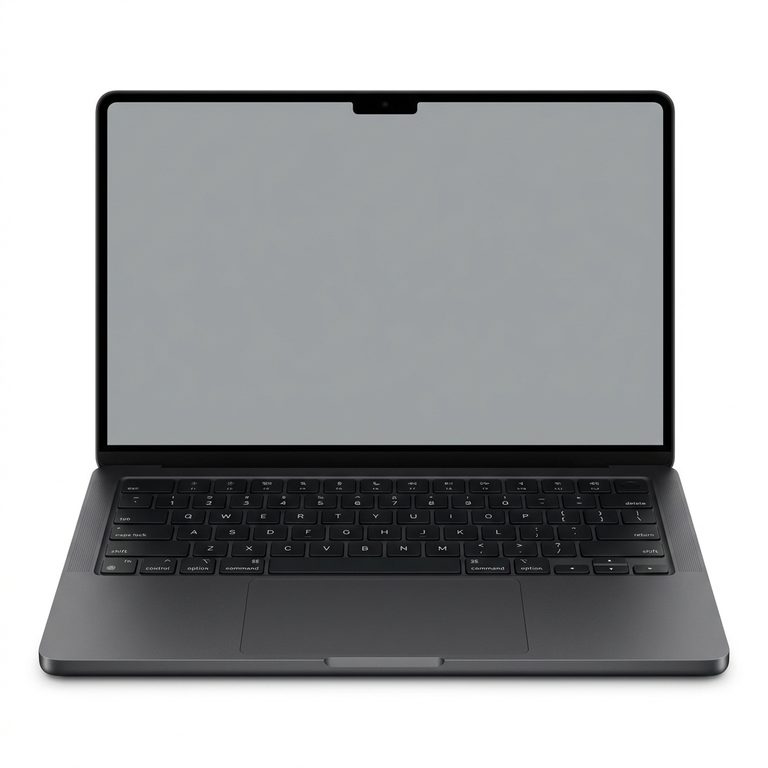
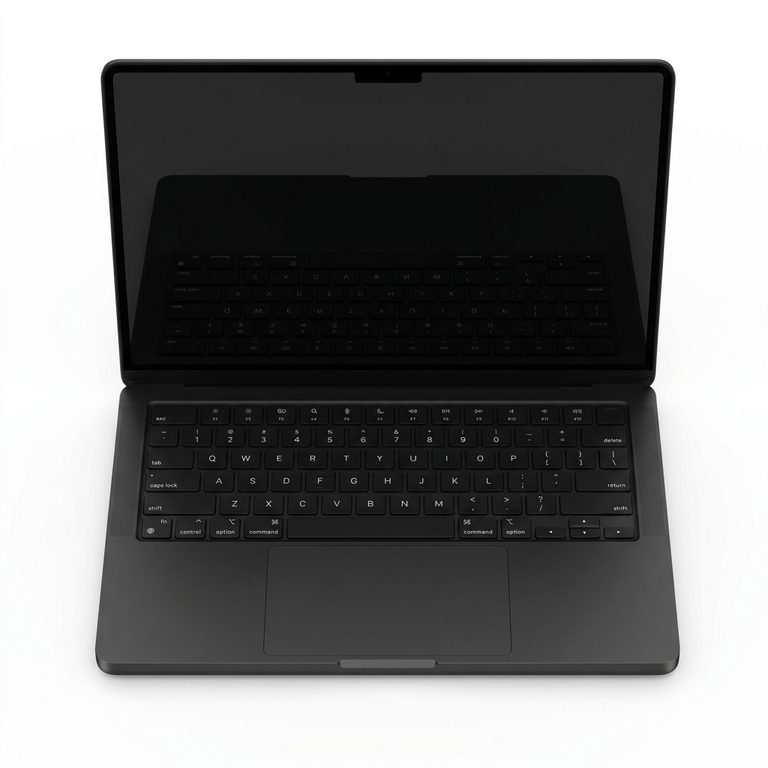


































Not sure which one you have? The model number, an A followed by four digits, is printed in small type on the underside of your MacBook.
MacBook Motherboard Repair FAQs
- Who repairs MacBook logic boards in Singapore?
- Citri Mobile repairs MacBook Air and MacBook Pro logic boards at four walk-in branches in Singapore: People's Park Centre (Chinatown), Tampines, Yishun and Jurong Point. Board work is quoted per machine after a free diagnosis, the quote is nett, nothing is done until you approve it, and the repair carries a warranty of up to 100 days.
- Why is my MacBook not turning on?
- Usually it's a flat or failed battery, a faulty charger, a failed charging circuit on the logic board, corrosion from a spill, or one failed component on the board. Check the charger, leave it charging for 15 to 30 minutes, and hold the power button for 10 seconds before assuming the worst. If it's still dead, a free diagnosis finds the cause.
- Can a MacBook logic board be repaired instead of replaced?
- Usually, yes. Most faults that stop a MacBook starting come down to one failed component or one damaged area of the board, and replacing that part generally costs less than a new board. On T2 Intel MacBooks (2018 to 2020) and every Apple silicon MacBook, repair is also the only way to keep your files.
- Will I lose my data if my MacBook logic board fails?
- It depends on the model. Older MacBooks, including the Air up to 2017 and the 2012 to 2015 Retina Pros, have a removable drive. On T2 Intel MacBooks (2018 to 2020) and every Apple silicon MacBook, the storage is soldered and encrypted to the logic board, so the files come back only if that board is repaired. Nobody can promise that before a diagnosis, so back up while it still works.
- How much does MacBook motherboard repair cost in Singapore?
- There's no fixed price, because the cost depends on what has failed: one component near the charging circuit is a smaller job than corrosion across the board. Citri Mobile quotes MacBook logic board repair per machine after a free diagnosis, the quote is nett, and nothing is done until you approve it.
- My MacBook is charging but not turning on. Is it the logic board?
- Not necessarily. Leave it on charge for 15 to 30 minutes, then press Caps Lock. If the light comes on, the MacBook is running and the fault is the picture, which an external monitor will narrow down. No light and no fan points at the battery, the charging circuit or the board, and a free diagnosis tells you which.
- Which MacBook models do you repair logic boards on?
- MacBook Air, MacBook Pro and the 12-inch MacBook, from the 13-inch MacBook Pro A1278 of 2009 to current models, every one of them listed in the table on this page. Citri Mobile doesn't repair iMac or Mac mini.
A MacBook that won't turn on usually isn't the end of the machine. Plenty turn out to be a flat battery or a charger that quietly gave up. And when the fault really is on the logic board, it's often one failed part that can be replaced on its own.
Logic board and motherboard are two names for the same part: the main board inside your MacBook. Every model in the table above is quoted after a free diagnosis, because two MacBooks that won't start rarely have the same fault, and nothing is done until you've approved the quote.
MacBook Not Turning On? What to Try First
Start with power. Check the charger and cable, then leave the MacBook on charge for 15 to 30 minutes before you try again. That goes for a MacBook Pro not turning on as much as an Air. One exception: if liquid has been anywhere near it, don't charge it or try to start it, and go to MacBook water damage repair instead.
- Check the charger and cable. Look for fraying or a kinked end, try another socket, and borrow a second charger if you can. A dead charger looks exactly like a dead MacBook.
- Give it 15 to 30 minutes on charge. A battery that has run completely flat can need that long before it will start the machine.
- Try the other port. The 14- and 16-inch MacBook Pros from 2021 and the MacBook Air from the M2 onwards charge over MagSafe 3 and over USB-C. If one works and the other doesn't, the board is probably fine and you need a MacBook charging port repair.
- Check it isn't already on. Press Caps Lock. If the light on the key comes on, or the fan is running, the MacBook is on and the problem is the picture.
- Force a restart. Hold the power button for 10 seconds, let go, and press it again. That's the reset on an M1 or later MacBook. On an Intel MacBook, follow it with an SMC reset (the SMC is the chip that runs power and charging). The keys vary by model, so use our guide to a MacBook Pro or Air that won't turn on.
Still nothing? Leave it switched off and bring it in.
What a Dead MacBook Usually Turns Out to Be
A MacBook that stays dead after those checks usually has one of four faults, and most of them are fixed without replacing the logic board.
- The battery. A failed battery can stop the machine starting. A swollen one lifts the trackpad until it stops clicking or pushes the bottom case up: stop using and charging it, and see MacBook battery replacement.
- The charging circuit. The part of the board that takes power in from the charger. Our guide to a MacBook that's not charging has the swap tests to try first.
- Liquid corrosion. Even from a spill weeks ago that seemed harmless at the time. Corrosion keeps working after the liquid dries.
- One failed component. A single shorted chip can hold the whole machine off. The part is tiny. Finding it is most of the work.
MacBook Pro Logic Board Failure Symptoms
The signs of a failing logic board, on a MacBook Pro or an Air, are no power, power with no picture, random shutdowns, overheating, and no charging on any port. Each one has a cheaper suspect to rule out first.
- No power at all. No fan and no Caps Lock light, even after half an hour on a charger you know works. Battery and charger first, then the board.
- Power but no picture. Plug in an external monitor. A picture there means the board works and the fault is in the lid: the display, or on 2016 and 2017 MacBook Pros the backlight cable behind Flexgate. Nothing on the monitor either points back at the board.
- Random shutdowns. A worn battery does this too, so look for "Service Recommended" in your Battery settings. If the battery is healthy, the board is next.
- Overheating. Fans roaring under light use. Blocked vents and heavy apps cause it too (see MacBook overheating), but so can a failing component drawing too much power.
- Not charging on any port. One dead port is a port. Every port with every charger is usually the charging circuit.
What Happens to Your Data When a MacBook Logic Board Fails?
It depends on the year. Older MacBooks have a separate drive, so a dead board doesn't take your files with it. Newer ones have the storage soldered to the logic board, and on the T2 and Apple silicon models it's encrypted to that board too, so the only way back to your files is to repair the board you've got.
- Removable drive: MacBook Pro 13-inch A1278, 15-inch A1286 and 17-inch A1297; every MacBook Air up to 2017; the Retina MacBook Pros from 2012 to 2015; and the 13-inch MacBook Pro without Touch Bar, A1708.
- Soldered to the board: the Touch Bar MacBook Pros from 2016, the 12-inch MacBook, the MacBook Air from 2018, and every Apple silicon MacBook.
- Soldered and encrypted to the board: the Intel MacBooks from 2018 to 2020 with Apple's T2 chip, and every Apple silicon MacBook.
That last group is where people get caught out. A replacement board comes with its own empty storage, so swapping it gets you a working MacBook with none of your files on it.
We won't promise recovery before we've seen the board. A repair doesn't wipe or reinstall anything, so if the board comes back, the storage normally comes back with it. If the board is past repair on one of those models, the data goes with it, and we'll say so plainly. So if your MacBook is showing any of these symptoms but still starts, back up your MacBook today.
MacBook Logic Board Repair or Motherboard Replacement?
Repair, wherever the board can be repaired. We trace the fault to the part that failed and replace that part, which usually costs less than a new board, and on the newer MacBooks above it's the only option that keeps your files. A MacBook motherboard replacement only makes sense when the damage is too widespread to fix, like a spill left for weeks before anyone opened the machine. Even then, weigh it against what the MacBook is worth: on a 2015 Air with a tired battery and a dead board, we'll tell you if the money is better spent elsewhere. What makes some MacBooks harder to repair explains where those limits come from.
Why MacBook Motherboard Repair Is Quoted After a Free Diagnosis
Because the price depends on what failed, and nobody can see that from outside the machine. One shorted component near the charging circuit is a different job from corrosion across half the board, and a fixed price would overcharge one customer and undercharge the other. That's as true of a MacBook Air logic board replacement as of a MacBook Pro motherboard repair.
- Message us your model and what it's doing, or bring it straight in.
- We open it up and find the fault. The diagnosis is free.
- You get a nett quote, with what we found explained in plain words.
- Nothing is done until you approve it. Say no, and you take the MacBook home and pay nothing.
- We repair and test it, and it goes back to you with a warranty of up to 100 days.
Board work takes longer than a battery or a screen, and how much longer depends on the fault, so the timing comes with the quote.
Where to Get a MacBook Logic Board Repaired in Singapore
Citri Mobile takes in MacBooks for logic board repair at four walk-in branches: People's Park Centre in Chinatown, Tampines, Yishun and Jurong Point, open 11am to 9pm daily. Addresses are on the locations page.
No appointment is needed, but message us first with your model so we can confirm the part is in stock in case the check points at the battery or a port. Bring your charger too. We don't repair iMac or Mac mini.
Related Guides and Repairs
- MacBook Pro or Air not turning on: the full troubleshooting guide, SMC reset included
- MacBook water damage repair: for a MacBook that died after a spill
- MacBook charging port repair: when one port has stopped charging
- How to back up your MacBook before a repair: Time Machine, iCloud or an external drive
- MacBook repair shop: every MacBook repair we do, model by model
Motherboard Repair for Other Brands
Same repair, different make — every brand we do motherboard repair for, with its own nett prices.
- ASUS Motherboard Repair
- Google Pixel Motherboard Repair
- Honor Motherboard Repair
- Huawei Motherboard Repair
- Infinix Motherboard Repair
- Microsoft Surface Motherboard Repair
- Motorola Motherboard Repair
- Nothing Motherboard Repair
- OnePlus Motherboard Repair
- Oppo Motherboard Repair
- Samsung Motherboard Repair
- Samsung Tablet Motherboard Repair
- Sony Motherboard Repair
- Xiaomi Motherboard Repair
- Xiaomi Redmi Motherboard Repair
- iPad Motherboard Repair
- iPhone Motherboard Repair
- vivo Motherboard Repair
Other MacBook Repairs
Something else wrong with your MacBook? Every repair we do for the brand, model by model.
Why Citri Mobile for MacBook motherboard repair?
- 🏅
Quality parts & diagnostics
Quality Original Grade parts, professional tools and full diagnostics for MacBook. Genuine Apple parts are reserved for eligible iPhone repairs under the Apple IRP programme. - 🏆
Carousell Best Service Provider
Carousell 2024 & 2025 award winner. - 🤝
Carousell Preferred Partner
Trusted by thousands across Singapore for MacBook motherboard repair. - ✅
CaseTrust Accredited
Recognised for fair and ethical business practices, transparent pricing. - ⭐
5.0★ · 3,000+ reviews
Across Google and Carousell, consistently rated for fast, reliable, honest repairs at all four shops. - ⚡
Same-day on most repairs, fair nett pricing
Most standard MacBook repairs are completed the same day and board-level work is quoted after a free diagnosis — always at wholesale rates with no hidden charges. - 🛡️
30-100 days warranty
Most repairs are backed by a warranty, so you stay covered after you leave. - 🔒
Your data stays safe
Photos, apps and settings are kept intact for most repairs.
Apple Independent Repair Provider Testimonials Our locations
Where to Get Your Device Repaired in Singapore
Walk in to any of our 4 repair shops for your MacBook motherboard repair. We're open 11am–9pm daily, no appointment needed — message us first if you want us to confirm your part is in stock.
-
Chinatown
People’s Park Centre, #01-47, Singapore 058357 11:00 AM – 9:00 PM · daily -
Tampines
503 Tampines Central 1, #01-299, Singapore 520503 11:00 AM – 9:00 PM · daily -
Jurong
CarousellMOBILE Jurong Point, #B1-34A, Singapore 648886 11:00 AM – 9:00 PM · daily -
Yishun
Blk 846 Yishun Street 81, #01-3643, Singapore 760846 11:00 AM – 9:00 PM · daily