MacBook
Swollen MacBook Battery: How to Spot It and What to Do Today
In this article
- How do I know if my MacBook battery is swollen?
- Why do MacBook batteries swell?
- Is a swollen MacBook battery dangerous?
- What should I do today if my MacBook battery is swollen?
- How is a swollen MacBook battery fixed?
- What do we check when a swollen MacBook comes in?
- Swollen MacBook battery FAQs
- Getting it fixed
A swollen MacBook battery shows up as a trackpad that stops clicking or sits raised, a case that rocks on a flat table, or a bottom panel lifting at one edge. Stop charging it today, don't press on it, keep it on a hard surface, and get the battery replaced. A swollen cell can't be fixed, and it won't go back down.
Battery just draining fast, or macOS saying Service Recommended? Read the signs your MacBook battery needs replacement instead.
How do I know if my MacBook battery is swollen?
The trackpad usually goes first. The battery sits right under it, so as the cells puff up they push the trackpad up until it can't click. Look for these:
- The trackpad won't click, or only clicks at the top edge. It may feel stiff, or the surface sits a little higher than the case around it.
- The Mac doesn't sit flat. Close it, put it on a table and touch one corner lightly. If it rocks, something inside is pushing the bottom out.
- The bottom panel is lifting. Look along the edge at eye level for a gap, or a panel that bows out in the middle.
- The keyboard deck looks raised. Keys near the trackpad feel uneven, or the palm rest bulges slightly.
Don't wait for macOS to warn you. Battery Health (Apple menu > System Settings > Battery) measures how much charge the battery holds, and Apple's explanation says nothing about its shape. A swollen pack can still read "Normal".
Trackpad playing up but the case sits perfectly flat? Then it's probably something else: see our MacBook trackpad troubleshooting guide.
Why do MacBook batteries swell?
MacBook batteries are lithium-ion pouch cells, and they swell when gas builds up inside. As a cell ages its chemistry slowly breaks down and gives off gas. The pouch is soft foil, so the gas has nowhere to go and the cell puffs up.
Apple says a battery's chemical age depends on its temperature history and charging pattern, which is why macOS can temporarily lower the maximum charge to slow that ageing. These speed it up:
- Heat. A Mac used on a bed or sofa can't breathe, and in Singapore the room is already warm.
- Months on the charger at 100%. A MacBook that never leaves the desk spends its whole life full.
- Being left flat for a long time. A Mac stored in a drawer at 0% for months can come back with a damaged cell.
- Age. Every cell gets there eventually.
- Physical damage or a poor replacement cell. A drop can damage a cell, and a cheap replacement can swell much sooner than it should.
Is a swollen MacBook battery dangerous?
Yes. Treat it as a safety problem. The swelling means the cell has already broken down inside, and a cell that gets bent, punctured or overheated can short and catch fire. Plenty of swollen Macs still work fine, which is why people keep using them.
Apple's safety information for the MacBook Air says a Mac can be damaged if dropped, burned, punctured or crushed, tells you not to use a damaged one, and warns that battery damage could cause overheating, fire or injury. A swollen battery is a damaged battery, so that's how we treat it.
Waiting costs money too. Left long enough, a swelling pack can crack the trackpad, warp the bottom case and press on the logic board. Get it out early and the battery is more likely to be the only part you pay for.
What should I do today if my MacBook battery is swollen?
- Unplug it and stop charging it. Charging adds heat to a cell that's already failing.
- Back up only if you must, then shut it down. If your files aren't backed up and the Mac still runs, do one quick backup on battery power and switch it off. Here's how to back up a MacBook before a repair. If it's hot, hissing, or smells sweet or like solvent, skip the backup and power it off now.
- Don't press on it. No squeezing the lid shut, no pushing the trackpad down, no trying to flatten the case.
- Don't open it yourself. Prying off the bottom panel puts a screwdriver or pry tool right next to a swollen cell.
- Keep it on a hard surface. A tiled floor or a ceramic counter, away from your bed, curtains and paper. Apple's safety guide already says not to put a Mac under a blanket, pillow or your body; with a swollen battery, keep it off soft furnishings altogether. And don't put it in the fridge to "cool it down".
- Check your cover. If the Mac is still under Apple's warranty or AppleCare, go to Apple first. An independent repair isn't covered by Apple's warranty. If you own a MacBook Pro (Retina, 15-inch, Mid 2015), enter its serial number on Apple's recall page: Apple replaced batteries on eligible units for free because they may overheat.
- Get the battery replaced soon.
How is a swollen MacBook battery fixed?
By replacing the battery. A MacBook battery replacement with us is $85–$105 depending on the model. A MacBook Air 13-inch M1 (A2337) is $95. Prices are nett, with Original Grade cells; every model is listed in our MacBook battery replacement cost guide.
Once the swollen pack is out, the trackpad and bottom panel normally go back to how they were. If the pressure has cracked or bent the trackpad, a trackpad replacement is $120. If the bottom case has warped, we'll show you at the diagnosis and tell you your options before you agree to anything.
How hard the job is depends on the model. On MacBook Airs up to 2017 the battery is screwed in. On most newer MacBooks the cells are glued down, and a swollen glued pack has to be lifted out without bending or puncturing it. That's the part you don't want to try at a kitchen table.
What do we check when a swollen MacBook comes in?
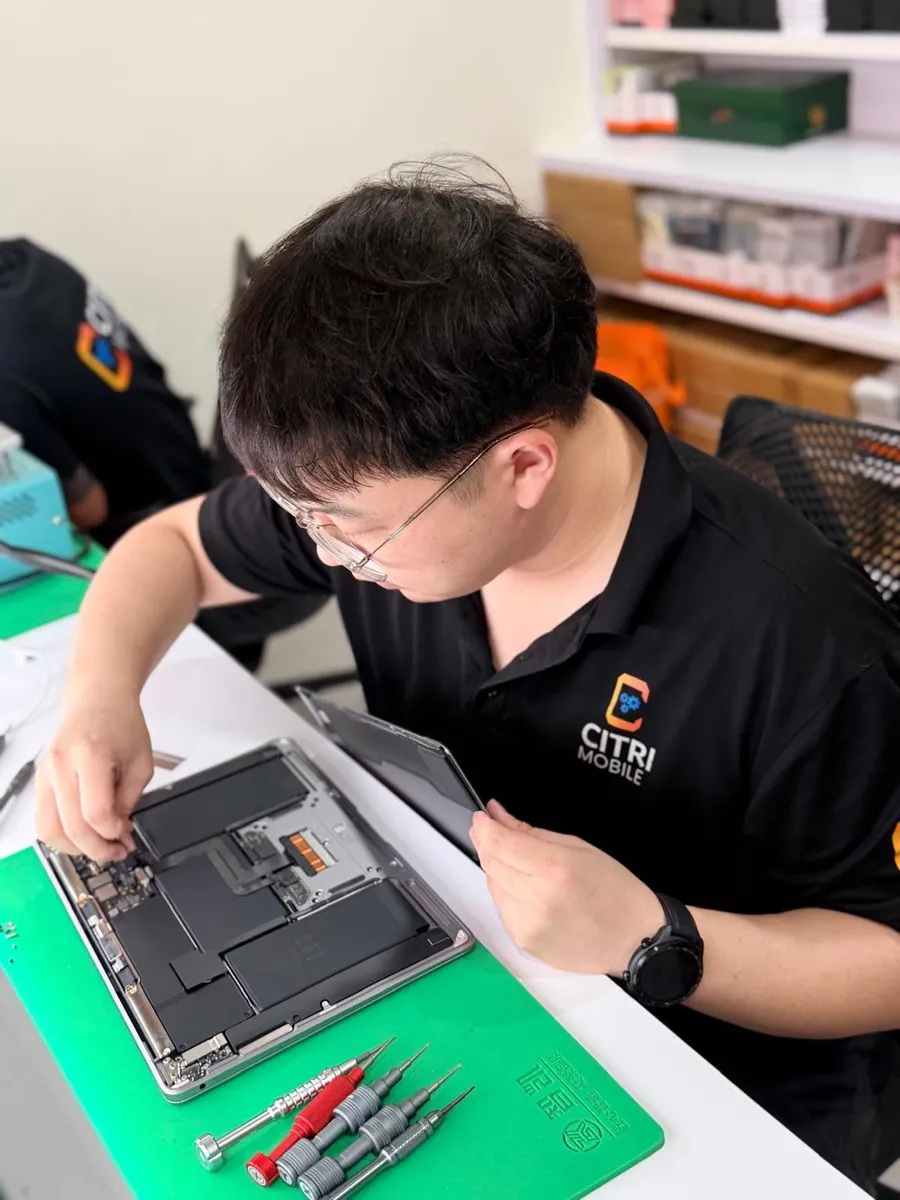
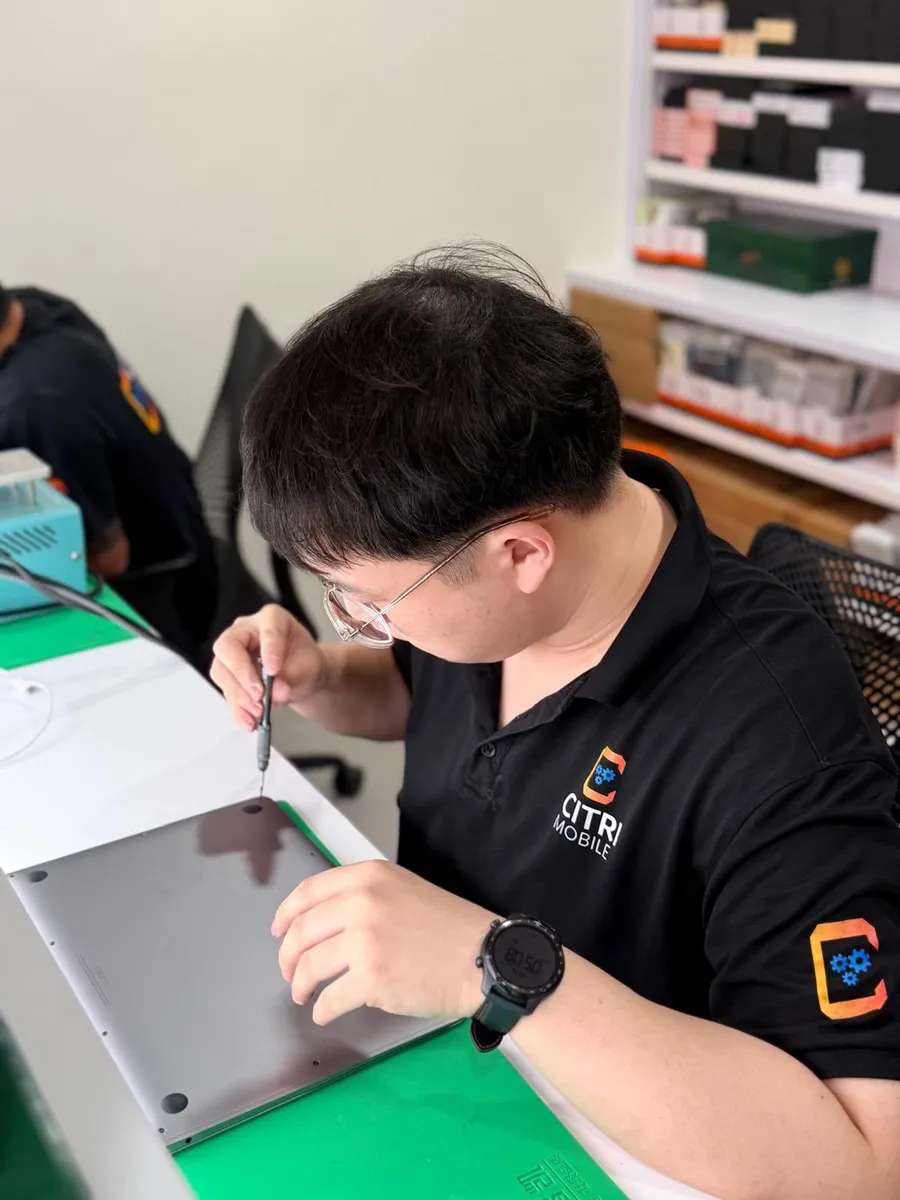
The diagnosis is free, and it starts before we open anything. We sit the Mac on a flat bench to see how far the case has lifted and test whether the trackpad clicks. Then we take the bottom panel off and look at the pack cell by cell. Sometimes only one cell has swollen, but the pack is replaced as one part.
We also check the underside of the trackpad and its cable, and look for heat marks on the board next to the battery, so the quote covers everything the swelling has touched before any work starts. The old battery stays with us for proper disposal. Apple says batteries go separately from household waste, so don't bin one at home.
Most battery swaps are done the same day when we have the cell for your model in stock. If yours has to be ordered, we'll tell you the wait when we quote.
Swollen MacBook battery FAQs
- Can I keep using a MacBook with a swollen battery?
- No. Stop charging it, shut it down once your files are safe, and keep it on a hard surface until the battery is replaced. A swollen cell has already broken down inside, and bending or puncturing it can start a fire.
- How much does it cost to replace a swollen MacBook battery in Singapore?
- At Citri Mobile it's $85–$105 nett depending on the model, with Original Grade cells and a free diagnosis. If the swelling damaged the trackpad, that's $120 on top.
- Will my trackpad work again after the battery is replaced?
- Usually, yes. Once the swollen pack is out, the trackpad normally clicks again. If the pressure cracked or bent it, we'll show you at the diagnosis and quote a replacement.
- Does Battery Health in macOS show a swollen battery?
- Not reliably. Battery Health describes how much charge the battery holds, so a swollen battery can still read "Normal". A raised trackpad or a case that rocks on a table tells you more.
- Is a battery replacement here covered by Apple's warranty?
- No. An independent repair isn't covered by Apple's warranty, so if your Mac is still under Apple's warranty or AppleCare, go to Apple first. Out of warranty, our own repair warranty covers the battery we fit.
Getting it fixed
We have four branches: People's Park Centre in Chinatown, Tampines, Yishun and Jurong Point, open 11am–9pm daily. We're rated 5.0★ from 2,900+ Google reviews, and every repair carries a 30-100 days warranty honoured at any branch. Pay by PayNow, PayLah, Visa or Mastercard.
Send your model and a photo of the lifted case on WhatsApp and we'll quote before you travel. Walk-ins are welcome, but message or call first so we can confirm we have the battery for your model in stock. Bring the Mac switched off. Everything else we fix on a Mac is on our page for MacBook repair in Singapore.