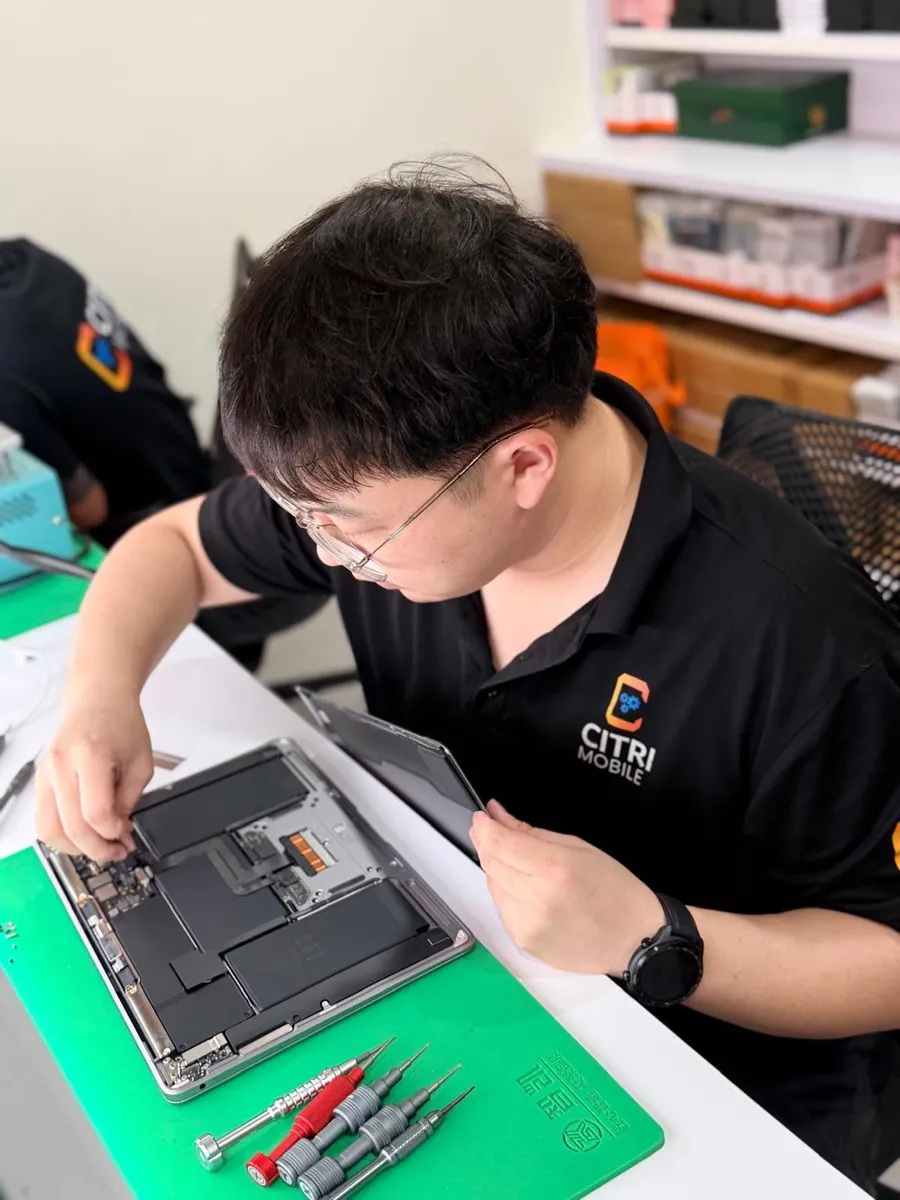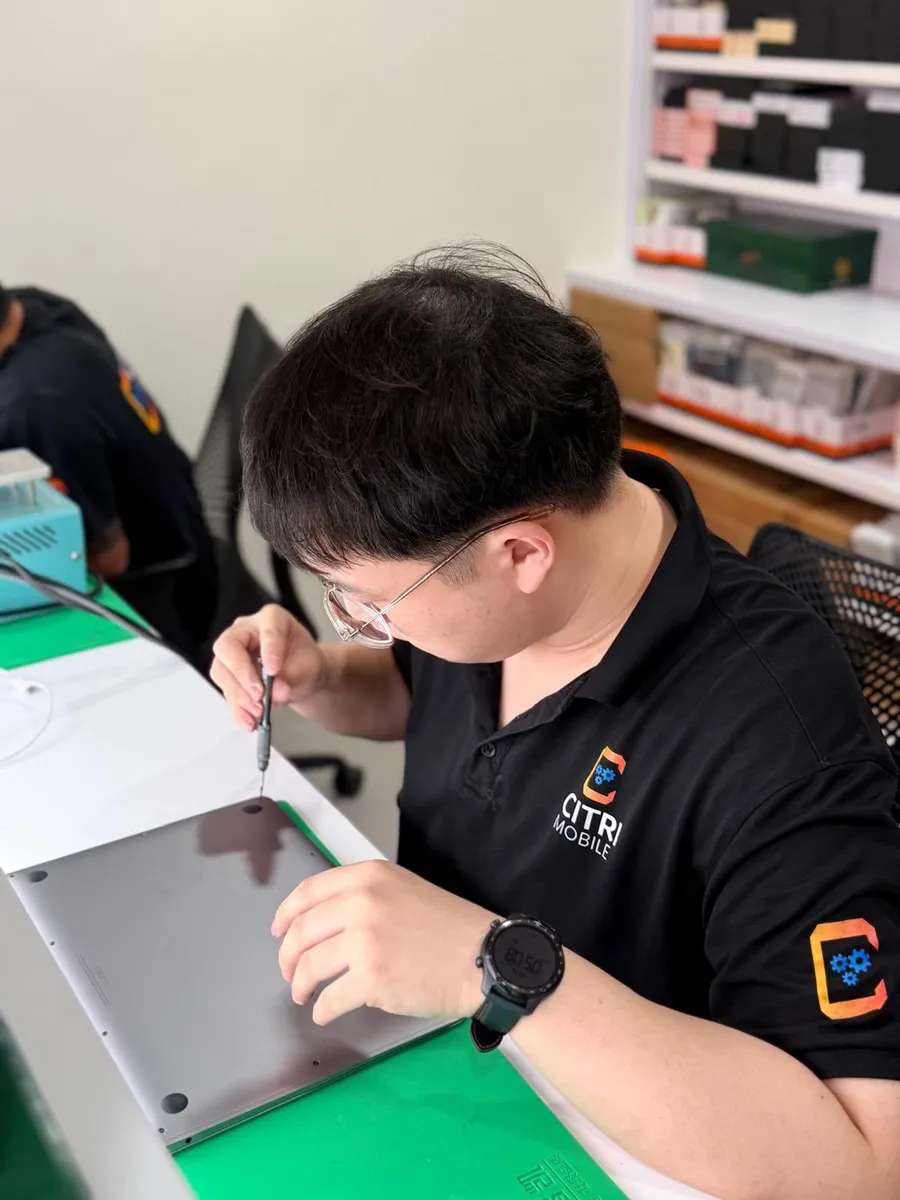
MacBook
MacBook Screen Coating Peeling? Why the Stains Won't Wipe Off and What Fixes Them
In this article
- What is the stain on my MacBook screen that won't come off?
- Is it dirt or is the coating peeling?
- What causes a MacBook's anti-reflective coating to wear off?
- How do I clean a MacBook screen safely?
- Can the anti-reflective coating be repaired or put back?
- How much does it cost to fix MacBook screen coating damage in Singapore?
- Will Apple fix staingate for free?
- What we check when you bring it in
- MacBook screen coating FAQs
- Getting it fixed
Patchy, blotchy marks on a MacBook screen that won't wipe off are usually the anti-reflective coating wearing away, the fault people call "staingate". Once that coating is gone, no cleaner brings it back and nobody can re-apply it. The fix is a new display, which costs $140–$550 nett at Citri Mobile, depending on the model.
Before you pay for anything, make sure it really is the coating. Plenty of "stains" are just grease from the keyboard, and those come off with water and a soft cloth. Here's how to tell the two apart, how Apple says to clean the screen, and what replacing it costs.
What is the stain on my MacBook screen that won't come off?
If it survives a proper clean, it's almost always damage to the anti-reflective coating. That's a very thin layer on the front of the glass that cuts glare. When it wears through, the bare glass underneath reflects light differently from the coated parts around it, so you see lighter, blotchy patches with ragged edges. On a lot of screens the marks follow the outline of the keys or the trackpad.
The picture itself is normally fine. You're looking at a healthy panel through a patchy surface. If you also see lines, dark patches or flickering, that's a separate display fault, covered in our guide to MacBook screen issues.
We see coating loss most on older Retina MacBook Pros that have had years of daily opening and closing. Newer models can get it too, so don't rule it out because of the year on the box.
Is it dirt or is the coating peeling?
Do one gentle clean first, then look at the screen switched off, under a light, at an angle.
- Shut the Mac down and unplug it.
- Dampen a soft, lint-free cloth with plain water and wipe the screen lightly.
- For a mark that's still there, Apple allows a cloth moistened with 70% isopropyl alcohol to gently wipe the display of a Mac laptop. One pass, no scrubbing.
- Let it dry, then tilt the screen under a lamp or a window.
Key-shaped smudges that disappear were skin oil, which transfers from the keyboard when the lid is shut. Nothing's wrong with the screen. Marks that stay put, look slightly hazy or glossy against the rest of the glass and have uneven edges are coating damage. Rubbing harder won't change that, and Apple's own cleaning page warns that excessive wiping may cause damage.
What causes a MacBook's anti-reflective coating to wear off?
Apple doesn't publish a cause, but two things come up again and again: contact with the keyboard when the lid is closed, and the wrong cleaning products.
The first makes sense once you know how close the parts sit. Apple says the clearance between the display and keyboard is designed to very tight tolerances, and tells owners to remove any camera cover thicker than 0.1 mm before closing the lid. It also warns that leaving any material on the display, keyboard or palm rest might interfere with the display when it's closed. Oil, grit and pressure from the keys all meet the screen in that gap, day after day. That's why the damage so often maps the keyboard.
The second is cleaning. Household sprays are made for windows and kitchen counters. Apple lists window cleaners, household cleaners, ammonia, solvents, abrasives and anything with hydrogen peroxide or acetone among the things not to use on a Mac screen.
How do I clean a MacBook screen safely?
Shut it down, unplug it, and use a soft, lint-free cloth dampened with water only. That's Apple's instruction on its How to clean your Apple products page, and it covers most days.
- Stubborn smudges: a cloth moistened with 70% isopropyl alcohol, wiped gently.
- Never spray anything onto the screen. Apple's Mac screen cleaning guide says liquid can drip inside the display and damage it. Put it on the cloth.
- Skip: window cleaner, household sprays, ammonia, acetone, solvents, abrasives, bleach and hydrogen peroxide.
- Nano-texture MacBook Pro: this matte glass has its own rules. Apple says to use the polishing cloth that came with the Mac, or a similar microfibre cloth made for displays, as set out on its nano-texture cleaning page.
To slow the wear down, wipe the keyboard and palm rest now and then, and don't close the lid on anything: a cloth, a card, a camera cover, earbuds. Clean keys put less grease on the glass.
Can the anti-reflective coating be repaired or put back?
No. The coating goes on the glass when the display is made, and there's no way for a repair shop, or anyone else, to re-apply it to a finished screen. Polishes and "screen restorers" can't add a layer that's gone.
Some owners try to strip off what's left so the screen at least looks even. We don't recommend it. It means hard rubbing, which Apple warns against, it leaves a glossier screen with more glare than before, and you can't undo it. If the patches don't bother you, living with them costs nothing and the screen keeps working normally. If they do, the honest fix is a new display.
How much does it cost to fix MacBook screen coating damage in Singapore?
A display replacement at Citri Mobile is $140–$550 nett, with Original Grade parts. The price depends on the model, because a 13-inch Retina panel and a 16-inch mini-LED panel are very different parts.
| Model | Display replacement (nett) |
|---|---|
| MacBook Pro Retina 13-inch (A1502) | $320 |
| MacBook Pro Retina 15-inch (A1398) | $350 |
| All MacBook models | $140–$550 |
Every model's price is on the MacBook LCD replacement page, or start from your own model, like the 13-inch Retina A1502. For a fuller breakdown by size and year, read our MacBook screen replacement cost guide. The price we quote is the price you pay.
On an older Mac, weigh the screen price against what the machine is worth to you. A new display on a Mac with a tired battery and a full drive can still make sense if you like the machine. We'll tell you plainly if we think it doesn't.
Will Apple fix staingate for free?
Not as a programme. Apple's list of current service programmes has nothing for MacBook display coating, so out of warranty it's a paid display replacement wherever you take it.
If your Mac is still under Apple's warranty or AppleCare+, ask Apple first. An independent repair isn't covered by Apple's warranty, and you should use the cover you have. Check your Apple warranty status before you decide. Out of warranty, our own repair warranty covers the display we fit.
What we check when you bring it in
Diagnosis is free. We clean a section of the screen the way Apple describes, so we know we're looking at the coating and not residue. Then we check the panel itself with a test image for lines, dead pixels and dark patches, because the answer changes if the display has a second fault. If it's only the coating, we tell you that, quote the new display for your model, and leave the decision with you. Your files stay on the Mac; a display swap doesn't need a wipe.
MacBook screen coating FAQs
- What is MacBook staingate?
- Staingate is the name owners gave to the anti-reflective coating on a MacBook's Retina screen wearing away in patches. It looks like stains or wiped-off marks that no cleaning removes, and often follows the shape of the keyboard. The screen still works, but the coating can't be restored. The only fix is a new display.
- Can I fix a peeling MacBook screen coating myself?
- Not in any way that brings the coating back. Some people rub off the rest of the coating so the screen looks even, but that takes hard scrubbing, which Apple warns may cause damage, and it leaves more glare. Clean the screen gently with a water-dampened cloth, and replace the display if the marks bother you.
- How much is a MacBook display replacement in Singapore?
- At Citri Mobile, a MacBook display replacement is $140–$550 nett with Original Grade parts, depending on the model. A 13-inch Retina MacBook Pro A1502 is $320. Diagnosis is free and we quote before any work.
- Will a screen protector hide the coating damage?
- It may hide it, but be careful. Apple says the gap between a MacBook's display and keyboard is designed to very tight tolerances, and warns that material left on the display, keyboard or palm rest might interfere with the display when the lid is closed. A thick film can do more harm than the patches.
- How long does a MacBook display replacement take?
- Display replacements usually take one to two working days, depending on whether the panel for your model is in stock. If yours needs longer, we'll tell you when we quote.
Getting it fixed
We have four branches: People's Park Centre in Chinatown, Tampines, Yishun and Jurong Point, open 11am–9pm daily. We're rated 5.0★ from 2,900+ Google reviews, every repair carries a 30-100 days warranty honoured at any branch, and prices are nett. Pay by PayNow, PayLah, Visa or Mastercard.
Send your model and a photo of the screen (switched off, at an angle to the light) on WhatsApp and we'll tell you whether it looks like coating damage and what the display costs. Walk-ins are welcome without an appointment, but message or call first so we can confirm we have the display for your model in stock. Every other Mac fix we do, with prices for each model, is on our page for MacBook repair in Singapore.