MacBook
MacBook Logic Board Repair vs Replacement: Which One Keeps Your Data?
In this article
- What does the logic board do in a MacBook?
- What usually goes wrong on a MacBook logic board?
- How do I know it's the logic board and not the battery or charger?
- What's the difference between logic board repair and replacement?
- Will I lose my data if the logic board is replaced?
- What are the chances a logic board repair works?
- When isn't a logic board repair worth it?
- How much does MacBook logic board repair cost?
- MacBook logic board FAQs
- Getting it looked at
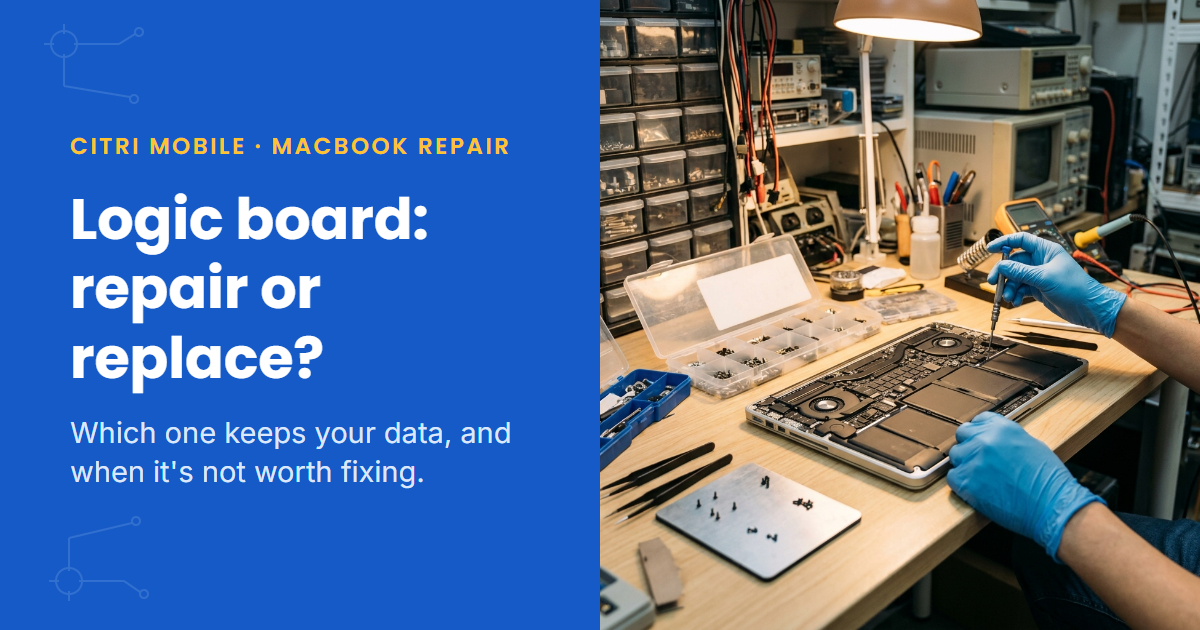
Repair the logic board if you can. A component-level repair finds the one chip or line that failed and fixes it, and on a recent MacBook that's usually the only way to keep your files, because a replacement board can't read what the old one encrypted. Replacing the whole board makes sense only when the damage is too widespread to fix.
What does the logic board do in a MacBook?
The logic board is the MacBook's main circuit board. It carries the processor and the circuits that bring power in from the charger, feed the battery and switch everything on. The screen, keyboard, trackpad, speakers and ports all plug into it.
That's why a board fault can look like almost anything. A dead Mac, a Mac that won't charge and a Mac that restarts the moment you open a heavy app can all come down to one failed part on the same board.
What usually goes wrong on a MacBook logic board?
Board faults mostly fall into one of these groups.
- No power, or a short. No light, no fan, no response to the charger. Often one failed capacitor or chip has shorted a power line, and the Mac protects itself by refusing to start. Sometimes the board gets hot in one spot.
- Liquid damage. Coffee, water or a spilled drink. The liquid dries but leaves residue that corrodes the board over days or weeks, which is why a Mac can work fine after a spill and die later.
- The charging circuit. The chip that manages incoming power fails, and the Mac won't charge from any charger or port.
- Graphics faults on older models. Some older Intel MacBook Pros carry a separate graphics chip. When it fails you get lines, colour blocks or crashes, and on a machine that old the fix often isn't worth it.
How do I know it's the logic board and not the battery or charger?
Rule out the cheap causes first, because a worn battery, a bad cable or a failed port can all pass for a dead board. Apple's own steps for a Mac that won't turn on are the right place to start: check the cable and the socket, try another compatible power adapter, hold the power button (Touch ID on newer laptops) for about 10 seconds and then press it normally, and unplug every accessory. Apple's SMC reset only applies to Intel Macs.
If none of that works, these are the faults we see mistaken for a board problem, and what each costs with us:
| What you see | Often turns out to be | Citri Mobile price (nett) |
|---|---|---|
| Dies the moment the charger comes out, or stuck at a low percentage | A worn battery | $85–$105 |
| Charges from one port but not another, or only at an angle | The charging port | $85–$95 |
| Black screen or bars along the bottom, but the keyboard lights up | The display cable (Flexgate, on some older MacBook Pros) | $150–$200 |
| Anything, after a spill | Liquid residue that needs cleaning off | Chemical wash $80; any board work quoted after diagnosis |
| Completely dead with a known-good charger | The logic board | Quoted after a free diagnosis |
Our guides to a MacBook that won't turn on and a MacBook that's not charging go through those checks in more detail.
What's the difference between logic board repair and replacement?
Replacement swaps the whole board for another one. Repair keeps your board and fixes the part that failed on it.
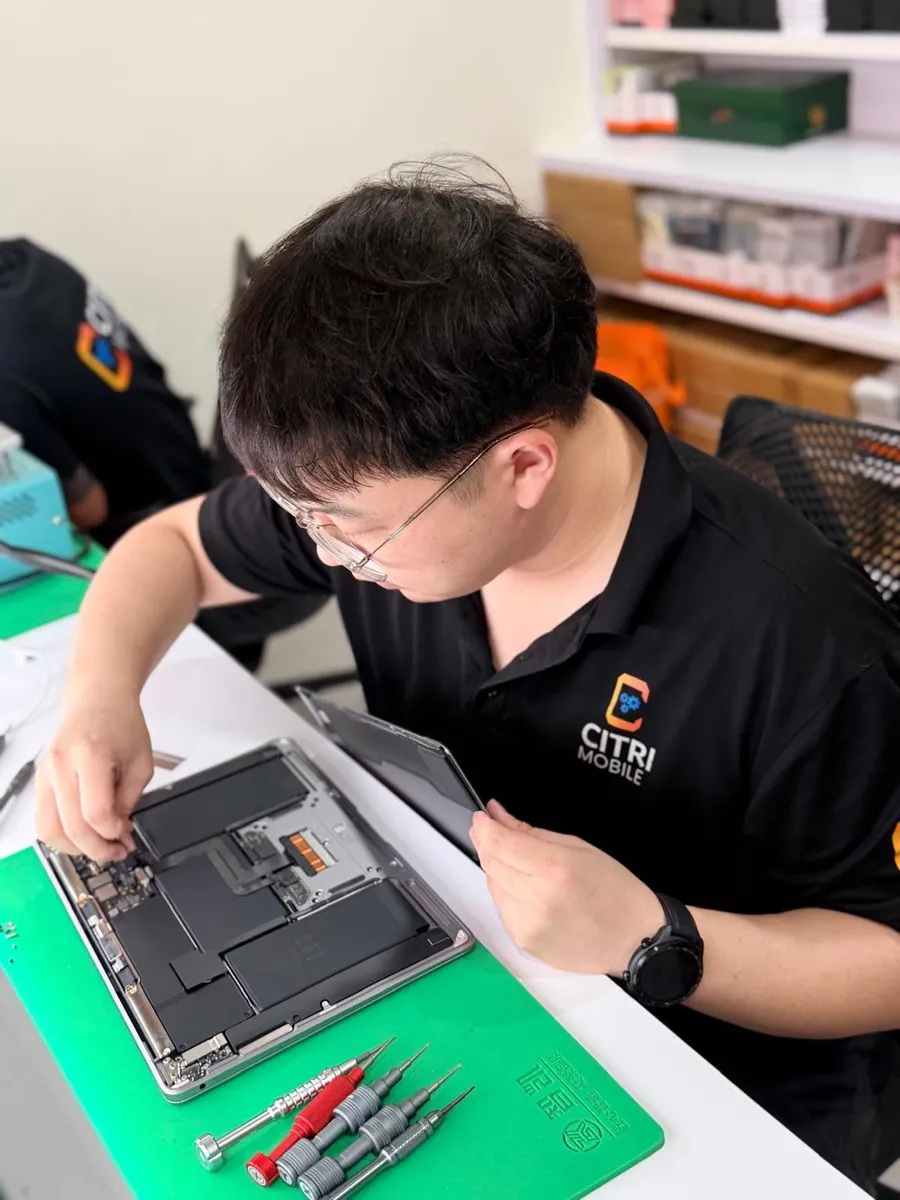
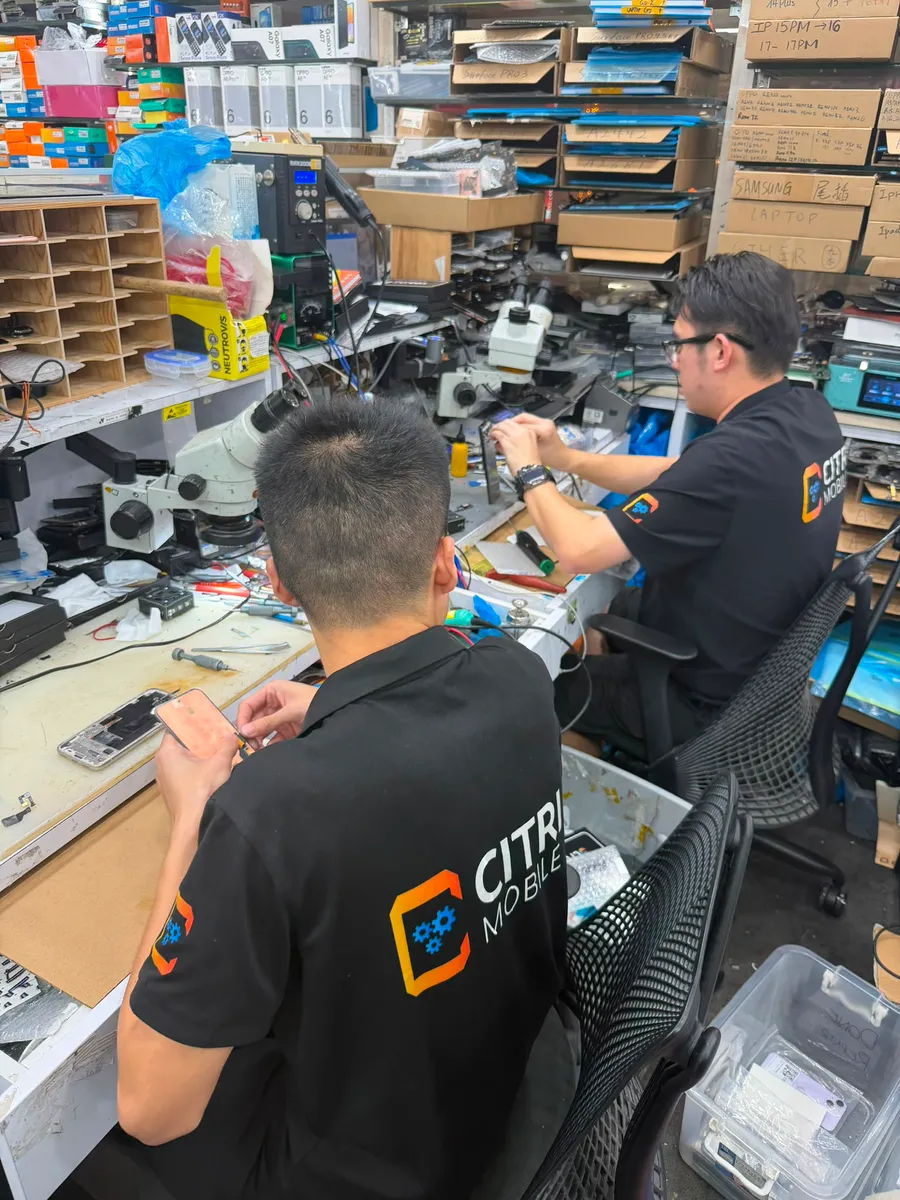
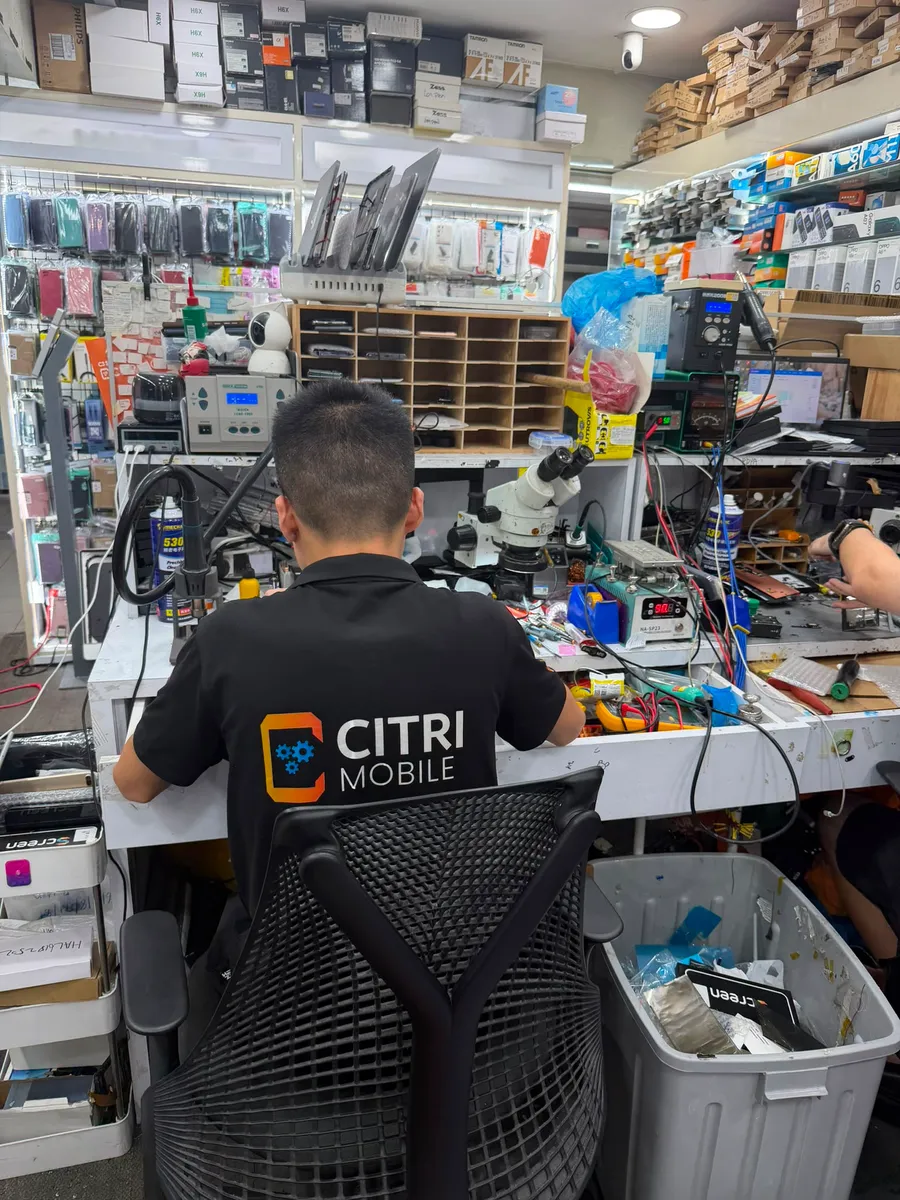
In a board-level repair we find the fault (which power line is shorted, which chip has failed or corroded), remove that one component and solder a new one in its place. It's slow work under magnification, and the board stays the one your Mac shipped with. A replacement board is quicker to fit but usually costs more, because you pay for every component on it, including the ones that were fine. It also has a bigger catch.
Will I lose my data if the logic board is replaced?
On any recent MacBook, yes, expect to. The files on the internal storage stay locked to the original board.
Here's why. On a Mac with Apple silicon (and Intel Macs with Apple's T2 chip), the internal storage is encrypted even if you never switched FileVault on, and the key that opens it is tied to a hardware ID unique to that one Mac. Apple's platform security guide says that if the internal storage is moved from one device to another, the files are inaccessible. A different board means a different ID, so it can't open what the old one locked. Memory is fixed too: Apple's memory guide says every Apple laptop missing from its short list of older MacBook Pros has non-removable memory.
A component repair avoids the problem. The original board, with its storage and its key, comes back to life, and your files are usually still there when it boots. Usually, not always: if liquid or a short has damaged the storage itself, no repair gets those files back. That's the strongest argument for a Time Machine backup before anything goes wrong. Here's how to back up a MacBook before a repair.
What are the chances a logic board repair works?
Nobody can give you an honest percentage before the Mac is open. What we can tell you is what moves the odds.
A single clean fault is the good case: one shorted capacitor, one failed charging chip, one corroded connector. Liquid caught early is better than liquid found weeks later, because corrosion keeps spreading after the Mac dries. If you've had a spill, switch it off, don't keep plugging it in to test it, and read our MacBook liquid damage guide.
The odds drop when corrosion has spread under several chips, when the main Apple chip, memory or storage is damaged, or when someone has already worked on the board.
When isn't a logic board repair worth it?
When the quote gets close to the price of a decent used replacement, it usually isn't. That happens most on older Intel MacBooks, where the board fault is serious and the machine is worth little once it's fixed.
A few other signs to walk away:
- Heavy corrosion right across the board, from a spill that sat for weeks.
- The rest of the Mac also needs a battery and a screen, so the costs stack up on a machine you'd replace soon anyway.
- The model no longer gets macOS updates and you need it for work.
How much does MacBook logic board repair cost?
MacBook logic board repair is quoted after a free diagnosis, so we don't publish one price. Two dead MacBooks can have completely different faults, and a single failed chip on the charging line is a much smaller job than corrosion across half the board.
The diagnosis runs in this order. First we rule out the battery, charger and port, since those are fixed-price repairs and you shouldn't pay board prices for them. Then we open the Mac and check the board for liquid and corrosion. Then we measure the power lines to find where the short sits or where power stops. After that you get a plain answer: what failed, what the repair involves, what it costs, and whether the data looks safe. Nothing is done until you agree. If the repair isn't worth it, we'll say so, and the diagnosis still costs nothing.
The price we quote is the price you pay. Pay by PayNow, PayLah, Visa or Mastercard.
MacBook logic board FAQs
- Is a logic board the same as a motherboard?
- Yes. Apple calls the main circuit board in a Mac the logic board; most other laptop makers call it the motherboard. MacBook logic board repair and MacBook motherboard repair are the same job.
- Should I take my MacBook to Apple first?
- Yes, if it's still covered. A repair by an independent shop isn't covered by Apple's warranty or AppleCare+, so if your MacBook is under either, start with Apple. Not sure? Check your Apple warranty with the serial number. Once it's out of warranty, our own repair warranty covers the part we fit.
- Do you repair logic boards on M1 and later MacBooks?
- Yes. We do board-level work on Apple silicon MacBooks as well as older Intel models, and every board job is quoted after a free diagnosis.
- Can I get my files off a MacBook with a dead logic board?
- On a recent MacBook, the realistic way is to get the original board working again, because the storage can't be read on another board. That's one more reason to ask for a component repair before agreeing to a board swap. If the Mac isn't worth fixing but the files are, tell us, and we'll say whether that's realistic before you spend anything.
- How long does a MacBook logic board repair take?
- It depends on the fault and on whether a part has to be ordered. We give you a timing with the quote after the diagnosis, and if it changes, we'll tell you.
Getting it looked at
Four branches: People's Park Centre in Chinatown, Tampines, Yishun and Jurong Point, open 11am–9pm daily. We're rated 5.0★ from 2,900+ Google reviews, we fit Original Grade parts, and every repair carries a 30-100 days warranty honoured at any branch.
Send your model and what the Mac is doing on WhatsApp and we'll tell you what it's likely to be before you travel. Walk-ins are welcome without an appointment, but message or call first so we can confirm we have the part for your model in stock. Directions are on the locations page, and screens, batteries and every other job are priced on our page for MacBook repair in Singapore.