MacBook
MacBook Flexgate: Stage Light Glow, Dark Band and the Cable Fix
In this article
- What is MacBook flexgate?
- What does the stage light effect look like?
- Which MacBook models have flexgate?
- Is Apple's display backlight programme still running?
- Is it flexgate or a failing LCD screen?
- How do you fix MacBook flexgate?
- What does a flexgate diagnosis involve at our shop?
- Can I keep using a MacBook with flexgate?
- MacBook flexgate FAQs
- Getting it fixed
MacBook flexgate is a worn backlight cable on the 2016 and 2017 MacBook Pro. It bends around the hinge every time you open the lid. As it wears you get a "stage light" glow or dark band along the bottom of the screen, then a backlight that cuts out past a certain angle. Repairing the cable keeps your panel.
Apple's free repair programme for some of these Macs has ended. Below: which models are affected, how to tell flexgate from a dying screen, and what the cable repair costs at our shops.
What is MacBook flexgate?
Flexgate is the nickname for a display cable fault on the 2016 and 2017 MacBook Pro, in both the 13-inch and 15-inch sizes. The screen talks to the logic board through thin flat cables (flex cables) that run through the hinge. Every time you open or close the lid, those cables bend around it. After a few years of daily use, the one that powers the backlight starts to crack.
The LCD panel itself is usually fine, at least at first. It's the light behind it that's failing.
What does the stage light effect look like?
The stage light effect is a row of bright and dark patches along the bottom edge of the screen, a bit like the spotlights along the front of a stage. Apple's own description was "vertical bright areas along the entire bottom of the screen". It's easiest to see on a dark background.
It tends to get worse in steps:
- Uneven glow at the bottom. The picture is fine, but the bottom edge has light and shadow patches that don't move.
- Backlight cuts out at an angle. Open the lid past a certain point and the screen goes dark or flickers. Close it a little and the picture comes back.
- Backlight off at every angle. The screen looks black while the Mac is clearly running: you hear the startup sound, the keyboard lights up, an external monitor works.
Which MacBook models have flexgate?
Flexgate affects the 2016 and 2017 MacBook Pro: the 13-inch with two Thunderbolt 3 ports, the 13-inch with four ports and a Touch Bar, and the 15-inch. On our price list those are the A1708, A1706 and A1707.
To check yours, choose Apple menu > About This Mac. It shows the model name and year, such as "MacBook Pro (13-inch, 2016, Four Thunderbolt 3 ports)". Apple lists every model and how to tell them apart on its Identify your MacBook Pro model page. The A-number is in the small print on the underside of the case.
Is Apple's display backlight programme still running?
No. Apple's page for the 13-inch MacBook Pro Display Backlight Service Program now says the programme has ended, and it isn't on Apple's list of current service programmes for Singapore (we checked on 27 November 2026).
It only ever covered two models: the MacBook Pro (13-inch, 2016, Four Thunderbolt 3 Ports) and the MacBook Pro (13-inch, 2016, Two Thunderbolt 3 Ports), sold between October 2016 and February 2018. Apple's page said no other Mac notebook was part of it, so the 15-inch and the 2017 13-inch never qualified. Cover lasted 5 years from the first retail sale or 3 years from the programme's start, whichever was longer, and every eligible unit is past that now.
Is it flexgate or a failing LCD screen?
Watch what happens when you move the lid. If the fault changes with the angle, it's almost always the cable. If it looks the same however far the lid is open, suspect the panel.
| What you see | Flexgate (backlight cable) | Failing LCD panel |
|---|---|---|
| Changes as the lid opens or closes | Yes, usually worse when opened wider | No, same at any angle |
| Where the problem is | Bottom edge: glow, shadows or a dark band | Anywhere: lines, colour bands, black blots, dead areas |
| Screen goes black | Faint picture still there under a torch | Picture itself is broken or missing |
| Signs of impact | None needed, it's wear | Often follows a drop, a crack or something shut in the lid |
Three quick checks you can do at home:
- Open the lid slowly from closed. Note the angle where the glow appears or the screen cuts out. If there is one, that's the cable.
- Torch test. When the screen is dark, shine a phone torch at it from the side. If you can make out your desktop faintly, the LCD is still drawing the picture and only the backlight is off.
- External display. Plug into a monitor or TV. If the picture is fine there, the Mac's graphics are fine and the fault is in the display side, which is where both flexgate and a bad panel live.
Vertical lines, coloured stripes or ink-like blots that sit still at every angle point at the panel, and that's an LCD replacement. Our guide to MacBook screen problems covers those.
How do you fix MacBook flexgate?
We repair the worn backlight flex cable inside the display, so the panel you already have stays in. That's why it's priced as a cable job and not as a new screen. Here's what it costs, nett, next to a full LCD replacement on the same model:
| MacBook Pro (on our price list) | Flexgate cable repair | Full LCD replacement |
|---|---|---|
| 13-inch, two ports (A1708) | $200 | $250 |
| 13-inch Touch Bar (A1706) | $200 | $250 |
| 15-inch Touch Bar (A1707) | $200 | $390 |
Both prices are there so you can weigh them. If the panel is healthy, the cable repair keeps it. If the cable has already torn badly enough to damage the backlight circuit, or the panel has its own damage, a cable repair won't bring the screen back, and we'd quote the LCD instead. You'll know which before any work starts, because diagnosis is free. Screen prices for every other model are in our MacBook screen replacement cost guide, and the service itself is on the flexgate repair page.
Flexgate repairs usually take one to two working days. If yours needs longer, we'll tell you when we quote.
What does a flexgate diagnosis involve at our shop?
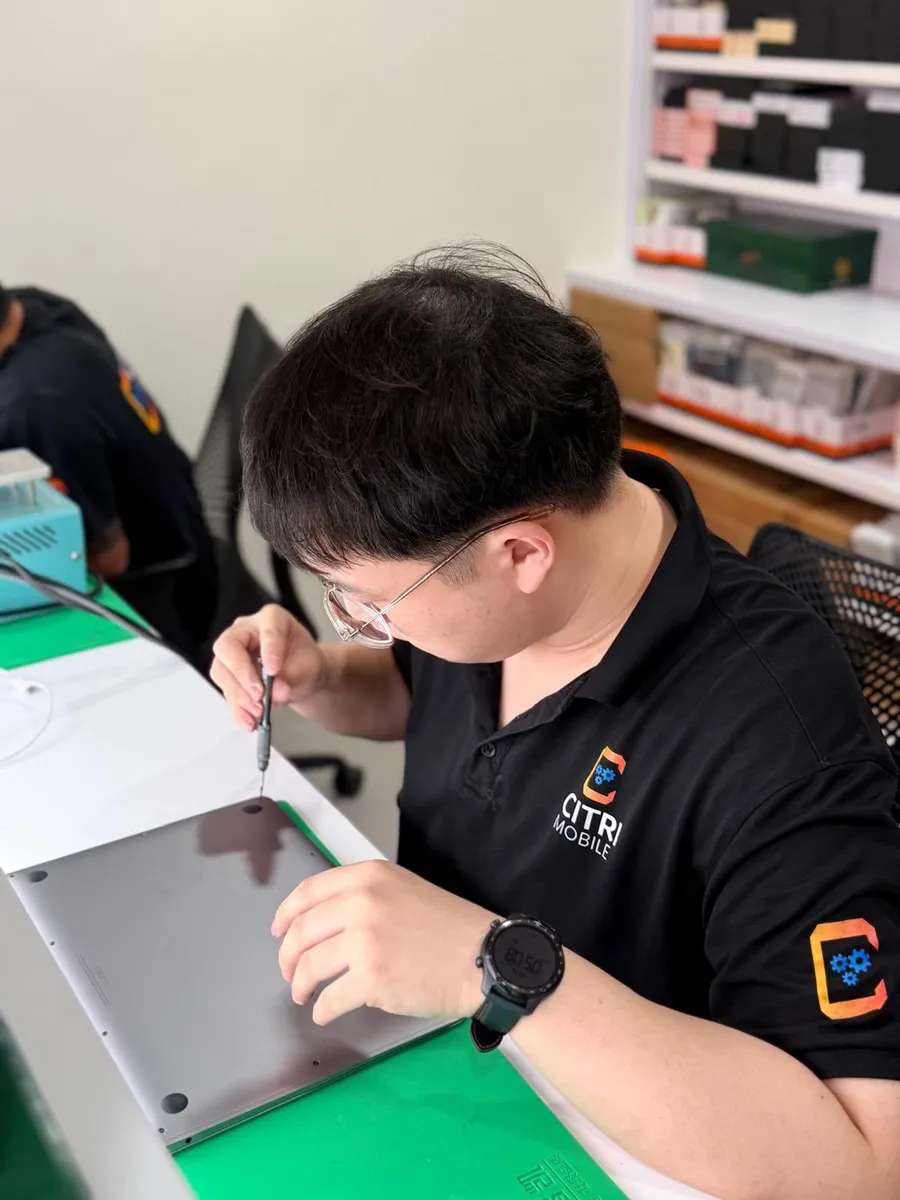
The same checks you can do at home, then a look inside. We move the lid slowly while watching the backlight, torch-test the dark screen and check the panel for lines and pressure marks. Then we open the Mac and inspect the cable where it wraps the hinge.
One from our MacBook case studies: a 13-inch MacBook Pro (A1706 / A1708) came into our Yishun branch with a stage light glow at the bottom of the screen, and later a display that went dark while audio still played. The cause was the worn display flex cable. We repaired the cable and the display circuit, and the backlight came back even across the whole screen, in one to two working days.
Can I keep using a MacBook with flexgate?
For a while, yes. If you keep the lid at an angle where the backlight stays on, the Mac works normally, and an external monitor gets you round it completely. But every open and close wears the cable a little more. Once it gives way, the backlight stays off at every angle.
So back up now, while you can still see the screen. Here's how to back up a MacBook before a repair.
MacBook flexgate FAQs
- Is MacBook flexgate still covered by Apple?
- No. Apple's 13-inch MacBook Pro Display Backlight Service Program has ended, and it only ever covered the 2016 13-inch models. An independent repair like ours isn't covered by Apple's warranty, so if your Mac is still under Apple's warranty or AppleCare for any reason, go to Apple first. Out of warranty, our own repair warranty covers the part we fit.
- How much does a flexgate repair cost in Singapore?
- At Citri Mobile a flexgate cable repair is $200 on a 2016 or 2017 13-inch MacBook Pro (A1706) and $200 on the 15-inch (A1707), nett. A full LCD replacement on the 15-inch is $390.
- Can flexgate be fixed without replacing the screen?
- Usually, yes. We repair the worn backlight cable and leave your panel in place. If the panel also has damage, or the cable failure has damaged the backlight circuit, we'll tell you at the free diagnosis and quote an LCD replacement instead.
- Do 2018 and newer MacBook Pros get flexgate?
- Classic flexgate is a 2016 and 2017 fault. On a newer MacBook, a picture that flickers or cuts out as the lid moves still points at a display cable, and we confirm which part has failed before quoting.
- Will I lose my data during a flexgate repair?
- No. The work is on the display, and your files stay on the Mac. Back up first anyway, as you should before any repair.
Getting it fixed
Four branches: People's Park Centre in Chinatown, Tampines, Yishun and Jurong Point, open 11am–9pm daily. We fit Original Grade parts, every repair carries a 30-100 days warranty honoured at any branch, and we're rated 5.0★ from 2,900+ Google reviews.
Send your model and a short video of the screen as you open the lid on WhatsApp, and we'll tell you whether it looks like flexgate before you travel. Walk-ins are welcome without an appointment, but message or call first so we can confirm we have the part for your model in stock. Directions are on the locations page, and prices for every model are on our page for MacBook repair in Singapore.