MacBook
Signs Your MacBook Battery Is Failing And Needs Replacement

In this article

You’re there, about to finish the last few words of an essay or send an important email, and then, your MacBook shuts down unexpectedly. Frustrated, you scramble for the charger, knowing that your laptop’s battery life isn’t what it used to be. The reality is that every battery has a lifespan, and knowing when to replace your MacBook battery is crucial to maintaining performance.
There is no set rule that will tell you exactly when to change your battery, but there are some obvious warning signs you can look out for. In this guide, we’ll explore the key indicators of battery deterioration, why timely replacement is important, and where to get reliable MacBook battery replacement services in Singapore.
Is Your MacBook Battery Draining Too Fast?
Apple suggests that a well-functioning MacBook battery should last around 1,000 charge cycles before significant degradation occurs. By this point, your battery should still hold at least 80% of its original capacity. If it falls below this threshold, a replacement may be necessary.
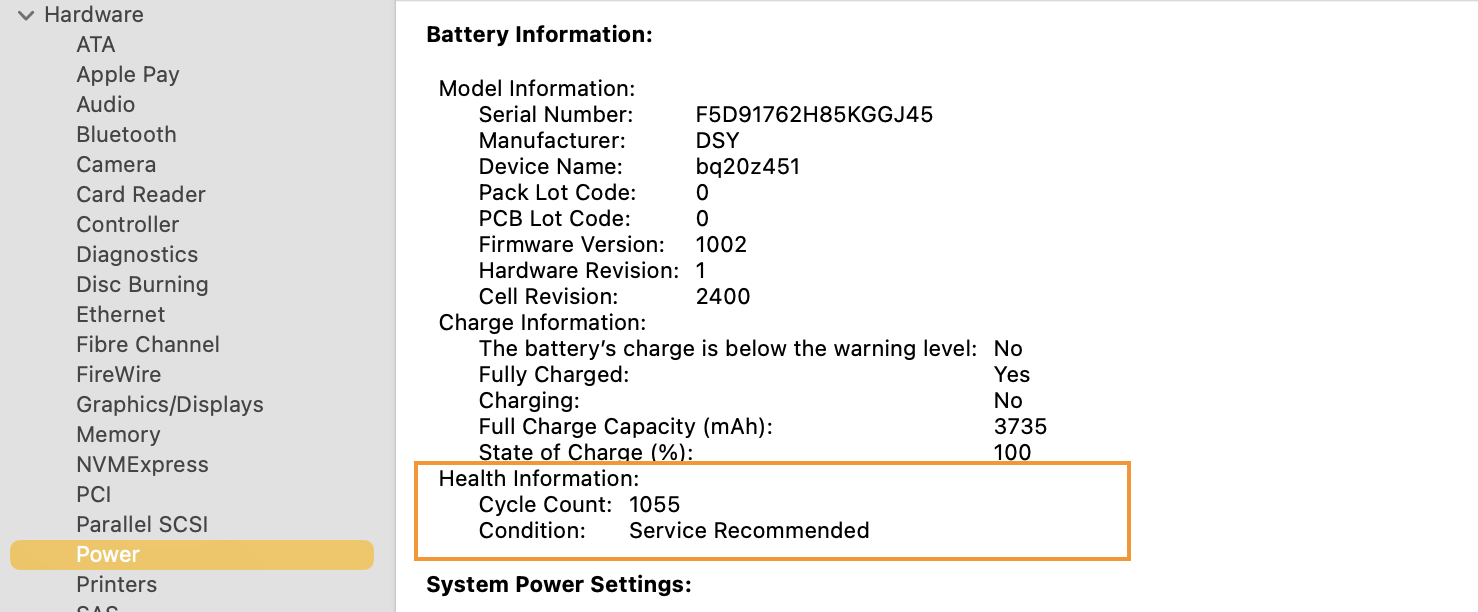
You can check your battery’s cycle count and condition in System Information:
- Hold the Option key and click on the Apple icon in the top left corner of your menu bar.
- Select System Information and navigate to the Power section.
- Look for the Cycle Count and Battery Condition. If the condition is labelled as “Service Recommended” or “Replace Now”, it’s time to replace your MacBook’s battery.
Signs You Need a MacBook Battery Replacement
If you experience any of the following symptoms, it may be time to consider a MacBook battery replacement:
1. Low Battery Run-Time
Does your MacBook’s battery drain exceptionally fast, even during light tasks? Or do you need to keep your MacBook perpetually charged to finish your tasks? This could indicate battery degradation. You can monitor how your usage impacts battery life under System Settings > Battery.
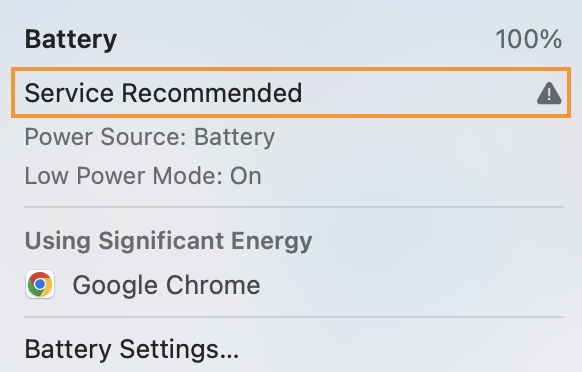
2. “Service Battery” Warning
Apple’s macOS includes built-in battery health monitoring that alerts you when your battery needs attention. Click on the battery icon in the top menu bar to view its current condition. If you see a “Service Recommended” or “Replace Now” warning, your battery is due for replacement.
3. Unexpected Shutdowns
MacBooks are designed to notify users when their battery is critically low, but if your device shuts down randomly even when there’s battery life left, it’s a strong indicator of battery failure. This sudden loss of power can lead to data loss or system instability.
4. Battery Not Charging Properly
If your MacBook struggles to charge fully, gets stuck at a certain percentage, or only works when plugged in, the battery may be failing. In some cases, a faulty charging port or adapter could also be the cause, but persistent issues point to battery degradation.
5. Swollen Battery
A swollen battery is a serious issue that can physically deform your MacBook by pushing the trackpad or keyboard upwards. This is not just a cosmetic problem, it poses safety risks, including the potential for battery leakage or fire. If you notice any swelling, stop using your MacBook and seek immediate battery replacement.
6. Overheating Issues
If your MacBook frequently overheats, even with minimal use, an ageing battery could be to blame. As batteries degrade, they become less efficient, forcing the system to work harder and generate excess heat. Persistent overheating can shorten your laptop’s lifespan and damage internal components.
Where Should You Get a MacBook Battery Replacement?
If you’re experiencing battery issues, getting a MacBook battery replacement in Singapore from a trusted provider is essential.
If your MacBook is still under warranty or covered by AppleCare, you may be eligible for a free battery replacement. You can check your eligibility by heading to System Settings > General > AppleCare & Warranty. Apple’s authorized service centres provide official battery replacements using genuine parts, ensuring reliability and warranty coverage. However, these services can be expensive.
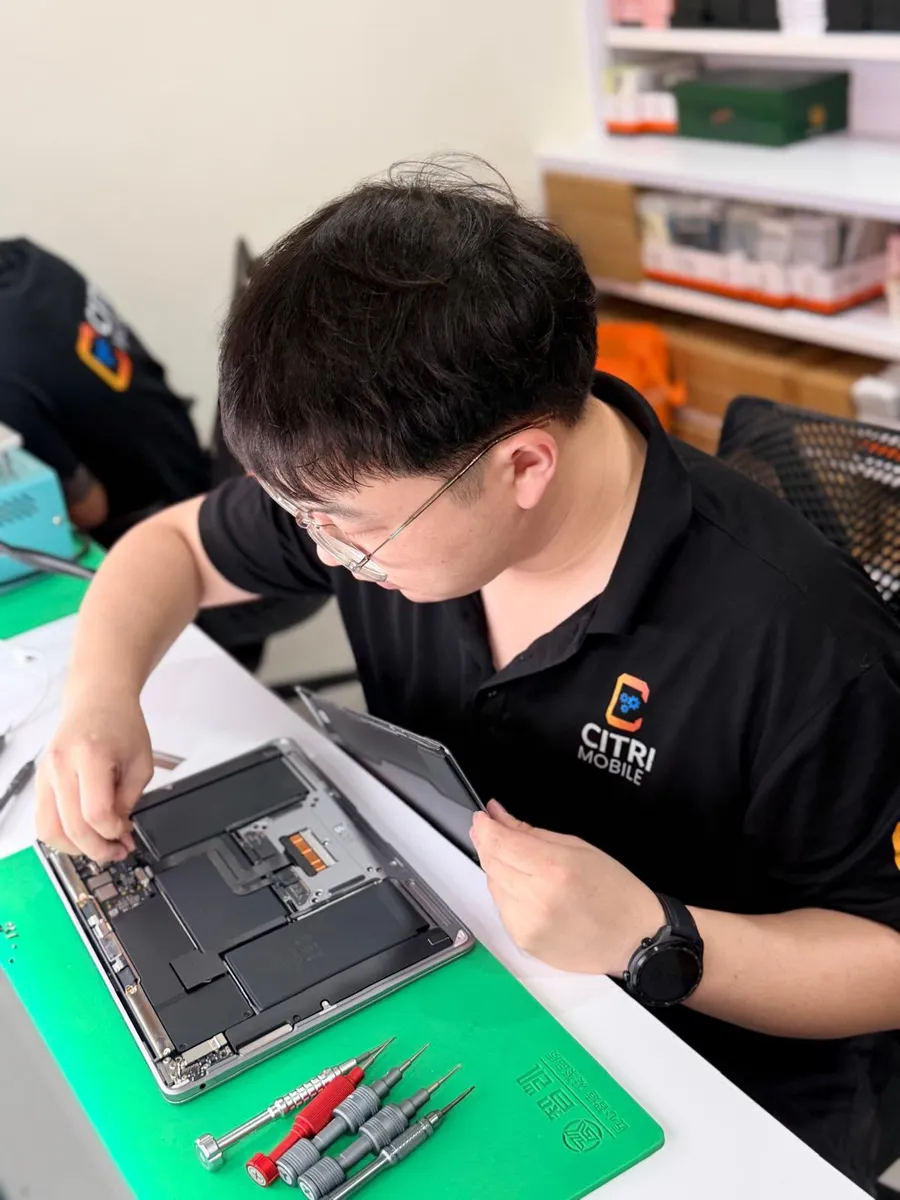
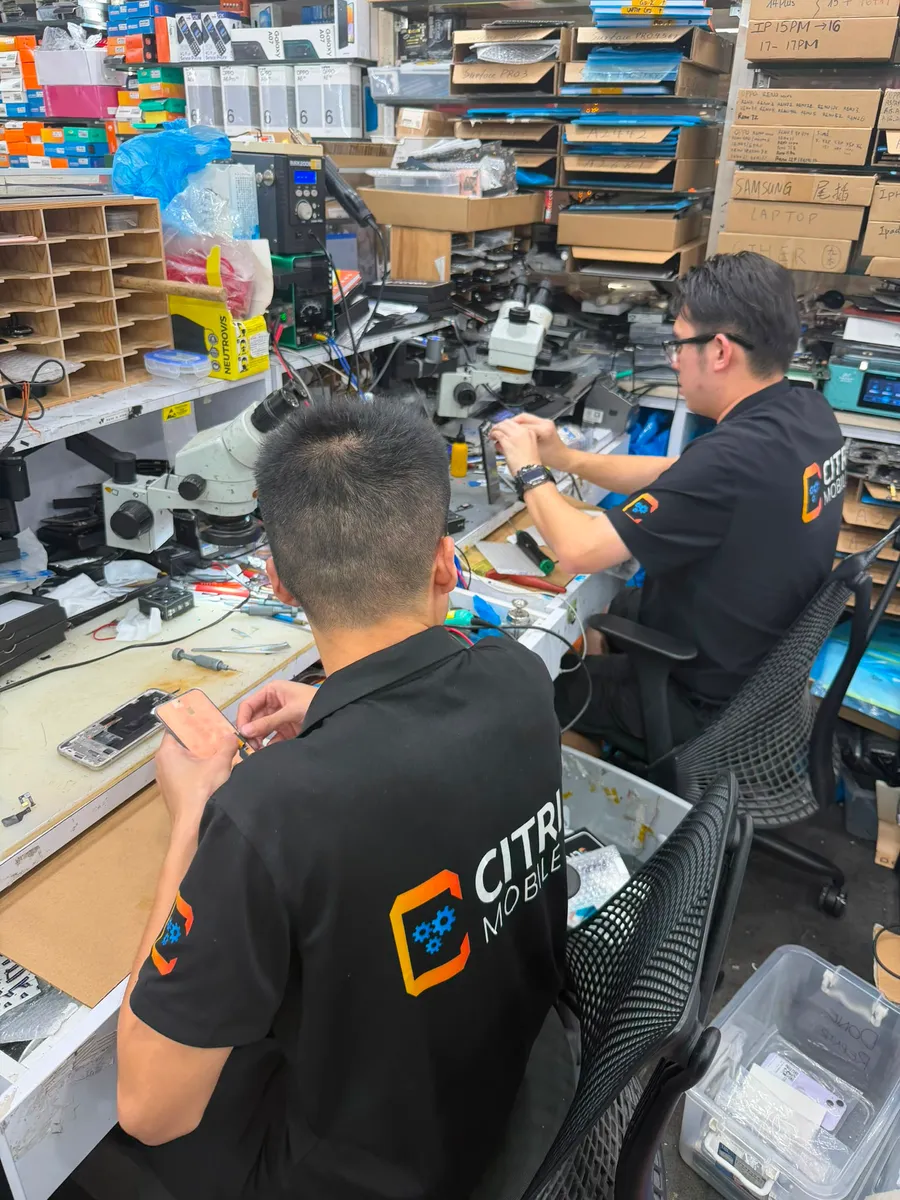
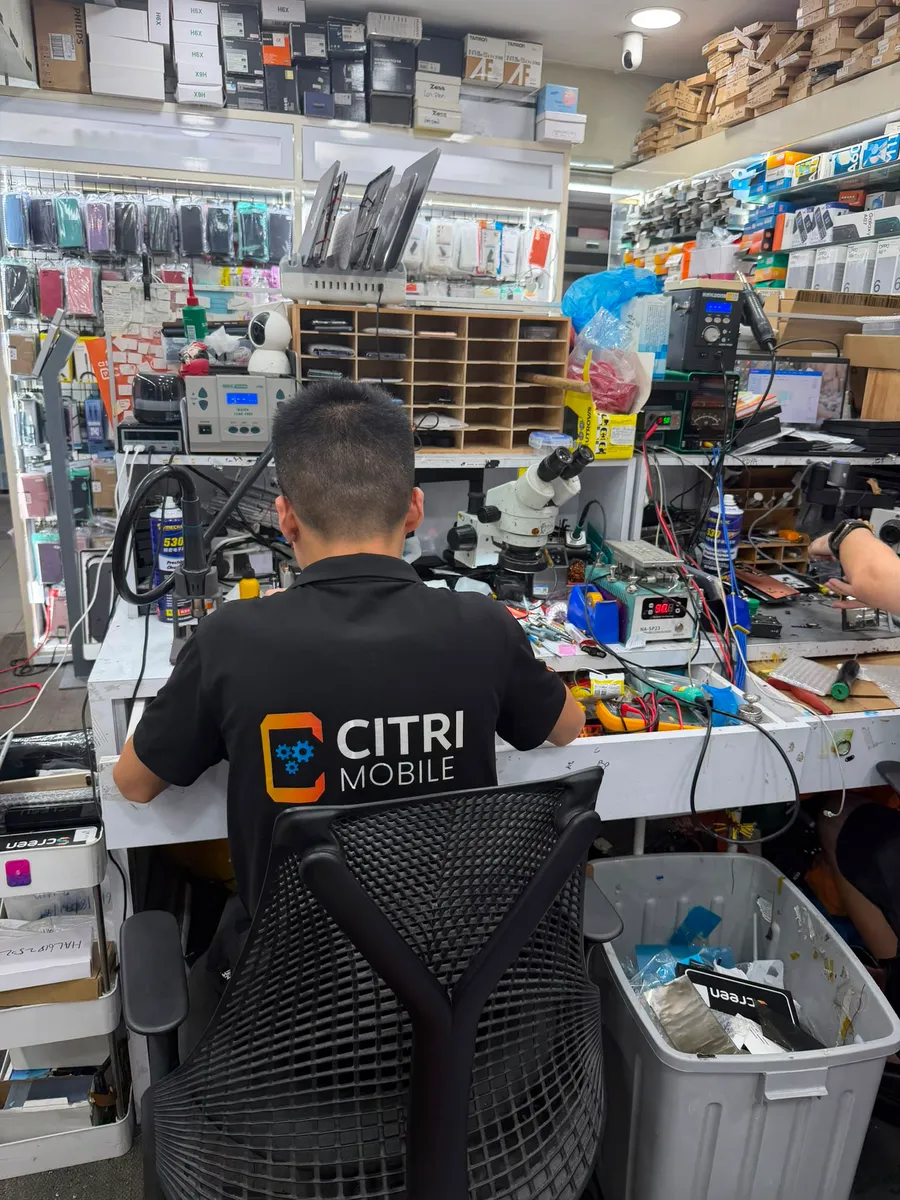
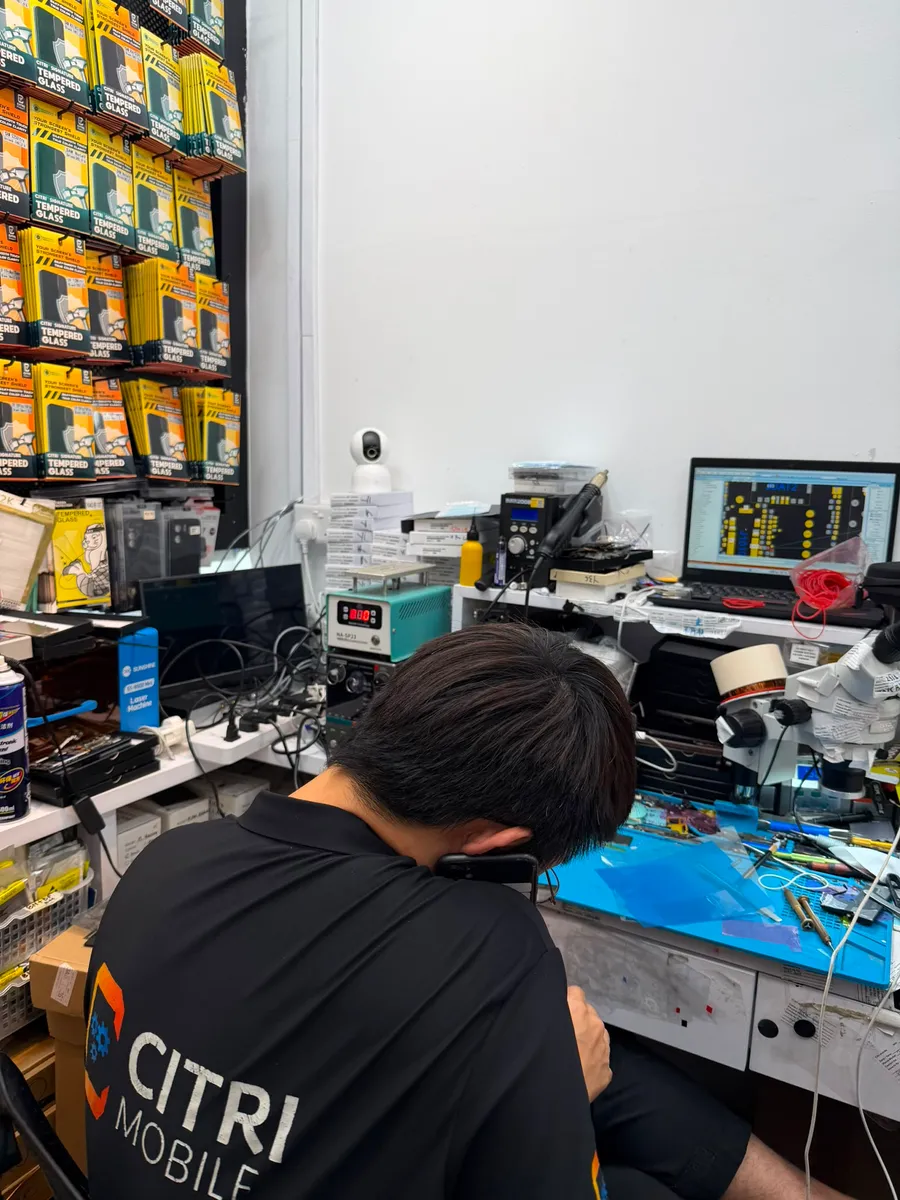
A great alternative is seeking an Apple Independent Service Provider like Citri Mobile. These providers offer official MacBook battery replacement and MacBook repair services at a more affordable cost while maintaining high service quality. Choosing Citri Mobile ensures that you get quality parts without paying a premium.
Conclusion
A MacBook battery replacement is inevitable after a few years of use, but knowing when to replace it can save you from performance issues and potential damage. Ignoring the signs of a failing battery can lead to unexpected shutdowns, loss of productivity, and potential hardware damage. If your MacBook is struggling to hold a charge, overheating, or displaying service warnings, it’s time to take action.
Unsure about your MacBook’s battery health? Consult our professional MacBook repair service today for a proper diagnosis!