
MacBook Pro Retina 13-inch A1502 (2013-2014) Battery Replacement Original Grade
We quote MacBook Pro Retina 13-inch A1502 (2013-2014) battery replacement after a free check, not before — this is the kind of repair where an upfront figure would be a guess. There's no charge if we can't fix it, and completed work carries a 100-day warranty. Message us first so we can confirm the part for your MacBook Pro Retina 13-inch A1502 (2013-2014) is here.
100-Day Warranty · Most Repairs Done Same Day · Data Untouched On Most Jobs.


All MacBook Pro Retina 13-inch A1502 (2013-2014) Repairs & Prices
Need a different repair for your MacBook Pro Retina 13-inch A1502 (2013-2014)? Pick it here — every price is nett, and the grade and warranty are listed against each one.
- 💵PriceGet a quoteNett, updated 21 Oct 2026
- 🛡️Warranty100 daysOn this repair
- ⚡TurnaroundSame dayBoard-level quoted after diagnosis
- 🔒Your dataStays safeNo wipe for most repairs
- 🧩PartsOriginal GradeWhat this grade means
Battery Replacement on the MacBook Pro Retina 13-inch (2013–2014)
The battery in the MacBook Pro Retina 13-inch (2013–2014) is glued into the case, so it has to be released slowly and evenly. That care is most of the job, and it's why we don't quote a fixed time. Check the cycle count first: hold Option, click the Apple menu, open System Information and look under Power. Apple rates this battery for 1,000 cycles, and macOS shows "Service Recommended" in Battery settings once it has worn down.
- Years sold
- 2013–2014
- Chip
- Intel
- Display
- Retina
- Charging
- MagSafe 2
- Keyboard
- Scissor-switch (pre-2016 design)
- Battery
- Glued in
- Storage
- Removable drive
Other Repairs We See on the MacBook Pro Retina 13-inch (2013–2014)
- Screen coating wear: the anti-reflective layer on Retina screens from these years comes away in patches that look like stains and won't wipe off.
Every MacBook Pro Retina 13-inch A1502 (2013-2014) repair and its price →
Ways to Pay for Your Repair
Pay for your MacBook Pro Retina 13-inch A1502 (2013-2014) battery replacement upfront, or split the cost into easy instalments, whatever suits you.
Split it into instalments
Spread the cost of your MacBook Pro Retina 13-inch A1502 (2013-2014) battery replacement over time with:
 Shopee PayLater
 GrabPay Later
Surcharge applies — please enquire.
Or pay upfront
- CashPay in-store
 PayNowInstant QR transfer
 PayLah!Instant transfer
 Credit cardPeople's Park Centre & Jurong Point only · surcharge applies
- CDC voucherAccepted in-store
Why Citri Mobile for MacBook Pro Retina 13-inch A1502 (2013-2014) battery replacement?
- 🏅
Quality parts & diagnostics
Quality Original Grade parts, professional tools and full diagnostics for MacBook Pro Retina 13-inch A1502 (2013-2014). Genuine Apple parts are reserved for eligible iPhone repairs under the Apple IRP programme. - 🏆
Carousell Best Service Provider
Carousell 2024 & 2025 award winner. - 🤝
Carousell Preferred Partner
Trusted by thousands across Singapore for MacBook Pro Retina 13-inch A1502 (2013-2014) battery replacement. - ✅
CaseTrust Accredited
Recognised for fair and ethical business practices, transparent pricing. - ⭐
5.0★ · 3,000+ reviews
Across Google and Carousell, consistently rated for fast, reliable, honest repairs at all four shops. - ⚡
Same-day on most repairs, fair nett pricing
Most standard MacBook Pro Retina 13-inch A1502 (2013-2014) repairs are completed the same day and board-level work is quoted after a free diagnosis — always at wholesale rates with no hidden charges. - 🛡️
100-day warranty
Covered by a 100-day warranty, so you stay protected after you leave. - 🔒
Your data stays safe
Photos, apps and settings are kept intact for most repairs.
Apple Independent Repair Provider Testimonials Our locations
Before You Send In Your MacBook Pro Retina 13-inch A1502 (2013-2014) for Repair
A quick checklist so your MacBook Pro Retina 13-inch A1502 (2013-2014) repair goes smoothly. We don't wipe your device for most repairs, but a little prep helps.
- Bring your charger. If the device has a charging or no-power issue, bring the charger so we can test it.
- Remove sleeves, covers & USB accessories. Take off laptop sleeves, hard-shell covers and any plugged-in USB accessories before handing it over.
- Don't erase the device. Leave your data as-is unless the technician specifically advises otherwise.
- Mention liquid or impact. Tell the technician whether there was any liquid exposure or a recent impact — it helps us diagnose faster.
Where to Repair Your MacBook Pro Retina 13-inch A1502 (2013-2014) Battery in Singapore
Walk in to any of our 4 repair shops for your MacBook Pro Retina 13-inch A1502 (2013-2014) battery replacement. We're open 11am–9pm daily, no appointment needed — message us first if you want us to confirm your part is in stock.
-
Chinatown
People’s Park Centre, #01-47, Singapore 058357 11:00 AM – 9:00 PM · daily -
Tampines
503 Tampines Central 1, #01-299, Singapore 520503 11:00 AM – 9:00 PM · daily -
Jurong
CarousellMOBILE Jurong Point, #B1-34A, Singapore 648886 11:00 AM – 9:00 PM · daily -
Yishun
Blk 846 Yishun Street 81, #01-3643, Singapore 760846 11:00 AM – 9:00 PM · daily
Contact Us for MacBook Pro Retina 13-inch A1502 (2013-2014) Battery Replacement (Original Grade)
Message us for a quick quote. 100-day warranty, your data untouched in most repairs, and most jobs done the same day.
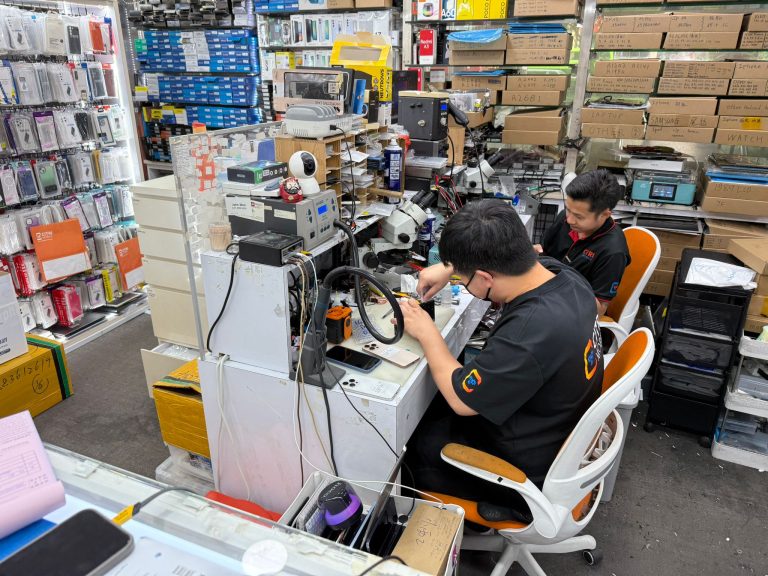
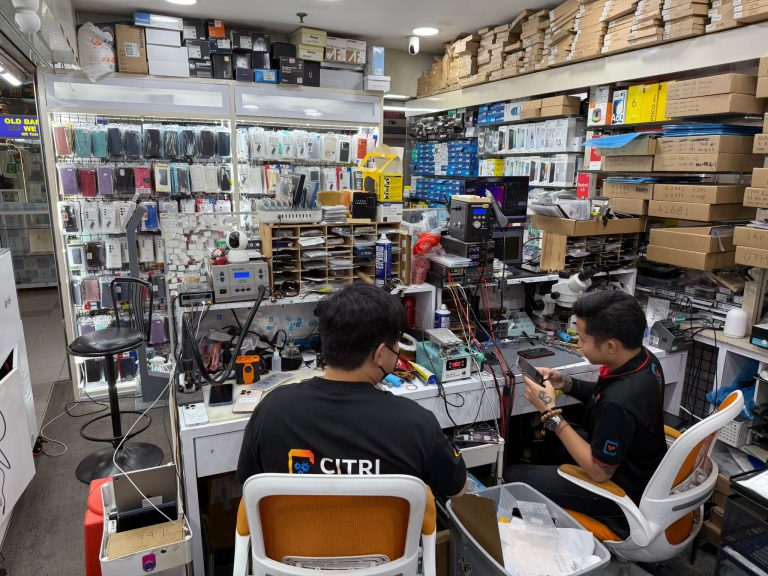
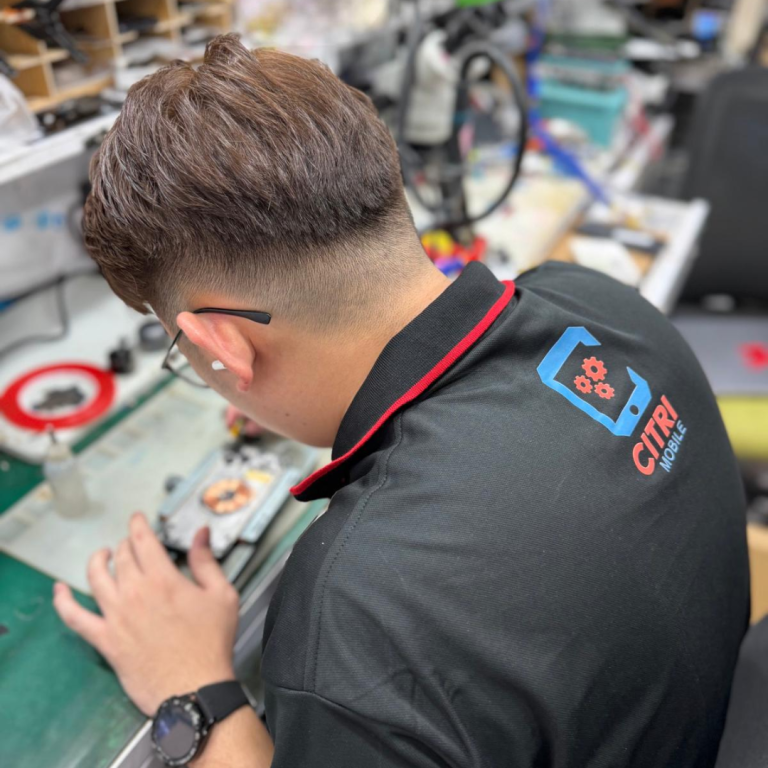
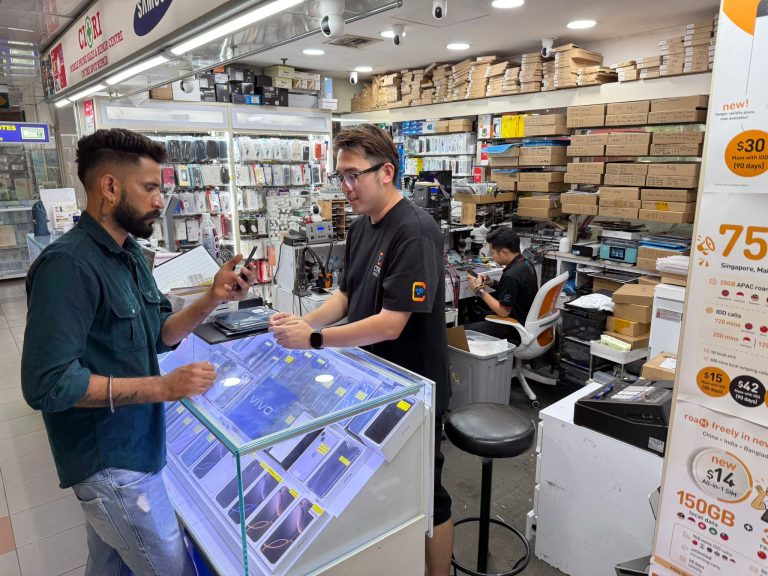
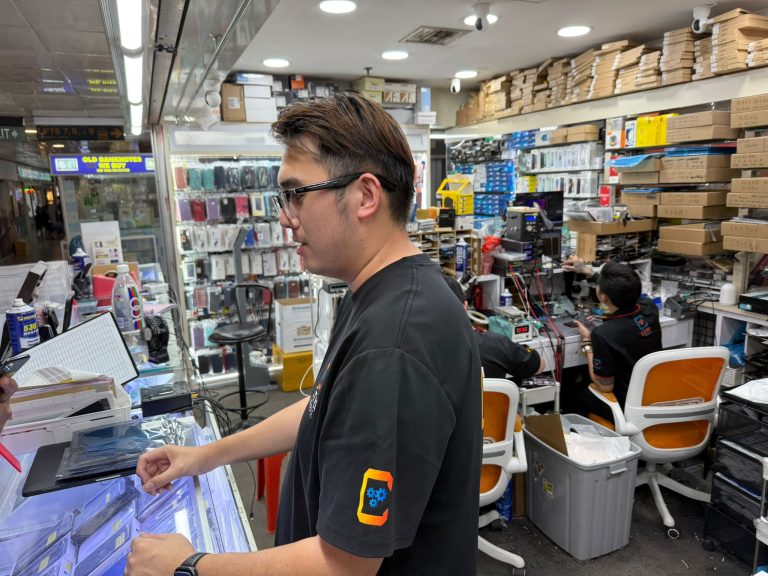
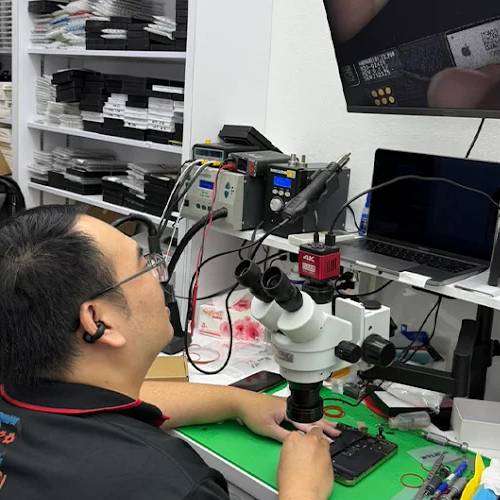
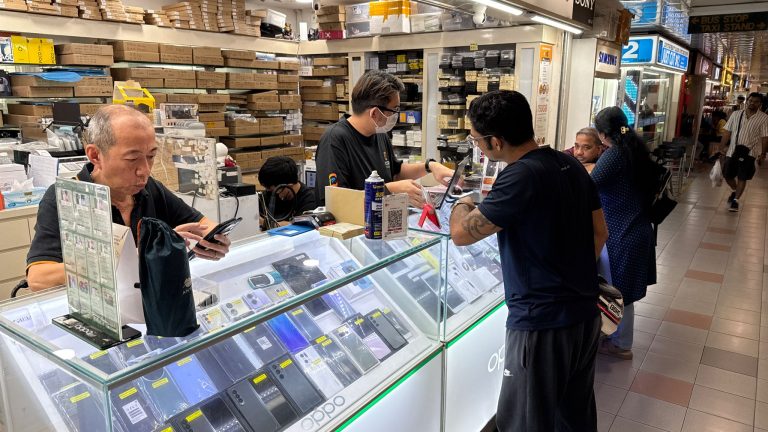
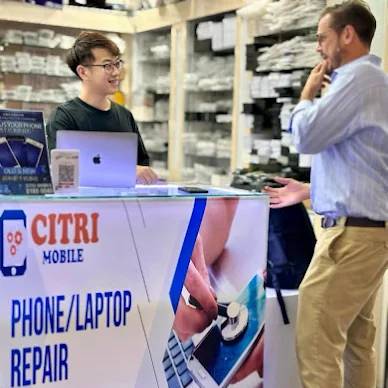
Inside Our Workshop: MacBook Pro Retina 13-inch A1502 (2013-2014) battery replacement in Singapore
MacBook Pro Retina 13-inch A1502 (2013-2014) battery replacement — questions people actually ask
- How much to change a MacBook Pro Retina 13-inch A1502 (2013-2014) battery in Singapore?
- We quote this one after looking at the laptop rather than publishing a figure, because what it costs depends on what we find once it's open. The check is free and there's no charge if we can't fix it. Bring it to any branch, or message us a photo and a description of what it's doing.
- How do I know my MacBook Pro Retina 13-inch A1502 (2013-2014) needs a new battery?
- Open Settings, then Battery, then Battery Health. Under 80% maximum capacity and the MacBook Pro Retina 13-inch A1502 (2013-2014) is working harder for less. The other signs are the ones you feel: it drops 20% while you're not using it, it dies at 30%, or it runs hot on the charger. A battery that has started to swell is the urgent one — if the screen is lifting at an edge, stop charging it and bring it in.
- How long does it take to change a MacBook Pro Retina 13-inch A1502 (2013-2014) battery?
- Most standard battery work on a MacBook Pro Retina 13-inch A1502 (2013-2014) is finished the same day. Message us first so we can confirm the part for your model is here — that's usually what decides whether it's same-day or not.
- What does Original Grade mean — is it the same as the factory battery?
- Original Grade is the same specification as the part the laptop shipped with, as opposed to the cheaper AAA aftermarket grade: the original capacity, so you get the runtime the laptop had when it was new. Where a AAA option also exists for the MacBook Pro Retina 13-inch A1502 (2013-2014) it's listed at its own price, and the difference between the grades is explained here.
- Why does my MacBook Pro Retina 13-inch A1502 (2013-2014) battery drain so fast?
- Two different causes, and they need different fixes. If the battery is past roughly 1,000 cycles or its health has dropped, it simply holds less than it did and a replacement solves it. If the health reading is fine, something is keeping the machine awake — a runaway process, an external drive, or indexing that never finishes. Check the cycle count first (hold Option, click the Apple menu, then System Information › Power); we'll check it for you free if you'd rather.
- Do you wipe the MacBook Pro Retina 13-inch A1502 (2013-2014), and do you need my passcode?
- No, nothing gets wiped. Your photos, apps, messages and settings stay exactly where they are — a battery replacement doesn't touch storage. We ask for a passcode only to test the laptop after the repair; if you'd rather not hand it over, unlock it for us at the counter and stay while we check. A backup before you hand it over is still sensible, because that's true before anyone opens a laptop.
- Do you give a warranty on MacBook Pro Retina 13-inch A1502 (2013-2014) battery replacement?
- Yes — 100 days on this repair, covering the part we fitted and the work we did. It doesn't cover a fresh drop, liquid or a crack that happens afterwards. Bring the laptop back to any branch with your receipt and we'll sort it out.
- Where can I get same-day MacBook Pro Retina 13-inch A1502 (2013-2014) battery replacement in Singapore?
- At any of our four shops — Chinatown, Tampines, Jurong and Yishun — open 11am–9pm daily, no appointment needed. Message +65 9456 6455 before you set off and we'll confirm the part for your MacBook Pro Retina 13-inch A1502 (2013-2014) is on the shelf, which is what decides whether it's same-day. Every other repair we do for this model is listed on the MacBook Pro Retina 13-inch A1502 (2013-2014) repair page.
Trusted Macbook Battery Repair Centre For MacBook Pro Retina 13-inch A1502 (2013-2014) In Singapore
Citri Mobile is a trusted MacBook repair specialist in Singapore, relied on by professionals and everyday users alike for professional repairs on MacBook devices like the MacBook Pro Retina 13-inch A1502 (2013-2014). We use quality Original Grade parts and professional diagnostic tools to ensure every repair is up to a high standard.
With our 15 years of experience, all Battery Repair (Replacement) services for your MacBook Pro Retina 13-inch A1502 (2013-2014) are conducted using proven repair techniques and come with a warranty for long-term peace of mind and professional after-service support.
MacBook Pro Retina 13-inch A1502 (2013-2014) Battery Replacement in Singapore
Most people bring a MacBook Pro Retina 13-inch A1502 (2013-2014) in for a battery when it no longer lasts a working day, shuts down with charge still showing, or macOS puts "Service Recommended" under Battery settings. Some come in because the trackpad has stopped clicking or the bottom case has started to lift. That's a swelling battery, and it needs to come out soon.
The repair swaps the old battery in your MacBook Pro Retina 13-inch A1502 (2013-2014) for a new Original Grade one made for that model. Depending on the year, the battery is held in with screws or with adhesive, and the adhesive kind takes longer because it has to be lifted slowly and carefully. Nothing else in the Mac gets replaced.
Before You Bring In Your MacBook Pro Retina 13-inch A1502 (2013-2014)
- Note the cycle count. Hold Option, click the Apple menu, open System Information and choose Power. Apple rates current MacBook batteries for 1,000 cycles.
- If the case is bulging or the trackpad won't click, stop using it and stop charging it. Bring it in switched off.
- Back up with Time Machine if it still starts.
- Message us your A-number (the small print on the bottom case) so we can confirm the battery for your model is in stock before you walk in.
What Happens to Your MacBook Pro Retina 13-inch A1502 (2013-2014) at Citri Mobile
- A free check confirms it's the battery. We read the cycle count and battery health, and rule out a charging fault that a new battery wouldn't fix.
- You get the nett price before we open anything.
- The old battery comes out and the new one goes in, usually the same day once the part for your model is here.
- We charge your MacBook Pro Retina 13-inch A1502 (2013-2014), then run it unplugged to make sure macOS reads the new battery and it holds charge.
- You collect it. Bring the charger you use at home and you can watch it charge before you leave.
For the longer read on glued and screwed batteries and what to do about swelling, see everything about MacBook battery replacement in Singapore. Not sure yours is due yet? Our guide to the signs your MacBook battery needs replacing goes through them one by one.
MacBook Pro Retina 13-inch A1502 (2013-2014) repair reviews
3,000+ reviews across Google and Carousell, left by customers at our Chinatown, Tampines, Yishun and Jurong Point shops. The Google ones are loaded live below.