iPhone
iPhone Black Screen: Is It Dead, or Just the Display?

In this article
An iPhone with a black screen is usually still on. Either the software has crashed, which a force restart clears in under a minute, or the display has failed while the phone keeps running behind it. Call your own number first: if the phone rings or vibrates, it's alive, and the screen is the problem. Here's how to tell which one you have, and what each costs to put right.
By the Citri Mobile Repair Team · Updated August 2026 · Rated 5.0★ from 2,300+ Google reviews · 15 years repairing iPhones in Singapore.
Is my iPhone dead, or is it just the screen?
First, work out which problem you actually have, because they lead to different fixes. This guide is for a phone that shows some sign of life while the screen stays dark. If your iPhone does absolutely nothing (no vibration, no sound, no charging chime, nothing after 30 minutes on a wall charger) start with our iPhone won't turn on guide instead. That's a power problem, and it has its own checklist.
To check for life behind a black screen, run through these:
- Call it from another phone. Ringing or vibrating means the phone is on.
- Plug it into a charger and listen for the chime, or feel for the little buzz.
- Ask Siri something. A reply from a dark phone settles it immediately.
- Flick the silent switch (or press the Action button). A haptic tick means the system is awake.
- Shine a torch at the screen at an angle in a dark room. If you can just make out icons under the glass, the panel or its backlight has failed but the phone is running fine.
Any one of those signs means your data is intact and the phone is fixable, usually the same day. Silence on all of them points back to the power checklist above.
How do I force restart an iPhone with a black screen?
A force restart is the first fix to try, because a crashed system produces exactly this symptom: a phone that's technically on with a display that never wakes. The button combo works even when the screen shows nothing, and it doesn't touch your data. Per Apple's iPhone User Guide:
- iPhone 8 and every model since (including SE 2nd and 3rd gen): press and release volume up, press and release volume down, then hold the side button. Keep holding for up to 20 seconds, until the Apple logo appears.
- iPhone 7 and 7 Plus: hold volume down and the power button together until the logo shows.
- iPhone 6s and SE (1st gen): hold the home button and the power button together.
If the Apple logo appears and the phone boots normally, it was a software crash. Update iOS when you're back in, and clear some storage if the phone is nearly full, because both are common triggers. If the logo appears and then the screen goes black again, or the phone loops, that's a deeper software or hardware fault. And if nothing appears at all while the phone keeps ringing when called, the display itself has failed.
What causes the black screen of death?
"Black screen of death" is the nickname for a phone that seems on but never shows anything. Behind the nickname sit four ordinary causes:
- A crashed or looping system. A bad app, an interrupted update, or a completely full phone can hang iOS before the display wakes. Force restart clears the one-off crashes; a computer restore handles the stubborn ones.
- A knocked display connector. The screen plugs into the board with small connectors, and a drop can jar one loose without leaving a single mark on the glass. The phone runs, the screen doesn't.
- A failed panel or backlight. OLED panels can die outright, and on older LCD models the backlight circuit can fail so the picture is there but unlit. This is the case the torch test catches.
- Water. Even a splash weeks ago can corrode the display circuit slowly until the screen cuts out. If the phone has been near water, read our iPhone water damage first-aid guide and stop charging it.
Related but different: if your screen shows vertical green lines rather than staying fully black, that's OLED panel damage with its own guide, green lines on an iPhone screen.
When does a black screen need a screen replacement?
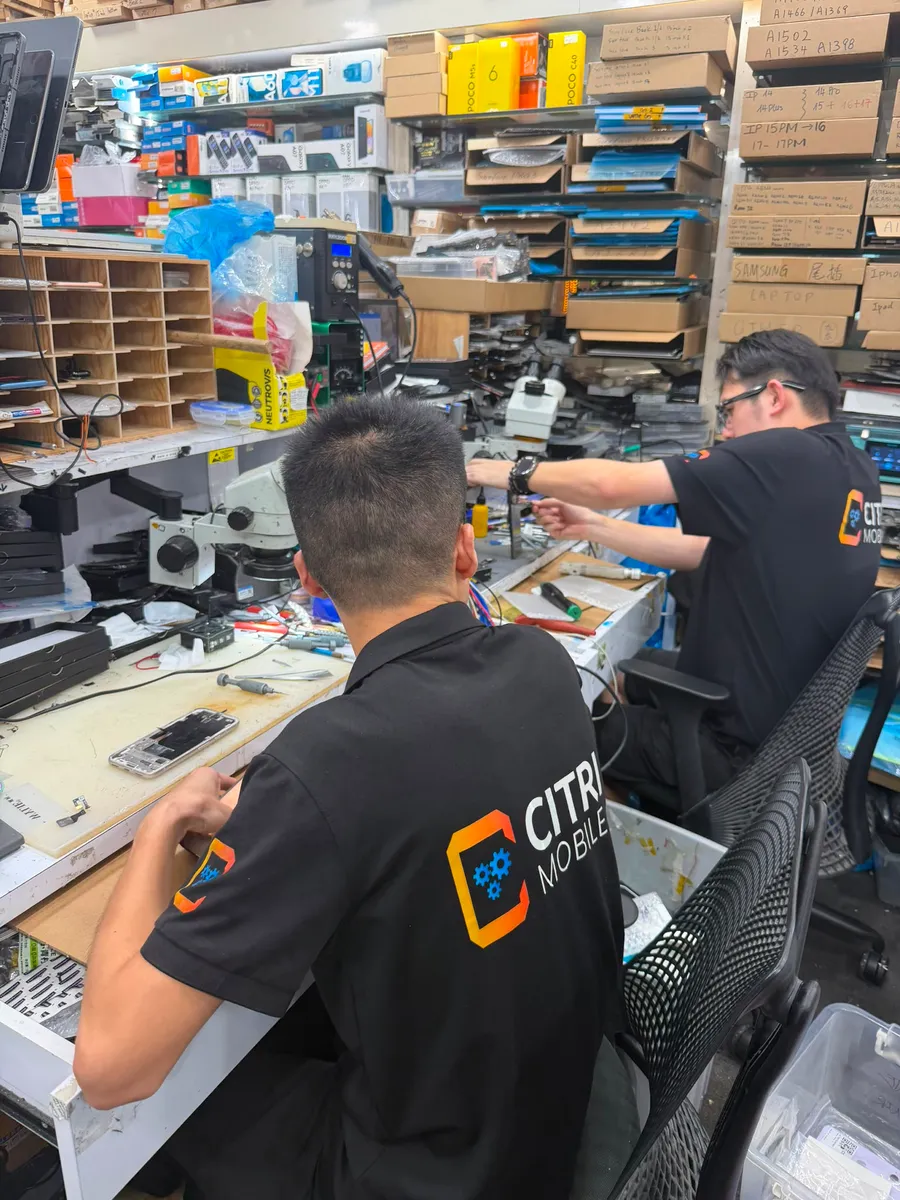
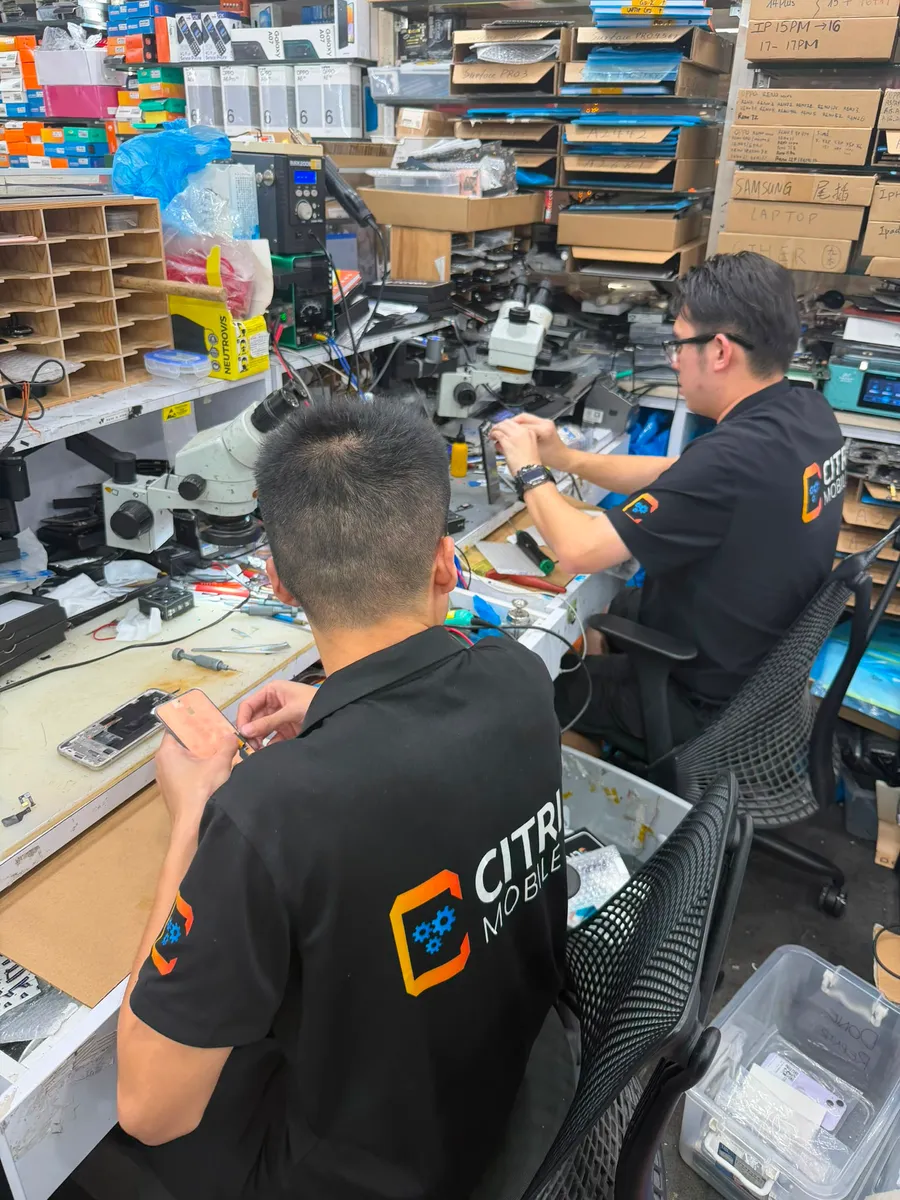
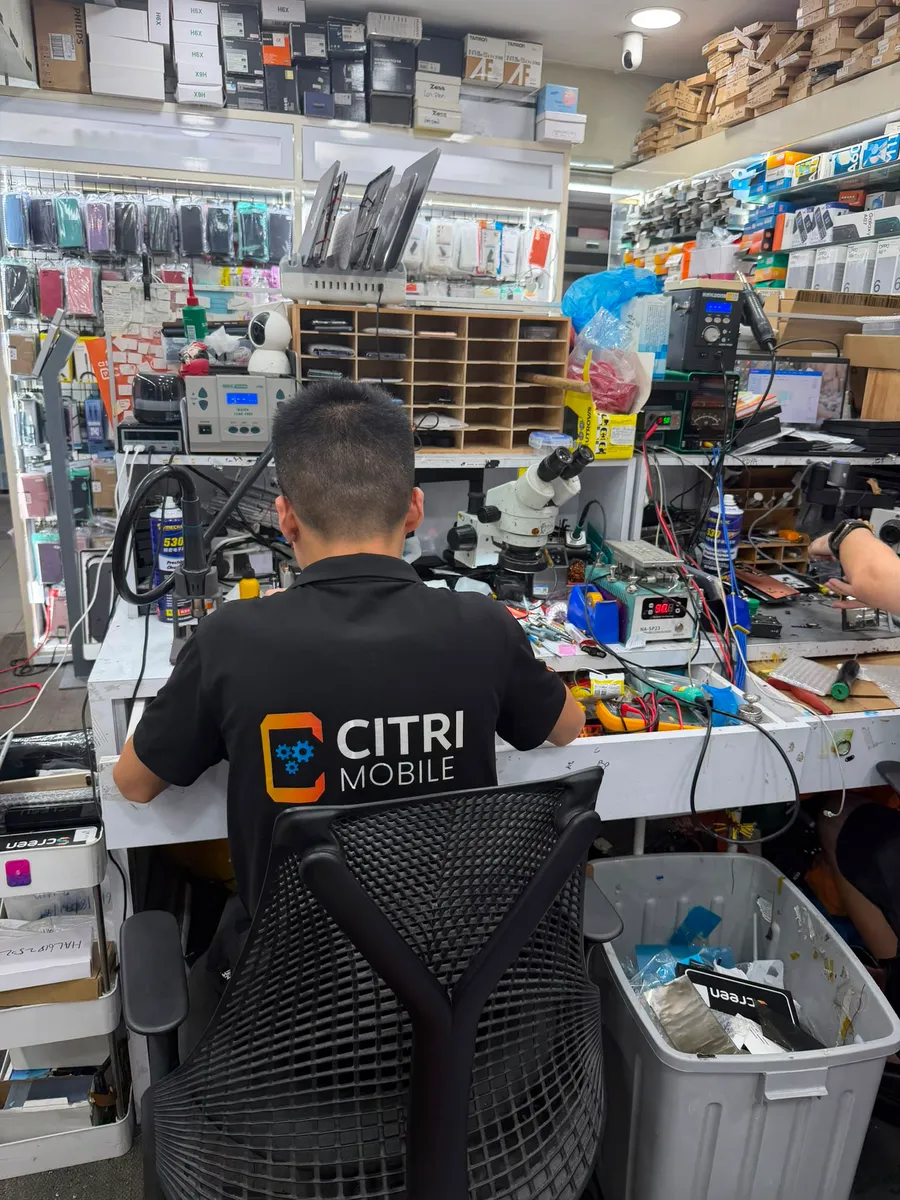
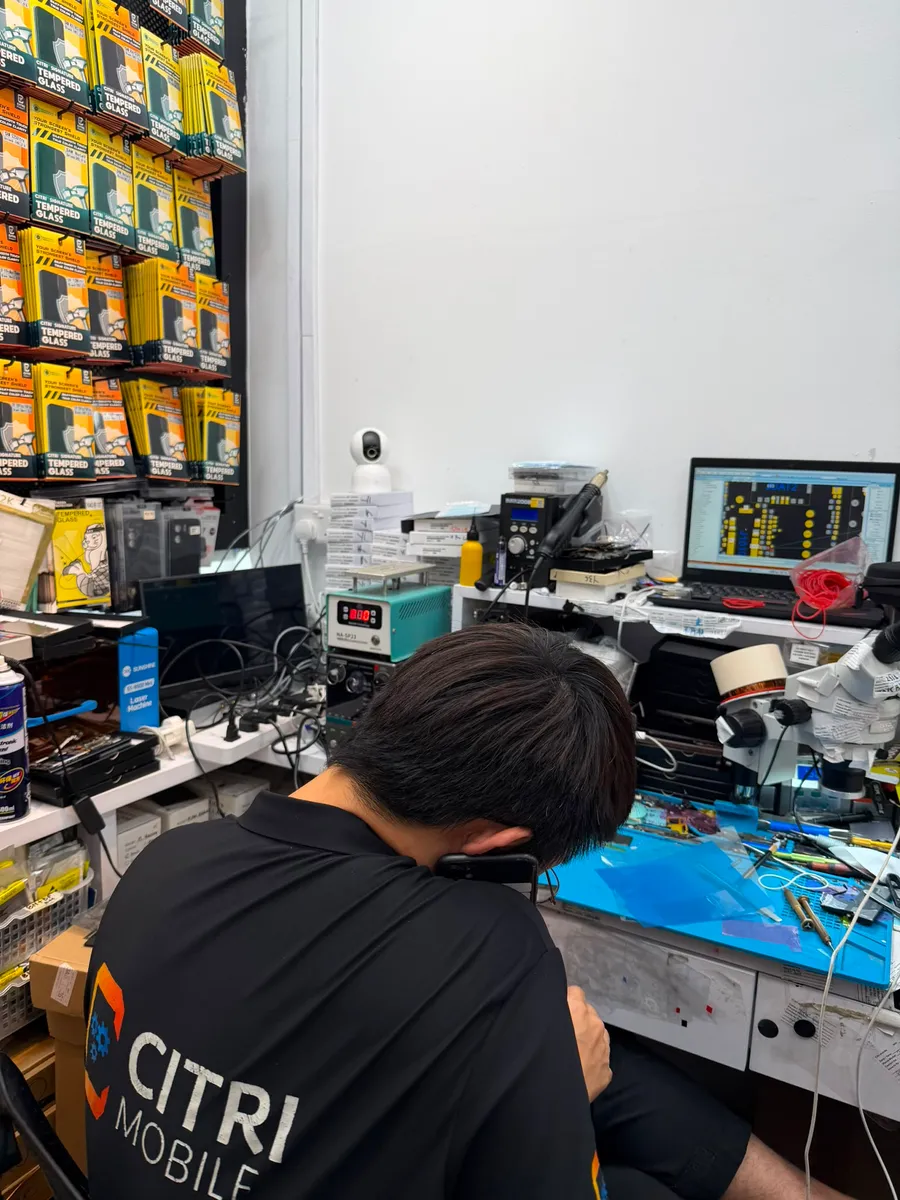
Here's the pattern we see at the counter most weeks: an iPhone comes in after a drop with the glass in perfect condition and the screen completely dark, still ringing away in the customer's pocket. Owners assume the worst because there's no visible damage. On the bench it's almost always one of two things: the display connector has been jarred loose, which is a reseat and costs very little, or the panel itself has died and needs replacing. We check the connector first, every time, precisely because it's the cheap answer. Diagnosis is free, so you're not paying us to guess.
If it does need a new screen, an Original Grade display runs $30–$165 nett depending on model, with the model-by-model table in our iPhone screen replacement cost guide or on your model's price page. For eligible newer models we can also fit genuine Apple displays under the Apple IRP programme at $355–$545. Your data stays on the phone either way. In fact, a running phone with a dead screen will usually still back up to a computer it already trusts, which is worth doing before any repair.
The one case that isn't a screen job: the phone that boots, shows the logo, then goes dark again after water or a hard fall. That points at the board rather than the display, and board-level work is quoted after the free diagnosis once we know what's actually failed.
Black-screen diagnosis at Citri Mobile
Bring it in and we'll tell you within the visit whether it's a crash, a connector, a panel or the board, free, before you commit to anything. 5.0 stars from 2,300+ Google reviews, Original Grade parts with a 30-100 days warranty, and your data stays untouched. Four branches, open 11am–9pm daily: People's Park Centre (Chinatown), Tampines, Yishun and Jurong Point. Walk-ins are welcome, but WhatsApp +65 9456 6455 first so we can confirm the screen for your model is in stock. Most screen swaps are done the same day; if yours needs longer, we'll say so before we start.
iPhone black screen: FAQs
- Why is my iPhone on but the screen is black?
Because the display has stopped while the phone keeps running. The usual causes are a crashed system, a display connector knocked loose by a drop, or a failed panel or backlight. Force restart first; if the phone still rings with a dark screen afterwards, the display needs attention.
- Does a black screen mean my iPhone is broken for good?
Rarely. A software crash costs nothing to fix, a loose connector is a small job, and even a dead panel is a routine same-day replacement. The phone's memory isn't affected by any of these, so your photos and chats are safe.
- How much does it cost to fix an iPhone black screen?
A force restart is free, and so is our diagnosis. If the panel needs replacing, an Original Grade screen is $30–$165 nett depending on model. Board-level faults are quoted after diagnosis rather than guessed at.
- Will I lose my data?
No. A screen replacement doesn't touch the phone's storage, and a phone with a dead screen is usually still running underneath, so everything is exactly where you left it. If the phone still responds, back it up to a trusted computer before the repair for extra peace of mind.