iPhone
iPhone Won't Turn On? 7 Fixes to Try Before Paying for Repair
In this article
An iPhone that won't turn on is usually one of three things: a flat battery that needs longer on the charger than you think, a crashed system that a force restart clears, or a dead screen on a phone that's actually running. Try the 7 steps below in order. They cost nothing and fix a large share of "dead" iPhones. Then we'll cover what repair costs if they don't.
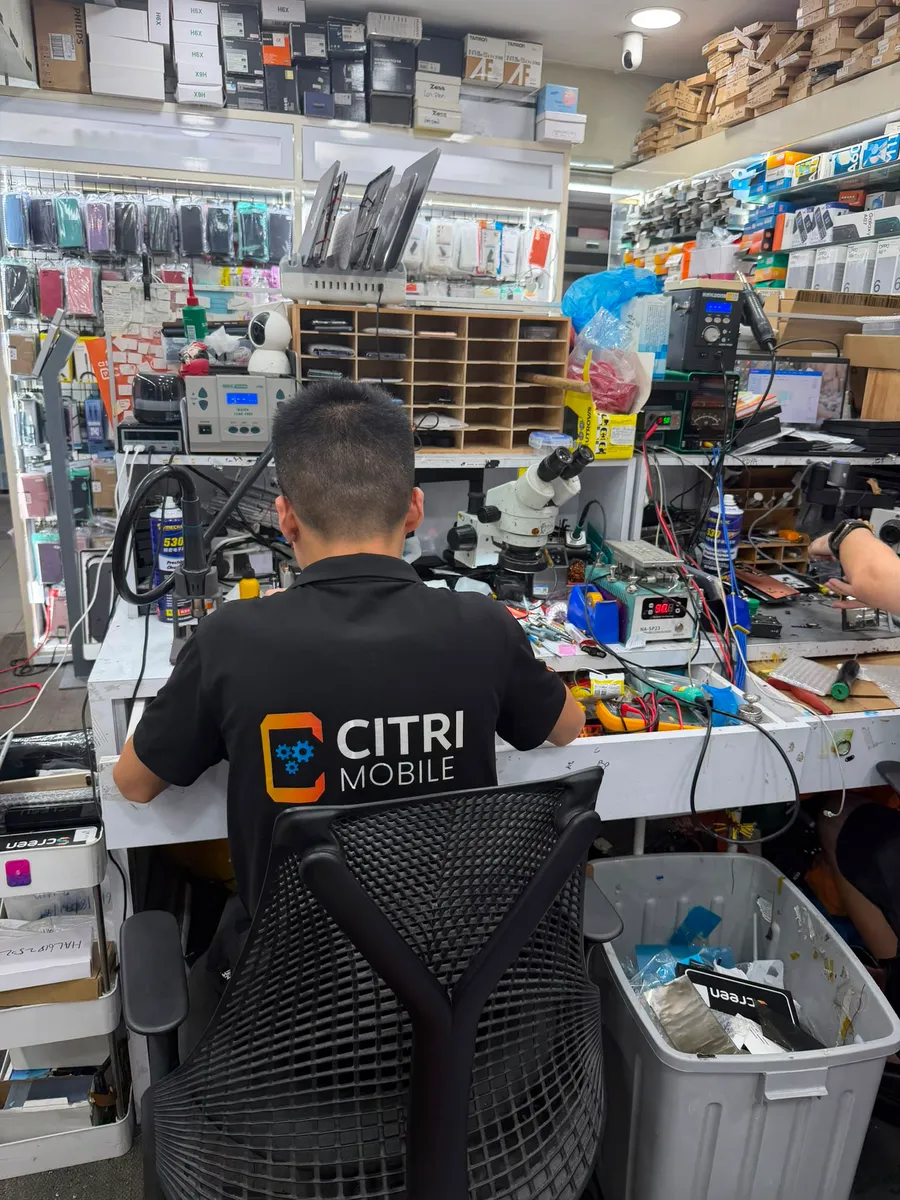
By the Citri Mobile Repair Team · Updated August 2026 · Rated 5.0★ from 2,300+ Google reviews · 15 years repairing iPhones in Singapore.
The 7 fixes, in order
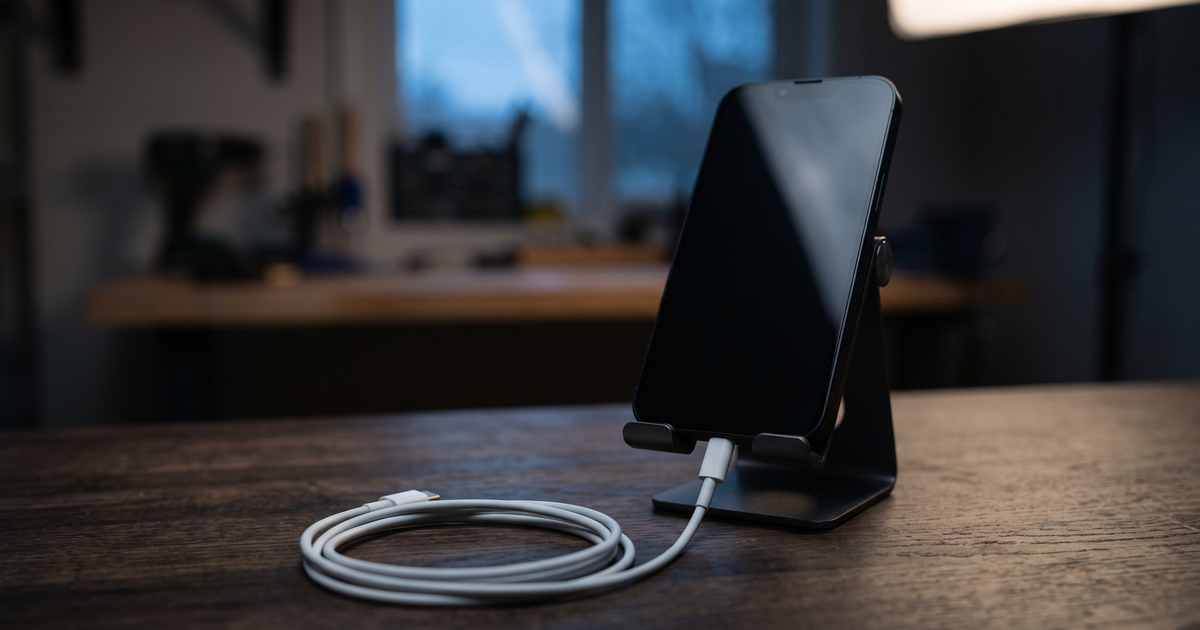
- Charge it for a full 30 minutes and don't touch it. A deeply drained battery can take 15–20 minutes on the charger before the phone shows any sign of life at all. A blank screen during that window is normal. Use a wall charger, not a laptop port.
- Swap the cable and the plug. Frayed cables and tired adapters are the most boring cause of a "dead" iPhone. Try a different cable, a different brick and a different wall socket before blaming the phone.
- Clean the charging port. Shine a light into it. Pocket lint compacts at the bottom of the port until the cable clicks in but doesn't actually make contact. Pick lint out gently with a dry toothpick or a soft brush. Never a pin, and never anything wet.
- Force restart. This clears a crashed system even when the screen is black, and it's the single most effective step on this list. On iPhone 8 and every model since: press and release volume up, press and release volume down, then hold the side button until the Apple logo appears. Keep holding; it can take 10–20 seconds. On an iPhone 7: hold volume down and the power button together. On an iPhone 6s or SE (1st gen): hold the home and power buttons together.
- Look and listen for signs of life. Does it ring when you call it? Vibrate for messages? Make the camera-shutter or Siri sound? Does the screen light up faintly under a torch? If the phone responds but shows nothing, it isn't dead. The display is. That's a screen repair, not a motherboard mystery.
- Try recovery mode with a computer. Plug the phone into a computer with Finder (Mac) or iTunes/Apple Devices (Windows) open, then do the force-restart combo but keep holding until you see the recovery screen. If the computer detects the phone, the hardware is largely fine and it's a software problem. An update or restore from here often revives it. Restoring can erase the phone, so stop at "update" first.
- Think about what happened just before. Dropped? A knocked connector or cracked board. Got wet, even weeks ago? Corrosion; read our guide on what to do after iPhone water damage and don't keep charging it. Died mid-update? Recovery mode is your best friend. The story usually points at the fault.
Why is my iPhone screen black but the phone still vibrates?
Because the phone is on and the display isn't. It's one of the most common "won't turn on" cases we see, especially after a drop: the display panel or its connector fails while everything behind it keeps running. The fix is a screen replacement, which for most models runs $30–$165 nett in Original Grade; the model-by-model table is in our iPhone screen replacement cost guide. Back up first if the phone still responds. A working phone with a dead screen can usually still sync to a computer it trusts. The full triage for a phone that's on but dark, from crash to dead panel, is in our iPhone black screen guide.
Could it just be the battery?
Very often, yes. A worn battery can drop so low overnight that the phone can't boot, or die the moment it's off the charger. The tell: the phone only runs while plugged in, or shows the red empty-battery icon for a long time before anything happens. If the battery was already flagged in Settings, or the phone was shutting down at 20–30% before it died, the battery is the prime suspect. An Original Grade replacement is $25–$70 nett depending on model; the maths and the 80% health rule are in the iPhone battery replacement cost guide. A faulty charging port produces the same symptoms and runs $25–$85, so we test both in the free diagnosis rather than guessing.
What if it turns on but sticks at the Apple logo?
That's a boot loop: the phone starts, hits a problem, and restarts into the same wall. It's usually software (a bad update, a full storage partition) and recovery mode from step 6 is the right tool. If recovery and a restore don't hold, or the loop began after a drop or water, the cause is hardware and needs board-level diagnosis. We quote board work after a free diagnosis, once we know what's actually failed. No number invented up front.
When is it time to stop and bring it in?
When the seven steps are done and the phone is still dark, or when it's turning on but behaving badly enough that you suspect hardware. At that point the honest answer is a proper diagnosis: battery, port, display and board each produce a "dead" iPhone, and the fix ranges from a $25 battery to board-level work quoted after inspection. The full price landscape is in the iPhone repair cost & options guide, or jump to your model's price list. Not an iPhone, or helping a family member with an Android that's dead too? The generic checklist is in why your phone won't turn on and how to fix it.
Dead-iPhone diagnosis at Citri Mobile
Bring it in and we'll find out what it actually is (battery, port, screen or board) free, before you commit to anything. 5.0 stars from 2,300+ Google reviews, Original Grade parts with our own 30-100 days warranty, and your data stays on the phone. Reviving the phone you have is usually the fastest way to keep everything on it. Four branches, 11am–9pm daily. Walk-ins welcome, but WhatsApp +65 9456 6455 first so we can confirm parts for your model are in stock:
- People's Park Centre (Chinatown), #01-47, Singapore 058357
- Tampines, 503 Tampines Central 1, #01-299, Singapore 520503
- Yishun, Blk 846 Yishun Street 81, #01-3643, Singapore 760846
- Jurong Point, #B1-34A
Most single-part fixes (battery, port, screen) are done the same day, many within about an hour; if yours needs longer, or needs board work, we'll tell you before we start.
iPhone won't turn on: FAQs
- How do I force restart an iPhone?
On iPhone 8 and newer: press and release volume up, press and release volume down, then hold the side button until the Apple logo appears, up to 20 seconds. iPhone 7: hold volume down + power together. iPhone 6s/SE (1st gen): hold home + power together.
- I charged my iPhone all night and it still won't turn on. Now what?
Overnight charging rules out a merely flat battery, so move to the other suspects: try a different cable and plug, clean the port, force restart, then recovery mode on a computer. If none of those wake it, the fault is hardware, most often the battery, port or display, and it needs a proper diagnosis.
- Why does my iPhone only work while it's plugged in?
That's the classic signature of a worn-out battery: it can pass current through but can't hold a charge. Sometimes the charging circuit is at fault instead. Either way it's a repairable fault, not a dead phone.
- Will I lose my data if my iPhone won't turn on?
Usually not. Most "dead" iPhones are a screen, battery or port problem. The storage is untouched and everything is there once the phone runs again. Data is only truly at risk with severe board damage, which is one more reason not to keep charging a phone that's been wet.
- My iPhone is stuck on the Apple logo. Is that the same problem?
Related but different: the phone has power and is trying to boot, then failing partway. Start with recovery mode: connect to a computer, force restart and keep holding until the recovery screen shows, then choose Update (not Restore) first. If the loop persists, it's a hardware-level fault worth a free diagnosis.
- How much does it cost to fix an iPhone that won't turn on in Singapore?
It depends on the cause, which is exactly what the free diagnosis is for. As reference points at Citri Mobile: batteries run $25–$70 nett, charging ports $25–$85, screens $30–$165 in Original Grade depending on model. Board-level faults are quoted after inspection.