Tips & Guides
7 Tips to Extend Your Smartphone’s Lifespan
In this article
Smartphones have become an essential part of daily life, yet many people replace their devices more often than necessary. According to recent data, in Singapore, the average replacement cycle is 12 to 16 months, often due to wear and tear rather than actual obsolescence. This is further driven by mobile carrier plans that offer upgrades every two years and subscription services that let users ‘rent’ the latest models.
While upgrading to a newer, shinier phone may be tempting, extending your smartphone’s lifespan can help you save money, reduce electronic waste, and get off the upgrade hamster wheel. Here are some of our tips to help keep your phone in top condition. If you ever run into technical issues, knowing where to go for phone repair in Singapore can also make a significant difference.
#1 Protect Your Phone
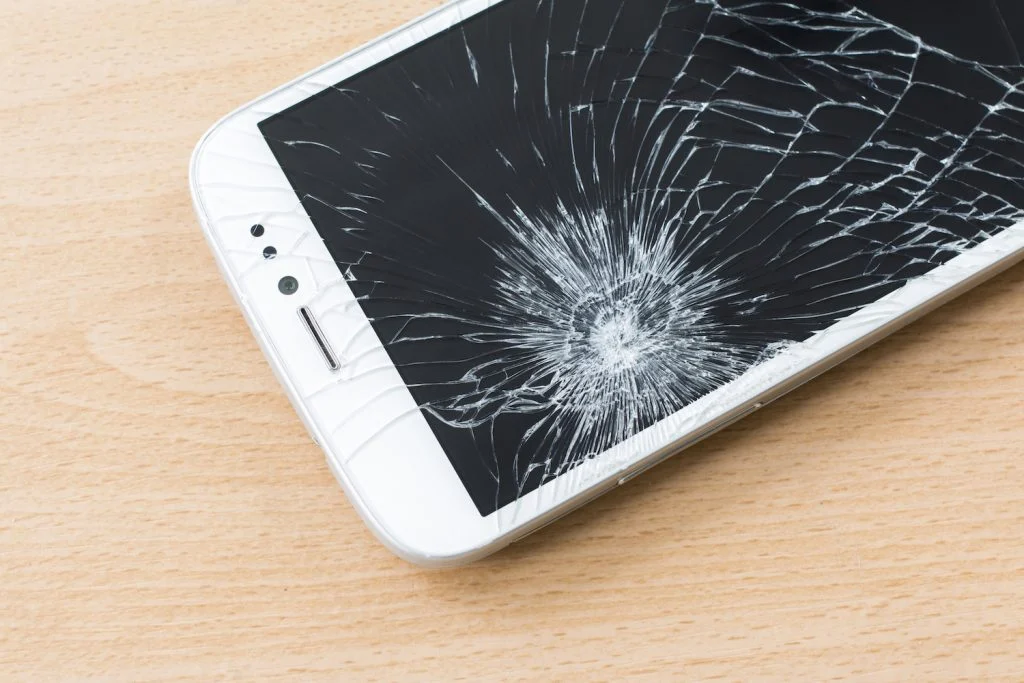
Accidents happen, but a high-quality phone case and screen protector can be the difference between a minor scratch and an expensive repair. Even minor drops can damage internal components, affecting performance over time.
- Use a shockproof case to absorb impact.
- Apply a tempered glass screen protector to prevent cracks.
- Handle your charging port with care, a common reason for iPhone repair or Samsung phone repair is a faulty charging port. Avoid forcefully inserting/removing the charger, and consider using wireless charging if your phone supports it.
- Keep your phone away from keys, coins, and rough surfaces to prevent unnecessary scratches.
#2 Watch Your Phone’s Battery Health
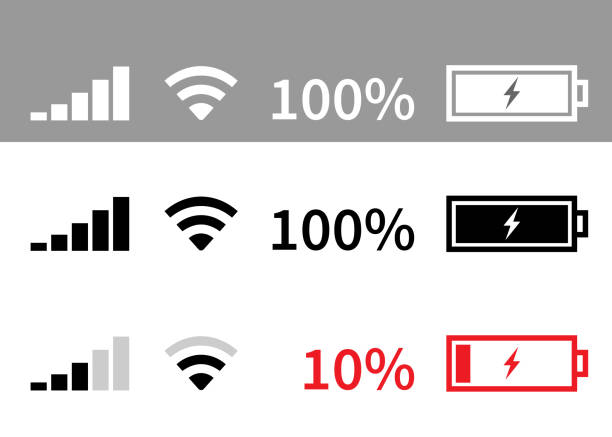
Your phone’s battery naturally degrades over time, but adopting smart charging habits can help slow this process and maintain long-term performance. Avoid overcharging overnight, as even though modern phones stop charging at 100%, prolonged exposure to heat can still wear down the battery.
Keeping your phone at an optimal temperature, ideally between 20°C and 25°C, prevents capacity loss, as extreme heat or cold can cause irreversible damage. Additionally, always use certified chargers, as cheap alternatives may lead to voltage fluctuations that harm your battery. iPhone batteries, for example, are designed to retain up to 80% of their capacity after 500 charge cycles, but poor charging habits can accelerate wear and reduce overall lifespan.
#3 Keep It Clean
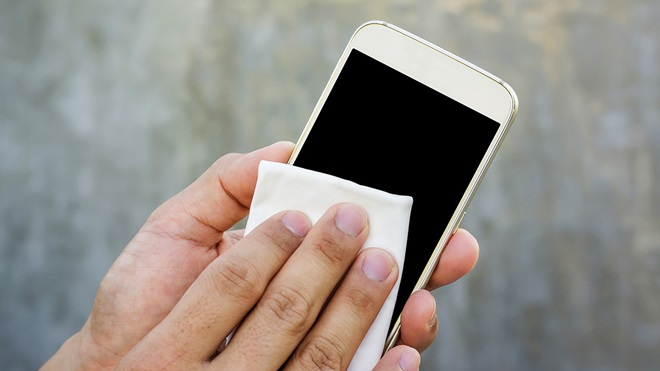
Dirt and dust can clog the charging port, speaker, and microphone, affecting performance. Over time, grime buildup may lead to unresponsive buttons, muffled audio, or connectivity issues. To prevent this, it is important to clean your phone periodically.
How to clean your phone:
- Wipe your screen and body with a microfiber cloth to remove smudges and bacteria.
- Clean the charging port carefully using compressed air or a toothpick to remove lint.
- Avoid excessive water or alcohol-based cleaners that can seep into openings and cause damage.
#4 Manage Storage and Optimize Performance
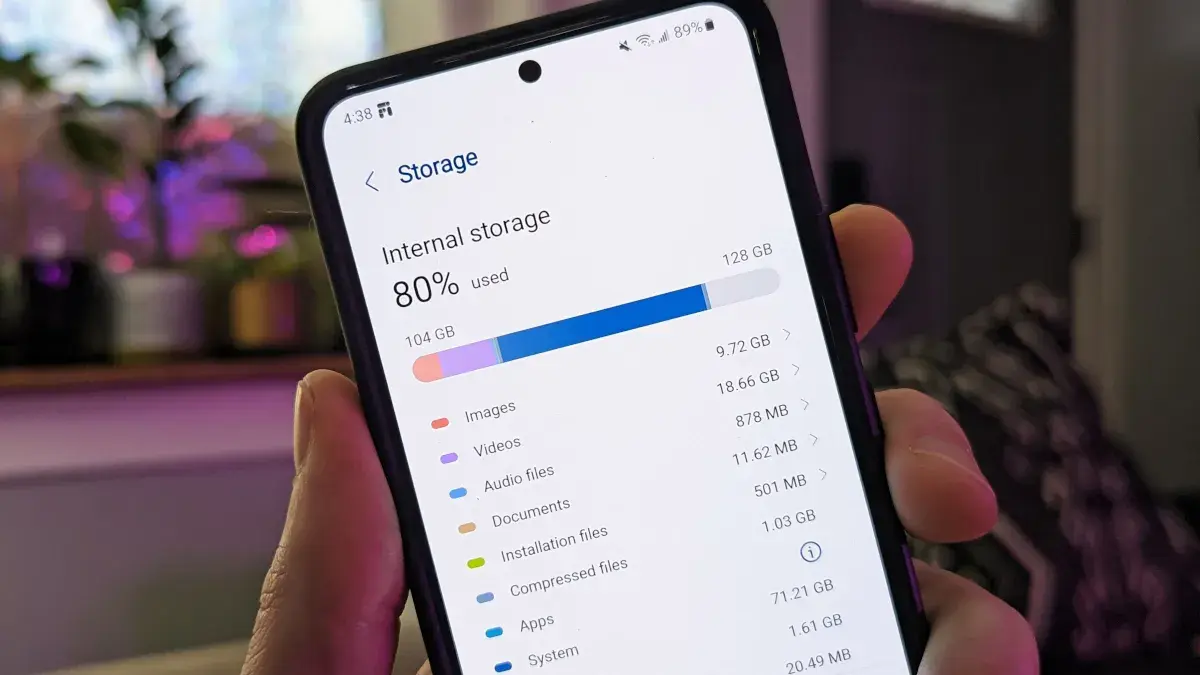
A slow phone is often the result of storage issues, as devices struggle to function efficiently when internal storage is nearly full.
To keep your phone running smoothly, regularly delete unused apps and clear cache to free up space, and back up photos and videos to cloud storage services like Google Drive, iCloud, or OneDrive instead of keeping everything on your device.
Restarting your phone periodically also helps refresh system processes and free up RAM, improving overall performance. Google emphasizes that excessive background apps and unnecessary files can slow down a device, making regular optimization essential for maintaining speed and longevity.
#5 Keep Up to Date on All Software Updates

Many people ignore software updates, but they include crucial performance enhancements, security fixes, and battery optimizations. Ensure that you keep your phone’s operating system updated to benefit from performance improvements and security patches, while enhancing your device’s stability.
# 6 Reduce Background Processes
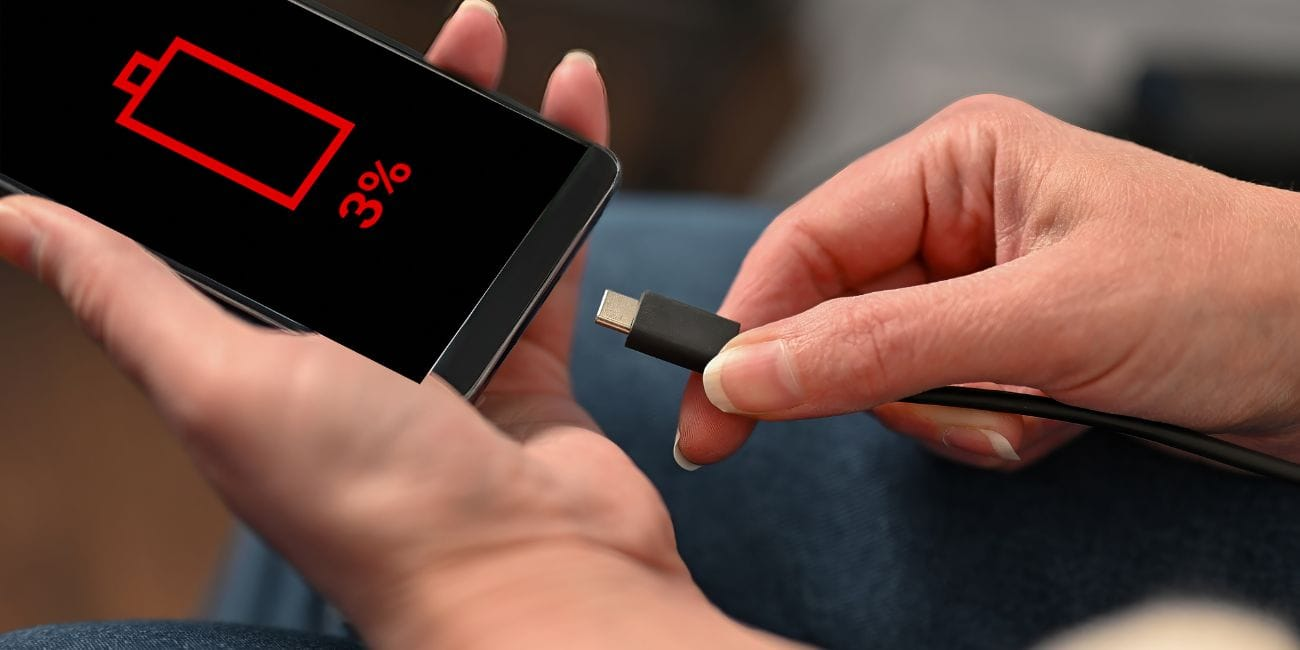
Apps running in the background drain your battery and slow down performance. Some even track location, refresh content and send notifications when not in use.
How to minimize background drain:
- Disable unnecessary background app refresh (Settings > Apps > Background Data).
- Limit location tracking for apps that don’t need it.
- Turn off Bluetooth & WiFi when not in use to conserve battery.
These small adjustments can extend battery life by up to 30%, according to studies on smartphone efficiency.
#7 Seek Professional Phone Repairs Instead of DIY Fixes
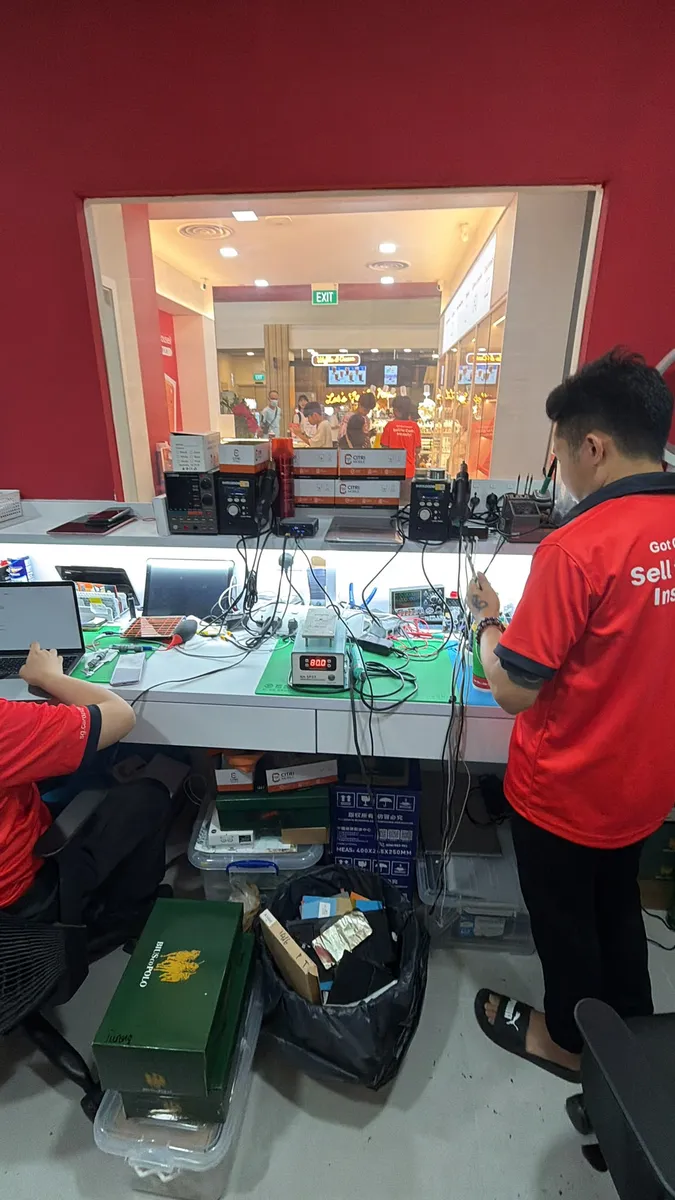
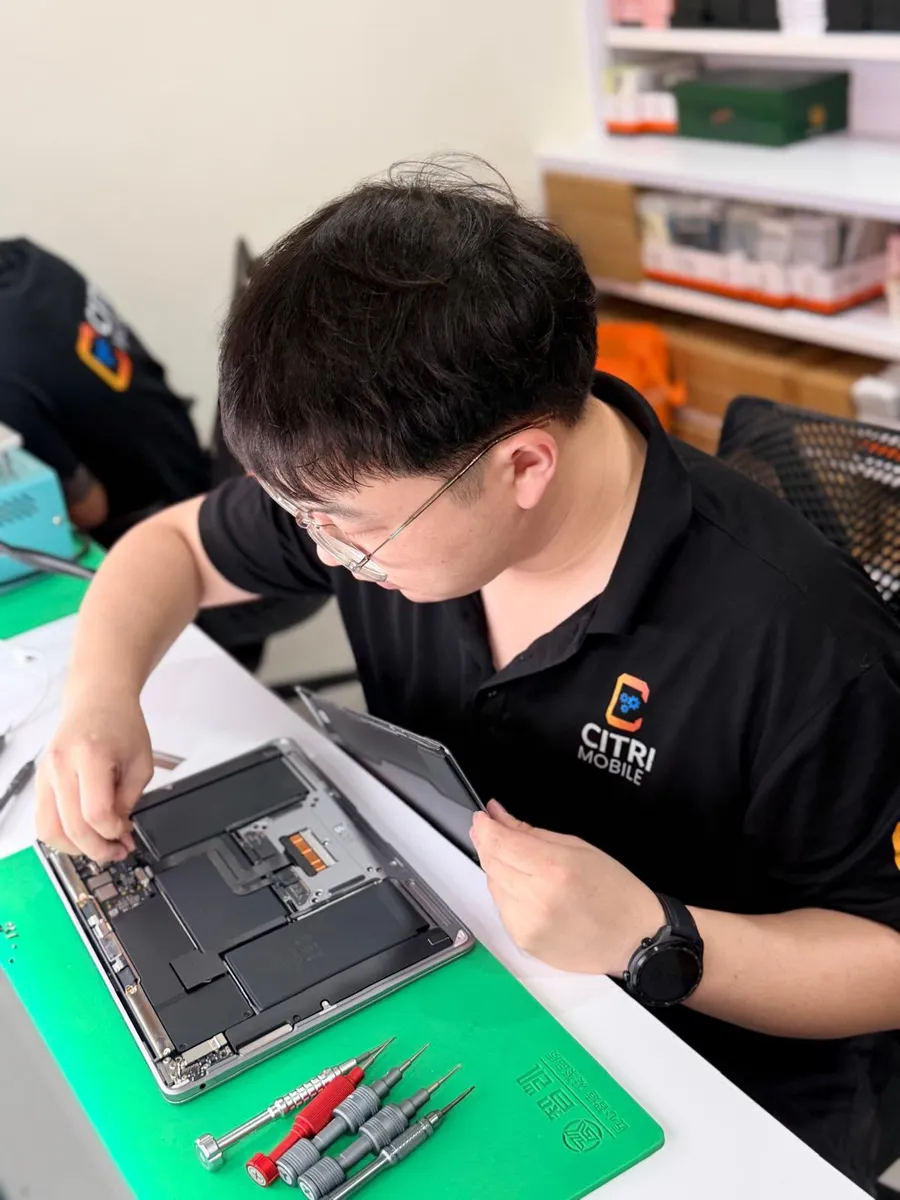
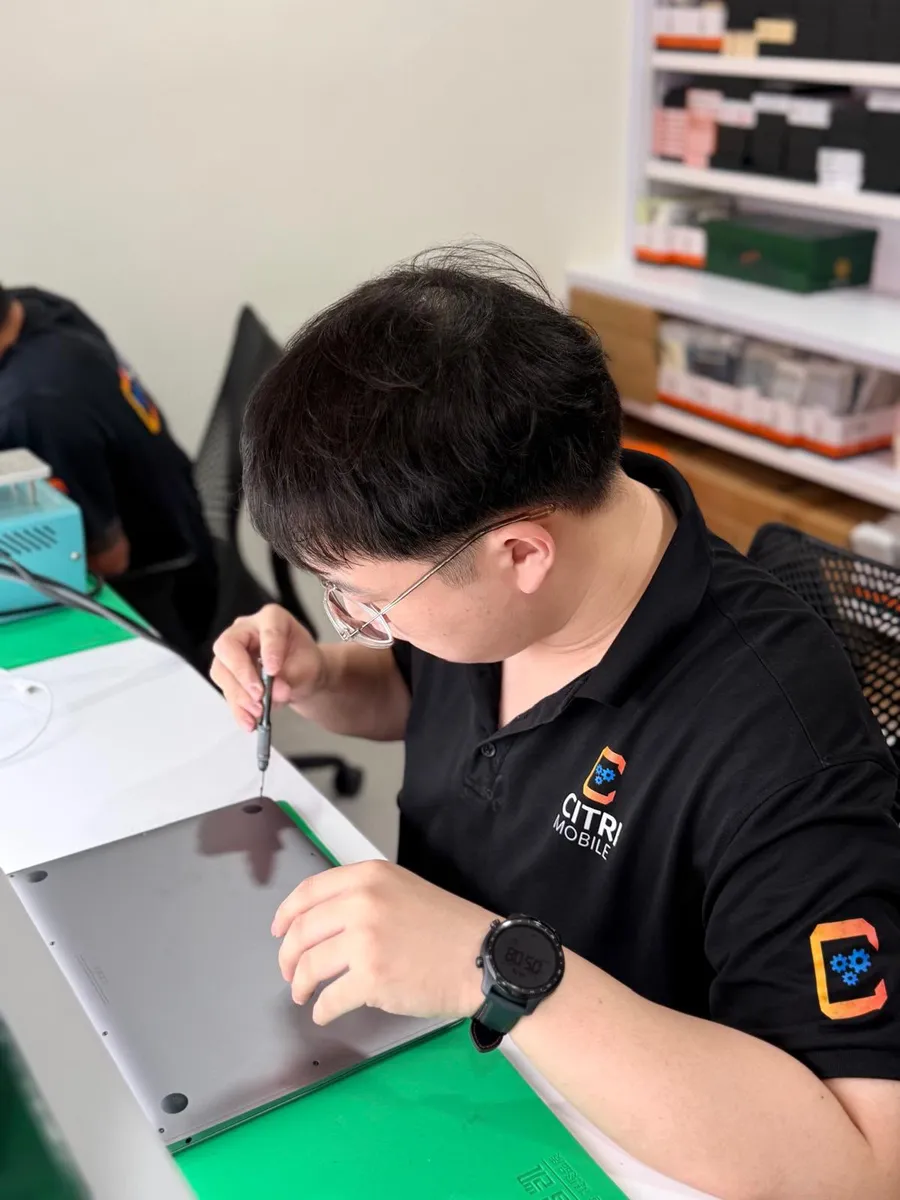
While there are many online tutorials for fixing phone issues, DIY phone repairs often cause more harm than good if done incorrectly, and can often harm rather than extend your smartphone's lifespan. A cracked screen, water damage, or battery issue should be handled by a professional repair service for iPhone repair, Samsung phone repair, or Huawei phone repair in Singapore.
When to visit a repair centre:
- Cracked or unresponsive screen
- Battery draining quickly or overheating
- Charging issues or loose connection
- Water damage affecting functionality
Final Thoughts
A well-maintained smartphone can last three to five years or longer, saving you hundreds of dollars in unnecessary upgrades. By following these seven essential tips, you can extend your phone’s lifespan, maintain peak performance, and avoid costly repairs.
If you ever run into technical issues, choosing a reliable phone repair service in Singapore ensures your device is in expert hands, helping you maximize its longevity.