Apple Watch
How to Fix It: Apple Watch Not Charging
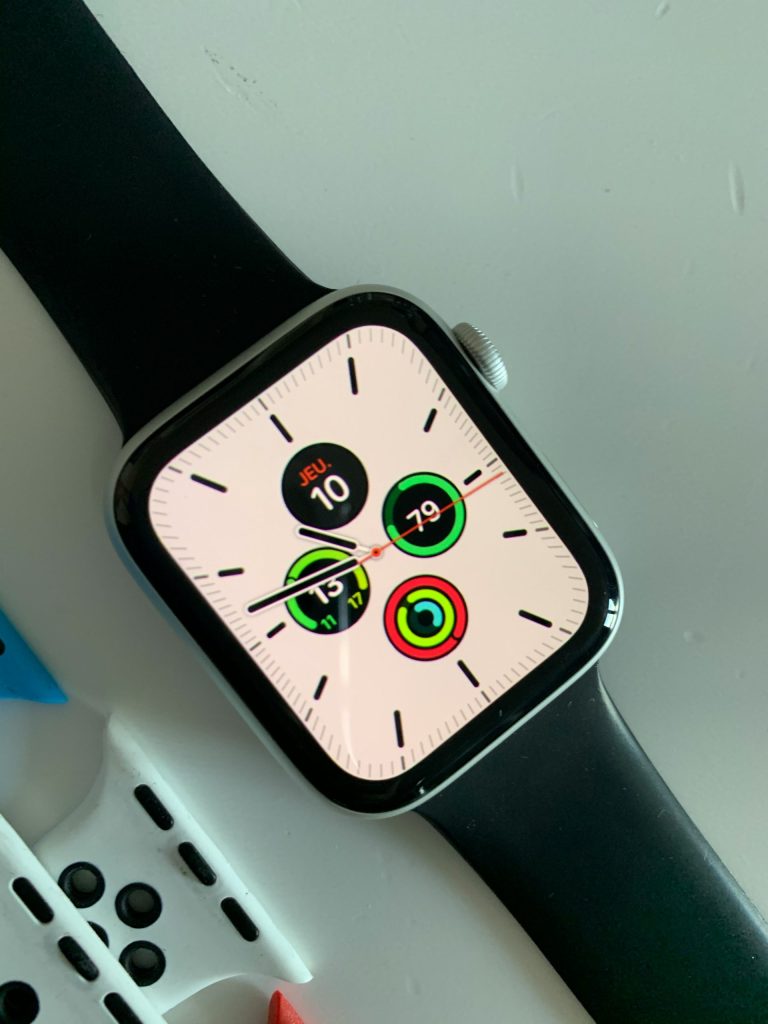
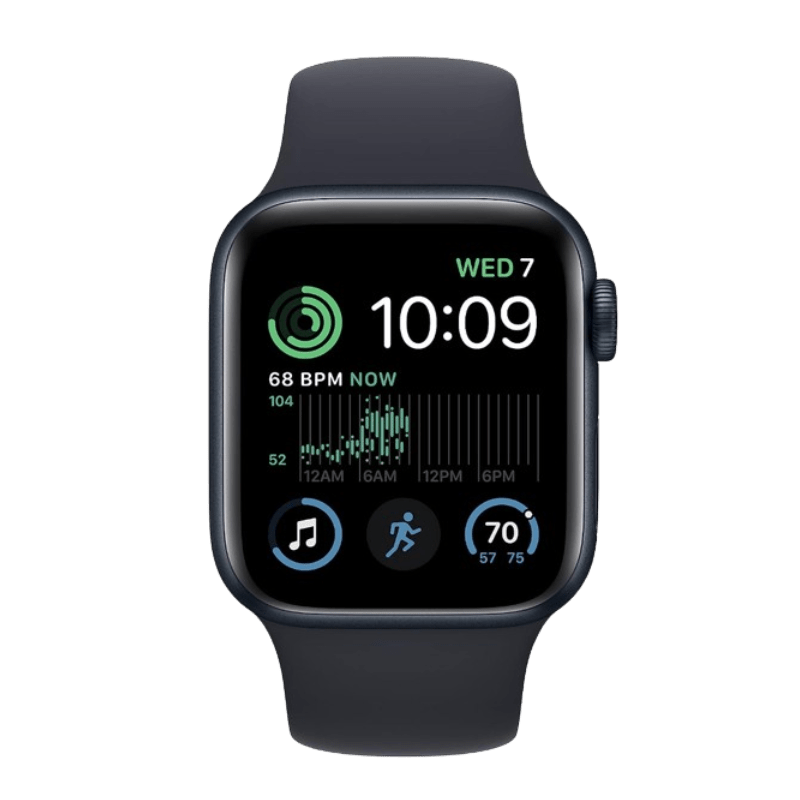
Apple Watch not charging? Don’t panic just yet. A device facing battery issues or charging problems can be frustrating, especially if you rely on it daily. Charging issues are more common than you might think, and in most cases, they can be fixed with a few simple troubleshooting steps.
In this guide, we’ll walk you through common reasons why your Apple Watch is not charging, and what you can do to resolve the issue.
This guide is suitable for all models, from Series 2 to 9, and SE, Ultra and Ultra 2 as well as they share similar charging mechanisms. However, if you're using an older model like Series 3 or earlier, battery health degradation could be a bigger factor in charging issues.
How do I Know if My Apple Watch is Charging?
The easiest way to tell if your device is charging is to look for the green lightning bolt symbol that appears briefly on the screen when it's placed on the charger. This icon indicates that the watch is receiving power.
If you don’t see the green lightning bolt, or if a red lightning bolt appears instead, your watch likely isn’t charging properly. In that case, it could be due to one of the issues we cover below.
Problem 1: Not Charging at All
Your Apple Watch remains unresponsive when placed on the charger, showing no charging symbol or reaction.
How to Fix It:
- Ensure the charging cable is securely connected to a working power outlet.
- Try using a different MFi-certified charging cable and adapter.
- Clean the back of your Apple Watch and the charger to remove any dust or debris.
Problem 2: Charging Too Slowly
Your watch takes significantly longer than usual to charge, even when connected to a proper power source.
How to Fix It:
- Use an original fast charger if your model supports it (Series 7 and newer, Ultra).
- Close unnecessary apps that may be running in the background and draining the battery.
- Restart your device and try charging again.
Problem 3: Stuck on Charging Screen
Your watch displays the charging symbol but doesn’t progress past that screen or turn on.
How to Fix It:
- Force restart your watch by holding the side button and Digital Crown for about 10 seconds until the Apple logo appears.
- Try a different charging cable, adapter, or power outlet.
- If the issue persists, consider a factory reset and restore your watch.
Problem 4: Overheating While Charging
Your watch becomes unusually hot when placed on the charger, making it uncomfortable to wear.
How to Fix It:
- Remove any case or cover that may be trapping heat.
- Ensure you’re using an original brand charger instead of a third-party alternative.
- Charge your watch in a cool, ventilated space, away from direct sunlight.
Problem 5: Battery Drains Quickly After Charging
Your watch reaches a full charge but loses battery power rapidly.
How to Fix It:
- Check for a pending software update and install it if available.
- Disable battery-draining features like Always-On Display if not needed.
- If your battery health is below 80%, it may be time for a battery replacement.
Problem 6: Charging Only Happens at Certain Angles
Your watch intermittently charges, but only if positioned in a very specific way.
How to Fix It:
- Ensure the magnetic charger aligns properly with your watch.
- Try using a different charger to see if the issue is with the charging cable.
- Inspect the charging port for any visible damage or dirt that may be affecting the connection.
Problem 7: Not Charging After a Software Update
Charging problems started immediately after updating watchOS.
How to Fix It:
- Restart both your Apple Watch and iPhone and try again.
- Unpair and re-pair your watch with your iPhone to refresh the connection.
- If the issue persists, reset your watch to factory settings and set it up as new.
Apple Watch Still Not Charging? Here’s What to Do Next
If you’ve tried all the solutions above and your device still won’t charge, the issue may be hardware-related. Here’s what you can do:
- Check Battery Health – Go to the Watch app on your iPhone > Battery to see if your battery needs servicing.
- Visit an Apple Service Center – If your watch is still under warranty or AppleCare+, you may be eligible for a free repair or battery replacement.
- Check for software updates : Apple occasionally releases software updates that fix bugs and improve battery performance. If your watch charging problem started after a recent update, a new software patch may be available.
Final Thoughts
An Apple Watch that isn’t charging can be frustrating, but as you’ve seen, many of these issues can be resolved with a few simple troubleshooting steps. However, if you’ve tried everything and your watch still won’t power up, it may be time to seek professional help.
Citri Mobile’s phone repair service can help you with battery replacements, charging port fixes, and diagnostics for deeper hardware issues for your Apple Watch repair. As an independent repair specialist, our expert technicians can help get your device back in working order, fast, reliable, and hassle-free.
By addressing the issue early and turning to a trusted repair service like Citri Mobile when needed, you can extend the life of your device and keep it running smoothly as part of your daily routine.