Samsung
When It’s Time to repair your Samsung Phone
In this article
Your beloved Samsung phone not working the way it used to? Perhaps it could be a small glitch, or something more serious. In this guide, we’ll walk you through some of the common issues people face and when it might be time to consider a Samsung phone repair. We’ll also share some simple phone troubleshooting tips you can try before heading to a service centre.
Common Signs Your Samsung Phone Needs Repair
1. Your Phone Won’t Turn On
One of the most alarming issues is when your Samsung phone is not working at all. If your device refuses to power on, it could be due to a drained battery, a faulty charging port, or internal hardware failure. Try charging the phone with a different cable and adapter. If it still doesn’t turn on, a repair may be necessary.
2. Battery Draining Too Fast
A deteriorating battery is a common problem for older phones. If your phone's battery drains rapidly even after a full charge, it could indicate a failing battery or background apps consuming too much power. A professional Samsung phone repair service can assess whether a battery replacement is needed.
3. Overheating Issues
While it’s normal for a phone to warm up during extended use, excessive overheating could signal internal damage. If your phone heats up even when idle, stops charging due to high temperature, or becomes too hot to touch, it’s time to seek professional help.
4. Screen Issues: Flickering, Cracks, or Unresponsiveness
A cracked or unresponsive touchscreen can make your phone nearly unusable. If the display is flickering, has dead pixels, or isn’t responding to touch properly, you may need a phone repair service for screen replacement or recalibration.
5. Charging Problems
If your phone doesn’t charge properly, the charging port, battery, or charger might be the issue. Dust and debris in the charging port can interfere with the connection. Try cleaning the port carefully with a soft brush or compressed air. If the problem persists, you may need a charging port repair or battery replacement.
Samsung Phone Troubleshooting: Quick Fixes to Try
Before heading to a repair centre, try these troubleshooting steps to see if you can resolve the issue yourself.
1. Restart Your Phone
A simple restart can resolve many temporary glitches, such as slow performance, app crashes, or connectivity issues.
2. Check for Software Updates
Go to Settings > Software Update > Download and Install to ensure your phone is running the latest firmware. Updates often fix bugs and improve performance.
3. Clear Cache and Unused Apps
Too much cached data can slow down your phone. Clear the cache by going to Settings > Device Care > Storage > Clear Cache. Uninstall apps you no longer use to free up space.
4. Perform a Factory Reset (as a Last Resort)
If all else fails, a factory reset may help. Before doing this, back up your data. Then, go to Settings > General Management > Reset > Factory Data Reset and follow the prompts.
When to Seek Professional Samsung Phone Repair
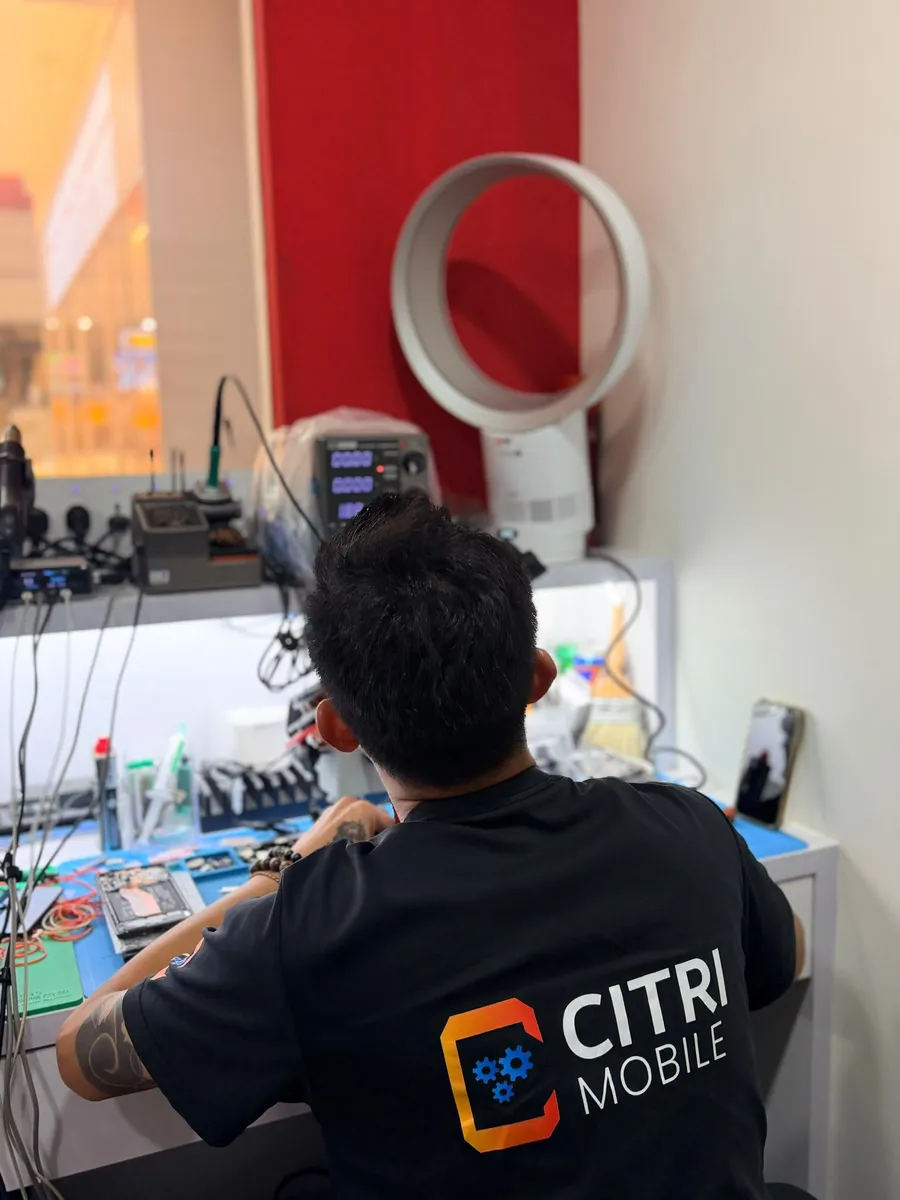
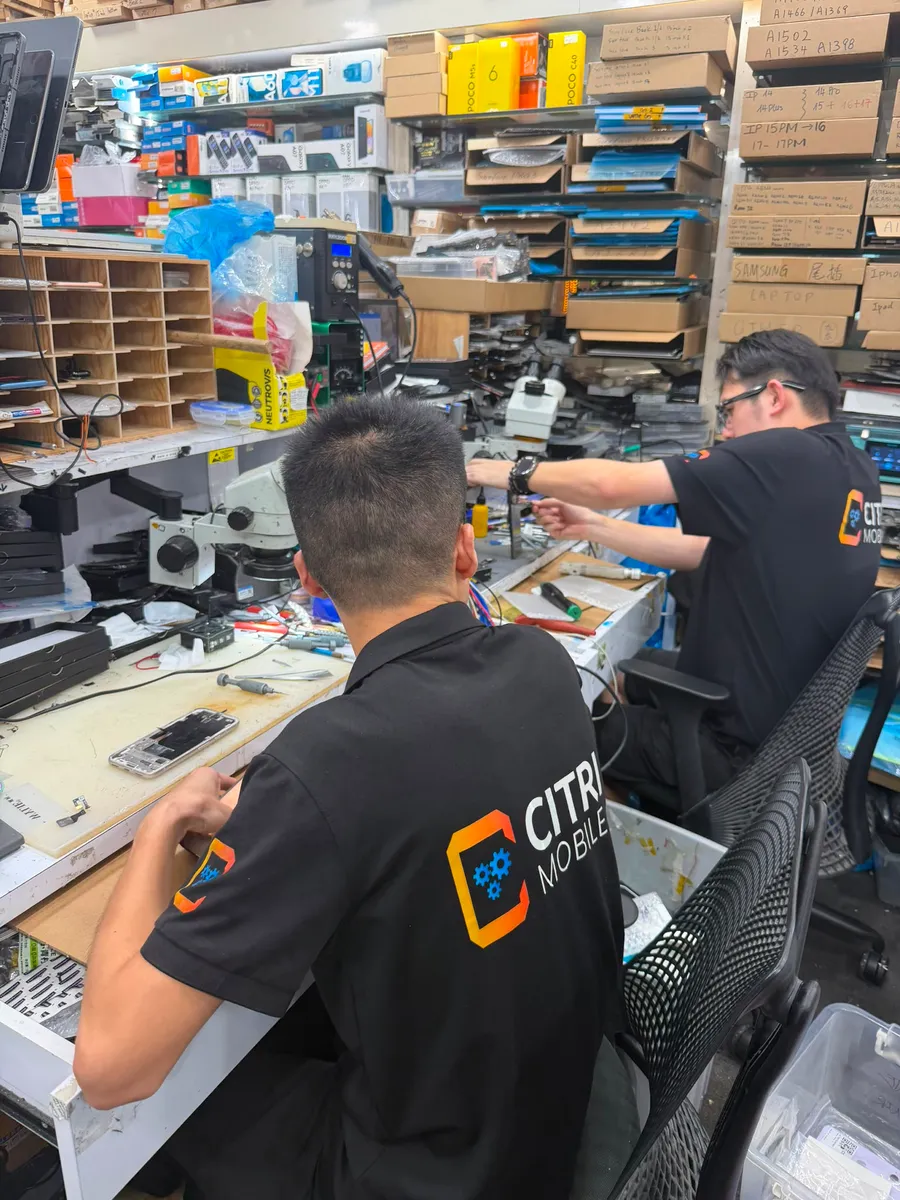
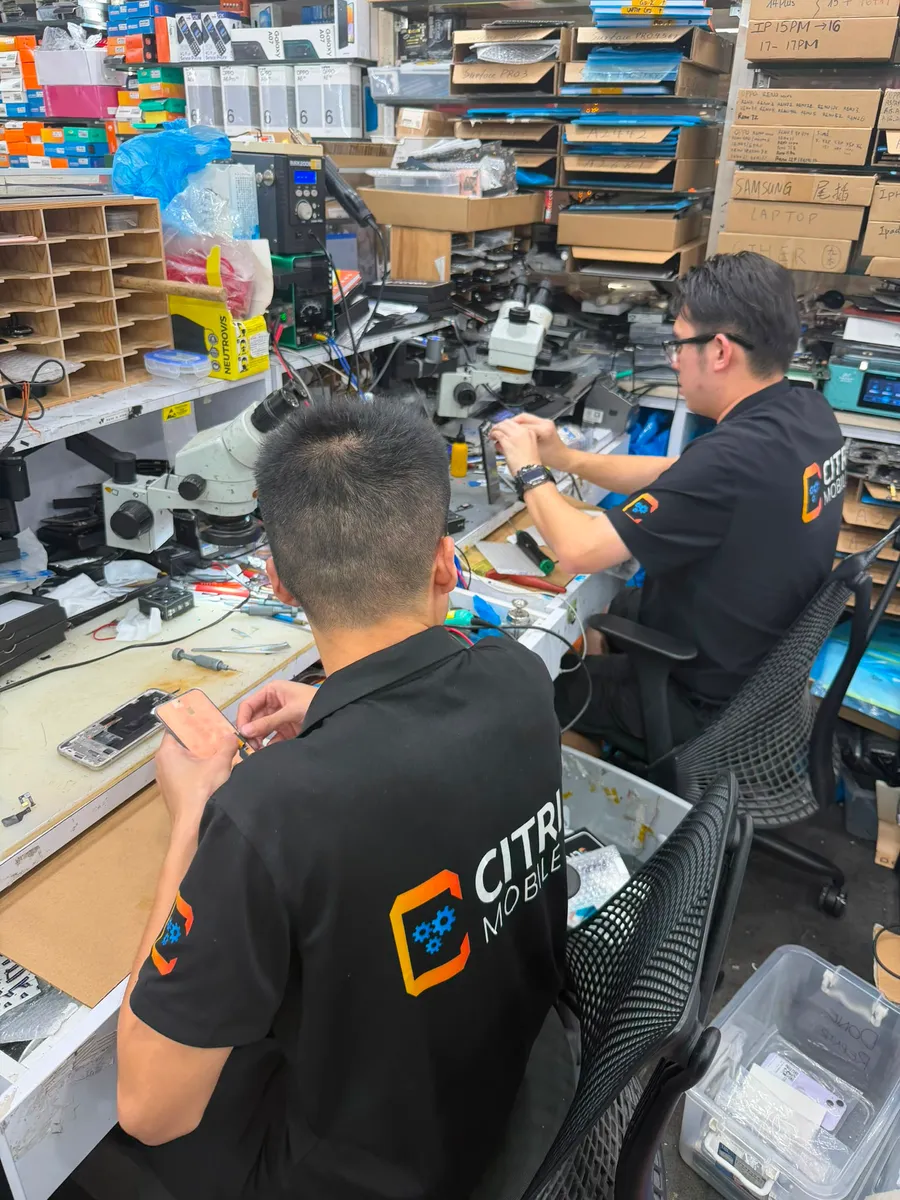
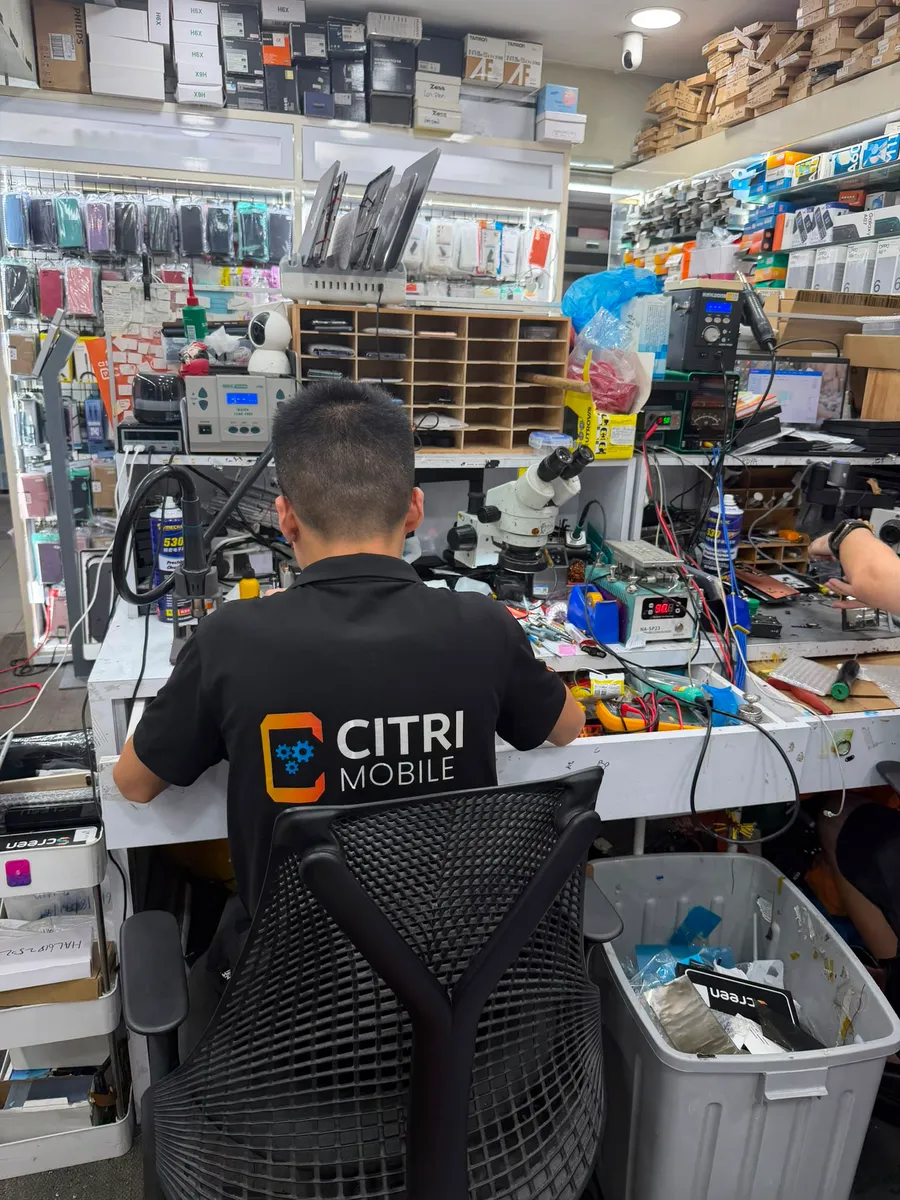
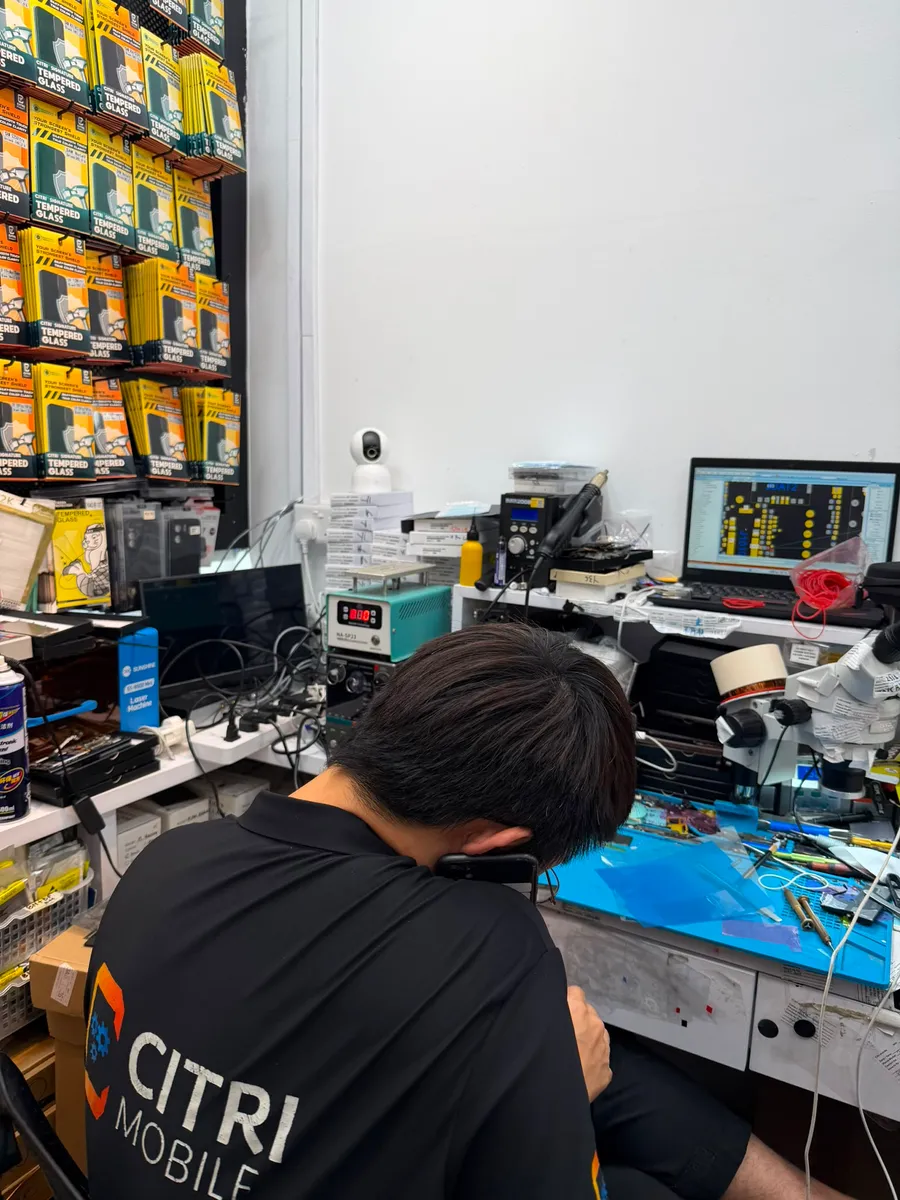
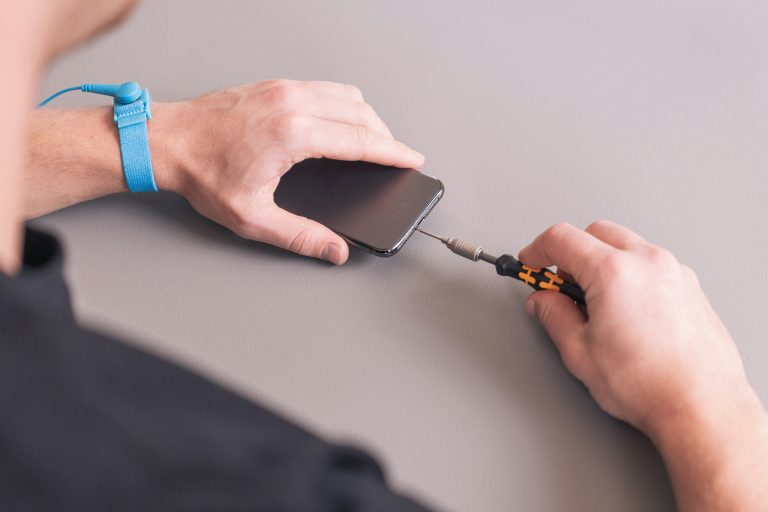
If the above troubleshooting steps don’t work, it’s time to take your phone to a professional. Look for a samsung phone repair shop near you, preferably a trusted service provider like Citri Mobile to ensure high-quality repairs.
Ignoring persistent phone issues can lead to further damage and higher repair costs in the long run. If your phone is not working as expected, don’t delay, get it checked by a professional repair service today.
By following this guide, you’ll be better equipped to decide whether you can fix the issue yourself or if you need expert assistance. A well-maintained phone ensures smooth performance and longevity, so don’t hesitate to seek help when needed!