
Huawei Pura X Max Volume Button Replacement
We quote Huawei Pura X Max volume button replacement after a free check, not before — this is the kind of repair where an upfront figure would be a guess. There's no charge if we can't fix it, and completed work carries a 100-day warranty. Message us before you come and we'll confirm the volume button replacement for your Huawei Pura X Max is in stock — that's what decides whether you walk out with it fixed.
100-Day Warranty · Most Repairs Done Same Day · Data Untouched On Most Jobs.

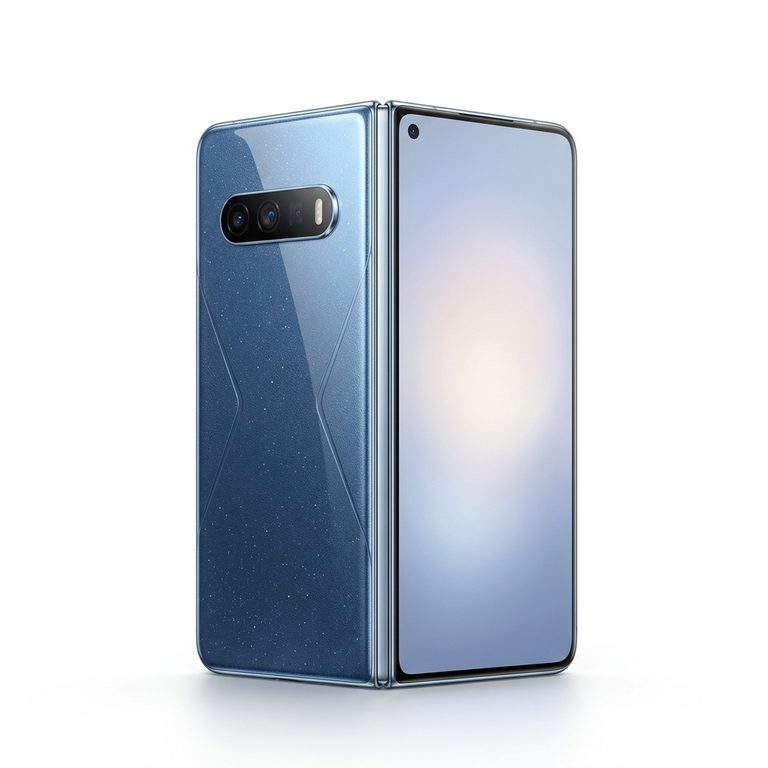
All Huawei Pura X Max Repairs & Prices
Need a different repair for your Huawei Pura X Max? Pick it here — every price is nett, and the grade and warranty are listed against each one.
- 💵PriceGet a quoteNett, updated 21 Oct 2026
- 🛡️Warranty100 daysOn this repair
- ⚡TurnaroundSame dayMost done in 30–90 min
- 🔒Your dataStays safeNo wipe for most repairs
Ways to Pay for Your Repair
Pay for your Huawei Pura X Max volume button replacement upfront, or split the cost into easy instalments, whatever suits you.
Split it into instalments
Spread the cost of your Huawei Pura X Max volume button replacement over time with:
 Shopee PayLater
 GrabPay Later
Surcharge applies — please enquire.
Or pay upfront
- CashPay in-store
 PayNowInstant QR transfer
 PayLah!Instant transfer
 Credit cardPeople's Park Centre & Jurong Point only · surcharge applies
- CDC voucherAccepted in-store
Why Citri Mobile for Huawei Pura X Max volume button replacement?
- 🏅
Quality parts & diagnostics
Quality Original Grade and Grade AAA parts, professional tools and full diagnostics for every device. - 🏆
Carousell Best Service Provider
Carousell 2024 & 2025 award winner. - 🤝
Carousell Preferred Partner
Trusted by thousands across Singapore for Huawei Pura X Max volume button replacement. - ✅
CaseTrust Accredited
Recognised for fair and ethical business practices, transparent pricing. - ⭐
5.0★ · 3,000+ reviews
Across Google and Carousell, consistently rated for fast, reliable, honest repairs at all four shops. - ⚡
On-the-spot repair, fair nett pricing
Most Huawei Pura X Max repairs are done while you wait, generally 30–90 minutes, at wholesale rates with no hidden charges. - 🛡️
100-day warranty
Covered by a 100-day warranty, so you stay protected after you leave. - 🔒
Your data stays safe
Photos, apps and settings are kept intact for most repairs.
Apple Independent Repair Provider Testimonials Our locations
Before You Send In Your Huawei Pura X Max for Repair
A quick checklist so your Huawei Pura X Max repair goes smoothly. We don't wipe your device for most repairs, but a little prep helps.
- Remove your SIM & memory card. Take out the SIM tray and any microSD card before handing your device over.
- Take off accessories. Remove your casing, pop socket, screen protector and any straps so we can work on the device.
Where to Repair Your Huawei Pura X Max Volume Button in Singapore
Walk in to any of our 4 repair shops for your Huawei Pura X Max volume button replacement. We're open 11am–9pm daily, no appointment needed — message us first if you want us to confirm your part is in stock.
-
Chinatown
People’s Park Centre, #01-47, Singapore 058357 11:00 AM – 9:00 PM · daily -
Tampines
503 Tampines Central 1, #01-299, Singapore 520503 11:00 AM – 9:00 PM · daily -
Jurong
CarousellMOBILE Jurong Point, #B1-34A, Singapore 648886 11:00 AM – 9:00 PM · daily -
Yishun
Blk 846 Yishun Street 81, #01-3643, Singapore 760846 11:00 AM – 9:00 PM · daily
Contact Us for Huawei Pura X Max Volume Button Replacement
Message us for a quick quote. 100-day warranty, your data untouched in most repairs, and most jobs done the same day.
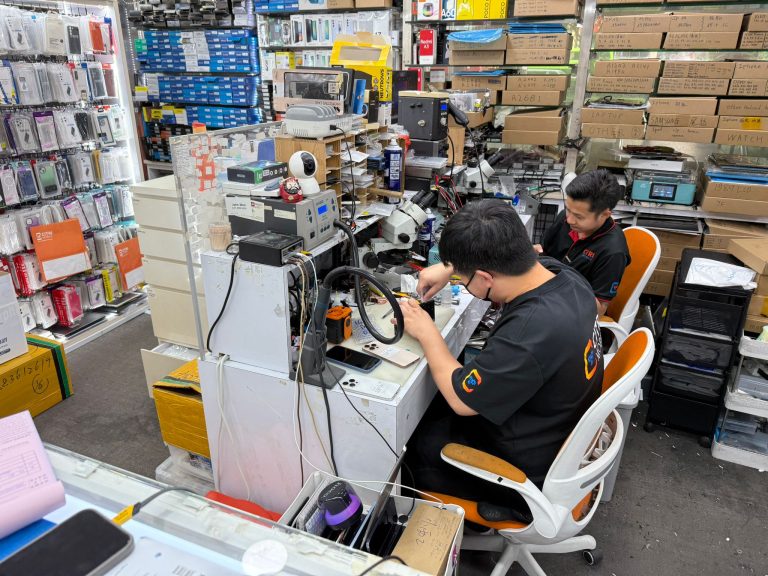
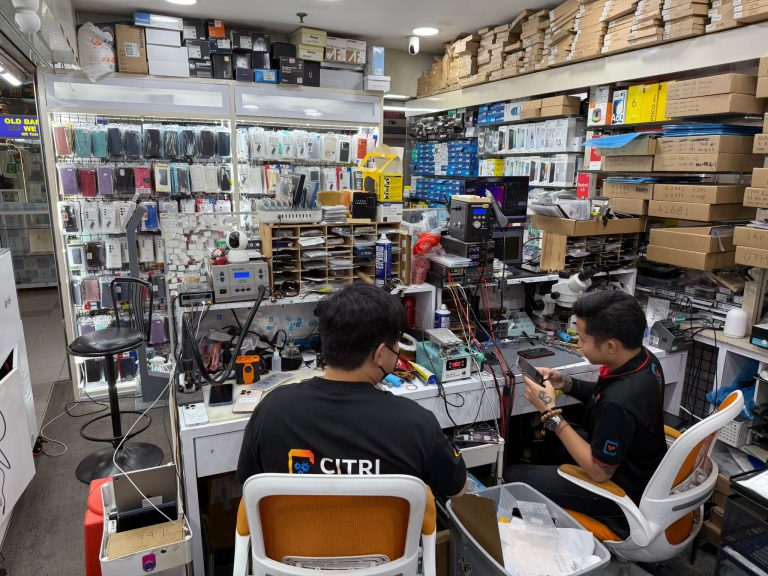
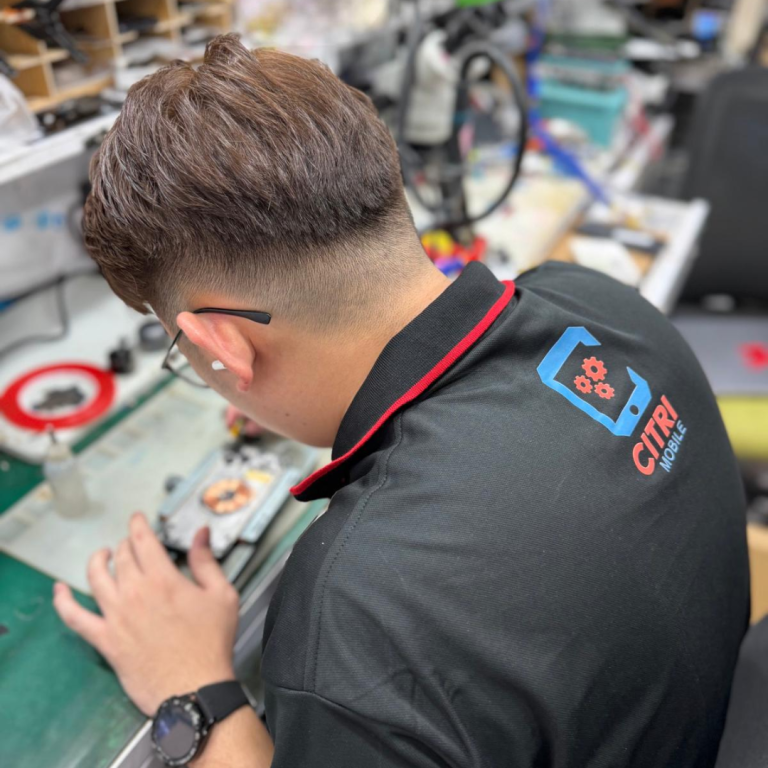
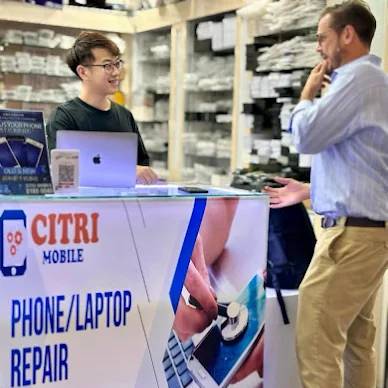
Inside Our Workshop: Huawei Pura X Max volume button replacement in Singapore
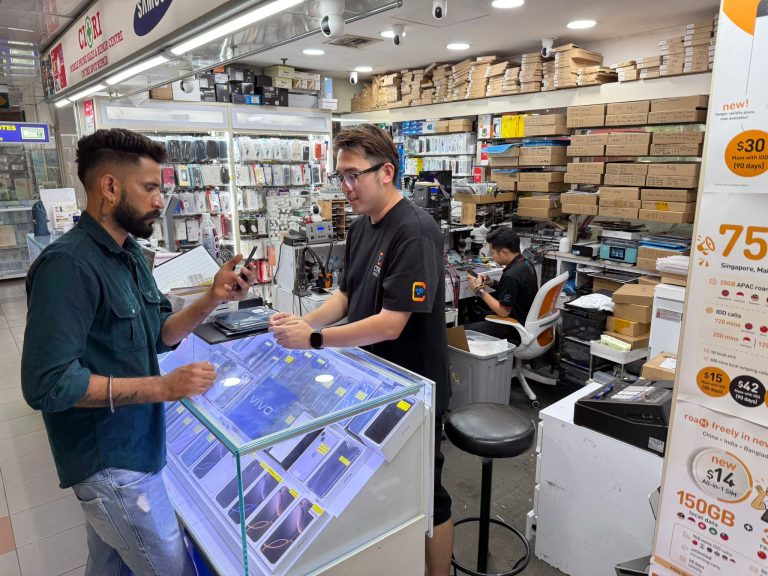
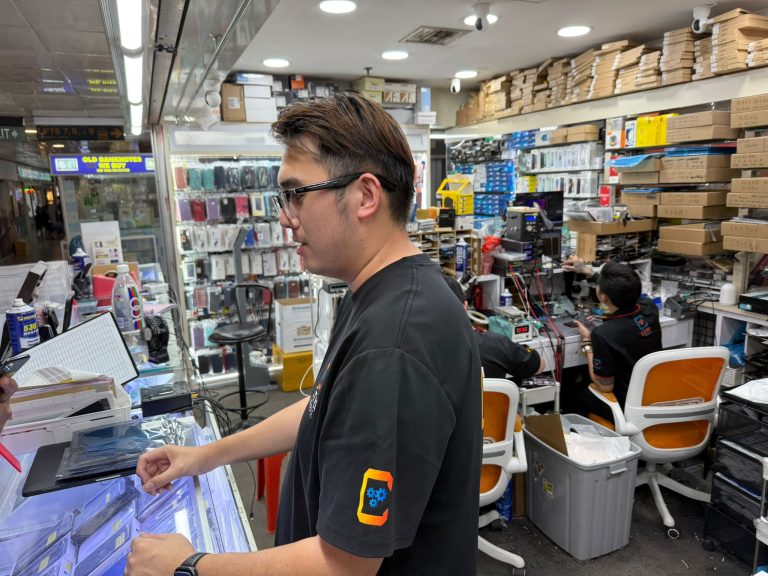
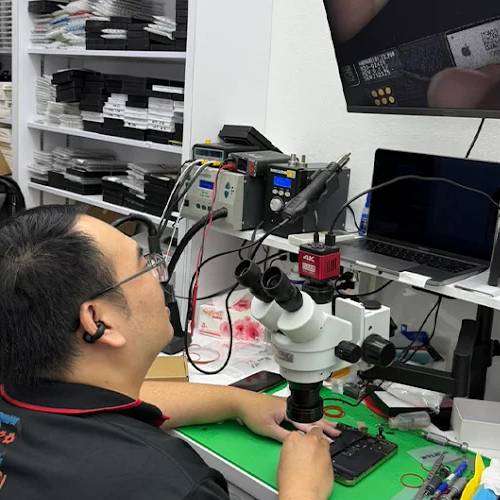
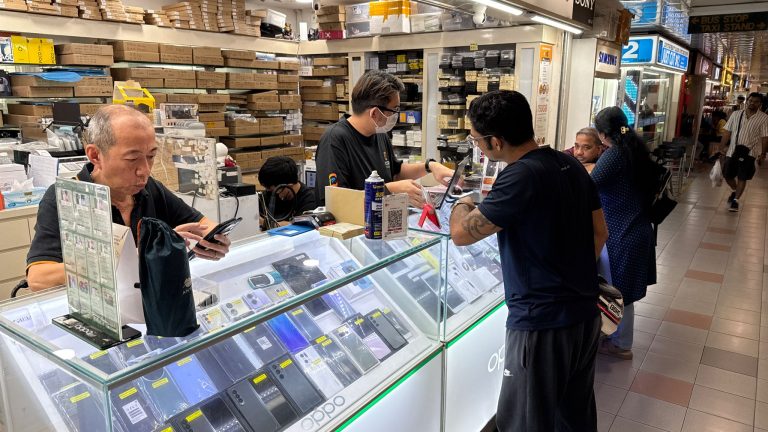
Huawei Pura X Max volume button replacement — questions people actually ask
- How much to replace a Huawei Pura X Max volume button in Singapore?
- We quote this one after looking at the phone rather than publishing a figure, because what it costs depends on what we find once it's open. The check is free and there's no charge if we can't fix it. Bring it to any branch, or message us a photo and a description of what it's doing.
- The button on my Huawei Pura X Max is stuck or needs a hard press. Can that be fixed?
- Yes, and it's one of the more straightforward jobs. Buttons wear out from use — the flex under them fails, or grit works its way in behind the cap. If you've been using an on-screen workaround for months because the physical button stopped responding, that's the fix.
- How long does it take to replace a Huawei Pura X Max volume button?
- Same day for most Huawei Pura X Max jobs, often within the hour. Send us a message first so we can check the volume button for your model is in stock — that's what turns a wait into a second trip.
- What quality of parts do you fit?
- Quality parts chosen for the phone, and we tell you the grade before we start rather than after. The grades are explained here if you want to know the difference before you decide.
- Do you wipe the Huawei Pura X Max, and do you need my passcode?
- No, nothing gets wiped. Your photos, apps, messages and settings stay exactly where they are — a volume button replacement doesn't touch storage. We ask for a passcode only to test the phone after the repair; if you'd rather not hand it over, unlock it for us at the counter and stay while we check. A backup before you hand it over is still sensible, because that's true before anyone opens a phone.
- Do you give a warranty on Huawei Pura X Max volume button replacement?
- Yes — 100 days on this repair, covering the part we fitted and the work we did. It doesn't cover a fresh drop, liquid or a crack that happens afterwards. Bring the phone back to any branch with your receipt and we'll sort it out.
- Where can I get same-day Huawei Pura X Max volume button replacement in Singapore?
- At any of our four shops — Chinatown, Tampines, Jurong and Yishun — open 11am–9pm daily, no appointment needed. Message +65 9456 6455 before you set off and we'll confirm the part for your Huawei Pura X Max is on the shelf, which is what decides whether it's same-day. Every other repair we do for this model is listed on the Huawei Pura X Max repair page.
- Will replacing the volume button affect water resistance?
-
Replacing the volume button or flex cable may require resealing the casing, which could affect the original water resistance of your Huawei Pura X Max. We take care to restore seals as best as possible.
However, for devices still within manufacturer's water‑resistance specs, we recommend using a protective case after service to maintain durability against moisture and dust. - Will other functions like buttons or fingerprint still work?
-
Yes. Repairing the volume button will not interfere with other functions on your Huawei Pura X Max, including fingerprint sensors or touchscreen input.
Post‑repair, we conduct full device functionality tests to ensure there’s no unintended impact on buttons, sensors, or system behaviour. - Can I use my device immediately after the repair?
-
Absolutely. Once the repair is finished, your Huawei Pura X Max volume buttons will be fully functional and ready to use.
We recommend testing volume adjustment in various scenarios, calls, media playback, notifications, to confirm everything works before you leave. - What if I decide not to repair my device after getting a quotation?
-
No problem. There’s absolutely no obligation to proceed with the repair after diagnosis. We simply charge a small consultation fee if you choose not to move forward, and there’s no “no‑fix no fee” cost if we couldn’t resolve the issue.
Your device stays fully intact and you’re free to explore other options without pressure. - Where can I check reviews for Citri Mobile?
-
You can read what customers are saying at our testimonials page or view over 1,500 5‑star ratings combined on Carousell and Google Business Profile.
Our transparent pricing, no‑fix-no‑fee policy, and fast turnaround times are frequently praised in customer feedback.
Trusted Huawei Volume Button Repair Shop For Huawei Pura X Max In Singapore
Citri Mobile offers professional and affordable Huawei repairs for all models, including the latest Huawei Pura X Max. We have high-quality parts that meet original specifications, ensuring your device looks and functions like new.
Whether your Huawei Pura X Max needs a %%serviceissue%% fix, battery replacement, or screen repair, our experienced technicians deliver reliable repairs with fast turnaround times.
All Volume Button Repair (Replacement)s for Huawei Pura X Max are done with data-safe procedures and backed by a written warranty. We give you confidence with every repair.
Affordable Huawei Pura X Max Volume Button Replacement in Singapore
Is your Huawei Pura X Max volume button stuck, unresponsive, or damaged? This small button plays a big role in managing call volume, music, and video playback, so a faulty button can be frustrating. At Citri Mobile, we specialise in repairing this issue quickly and professionally.
We are a trusted repair specialist located in Singapore, which means we are equipped to use quality Original Grade parts and professional tools for your Huawei Pura X Max repairs. Our experienced technicians ensure reliable repairs within just 30 to 60 minutes when the part is in stock, and most repairs come with a warranty for your peace of mind. No appointment is needed, just walk in!
Huawei Pura X Max Volume Button Replacement Symptoms:
Wondering if your Huawei Pura X Max requires a volume button repair? Here are some common symptoms you might experience:
- Volume button feels stuck or jammed on your Huawei Pura X Max
- Unable to adjust volume up or down on your Huawei Pura X Max
- The volume button is physically broken or missing on your Huawei Pura X Max
- Volume adjustment works intermittently on your Huawei Pura X Max
Why Repair Your Huawei Pura X Max Volume Button With Us
- Our experienced technicians ensure your repair is performed to professional standards
- We use advanced tools for accurate and safe diagnostics
- Clean and organised workshop to handle your device with care
- No appointment needed, just walk in anytime for express repairs
- Transparent pricing with no hidden costs
- We are highly rated by customers, see what customers are saying here
Don’t wait, contact us now or visit our store to fix your Huawei Pura X Max volume button today!
Repair Considerations
When repairing a Huawei Pura X Max volume button, anything from moisture ingress, dirt, or simply wear can affect the micro‑switch mechanism. In some cases, debris lodged around the edges may cause the volume button to feel stuck before replacement is needed, Huawei itself recommends cleaning around side buttons first :contentReference[oaicite:8]{index=8}.
More often than not, the actual issue lies with the volume button flex cable inside the Huawei Pura X Max. iFixit users note that replacing this assembly usually resolves unresponsive or non‑reactive volume buttons :contentReference[oaicite:9]{index=9}.
Citri Mobile's Repair Process
- Walk in or WhatsApp us your issue for consultation
- We check your device for problems and confirm the repair needed
- Receive a detailed quotation with transparent pricing
- Your device is repaired by our experienced technicians
- We perform a complete quality test to ensure everything works perfectly
- Collect your device, most repairs are done within 30 to 60 minutes when the part is in stock
We value your data privacy and ensure that your files are untouched during repairs. Plus, we provide a warranty for added reassurance. Contact us today for fast and professional service!
Trade-In Option
If your Huawei Pura X Max is heavily damaged or not worth repairing, why not consider trading it in? With Citri Mobile's trade-in program, you can easily check your device's resale value. This is a no-obligation option, visit us today to learn more.
Important Notes
- Functionality of other features on your Huawei Pura X Max, like fingerprint sensors or screen, will remain unaffected after volume button repairs.
- After the repair, your Huawei Pura X Max may show an “unable to verify” message due to system settings, but this will not affect performance.
- Huawei recommends cleaning debris around buttons before replacement, visit their guide on Huawei's support site.
Huawei Pura X Max repair reviews
3,000+ reviews across Google and Carousell, left by customers at our Chinatown, Tampines, Yishun and Jurong Point shops. The Google ones are loaded live below.